Acer 10Gbps USB C Hub with 4K@60Hz USB-C Display Output
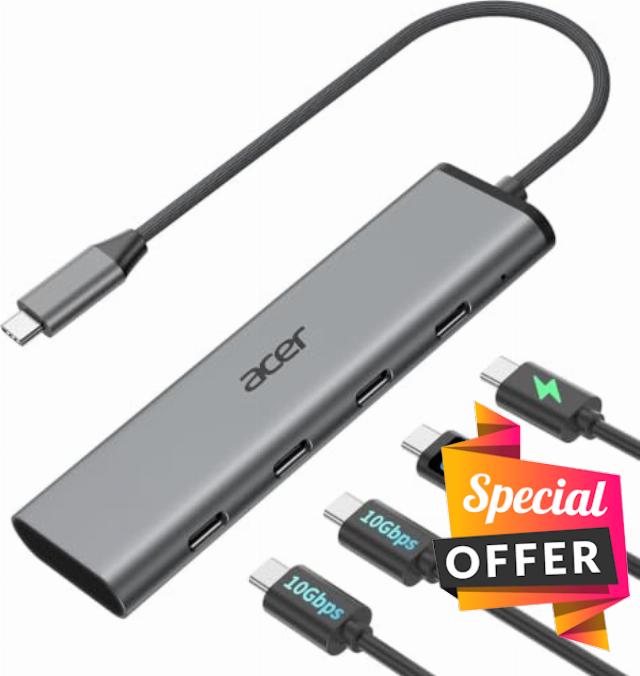
Acer 10Gbps USB C Hub with 4K@60Hz USB-C Display Output, 4-Port USBC Splitter with 100W PD, 2*USB-C 3.2 Data Transfer, USB C Dongle for Laptop, MacBook Neo/Pro/Air, and Type-C Devices
Will this USB-C hub work for video output on any laptop or phone?
A1
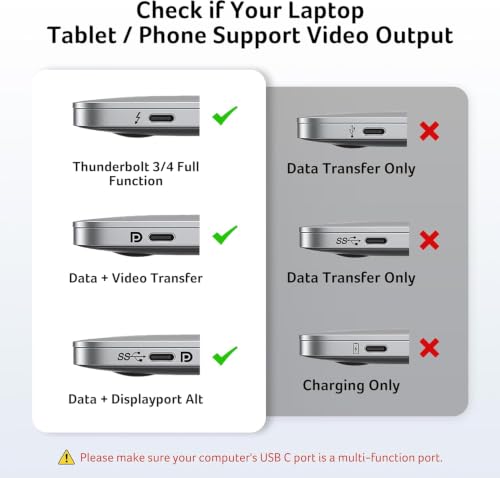
Not all USB-C ports carry video signals. The 4K@60Hz video output requires a host device with a full-featured USB-C port that supports DisplayPort Alt Mode, USB4, or Thunderbolt 3/4. If your USB-C port is data‑only (common on some Android phones and entry‑level laptops), video output will not work. Please check your device specs for “DP Alt Mode” or “Thunderbolt” first.
Q2
I’m not seeing full 10Gbps speeds on the data ports. What could be the issue?
A2
To reach the full 10Gbps speed, each device in the chain must support 10Gbps: 1) Host port – Your laptop’s USB‑C port must support 10Gbps (USB 3.1 Gen 2 / USB 3.2 Gen 2 or higher). 2) Cable & device – Both the cable and the device you connect (e.g., external SSD) must also be 10Gbps‑rated. 3) Power – Connect your laptop/phone to the hub’s PD port to power the host device. This ensures the hub has enough power to maintain full 10Gbps speeds.
Q3
I’m only getting 4K@30Hz instead of 60Hz. How do I fix this?
A3
1) Your laptop’s USB‑C port must support 4K@60Hz via DP Alt Mode. 2) Your monitor and the video cable (HDMI or DisplayPort, depending on your adapter version) must also support 4K@60Hz. 3) Some systems default to 30Hz; you may need to manually set the refresh rate to 60Hz in your display settings. If any part of the setup is limited to 4K@30Hz, the output will not exceed that.
Q4
Why isn’t my laptop charging through the PD port?
A4
1) Connect the power adapter to the hub before connecting your laptop 2) Confirm your laptop USB-C port supports PD charging 3) Use a 65W or higher power adapter for best performance 4) Reconnect the hub if charging does not start immediately
Malfunction on macOS Tahoe
Open Finder → Press ⌘ + Shift + G → Type: /Library/Preferences/ → Find com.apple.windowserver.plist → Move it to your Desktop → Reboot your Mac Completely → Test the hub again
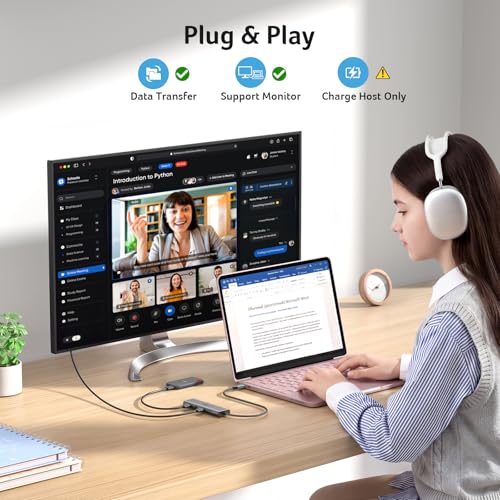
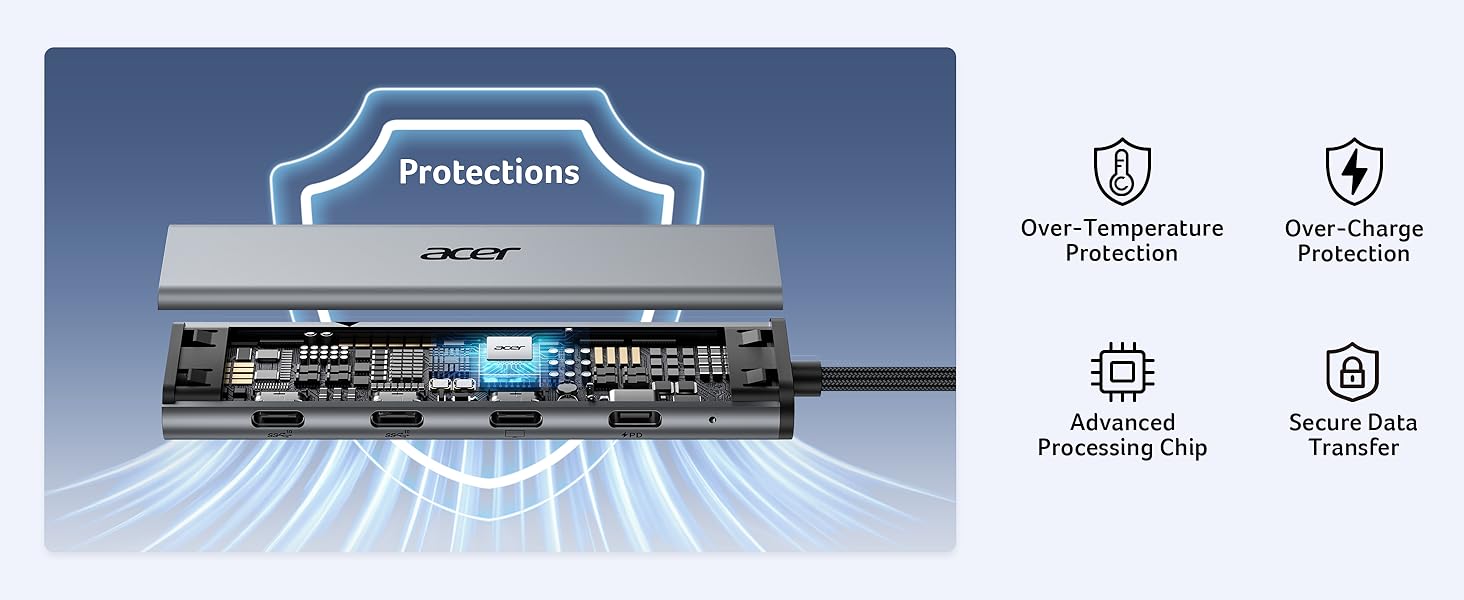
[Pre-Use Notice] ①Video output requires a full-featured USB-C port with DP Alt Mode, or USB4, or Thunderbolt support. ②The PD USB-C port supports charging only—no data or video. ③10Gbps speed requires compatible host ports, cables, and devices. ④For stable performance with high-power devices, external PD charging is recommended.
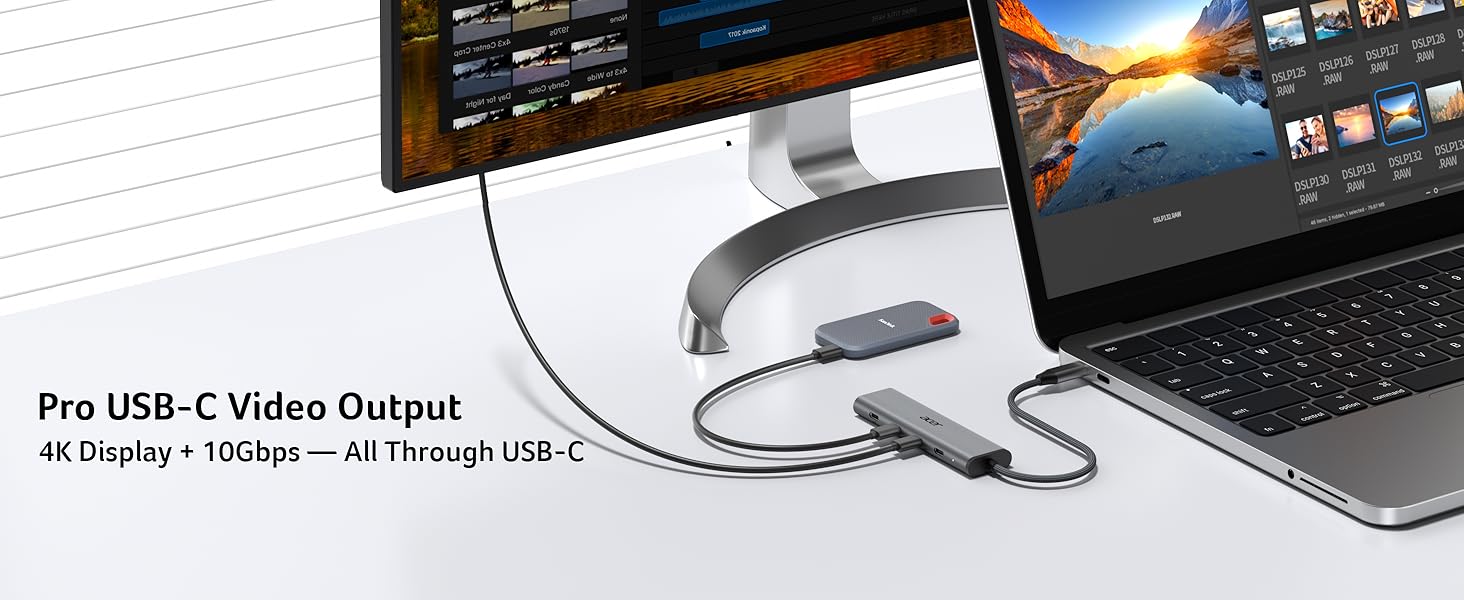
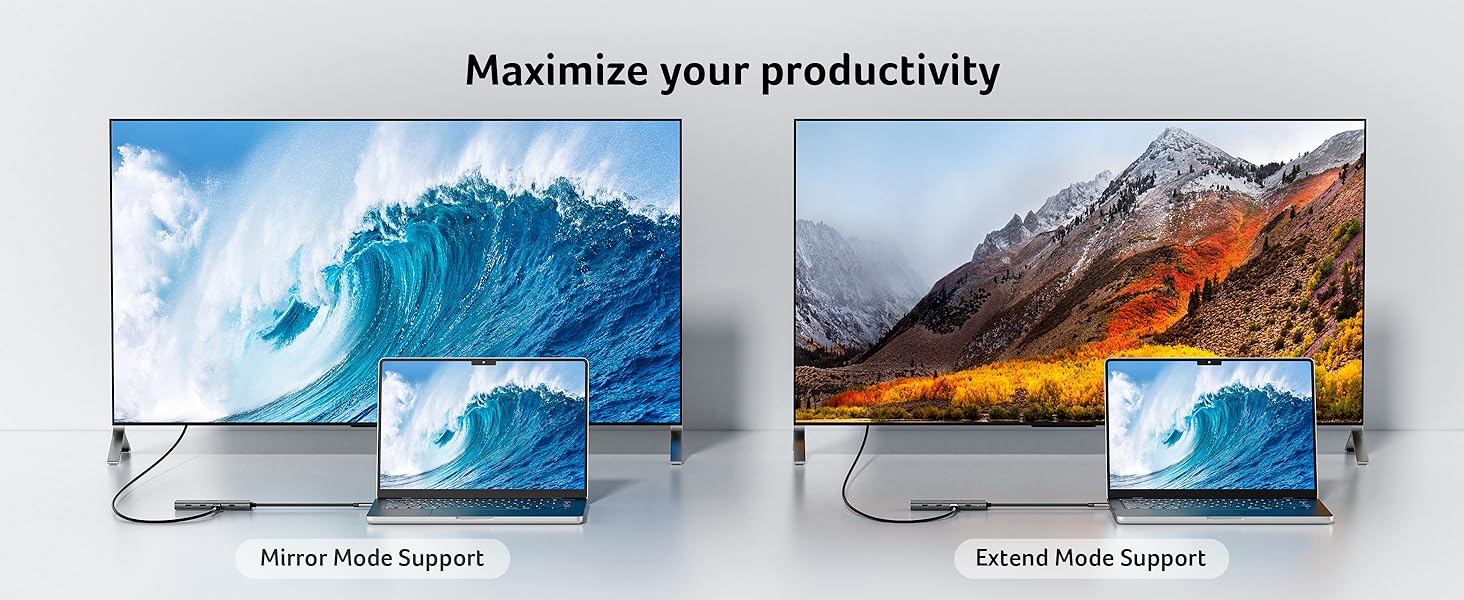
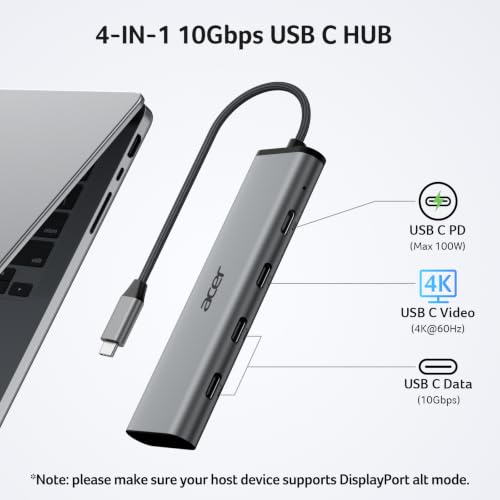
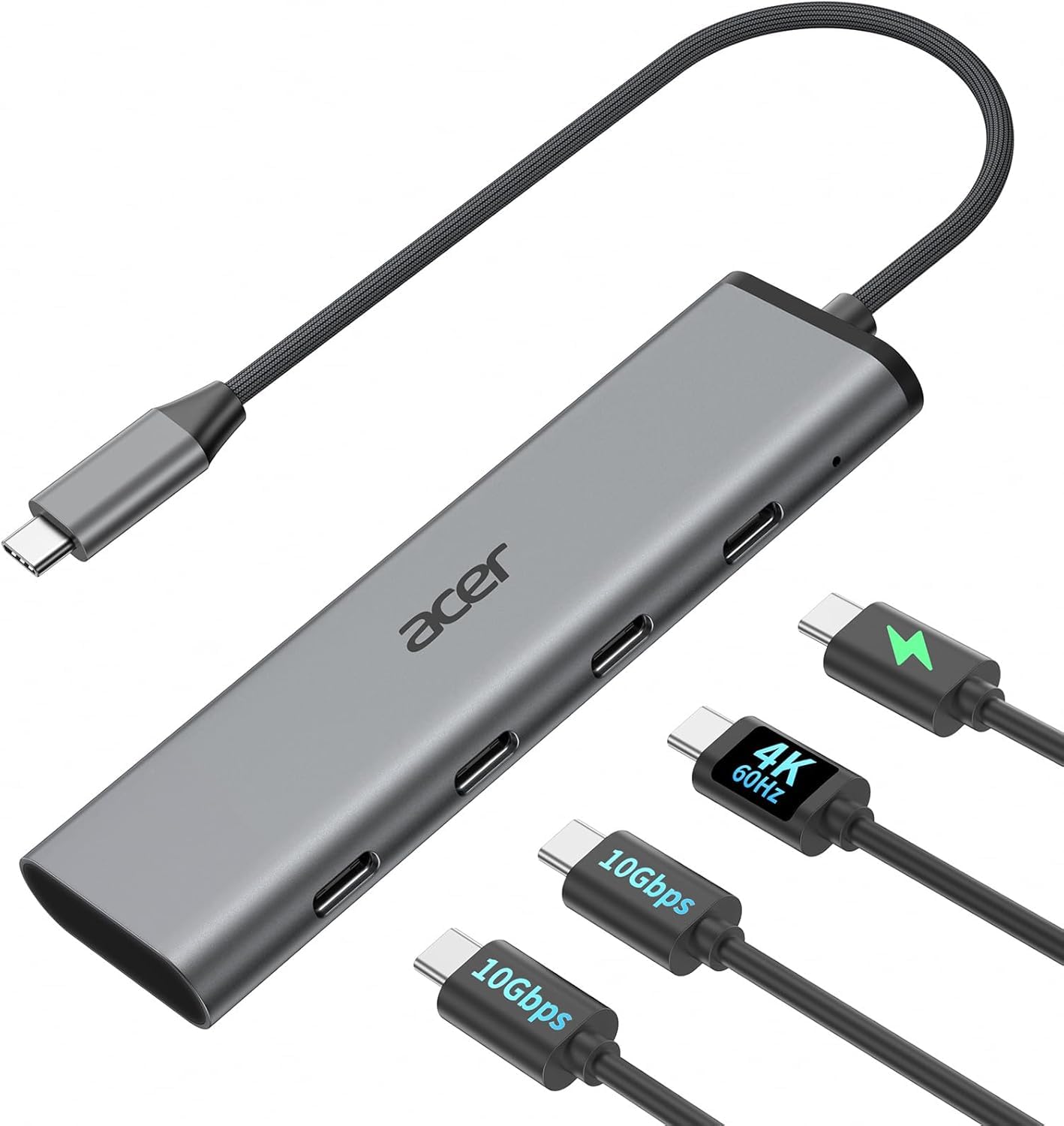
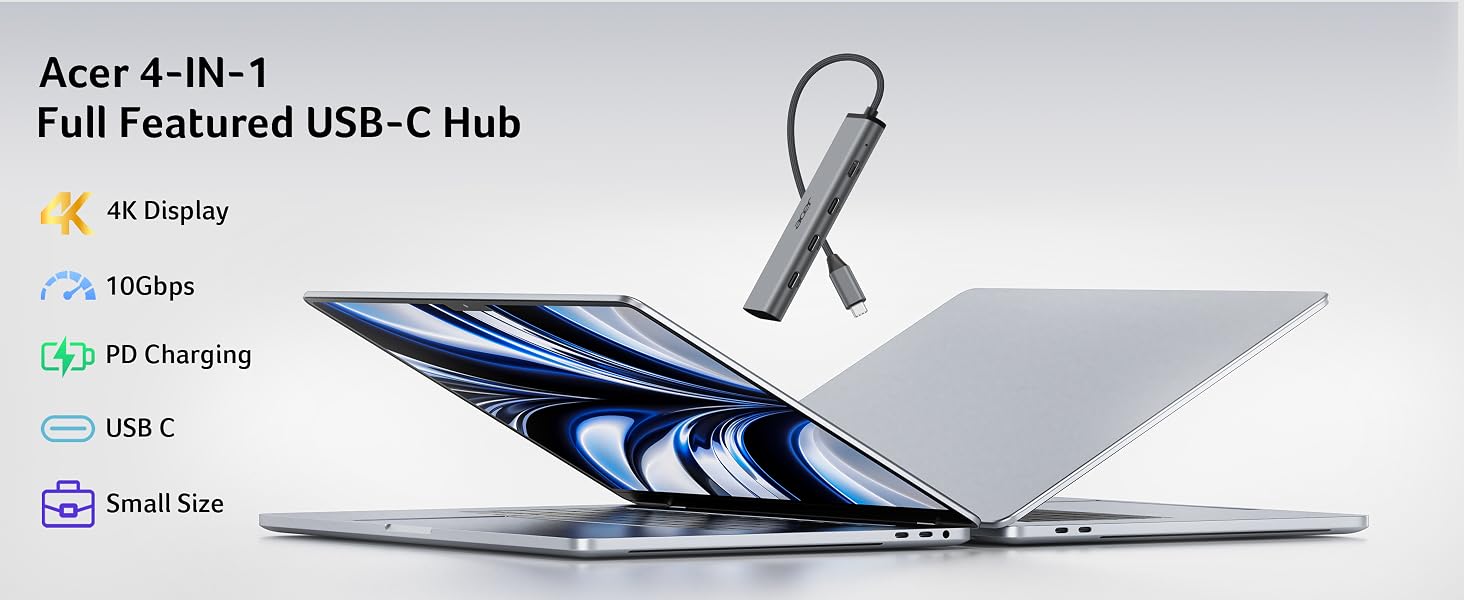
[All-USB-C 4-in-1 Connectivity] This USB C hub multiport adapter features a USB C 4K@60Hz video output, dual USB-C 10Gbps data ports, 100W PD charging for seamless multitasking. Enjoy crisp 4K@60Hz visuals, and transfer files at ultra-fast speeds—all through a single USB-C port.
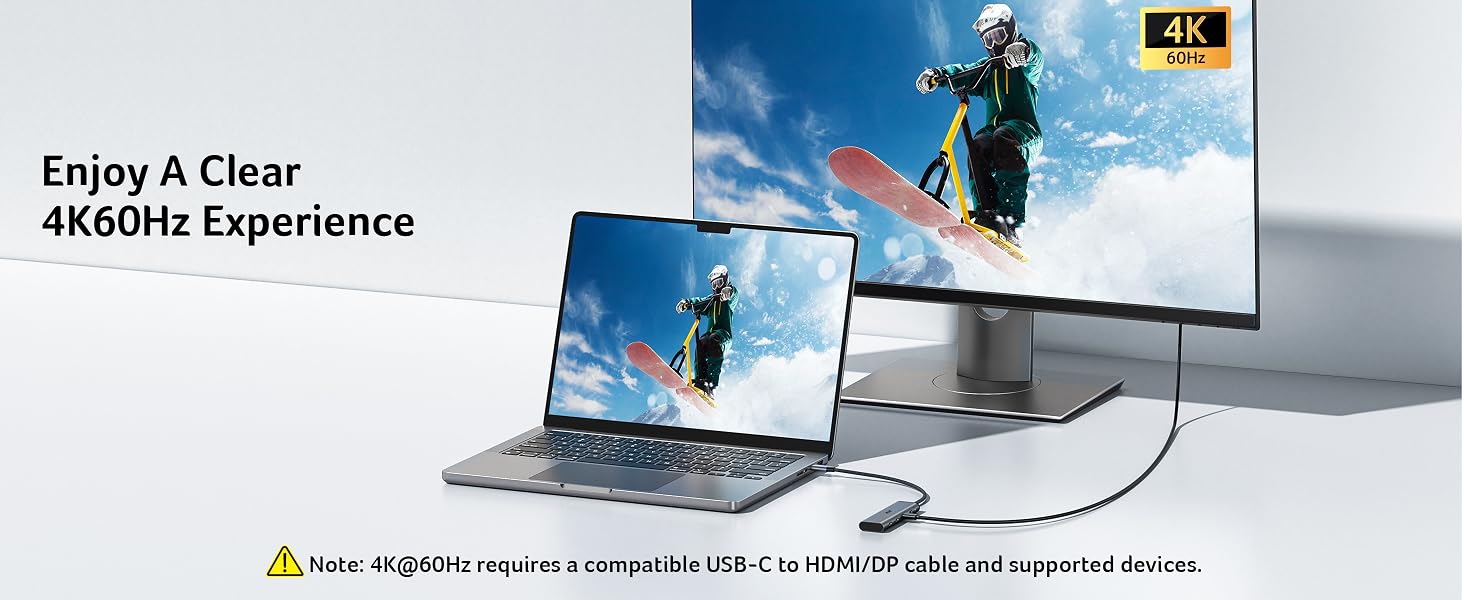
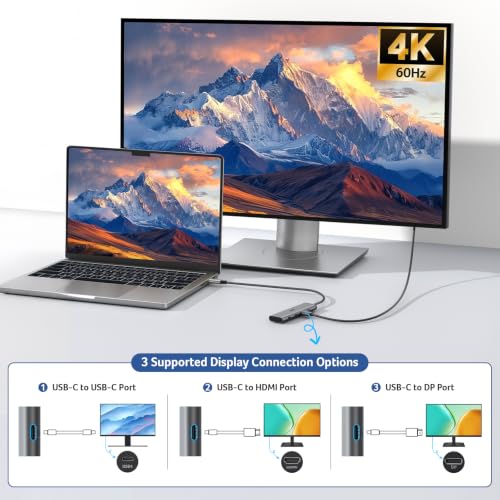
[Immersive 4K Spectacle] Get sharp 4K@60Hz output via this type-c splitter, delivering clear visuals for streaming and presentations with vivid detail and accurate color. Note: Requires a full-featured USB-C port (Thunderbolt 3/4 or USB4) with DP Alt Mode. Device and monitor must support the same resolution.
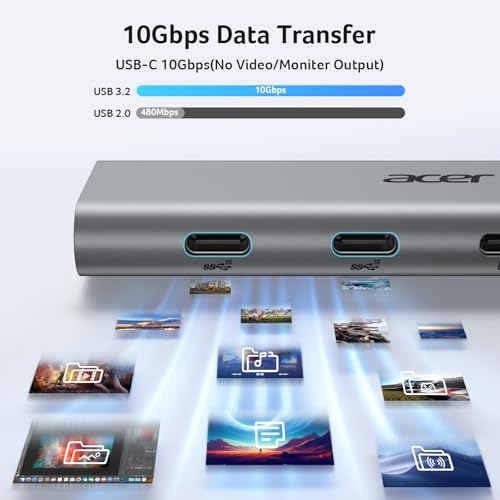
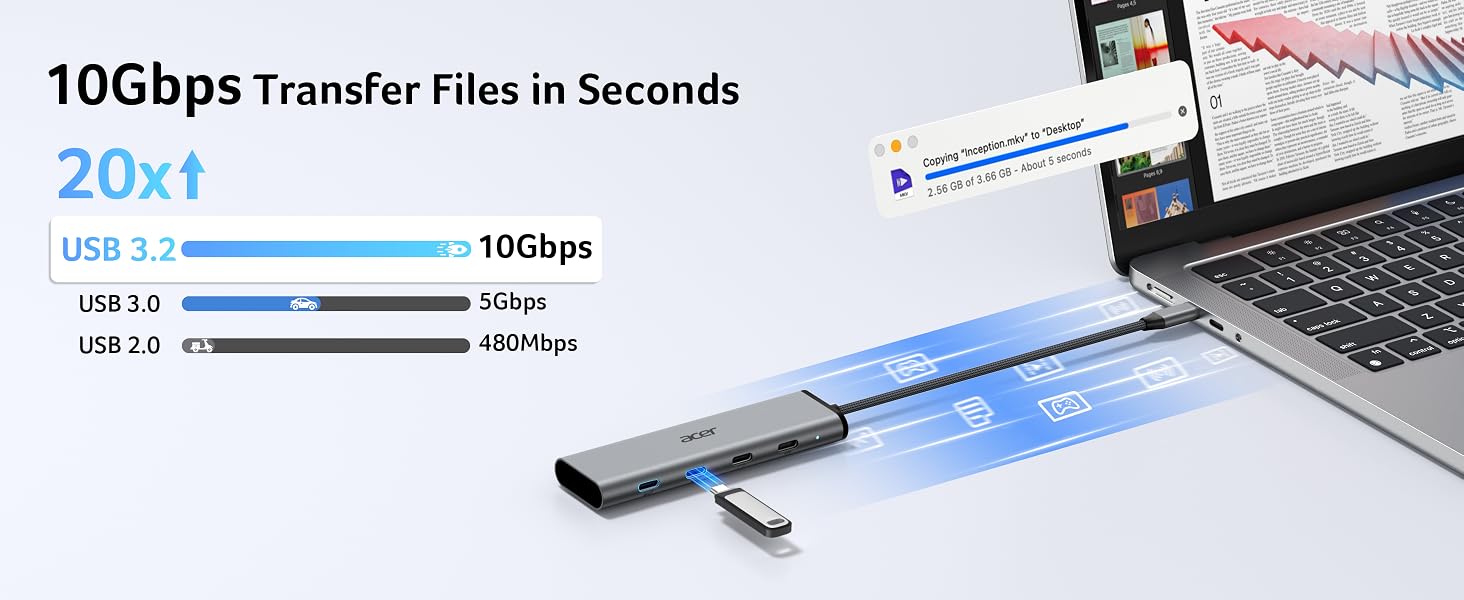
[Hyper-Speed Transfer] The two bottom USB-C ports on this USBC dongle both delivers up to 10Gbps—2× faster than USB 3.0—for fast, stable file transfers and backups, even under heavy workloads. Ideal for creating, streaming, gaming, and working without slowdowns. Note: For full 10Gbps speed, use a 10Gbps-capable port and high-speed device.
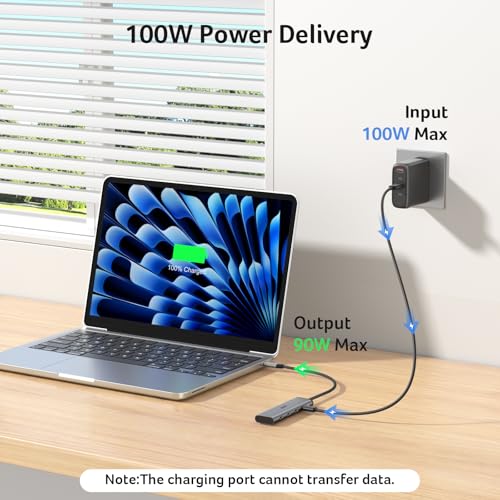
[100W PD Charging] Supports up to 100W input and 90W output, keeping your laptop powered during use. This powered USB C hub delivers stable charging for multitasking and long sessions. Note: Requires a 100W+ charger and cable (not included). Charging only, no data or video. Charges host device only.
Will this USB-C hub work for video output on any laptop or phone?
A1
Not all USB-C ports carry video signals. The 4K@60Hz video output requires a host device with a full-featured USB-C port that supports DisplayPort Alt Mode, USB4, or Thunderbolt 3/4. If your USB-C port is data‑only (common on some Android phones and entry‑level laptops), video output will not work. Please check your device specs for “DP Alt Mode” or “Thunderbolt” first.
Q2
I’m not seeing full 10Gbps speeds on the data ports. What could be the issue?
A2
To reach the full 10Gbps speed, each device in the chain must support 10Gbps: 1) Host port – Your laptop’s USB‑C port must support 10Gbps (USB 3.1 Gen 2 / USB 3.2 Gen 2 or higher). 2) Cable & device – Both the cable and the device you connect (e.g., external SSD) must also be 10Gbps‑rated. 3) Power – Connect your laptop/phone to the hub’s PD port to power the host device. This ensures the hub has enough power to maintain full 10Gbps speeds.
Q3
I’m only getting 4K@30Hz instead of 60Hz. How do I fix this?
A3
1) Your laptop’s USB‑C port must support 4K@60Hz via DP Alt Mode. 2) Your monitor and the video cable (HDMI or DisplayPort, depending on your adapter version) must also support 4K@60Hz. 3) Some systems default to 30Hz; you may need to manually set the refresh rate to 60Hz in your display settings. If any part of the setup is limited to 4K@30Hz, the output will not exceed that.
Q4
Why isn’t my laptop charging through the PD port?
A4
1) Connect the power adapter to the hub before connecting your laptop 2) Confirm your laptop USB-C port supports PD charging 3) Use a 65W or higher power adapter for best performance 4) Reconnect the hub if charging does not start immediately
Malfunction on macOS Tahoe
Open Finder → Press ⌘ + Shift + G → Type: /Library/Preferences/ → Find com.apple.windowserver.plist → Move it to your Desktop → Reboot your Mac Completely → Test the hub again
Home to cute wildcats and terrifying tarantulas alike, Battersea Park Zoo provides a beautiful bastion to endangered animals of all varieties. Whether you come to catch a glimpse of the iguanas or simply to take a breather from the busy London streets, a Battersea Park discount code is a surefire way to enjoy some exotic animals without breaking the bank. With dozens of weird and wonderful residents to light up your day, there’s never a dull moment or mammal when visiting Battersea Park Zoo.
Discover a fantastical, animal-filled world just waiting on the outskirts of London at Hobbledown Heath. Perfect for fun-filled afternoons with the family, be sure to enjoy your day out for less using a Hobbledown discount from Groupon. With play areas for kids to enjoy, wondrous outdoor spaces to explore and interesting animals to meet, rest assured there’s a little something for every member of the family at Hobbledown Heath.
Bookworms will be in their element with a Kobo promo code. Kobo vouchers make reading easy and accessible by bringing an endless array of eBooks to your fingertips, with everything from the latest fiction titles to biographies, comics, children's books and even self-published works. Whatever your literary persuasion, Kobo voucher codes can open your mind to an endless, paperless library that caters to all tastes. Kobo's story began in Toronto back in 2009 and the company has since expanded to become one of the biggest global eReading brands, operating at the forefront of the print-to-digital reading revolution. Kobo has now amassed a literary reservoir of almost 4 million titles that together span 68 different languages. Not limited to supplying eBooks, Kobo also specialise in producing their own tablets, dedicated eReaders, apps, covers and cases. If magazines are your thing, put a Kobo promo code towards regular copies of your favourite publications, with access to all the biggest titles across a wealth of different categories. With a near-infinite selection of stories waiting to get you hooked, what better excuse do you need to indulge your inner bibliophile? Pick up a Kobo voucher and jump into the next gripping thriller, touching romance or inspiring memoir.
Everything deserves a second home, and that's the foundation Preloved was built on - bringing hundreds of thousands of adverts across 500 categories. With everything from pets, furniture and jewellery, to motoring, sport and accommodation, Preloved make it possible to re-own, buy, sell and find items for amazing prices. Add a Preloved voucher code to save and enjoy many benefits on the site. Whatever you're looking for, chances are Preloved has it!
Bodybuilders and fitness fanatics can make the most of a Protein Works discount code from Groupon, saving money on vital supplementary and lifestyle products. The retailer stocks a wide selection of sports nutrition items to help customers realise their potential. Groupon wants to help fitness-seekers and sports fans keep up their A-game, which is why we've gathered this selection of deals for you.
From cocktails with the girls to blissful weekend brunches, the Slug & Lettuce is your go-to for a good time. Discover tasty treats and to die for drinks for less with a Slug & Lettuce voucher from us - it’s the perfect excuse for a glass of bubbles (or three)! With gorgeous venues dotted all around the country, you’re sure to find one in your neighbourhood. Reserve a table today or check out upcoming events - at the Slug & Lettuce, there’s always something going on.