Car Stereo for Ford Focus MK2 MK3 2005-2011 with Wireless
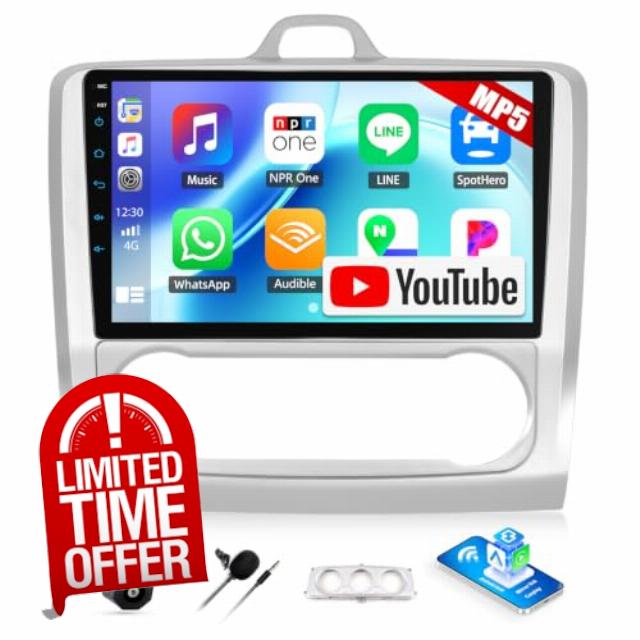
Car Stereo for Ford Focus MK2 MK3 2005-2011 with Wireless CarPlay Android Auto, Built-in YouTube, 9″ HD IPS Touchscreen Car Radio with Backup Camera, Bluetooth, Mirror Link, FM RDS, EQ, USB
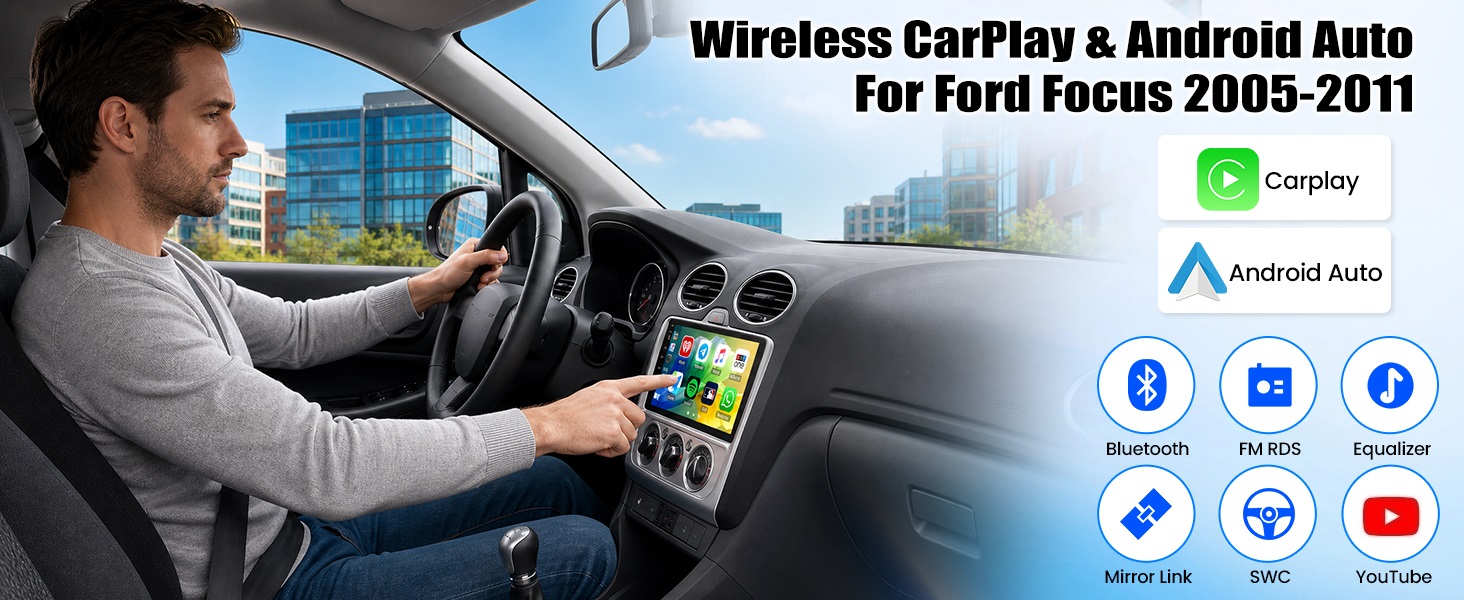
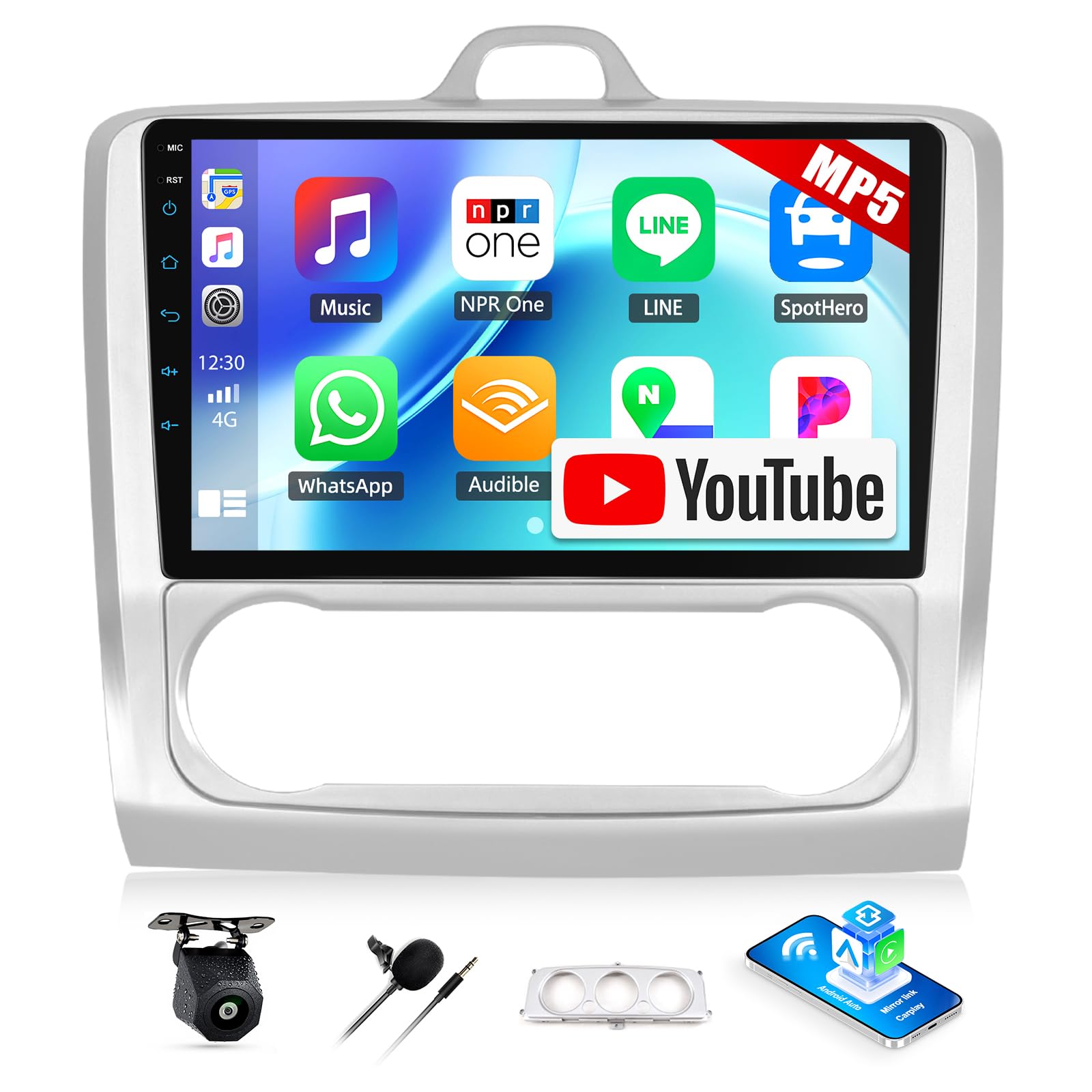
Built-in wireless Apple Carplay and Android Auto, the 9 inch IPS HD head unit supports YouTube video, Bluetooth hands-free, FM RDS radio, mirror link, backup camera, compatible with
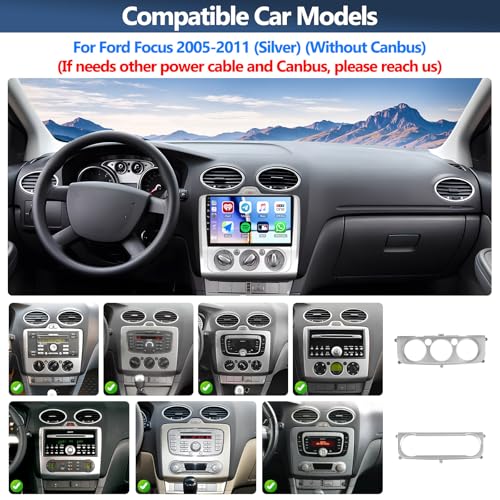
Ford Focus 2005-2011 (Silver) (Without Canbus)
(If needs other power cable or Canbus, please reach us)
No Division in Your Family Between iPhone and Android Phone Users!
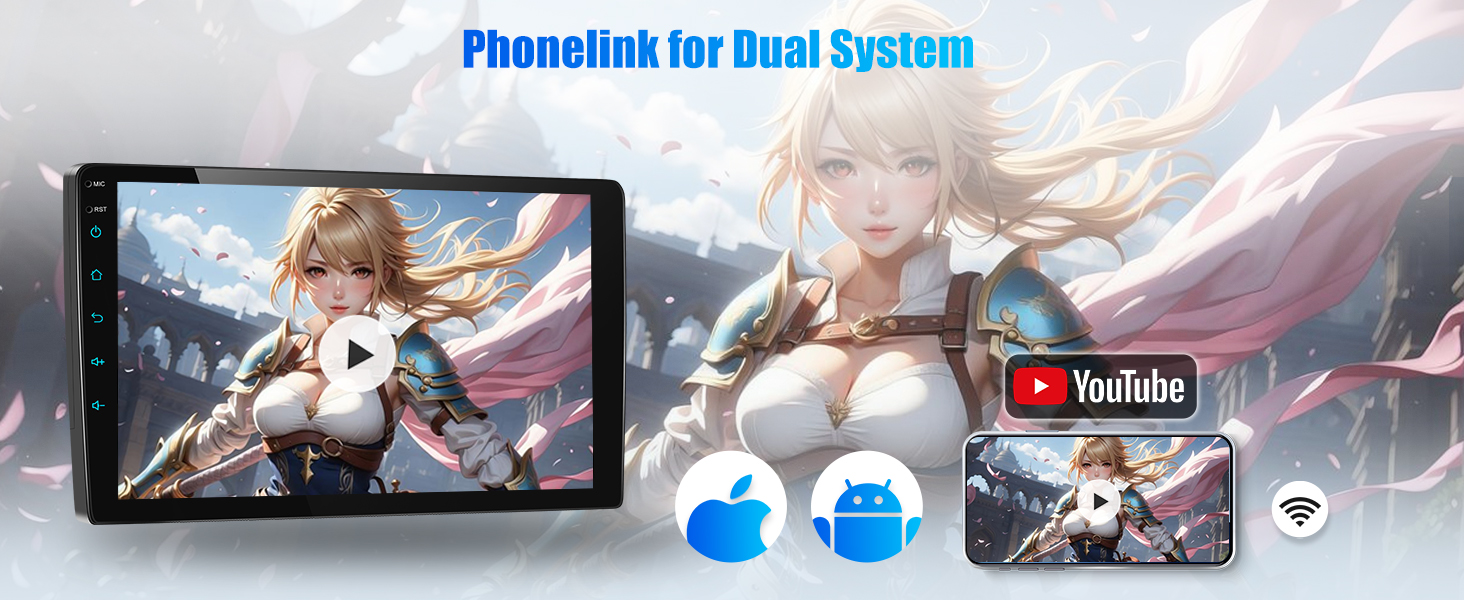
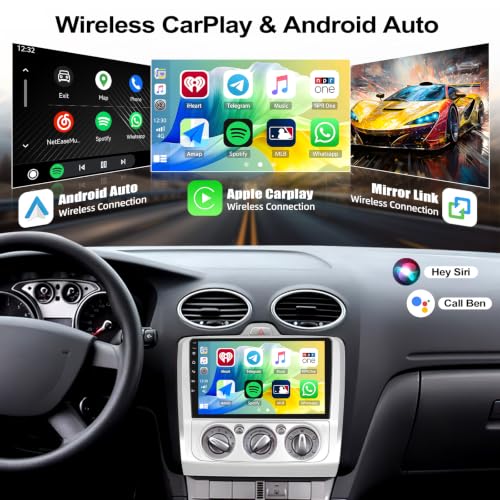
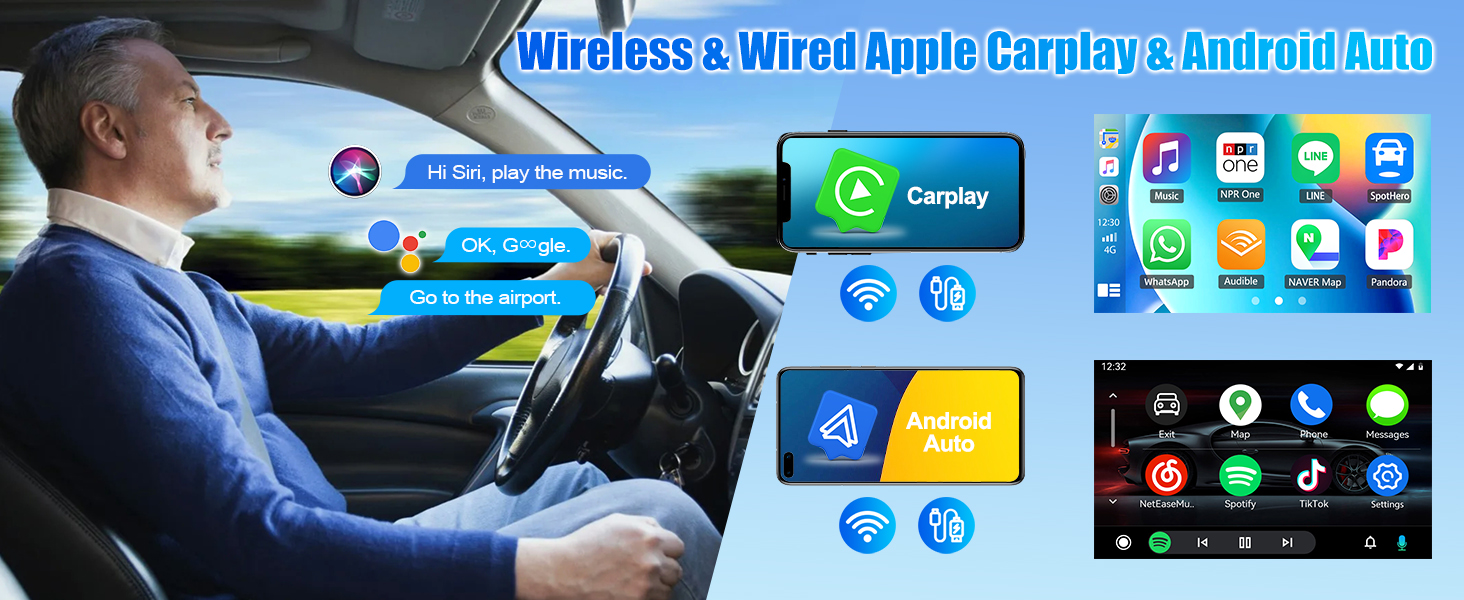
Wireless CarPlay & Android Auto: A car-computer interaction system specially customized for operating Apps from your phone such as navigation, telephone, music, voice assistant, etc. on the car radio touchscreen
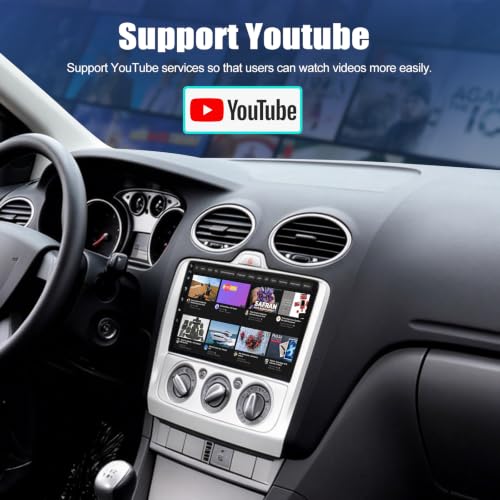
Connect to your mobile’s hotspot, watch videos directly from the built-in YouTube app, enjoying your quality time
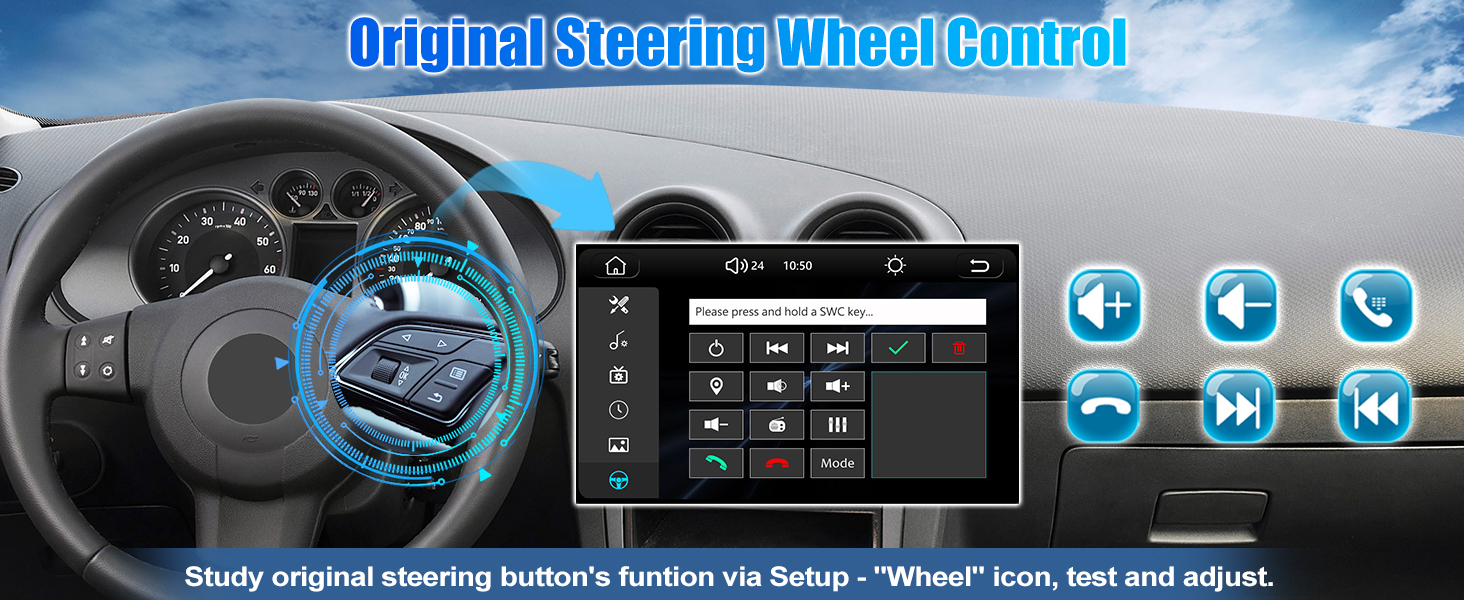
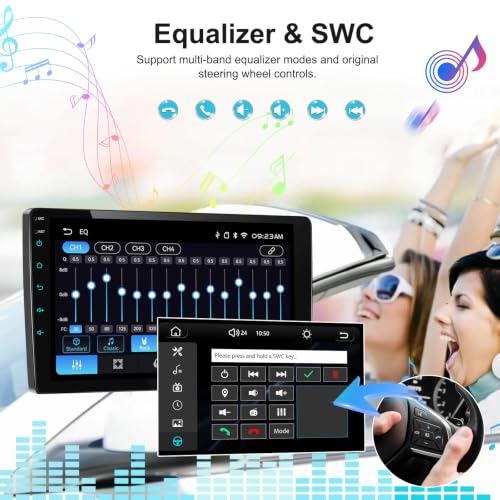
If uses original steering wheel control:
1. Enter "Setup" – click "wheel" icon
2. Complete the steering wheel button functions learning
Head Unit for Ford Focus Radio
| Voltage | DC12V |
| System | 8268K |
| Size | 9 inches |
| Screen material | IPS |
| Screen resolution | 1024×600 |
| Apple CarPlay | Support wireless & wired CarPlay |
| Andriod Auto | Support wireless & wired Andriod Auto |
| Mirror Link | Support (iOS supports wireless/Android supports wireless and wired) |
| Maximum Power output | 4*45Watts |
| Radio chip | 8035 |
| Radio Band | FM/RDS |
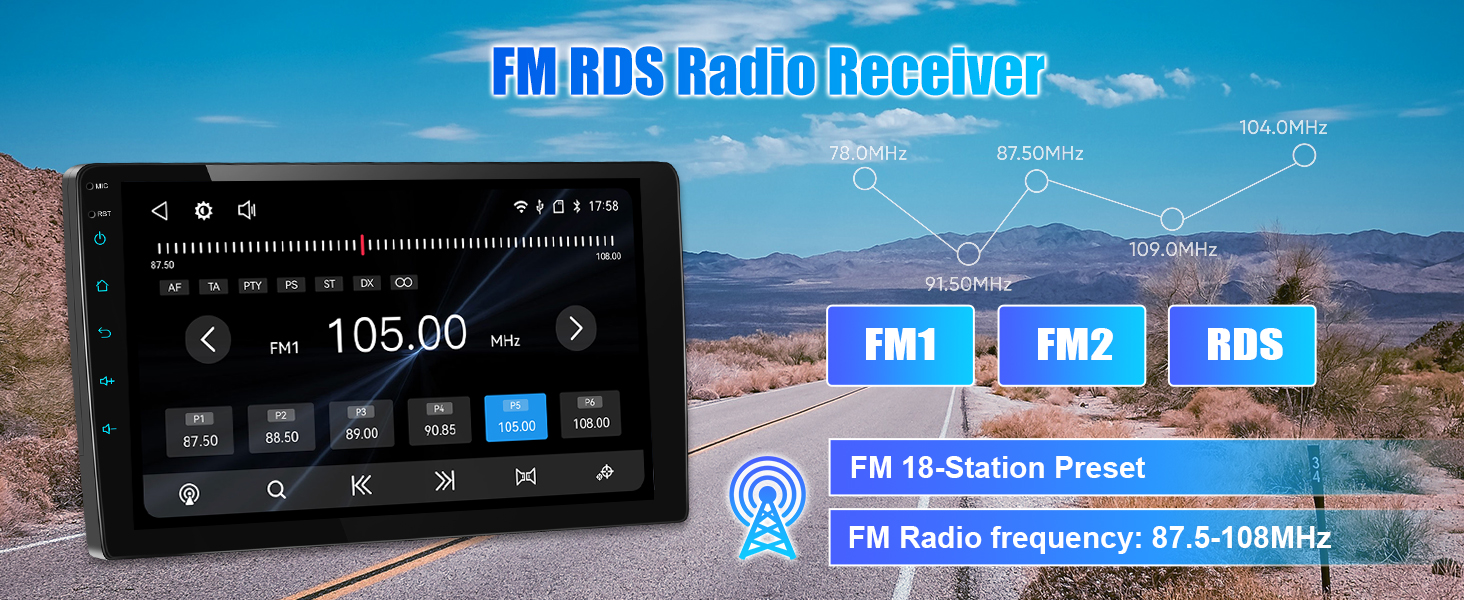
| Radio range | FM 87.5-108.0MHZ (Europe) |
| USB interface | USB2.0 |
| Colorful lights | Support |
| Factory Settings Key | 8215 |
| Language | English, Chinese, Japanese, Portuguese, Russian, German, Spanish, Turkish, Italian, French, Polish, Hebrew, Slovenia |
Why the car radio does not turn off and keeps draining my battery?
1. Please confirm the wiring definition is one-to-one correspondence to the original plug
2. Turn off you car and use a multimeter to check the leaking of red wire (ACC) of power cable
3. Connect the ACC wire to your car real ACC separately
Does the car stereo support GPS or WIFI?
No, the car stereo does not support GPS or WIFI.
If want to navigate or use more functions, please use carplay, android auto or mirror link.
How to get my original steering wheel control to work?
Please learn the steering wheel button functions through "Setup" – "Wheel" icon
1. Press the ''reset'' first
2. Long press the function icon on the radio, at the same time press the relevant button on the car steering wheel
Try again if fails
Why no image or black screen when reversing?
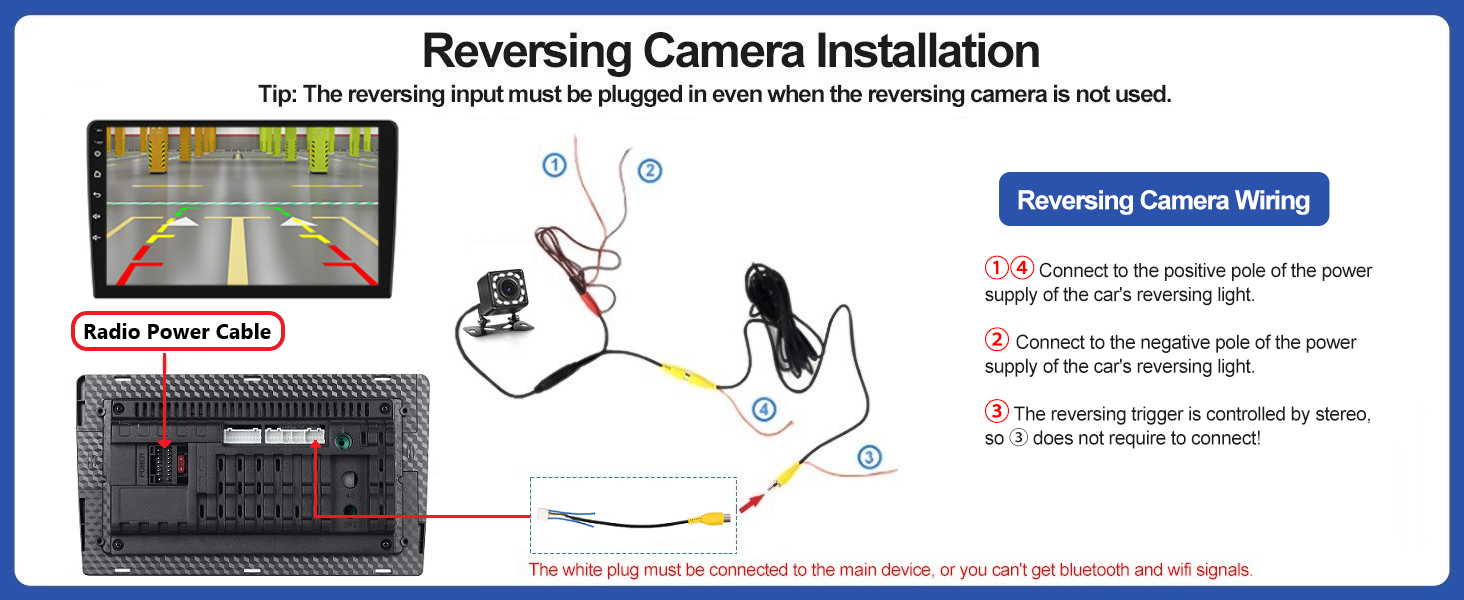
Please check camera connection, do not insert RCA cable, please use the Camera Input.
Why Bluetooth or wireless signal is weak?
There is a sepearetely backup camera input cable, please insert it to the rear of car radio. It will enhance Bluetooth and wireless signal.
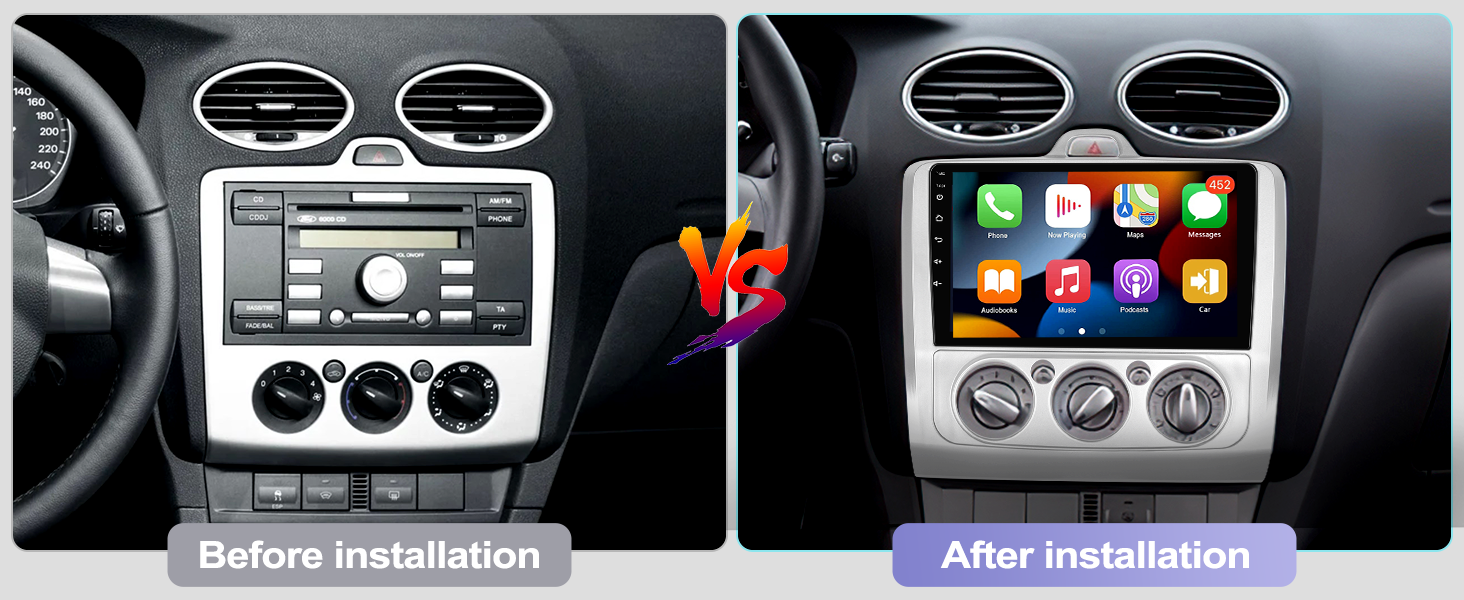
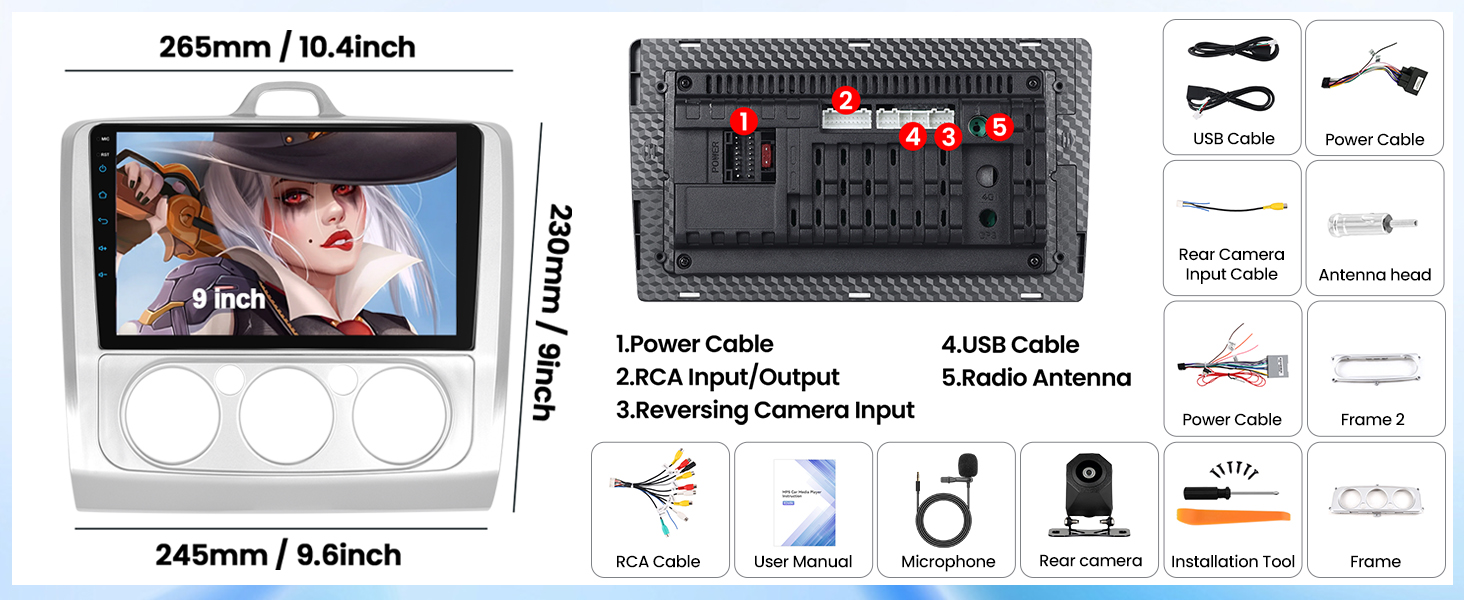
- [APPLICABLE CAR MODELS] – Designed with 9 inch 1024*600 HD IPS touchscreen, the head unit is specially designed for 2005-2011 Ford Focus Radio, Without Canbus (Not Android System, No GPS / WIFI) If needs other power cable or Canbus, please reach us
- [WIRELESS APPLE CARPLAY & ANDROID AUTO] – Built-in wireless Apple Carplay and Android Auto, connecting to mobile phones simpler, smarter and more convenient in usage. Handle navigation, messages, phone calls, music, and more WIRELESSLY
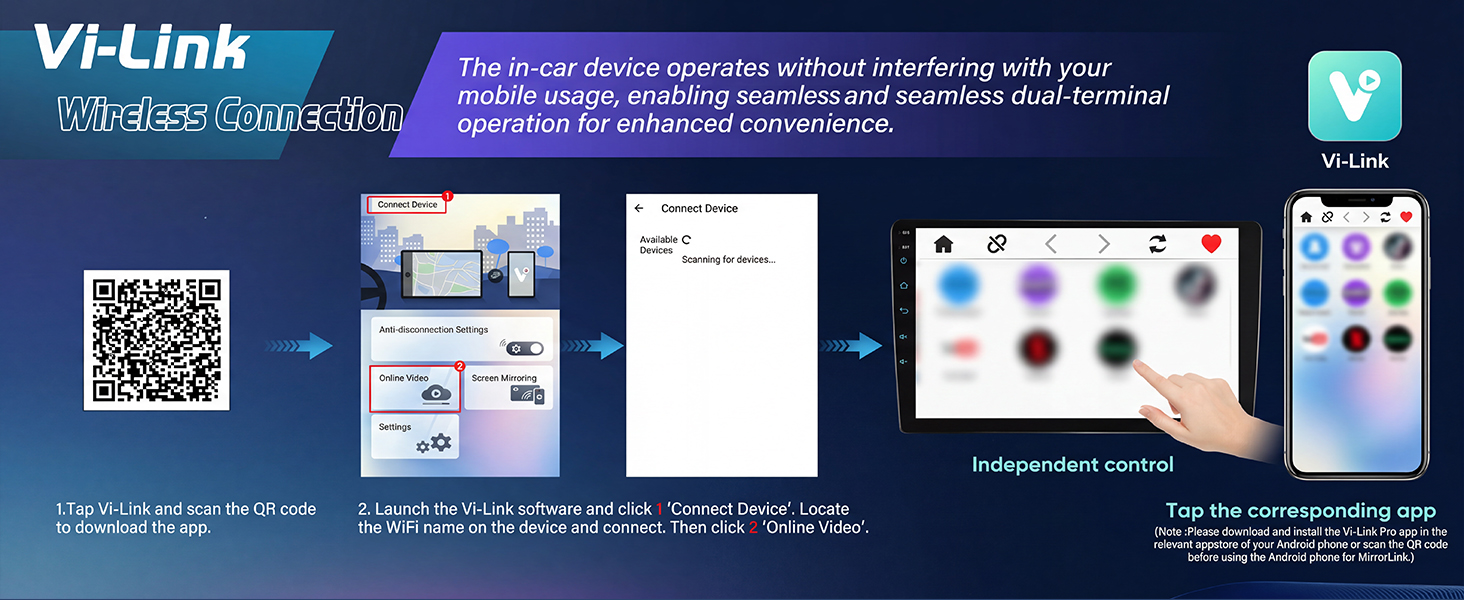
- [BUILT-IN YOUTUBE & MIRROR-LINK] Built-in YouTube app to watch online videos directly; in Mirror-Link state, you can share your mobile phone screen to the head unit. Support Vi-Link, allowing Android phones to browse short videos and watch dramas independently
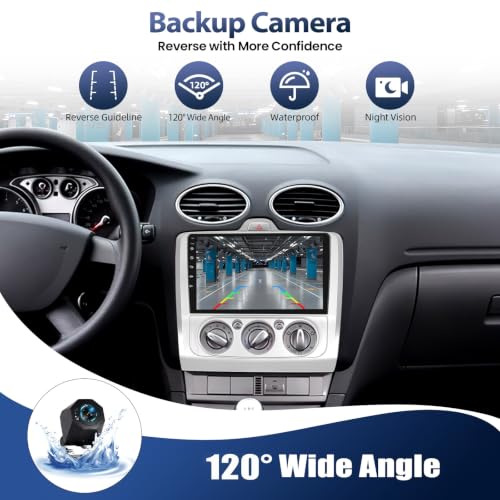
- [CAR STEREO WITH AHD BACKUP CAMERA] – Equip with a IP68 waterproof rear view camera with stronger night vision effect for different reversing scene. The AHD reverse camera providing more clear image for quickly and easily parking, saving your time and reducing the risk of rubbing
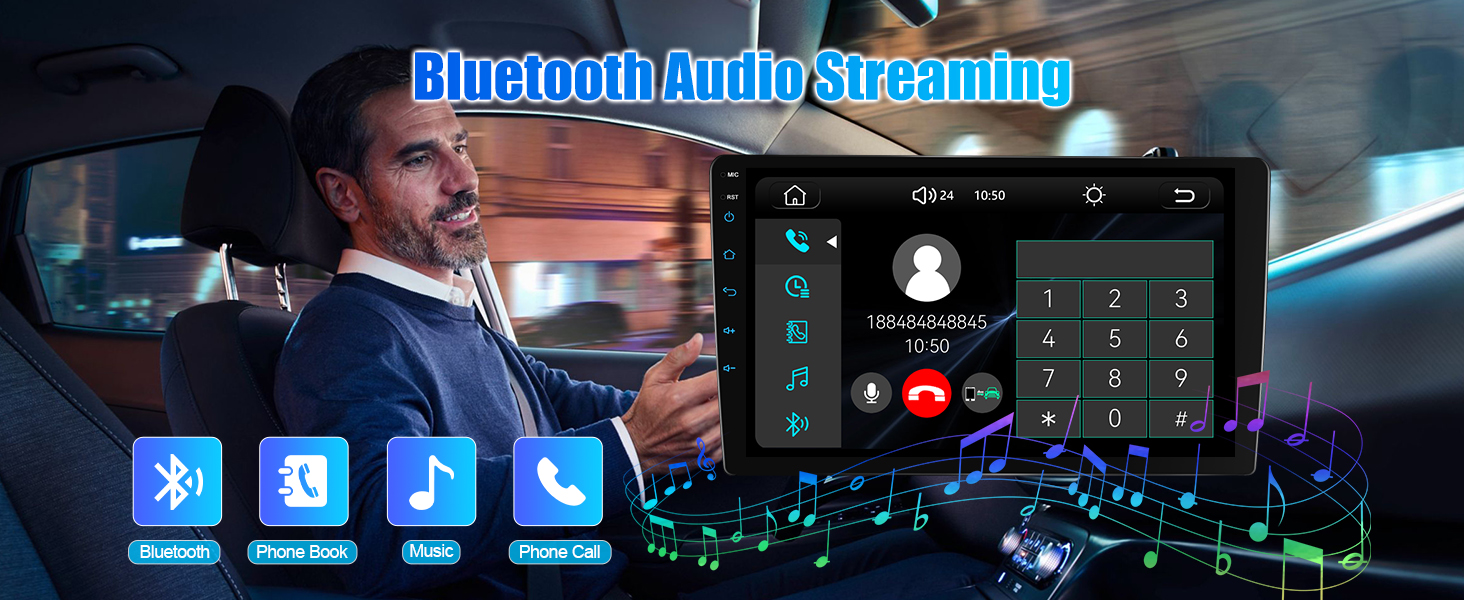
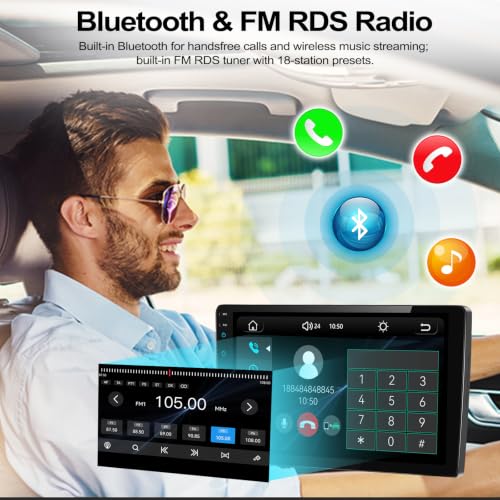
- [CAR RADIO BLUETOOTH & FM RDS] – This car stereo features Bluetooth connectivity for wireless audio streaming and hands free calls without distractions. Support FM/RDS radio, including FM 18-station presets of analog radio for up to date music/news/sports and more
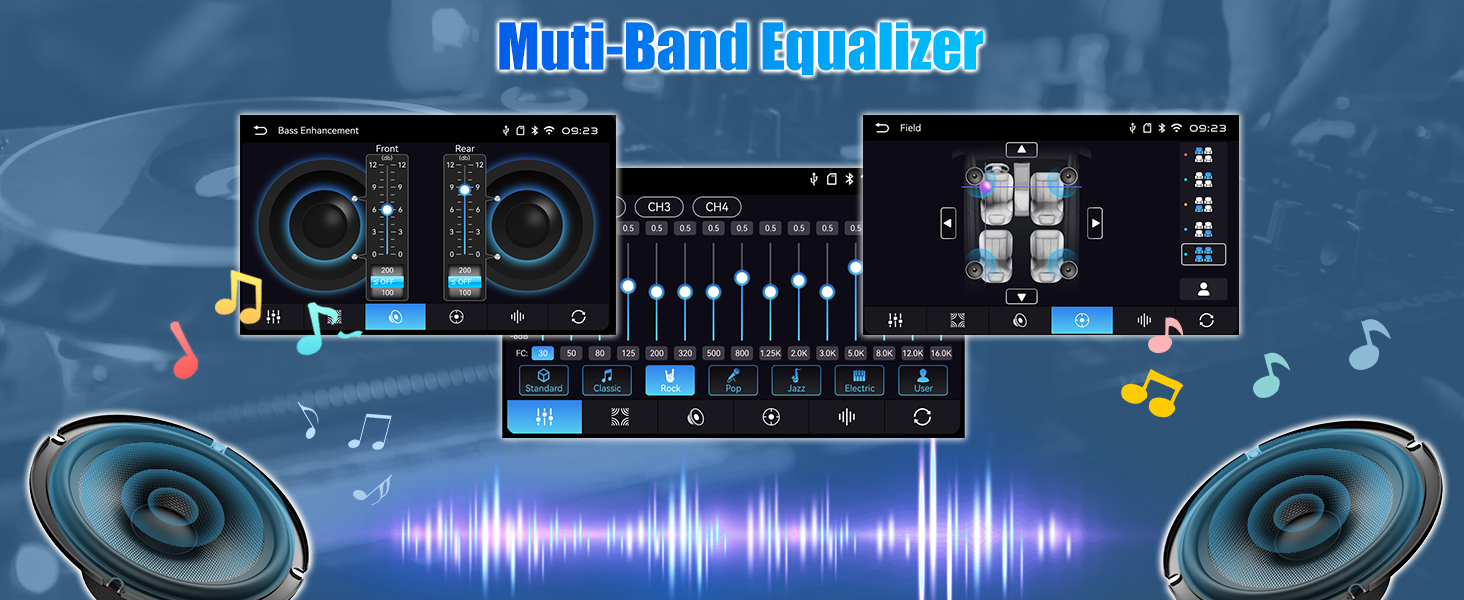
- [CAR MULTIMEDIA PLAYER] – Work with the original steering wheel buttons, multiple EQ scene selection. With dual USB port for HD video playback and phone charging. Support colorful ledlight, various wallpapers, Subwoofer Output
| SKU: | B0H35PGMMT |
| Brand: | CAMECHO |
| Manufacture: | CAMECHO |
Product Description
Built-in wireless Apple Carplay and Android Auto, the 9 inch IPS HD head unit supports YouTube video, Bluetooth hands-free, FM RDS radio, mirror link, backup camera, compatible with
Ford Focus 2005-2011 (Silver) (Without Canbus)
(If needs other power cable or Canbus, please reach us)
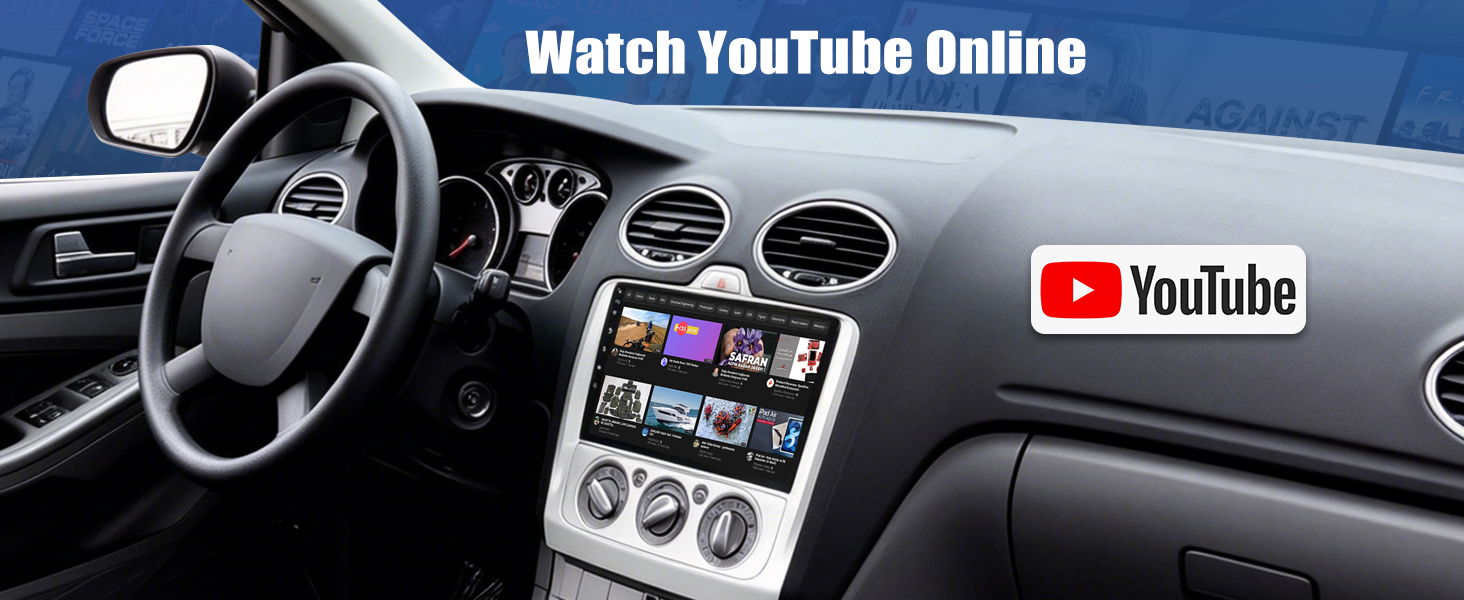
Connect to your mobile’s hotspot, watch videos directly from the built-in YouTube app, enjoying your quality time
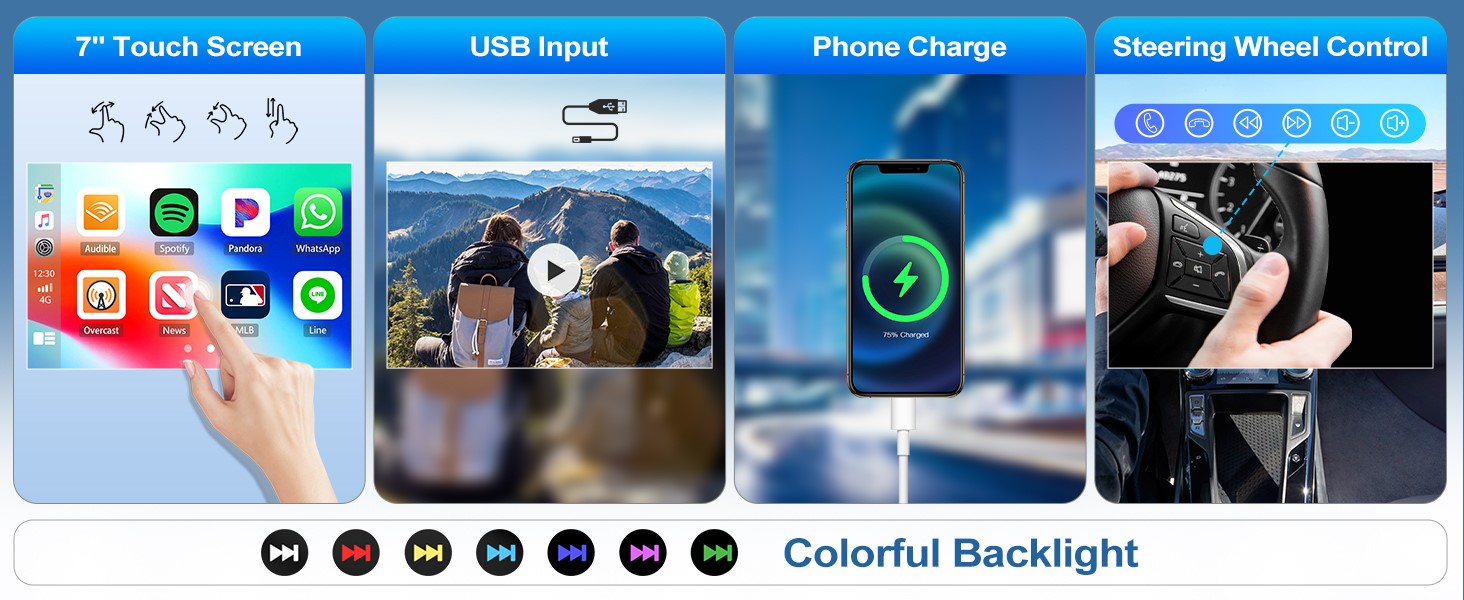
If uses original steering wheel control:
1. Enter “Setup” – click “wheel” icon
2. Complete the steering wheel button functions learning
Head Unit for Ford Focus Radio
| Voltage | DC12V |
| System | 8268K |
| Size | 9 inches |
| Screen material | IPS |
| Screen resolution | 1024×600 |
| Apple CarPlay | Support wireless & wired CarPlay |
| Andriod Auto | Support wireless & wired Andriod Auto |
| Mirror Link | Support (iOS supports wireless/Android supports wireless and wired) |
| Maximum Power output | 4*45Watts |
| Radio chip | 8035 |
| Radio Band | FM/RDS |
| Radio range | FM 87.5-108.0MHZ (Europe) |
| USB interface | USB2.0 |
| Colorful lights | Support |
| Factory Settings Key | 8215 |
| Language | English, Chinese, Japanese, Portuguese, Russian, German, Spanish, Turkish, Italian, French, Polish, Hebrew, Slovenia |
Why the car radio does not turn off and keeps draining my battery?
1. Please confirm the wiring definition is one-to-one correspondence to the original plug
2. Turn off you car and use a multimeter to check the leaking of red wire (ACC) of power cable
3. Connect the ACC wire to your car real ACC separately
Does the car stereo support GPS or WIFI?
No, the car stereo does not support GPS or WIFI.
If want to navigate or use more functions, please use carplay, android auto or mirror link.
How to get my original steering wheel control to work?
Please learn the steering wheel button functions through “Setup” – “Wheel” icon
1. Press the ”reset” first
2. Long press the function icon on the radio, at the same time press the relevant button on the car steering wheel
Try again if fails
Why no image or black screen when reversing?
Please check camera connection, do not insert RCA cable, please use the Camera Input.
Why Bluetooth or wireless signal is weak?
There is a sepearetely backup camera input cable, please insert it to the rear of car radio. It will enhance Bluetooth and wireless signal.