Children’s Camera Instant Camera 1080P Instant Camera Kids
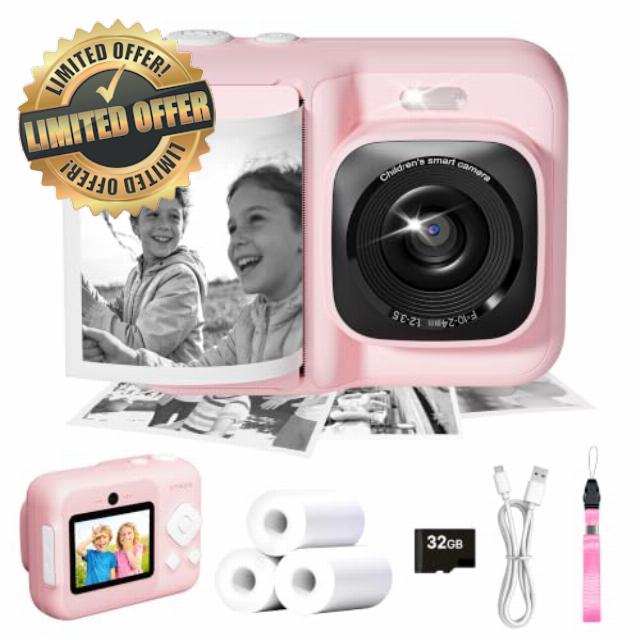
Children’s Camera Instant Camera 1080P Instant Camera Kids Pink
ETIKEZ Instant Print Camera and Print Paper
| Add To Basket Add To Basket Add To Basket Add To Basket Add To Basket Add To Basket | ||||||
| Customer Reviews | 5.0 out of 5 stars2 | 4.7 out of 5 stars24 | 4.3 out of 5 stars12 | 4.5 out of 5 stars154 | 4.5 out of 5 stars154 | 4.5 out of 5 stars154 |
| Price | £29.99£29.99 | £25.99£25.99 | £25.99£25.99 | £13.99£13.99 | £8.99£8.99 | £17.99£17.99 |
| Color | Pink | Lavender | Blue | White | White | White |
| Size | 6.97 x 5.2 x 2.44 inches | 6.97 x 5.2 x 2.44 inches | 6.97 x 5.2 x 2.44 inches | 5.6cmx8m | 5.6cmx8m | 5.6cmx8m |
| Pack | 1 Printer with 3 rolls paper | 1 Printer with 3 rolls paper | 1 Printer with 3 rolls paper | 6 Rolls | 3 Rolls | 12 Rolls |
| Print Technology | Thermal | Thermal | Thermal | Thermal | Thermal | Thermal |
| Print Outcome | Black and white | Black and white | Black and white | Black and white | Black and white | Black and white |
| Compatible with | / | / | / | ETIKEZ Funshot 20 Kids Camera | ETIKEZ Funshot 20 Kids Camera | ETIKEZ Funshot 20 Kids Camera |
What should I do if the machine's screen gets stuck ?
1. Locate the small round hole (labeled "Reset") near the charging port
2. Press it with a pen tip or other pointed object to restart the device
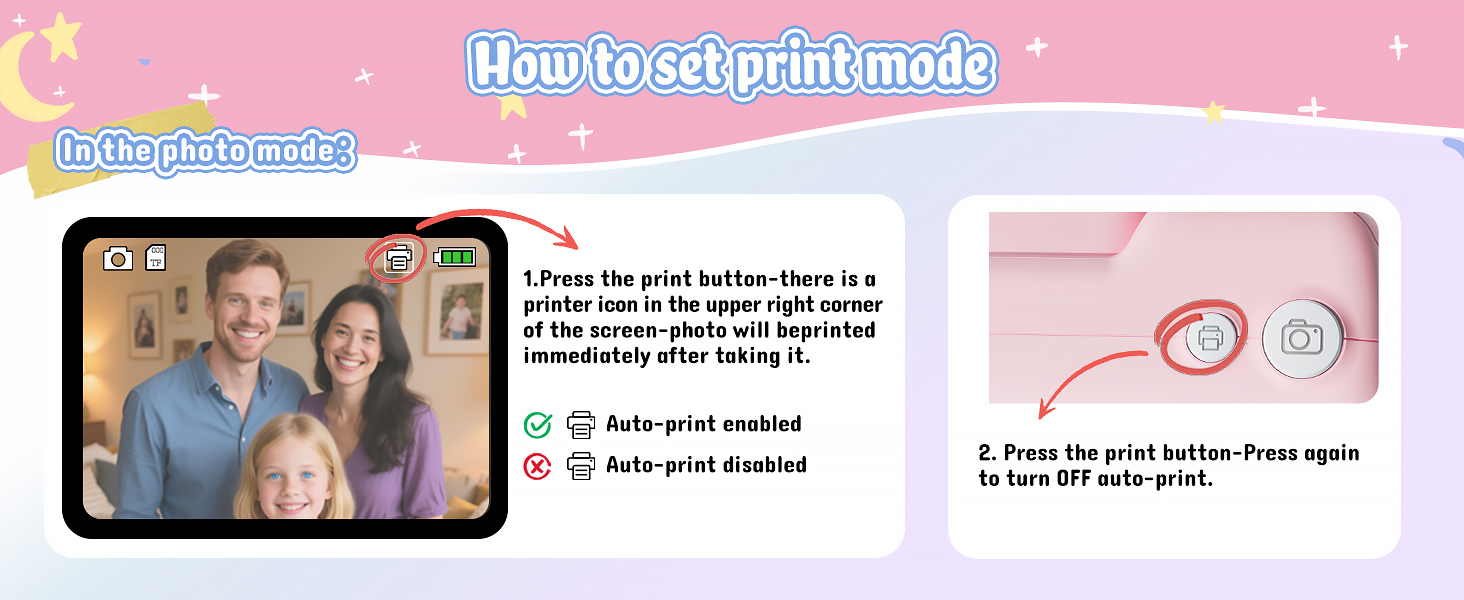
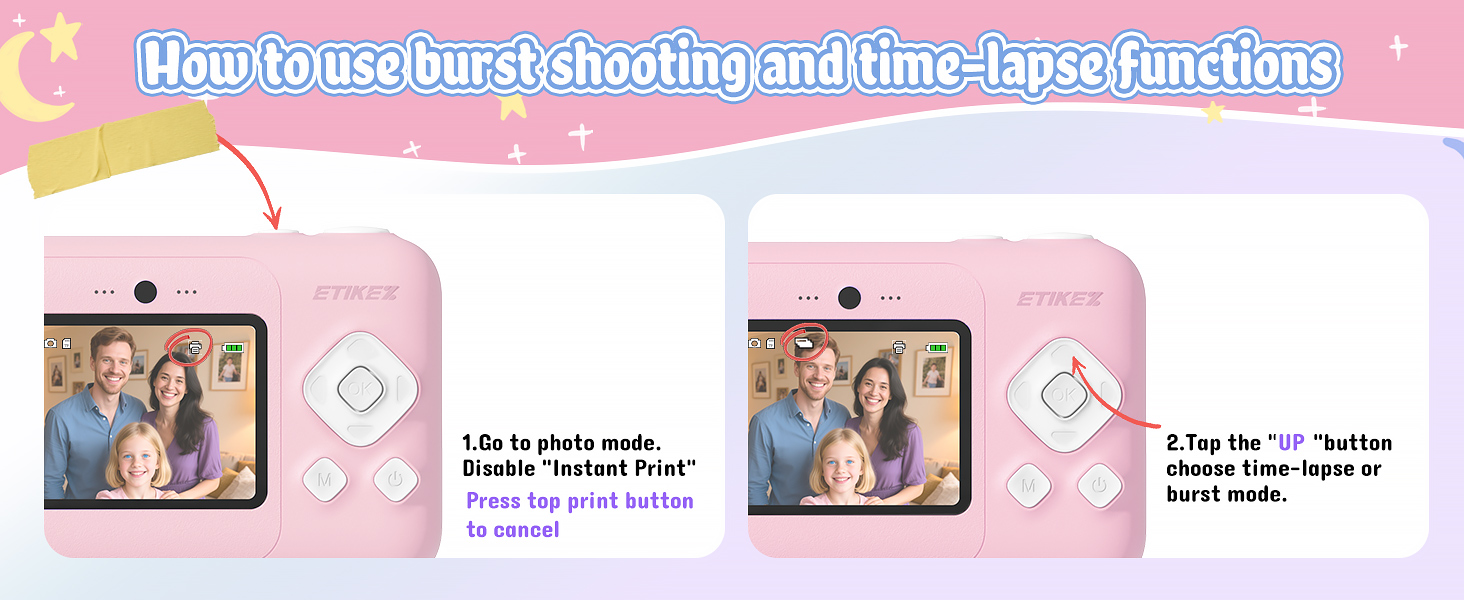
How to Disable/Enable Instant Print After Photo Capture
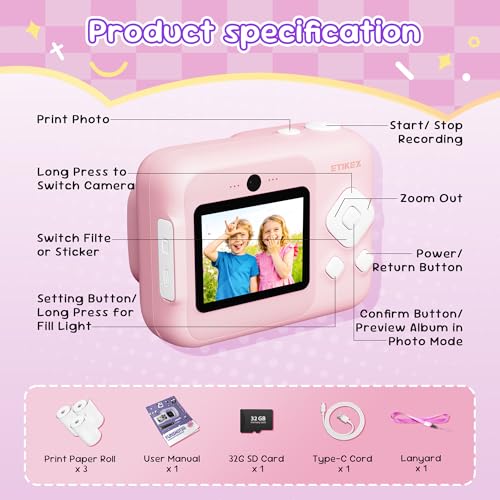
1. In the photo mode: Press the Print button on the top of the camera can Disable/Enable
2. Press the "Setting" button to enter the settings menu also can Disable/Enable
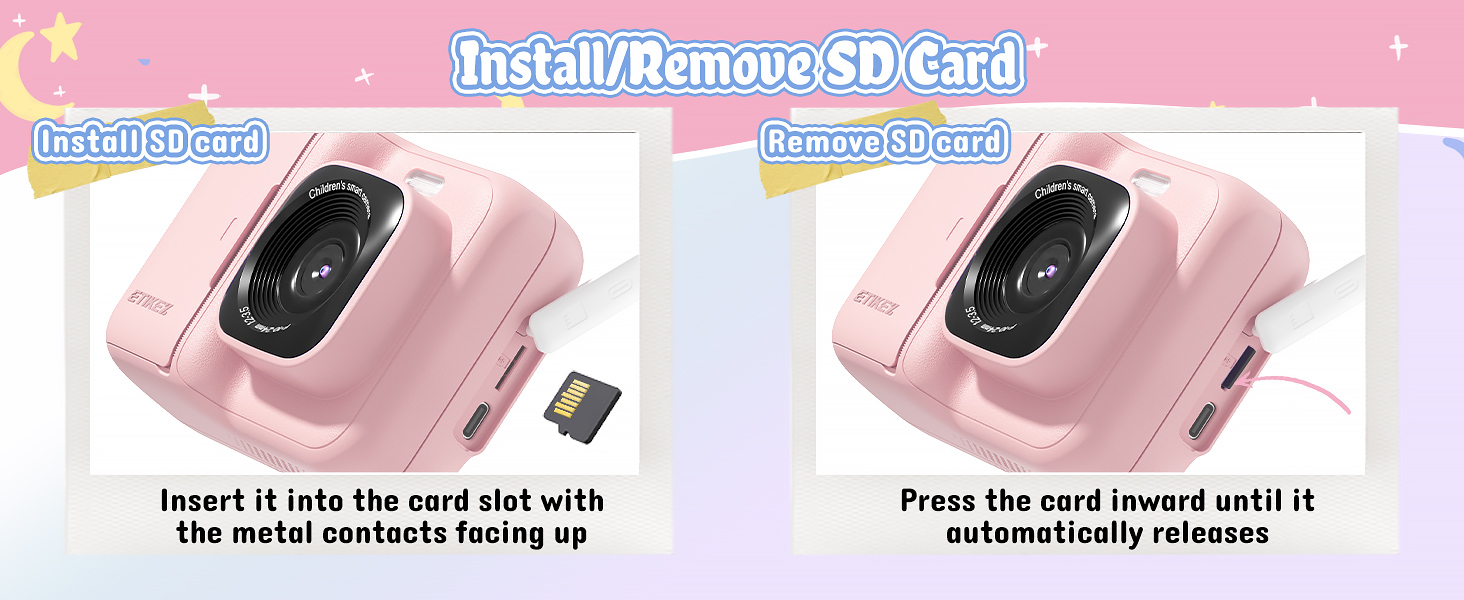
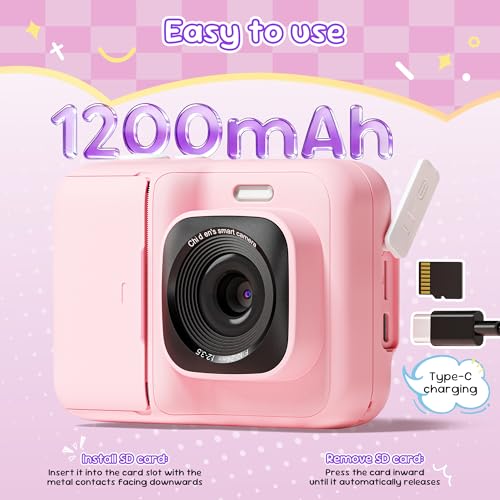
Install/Remove SD Card
1. Install SD card: Insert it into the card slot with the metal contacts facing up
2. Remove SD card: Press the card inward until it automatically releases
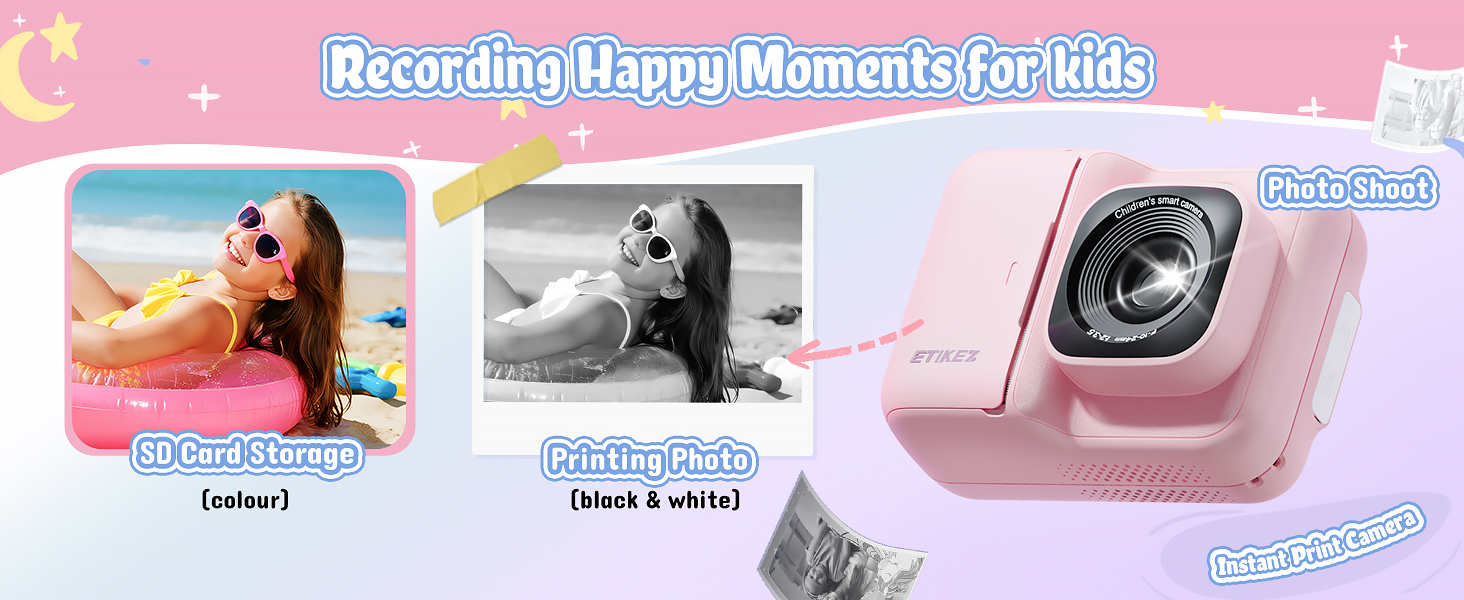
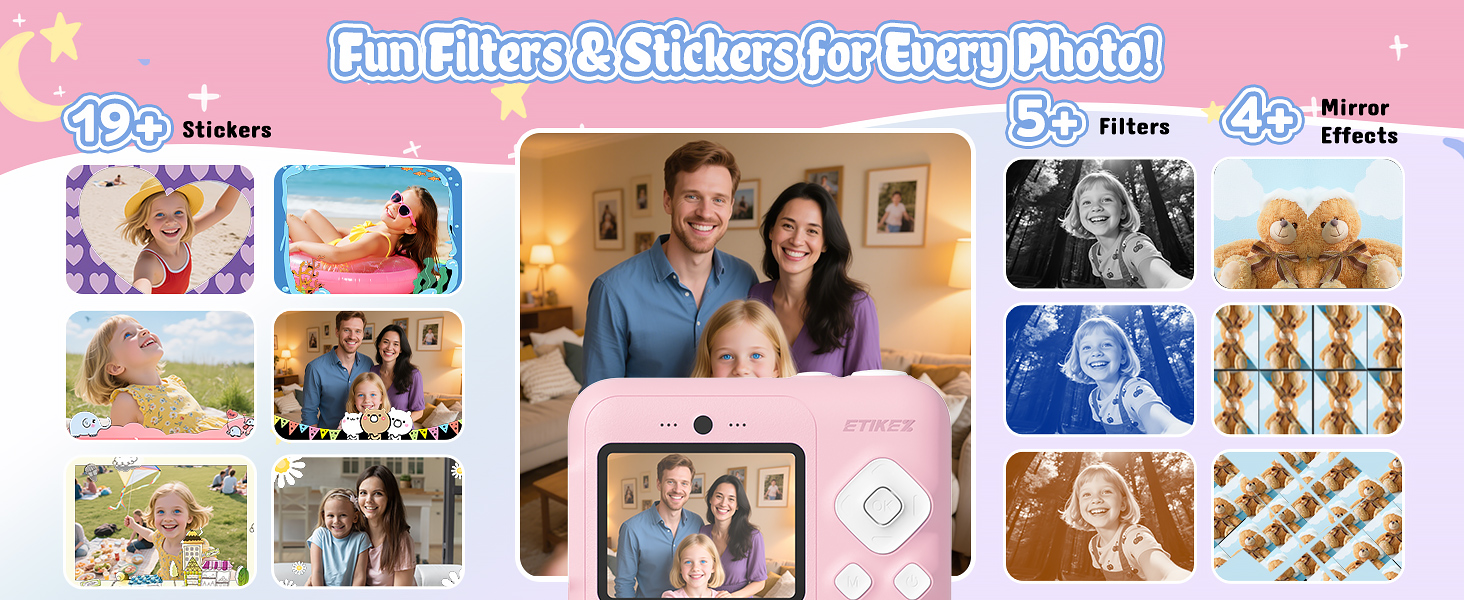
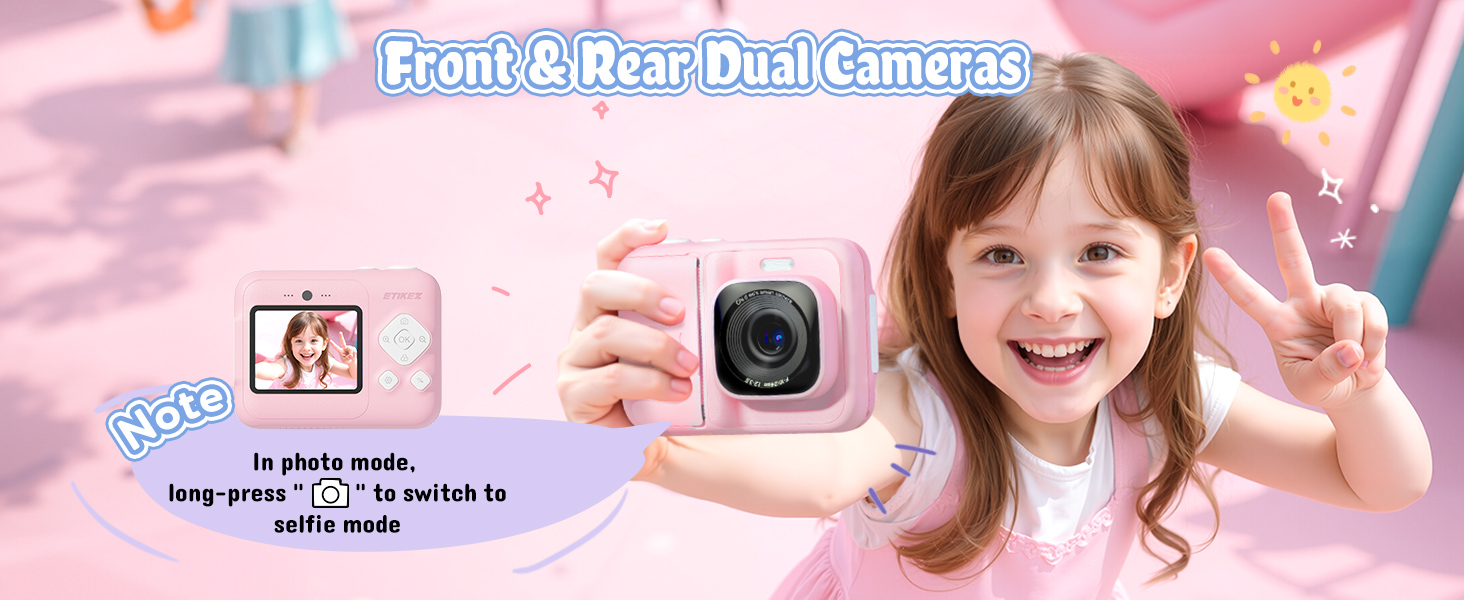
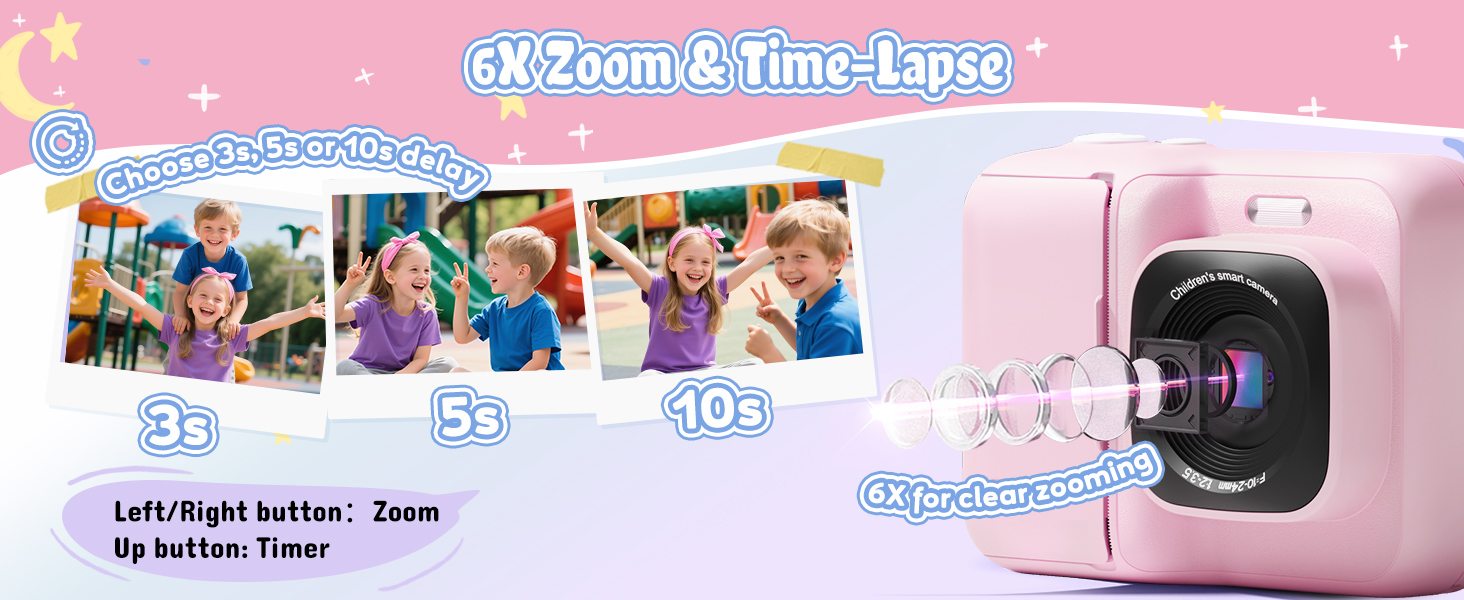
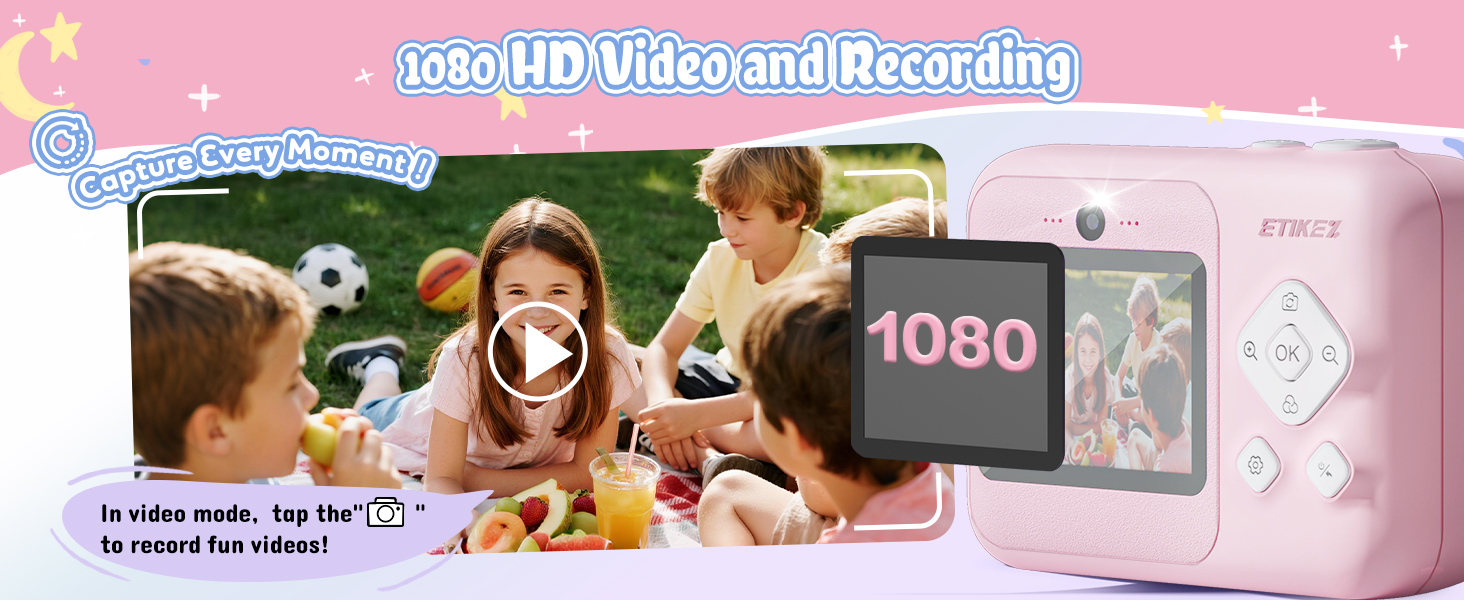
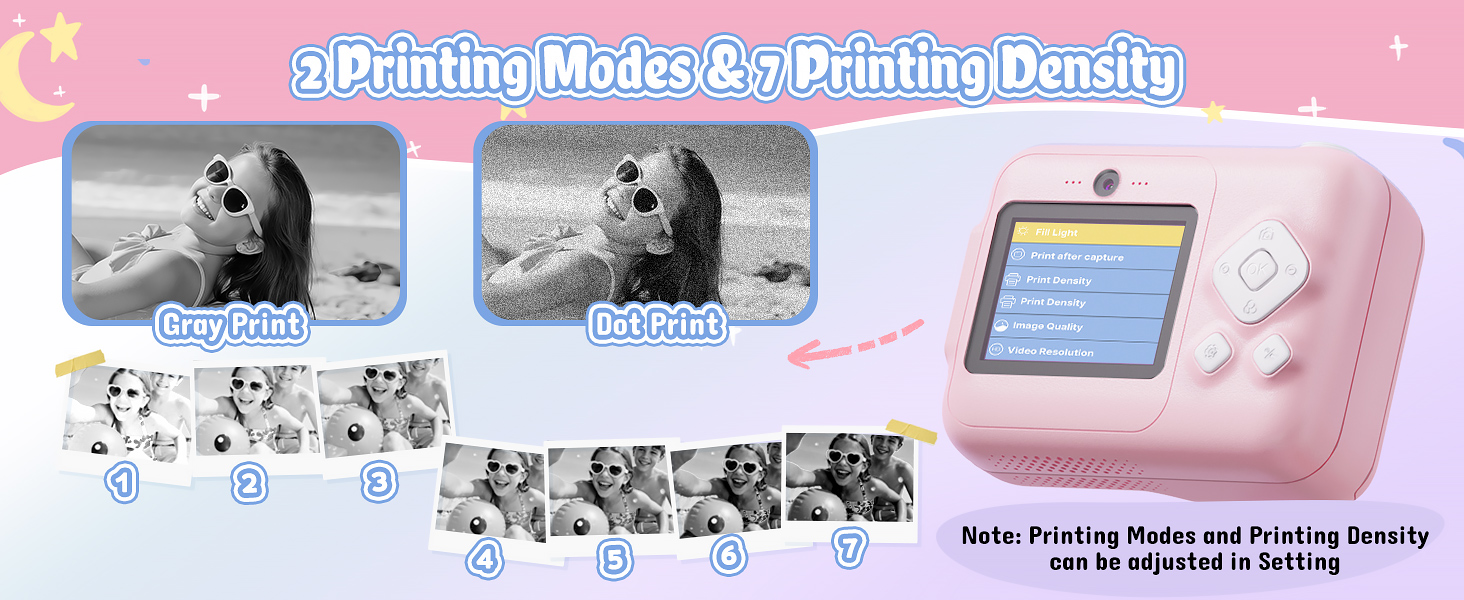
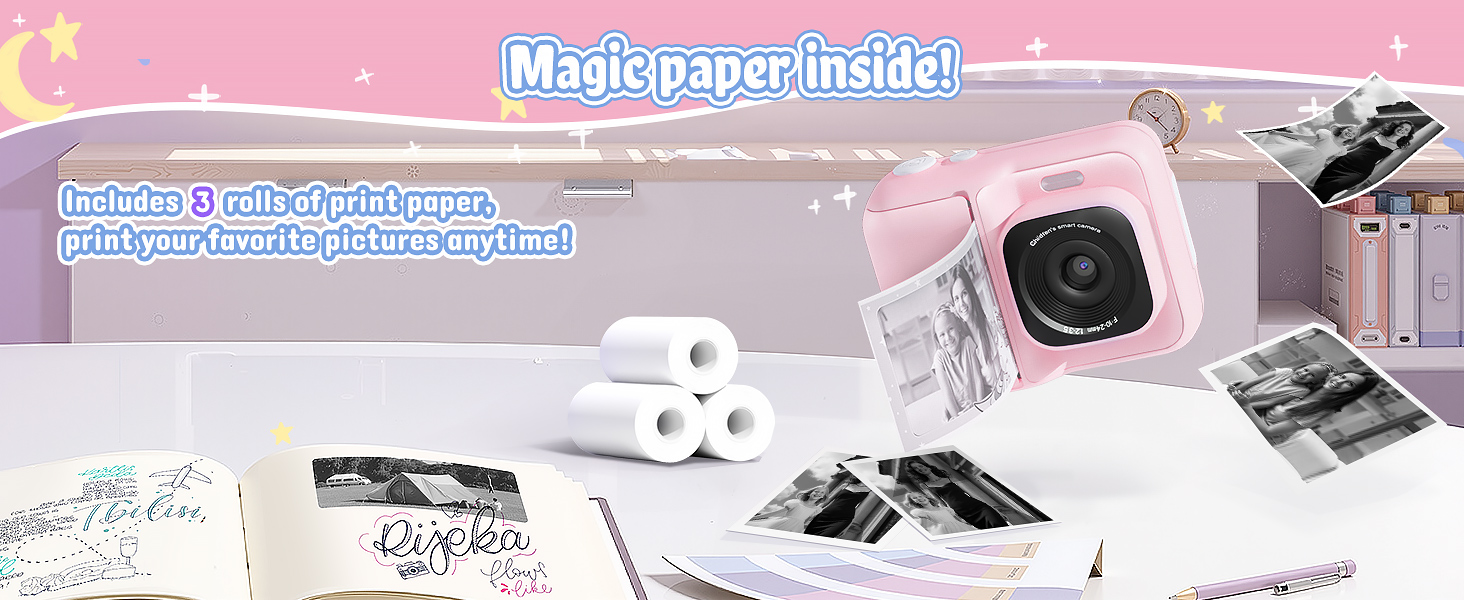
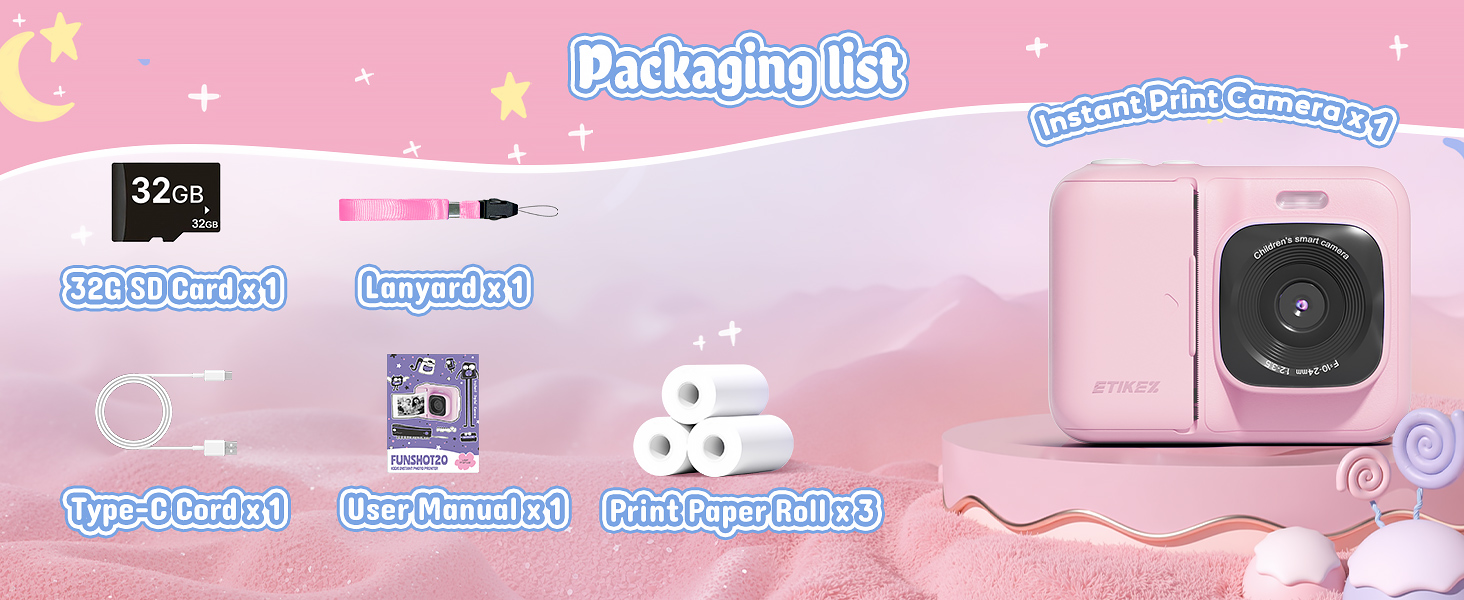
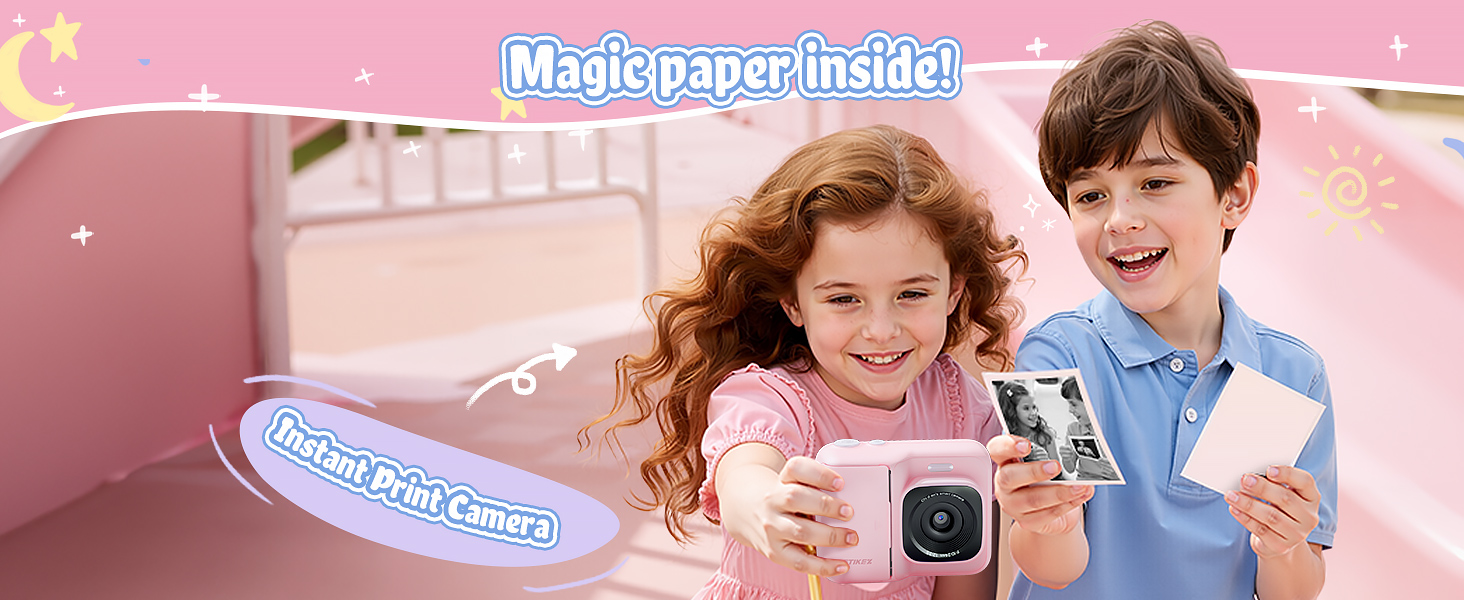
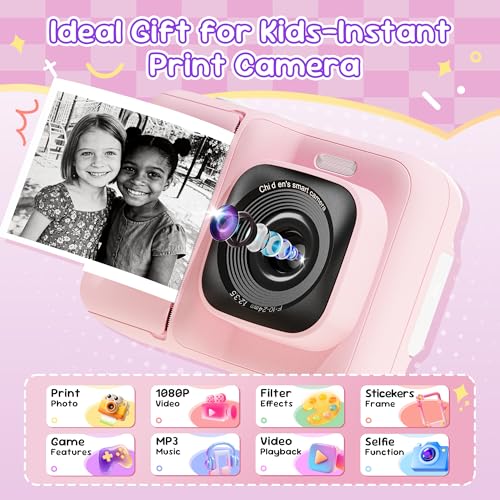
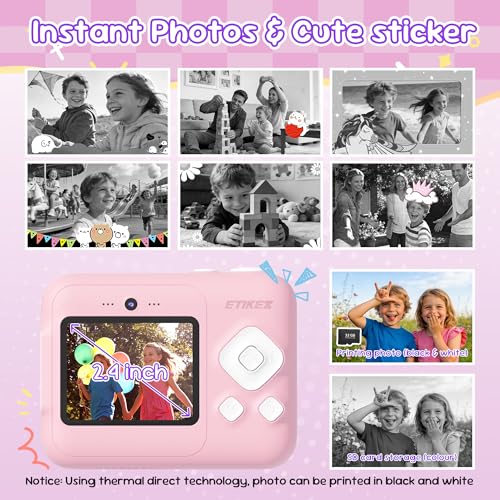
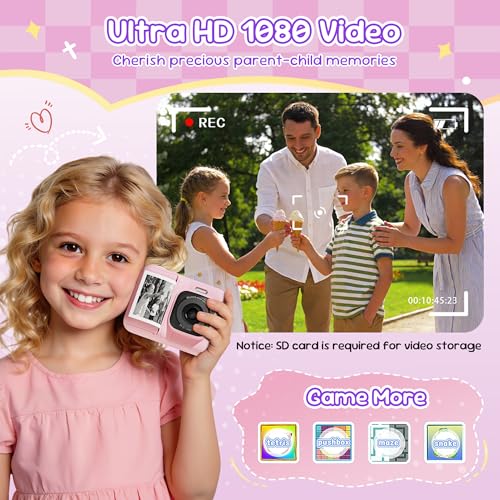
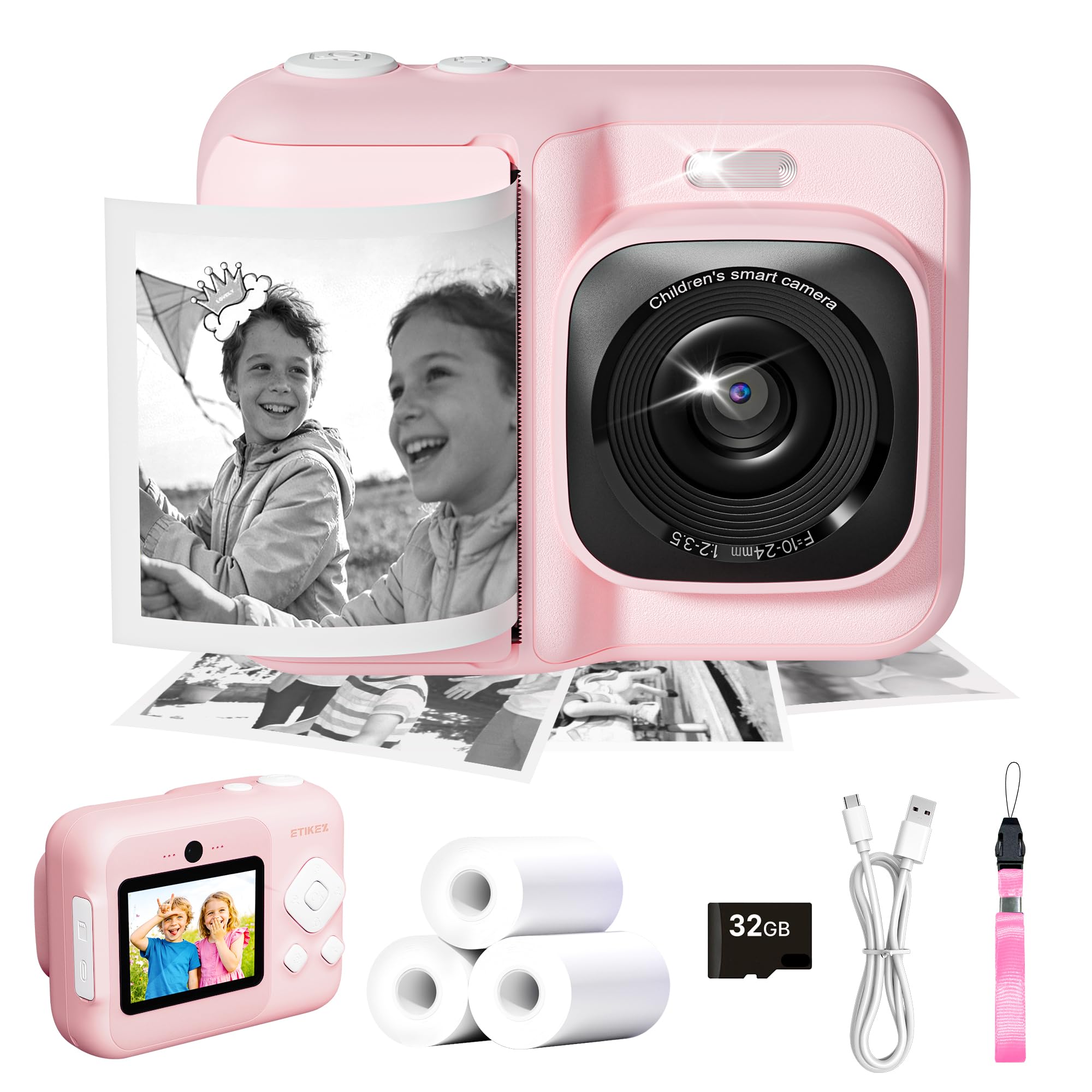
- Funny Instant Print Camera: This children's camera prints black-and-white photos in just 1 second using thermal technology while storing full-color versions on the included 32 GB SD card. With 3 rolls of printing paper, children can grab, print and crawl their creations for endless fun. NOTE: The button also works as a back button. The immediate printing function of the children's camera can be activated/deactivated via the push button at the top of the children's camera immediately image camera


| SKU: | B0HB4B7M9Q |
| Weight: | 0.38 Kilograms |
| Size: | 2.4 Inches |
| Brand: | ETIKEZ |
| Model: | Funshot 20 |
| Colour: | Pink |
| Batteries Included: | No |
| Manufacture: | ETIKEZ |
| Colour: | Pink |
| Origin: | China |
| Size: | 2.4 Inches |
Product Description
ETIKEZ Instant Print Camera and Print Paper
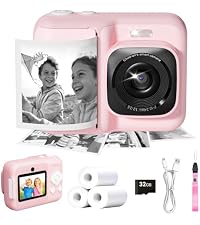 ETIKEZ Kids Camera | 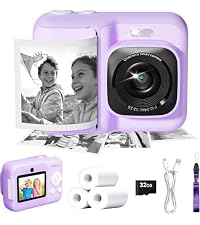 ETIKEZ Kids Camera | 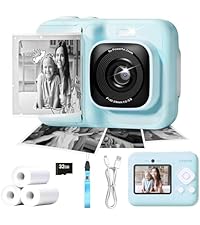 ETIKEZ Kids Camera | 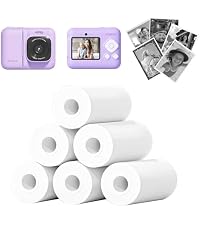 ETIKEZ Print Paper | 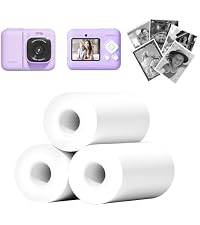 ETIKEZ Print Paper | 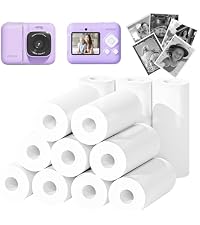 ETIKEZ Print Paper | |
|---|---|---|---|---|---|---|
| Customer Reviews | 5.0 out of 5 stars2 | 4.7 out of 5 stars24 | 4.3 out of 5 stars12 | 4.5 out of 5 stars154 | 4.5 out of 5 stars154 | 4.5 out of 5 stars154 |
| Price | £29.99 | £25.99 | £25.99 | £13.99 | £8.99 | £17.99 |
| Color | Pink | Lavender | Blue | White | White | White |
| Size | 6.97 x 5.2 x 2.44 inches | 6.97 x 5.2 x 2.44 inches | 6.97 x 5.2 x 2.44 inches | 5.6cmx8m | 5.6cmx8m | 5.6cmx8m |
| Pack | 1 Printer with 3 rolls paper | 1 Printer with 3 rolls paper | 1 Printer with 3 rolls paper | 6 Rolls | 3 Rolls | 12 Rolls |
| Print Technology | Thermal | Thermal | Thermal | Thermal | Thermal | Thermal |
| Print Outcome | Black and white | Black and white | Black and white | Black and white | Black and white | Black and white |
| Compatible with | / | / | / | ETIKEZ Funshot 20 Kids Camera | ETIKEZ Funshot 20 Kids Camera | ETIKEZ Funshot 20 Kids Camera |
What should I do if the machine’s screen gets stuck ?
1. Locate the small round hole (labeled “Reset”) near the charging port
2. Press it with a pen tip or other pointed object to restart the device
How to Disable/Enable Instant Print After Photo Capture
1. In the photo mode: Press the Print button on the top of the camera can Disable/Enable
2. Press the “Setting” button to enter the settings menu also can Disable/Enable
Install/Remove SD Card
1. Install SD card: Insert it into the card slot with the metal contacts facing up
2. Remove SD card: Press the card inward until it automatically releases