ESSGOO Android 15 4+64G Car Stereo With Wireless CarPlay
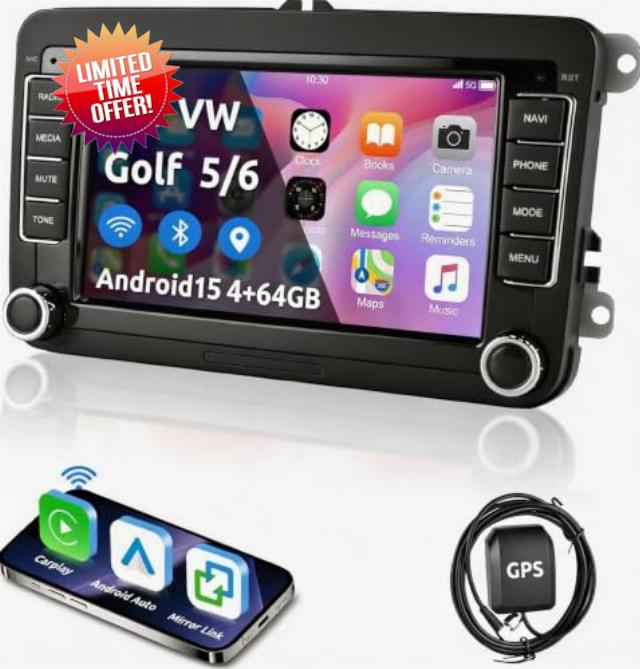
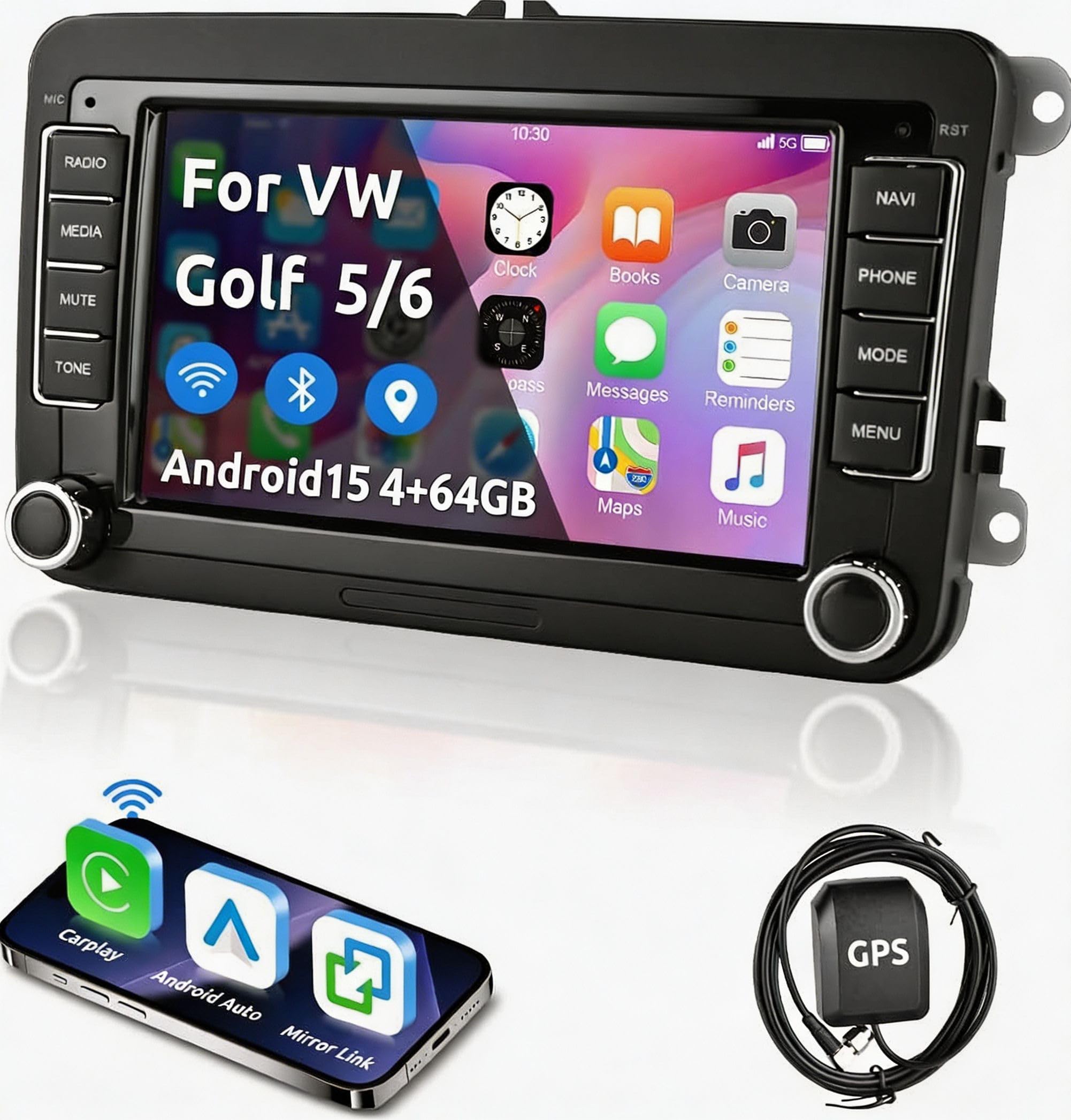
ESSGOO Android 15 4+64G Car Stereo With Wireless CarPlay Android Auto For VW Caddy Golf MK5 MK6 Polo Passat Seat, 7 inch HD Touchscreen GPS Navi WiFi Bluetooth FM RDS
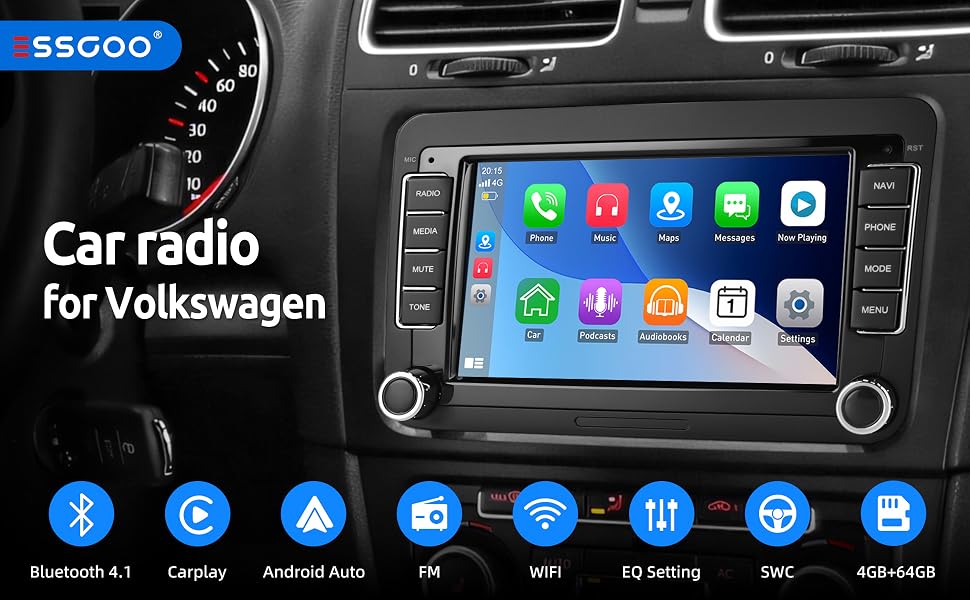
Bluetooth Car Stereo Head Unit With Screen For Polo Golf 5 6 Skoda Seat:
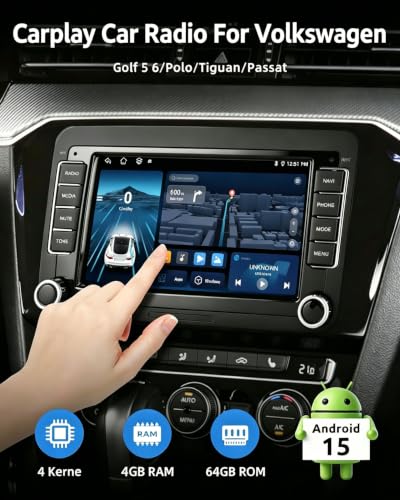
- Car Stereo Configuration: 7-inch HD IPS Touchscreen, 2GB RAM + 64GB ROM, Android 15 Operating System, Plug and Play.
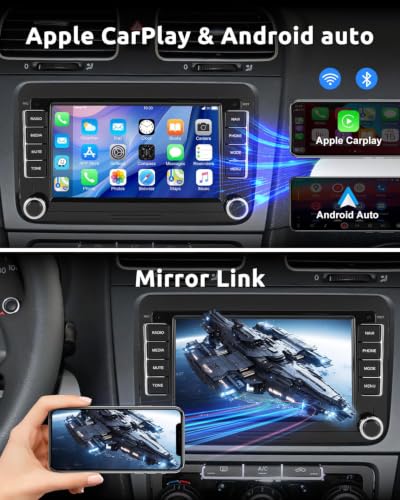
- Smart Interaction: Wireless CarPlay, Android Auto, Voice Control, and Screen Mirroring (Screen mirroring not compatible with Samsung and Huawei phones).
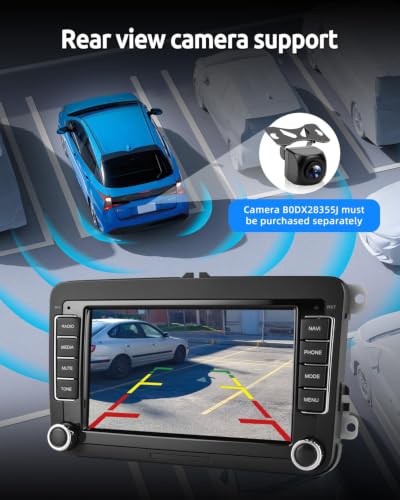
- Safe Driving: GPS Navigation, Reverse Camera Function (Camera model B0DZ6TBK6X must be purchased separately), Steering Wheel Control.
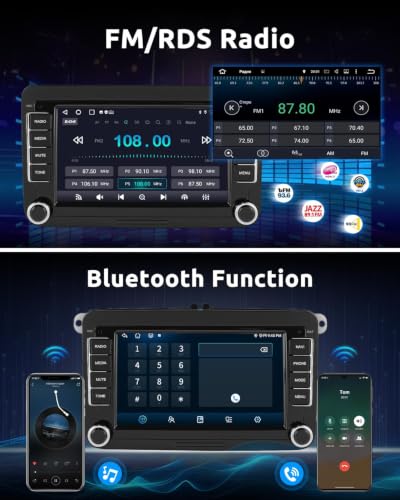
- Multimedia: Bluetooth 4.1 Hands-free Calling, RDS with Memory for 18 FM Stations, 16-Band EQ, 4 x 45W Amplifier.
- CAN Bus: Real-time Vehicle Data Synchronization, Intelligent Precision.
- DAB+: High-Quality Radio Experience (DAB+ Tuner model B0FF4QFD97 must be purchased separately).
Wireless CarPlay and Android Auto and WiFi function:
- iPhone: Wireless CarPlay synchronization via Wi-Fi.
- Android: Use Android Auto either wirelessly (Wi-Fi) or with the original USB cable.
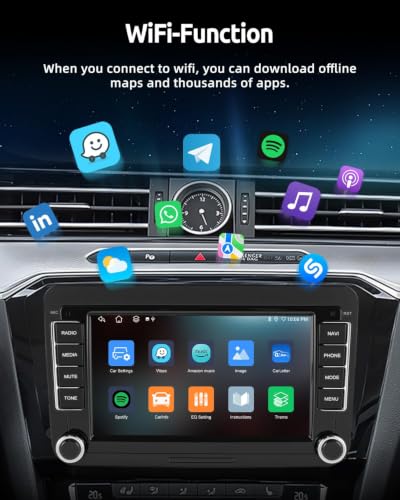
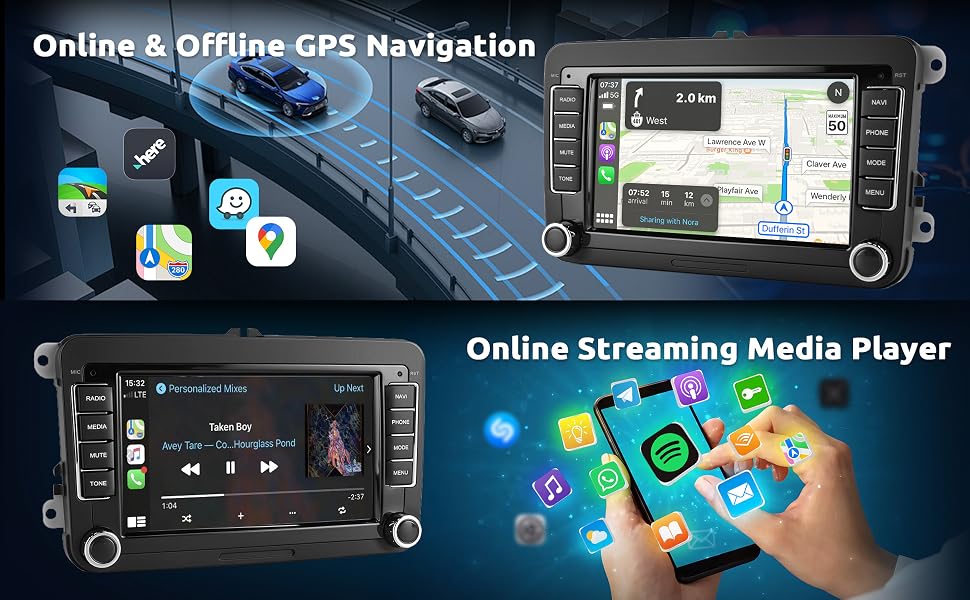
Utilize the Wi-Fi connection function to download your preferred apps, stream movies on demand, and access interesting information services.
GPS Navigation und WLAN :
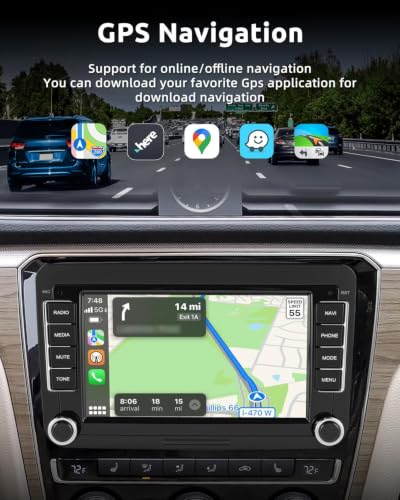
- Car Stereo with GPS: Precise positioning, stable signal, supports both online and offline maps, so you never have to worry about getting lost on the road.
- Car Stereo for VW Golf 5/6: Supports Wi-Fi connection. Once connected to Wi-Fi, you can download any app from the App Store, such as YouTube, TikTok, Spotify, etc.
Bluetooth, Steering Wheel Control, EQ Adjustment, and Screen Mirroring:
- The Bluetooth function allows you to conveniently make phone calls and play your favorite music. Additionally, it supports steering wheel remote control, enabling easy access to basic operations.
- With the screen mirroring function (Mirror Link), you can display and play your smartphone screen content directly on the car stereo.
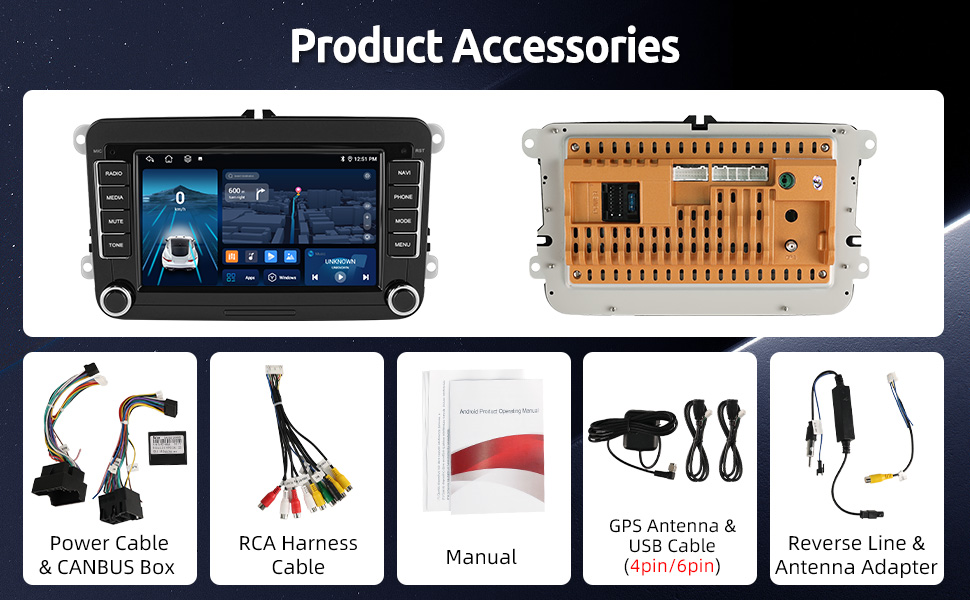
Product accessories
Suitable for Volkswagen:
Golf MK5(2003 -2009),Golf MK6(2008-2013),
Passat B6/3C(2005-2010), Passat B7/3C(2010-2014),
Touran(2003-2014),Tiguan(2007-2015),
Polo(2009-2013),T5 Multivan (2010-2013), T5 Transporter(2010-2013),
Caddy (2003-2015), EOS(2006-2015).
Suitable for SEAT:
Alhambra(2010-2014), Altea(2004-2015), Toledo(2004-2015).
Suitable for SKODA:
Fabia(2007-2013), Octavia(2007-2012), Superb(2008-2014)
OE reference number(s): RCD200, RCD300, RCD310, RCD330, RCD500, RCD510
OEM reference number(s): RCD310, RCD315, RCD510
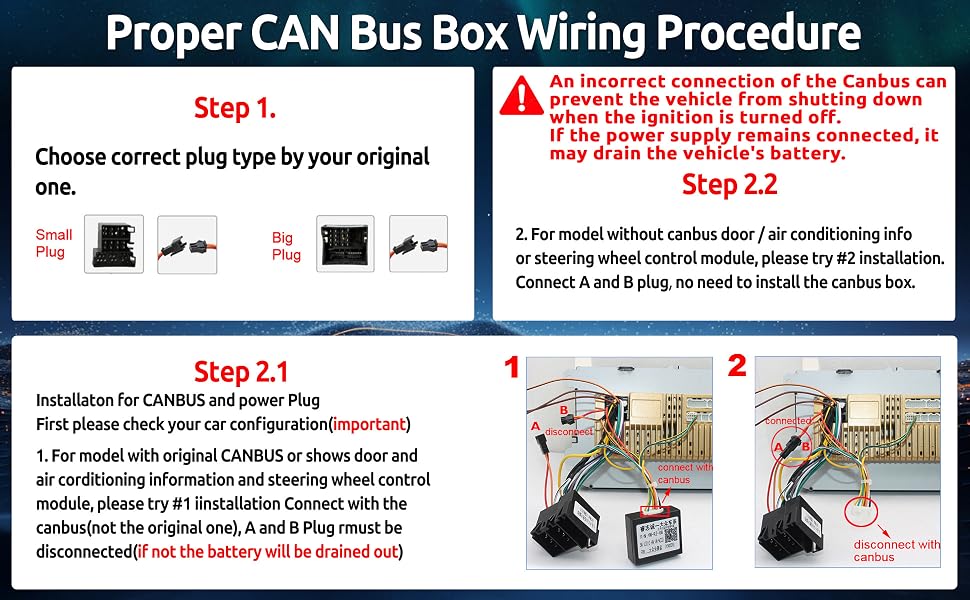
Q1:Radio not power on/not shut off/power leakage/failure to power off/continuously drains the battery
A1:Canbus box connection error, need install Canbus according to picture above
Q2:Unfamiliar with CarPlay connection methods? / Facing CarPlay connection problems?
A2:Check the FAQ in the package, you'll find solutions to common CarPlay issues.
Q3:steering wheel controls malfunction
A3:Disconnect the black small connector on the power cable
Q4:Zlink is not working and cannot connect to CarPlay
A4:Get the Zlink installation package and reinstall Zlink.
- 【Compatible with Golf/Volkswagen/Seat/Skoda Models】This car radio is specifically designed for VW Golf 5 6 GTI Plus; For VW Polo, Jetta, Touran, Tiguan, Passat T5, Caddy, RCD330, Sharan; For Seat Alhambra, Altea, Toledo; For SKODA Fabia, Octavia, Praktik, Roomster, Superb, Yeti. Includes CANBUS, complete wiring harness, installation tools, and instructions for simple and precise installation.
- 【Wireless CarPlay and Android Auto】This VW Golf MK5 radio fully supports wireless CarPlay and Android Auto – providing safe access to phone calls, messages, navigation, and music playback. Intuitive operation is possible via voice command (Siri/Go-ogle Assistant) or the precise touchscreen. This combination of wireless connectivity and control reduces distractions and actively promotes driving safety.
- 【RDS/FM Radio, Bluetooth, and DAB+】 This Android Vw car radio integrates Bluetooth 4.1 and A2DP, supporting hands-free calling and music streaming. The FM/RDS radio offers 30 preset popular stations and provides high-quality stereo sound. A built-in microphone ensures clear calls. Four 45W amplifiers provide surround sound and subwoofer output for a more immersive music experience (DAB antenna not included).
- 【IPS HD Touchscreen & Split-Screen】With the 7-inch IPS HD touchscreen (1024×600), you'll enjoy crystal-clear images, fast response times, and a 178° panoramic viewing angle – no matter the position. Thanks to the split-screen function, you can navigate precisely with Go-ogle Maps while Spotify plays your playlist, or keep your browser and phone active simultaneously. Experience the added convenience this Golf MK6 radio offers.
- 【Precise Navigation, Always Ready】Integrated GPS for precise positioning and stable reception, with support for online and offline maps. Never worry about getting lost! Wi-Fi connection for downloading YouTube, TikTok, and other apps – for even more entertainment on the go.
- 【Screen Mirroring, Synchronous Experience】Supports screen mirroring for i-OS/Android – display your smartphone content on the 7-inch screen. iPhones connect via Wi-Fi, Android smartphones via Wi-Fi or original USB cable (Not compatible with Samsung and Huawei).
- 【Safe Reversing, Easy Parking】Supports AHD/CVBS camera input for automatic display of the reversing image – for safer parking (camera not included). Supports steering wheel remote control (if your car does not support CAN bus and you need to learn the steering wheel buttons).
- 【Frequently Asked Questions】The radio does not completely turn off after the vehicle is switched off. Method: Please check if the CAN bus is connected correctly (you can refer to the pictures in the for installation instructions, or contact our customer service directly).
| SKU: | B0HFN69P6W |
| Weight: | 1.05 Kilograms |
| Brand: | ESSGOO |
| Manufacture: | ESSGOO |
Product Description
Q1:Radio not power on/not shut off/power leakage/failure to power off/continuously drains the battery
A1:Canbus box connection error, need install Canbus according to picture above
Q2:Unfamiliar with CarPlay connection methods? / Facing CarPlay connection problems?
A2:Check the FAQ in the package, you’ll find solutions to common CarPlay issues.
Q3:steering wheel controls malfunction
A3:Disconnect the black small connector on the power cable
Q4:Zlink is not working and cannot connect to CarPlay
A4:Get the Zlink installation package and reinstall Zlink.