GPC Image TN423 Toner Cartridges Replacement for Brother
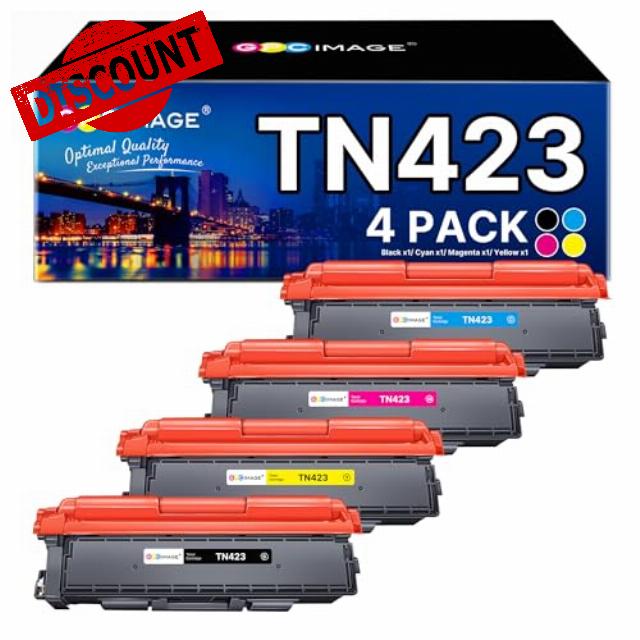
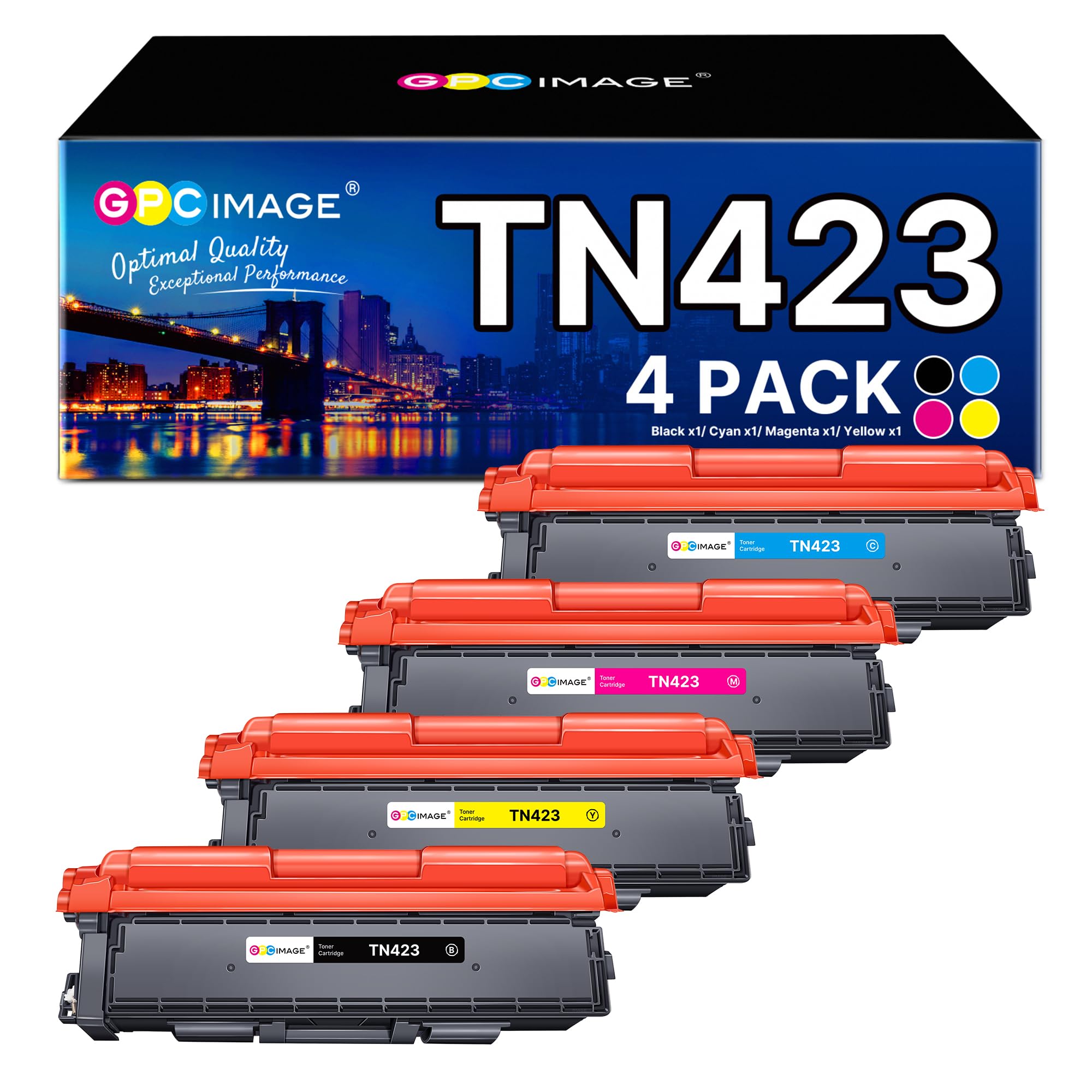
GPC Image TN423 Toner Cartridges Replacement for Brother TN-423 Toner TN423 TN-421 Toner Cartridges 4 Pack Replacement for Brother HL-L8260CDW HL-L8360CDW MFC-L8690CDW MFC-L8900CDW DCP-L8410CDW
What if my printer does not recognize the toner cartridges?
1. Turn off your printer and remove the cartridges, let the printer remains power off for 2-3 min and turn on your printer.
2. Turn on the printer without the cartridge. Wait until the printer finishes booting up and then re-install toner cartridge.
What if the paper has streaks or is not clear when printing?
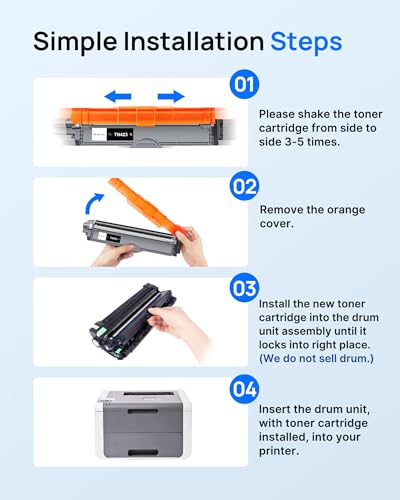
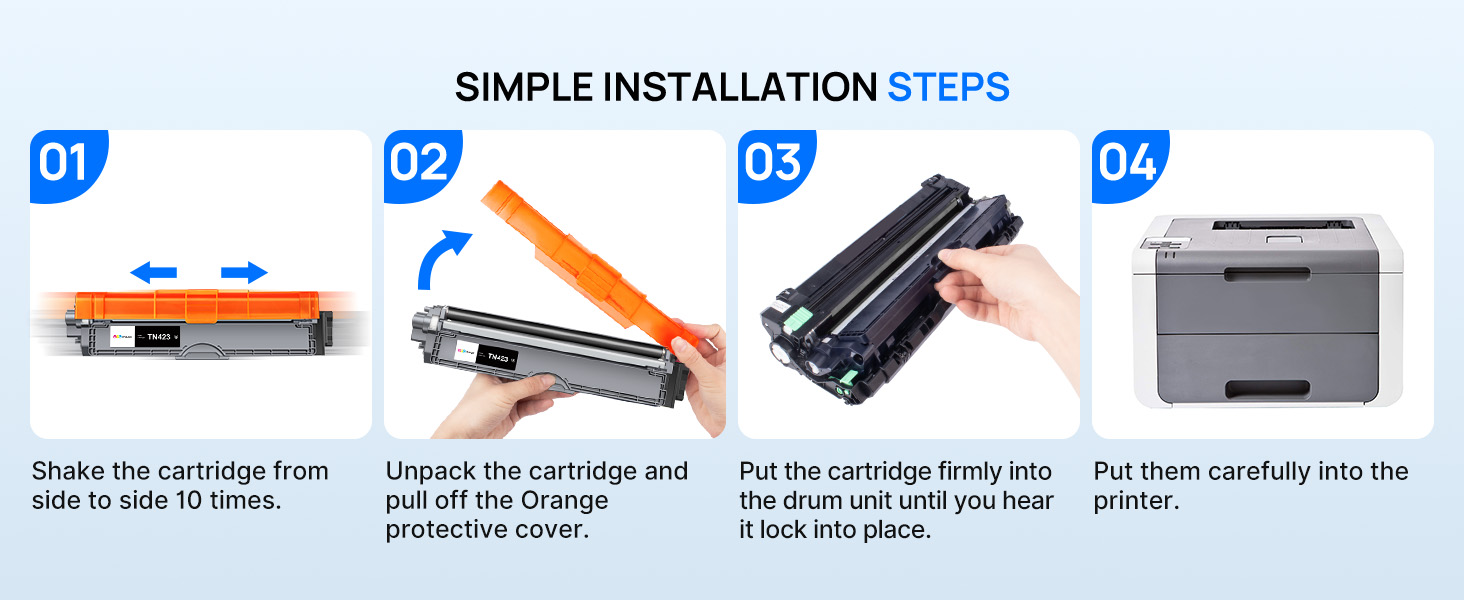
1. You can try to take the toner out and shake it for around 10 seconds, and then reinstall it to see if it resolves your issue.
2. If the issue still persist, please try to clean the corona wire of the drum unit and see if it resolves the issue.
What if the page yield is insufficient?
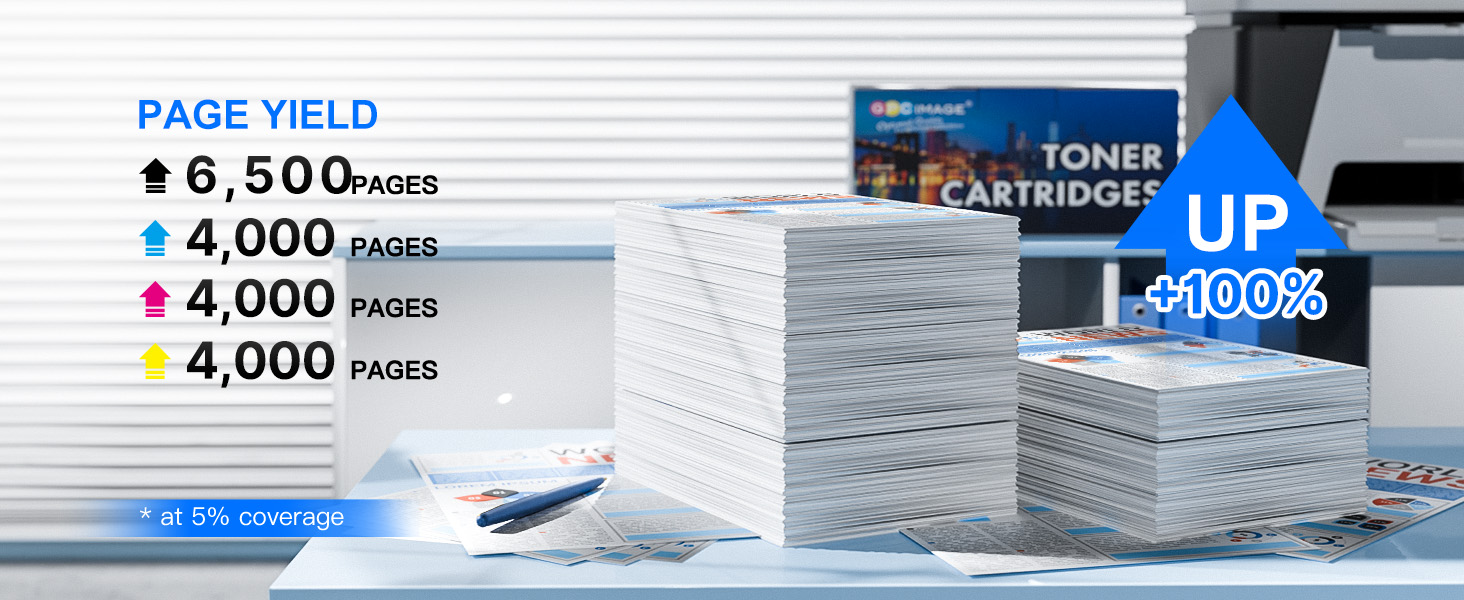
We strictly follow the " toner Cartridge Estimated Pages ( Black or Color ), 5% Coverage of A4 " requirement stated in the instructions.The page yield is related to the print coverage.
Are these toner cartridges original?
We are committed to providing cost-effective replacement toner cartridges. The product quality is stable, reducing your printing consumption. GPC Image products deserve your trust.
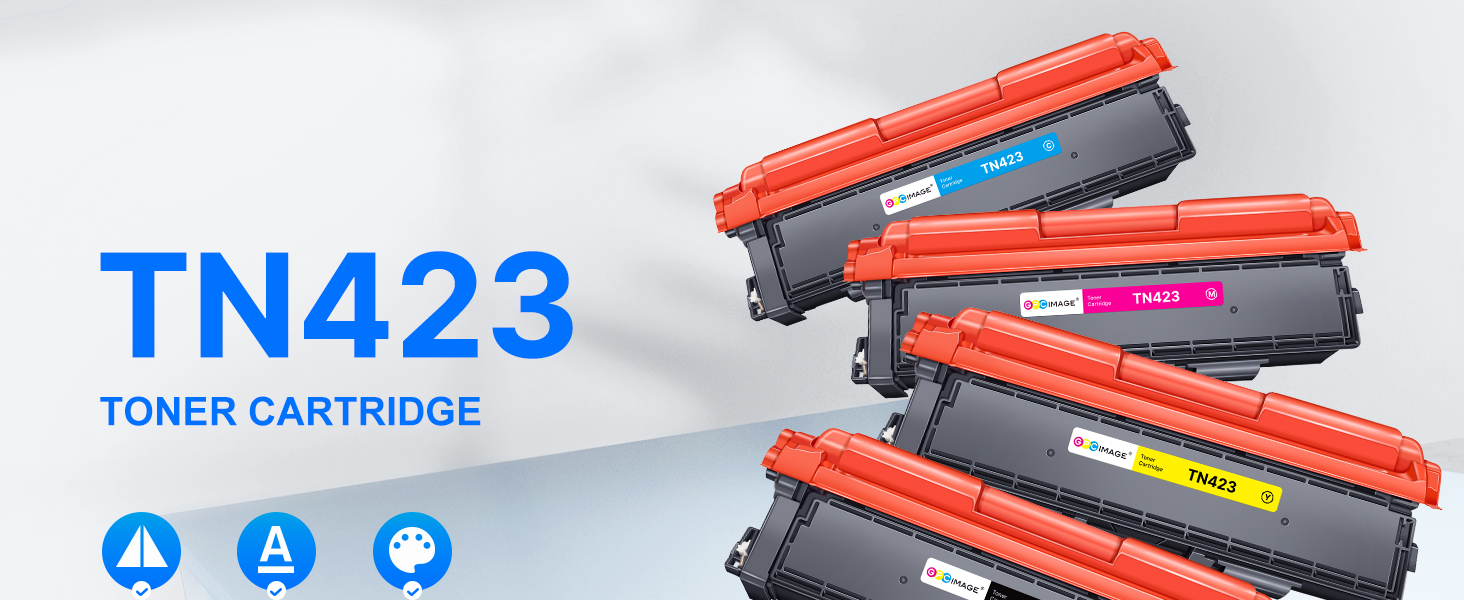
- GPC Image tn-423 toner compatible for Brother TN-423 high capacity 4 colour toner cartridge multipack (Not original).
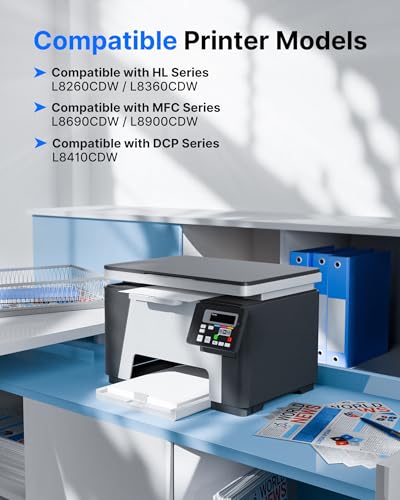
- Compatible Printers: Compatible for Brother HL-L8260CDW HL-L8360CDW MFC-L8690CDW MFC-L8900CDW DCP-L8410CDW.
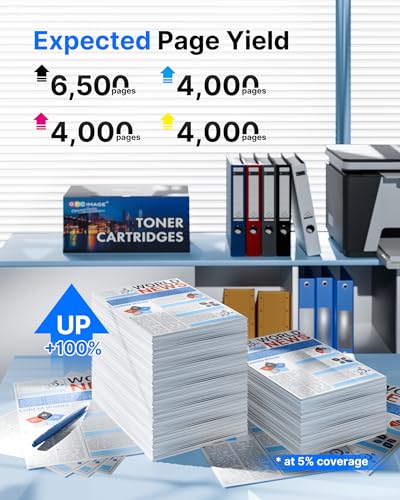
- Page Yield: 6500 pages per TN423BK, 4000 pages per TN423C TN423M TN423Y Toner Cartridge (at 5% coverage).
- Pakage Contains: 1 X tn423 Black, 1 X tn423 Cyan, 1 X tn423 Yellow and 1 X tn423 Magenta compatible for brother tn 421 tn 423 toner.
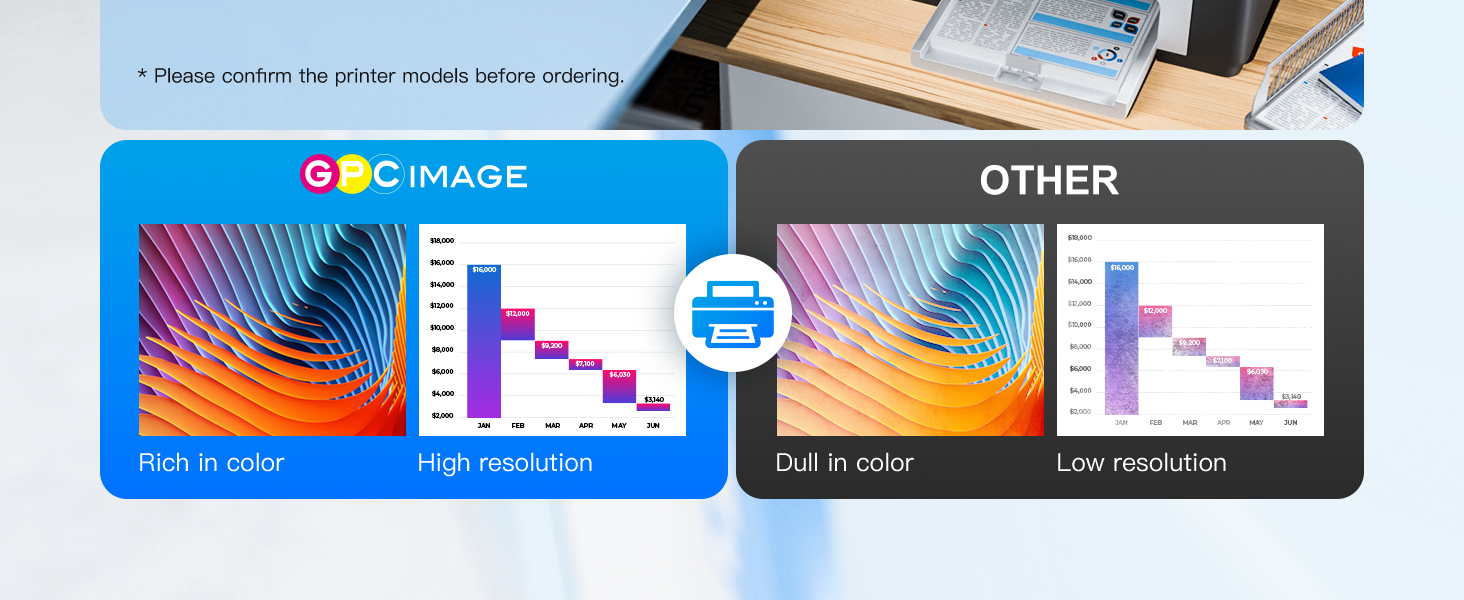
- Our compatible print toner for brother tn-423 hl-8260 ensures even and stable toner transfer. Printed texts are crisp, bold and well-defined without faded areas, perfectly fitting daily office document and bulk batch printing.
| SKU: | B0GC2WMW84 |
| Brand: | GPC Image |
| Colour: | TN423 Black Cyan Yellow Magenta |
| Manufacture: | GPC Image |
| Colour: | TN423 Black Cyan Yellow Magenta |
Product Description


What if my printer does not recognize the toner cartridges?
1. Turn off your printer and remove the cartridges, let the printer remains power off for 2-3 min and turn on your printer.
2. Turn on the printer without the cartridge. Wait until the printer finishes booting up and then re-install toner cartridge.
What if the paper has streaks or is not clear when printing?
1. You can try to take the toner out and shake it for around 10 seconds, and then reinstall it to see if it resolves your issue.
2. If the issue still persist, please try to clean the corona wire of the drum unit and see if it resolves the issue.
What if the page yield is insufficient?
We strictly follow the ” toner Cartridge Estimated Pages ( Black or Color ), 5% Coverage of A4 ” requirement stated in the instructions.The page yield is related to the print coverage.
Are these toner cartridges original?
We are committed to providing cost-effective replacement toner cartridges. The product quality is stable, reducing your printing consumption. GPC Image products deserve your trust.