Logitech MX Keypad, Programmable Macro Pad for Developers
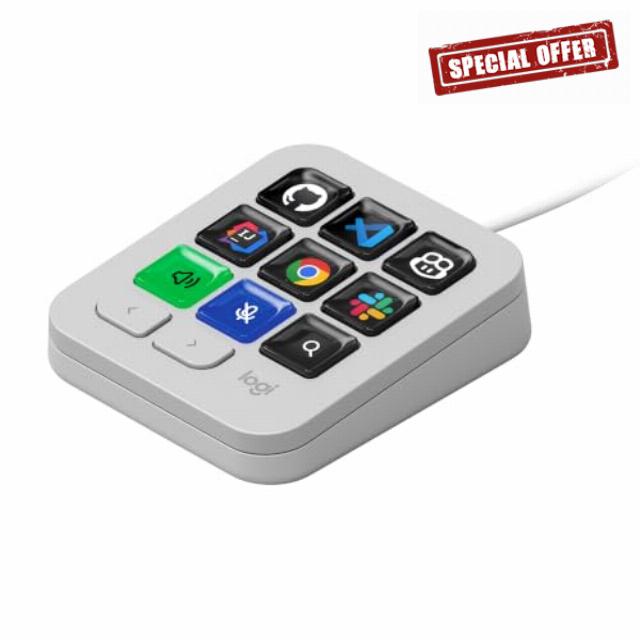
Logitech MX Keypad, Programmable Macro Pad for Developers – Pale Grey App-Aware Profiles for VS Code, GitHub Copilot, IntelliJ, Automation, USB-C, Windows, macOS
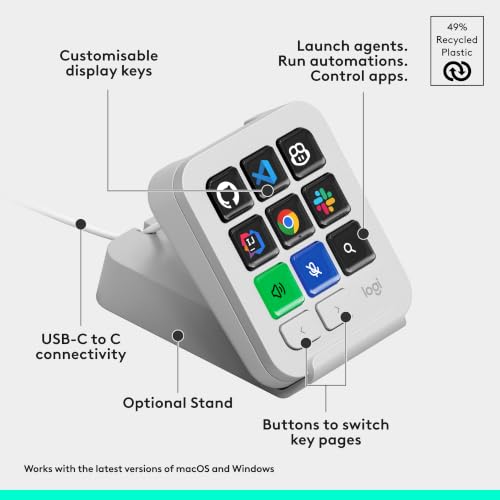
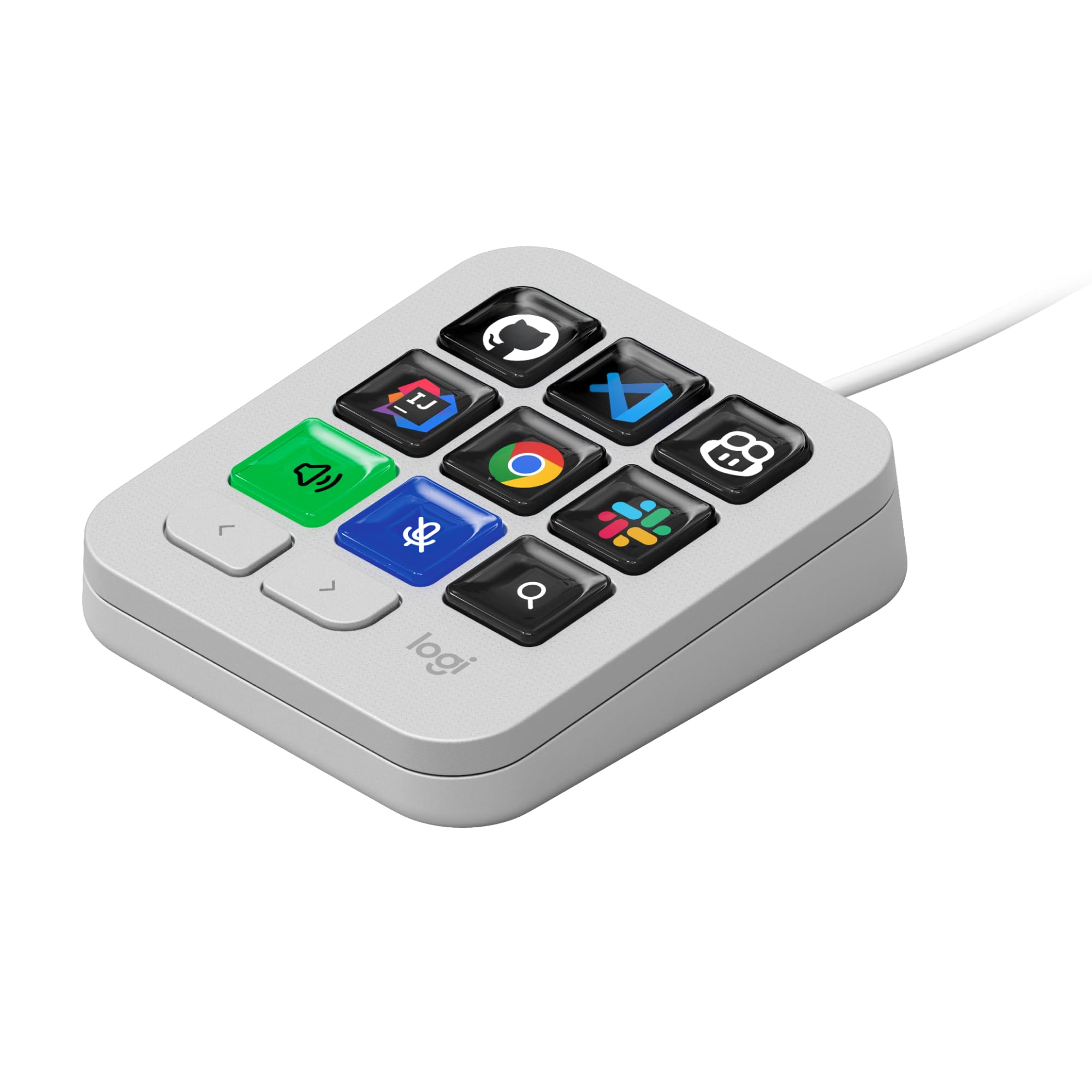
- Instant access to tools: Use 9 customisable LCD keys to trigger apps, docs, and complex commands instantly – all from one streamlined control hub
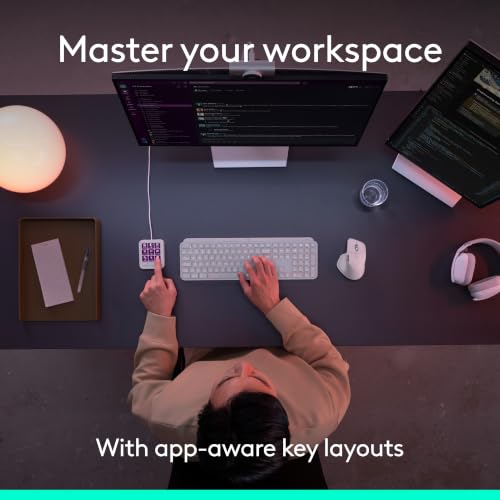
- Context-aware: keys switch automatically as you move between IDEs, Slack, Chrome, and other apps, keeping the right tools ready for every task
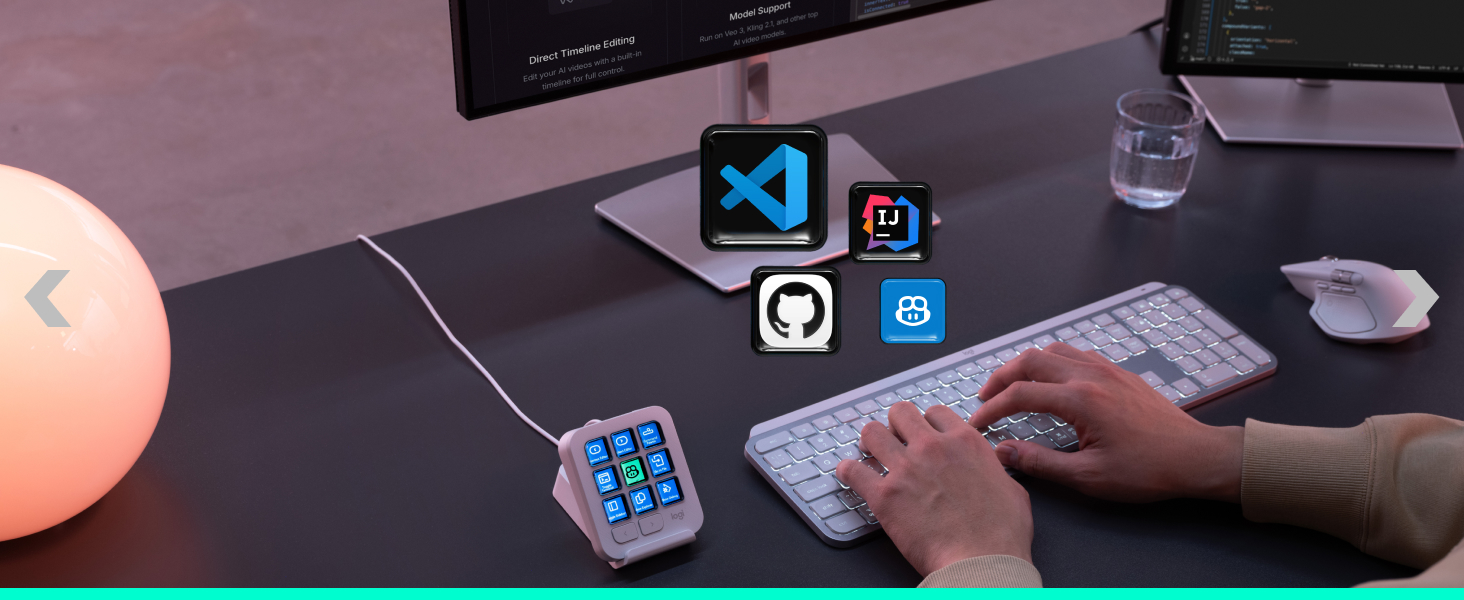
- Enhanced coding speed: native plugins for VS Code, IntelliJ, and GitHub Copilot provide a dedicated IDE controller to navigate code and access dev tools fast
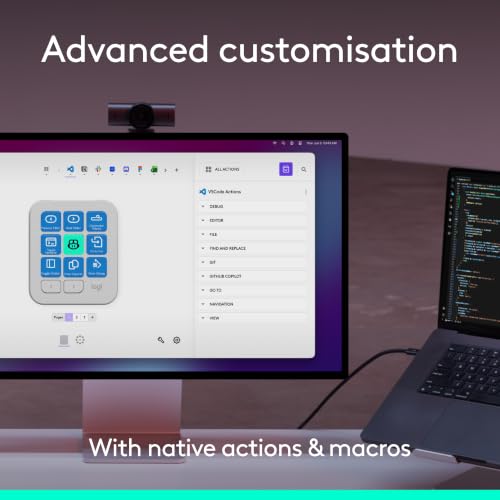
- Total customisation: drag-and-drop actions across multiple key pages, create custom toggles and macros, customise icons, and find more content from Logi Marketplace (1)
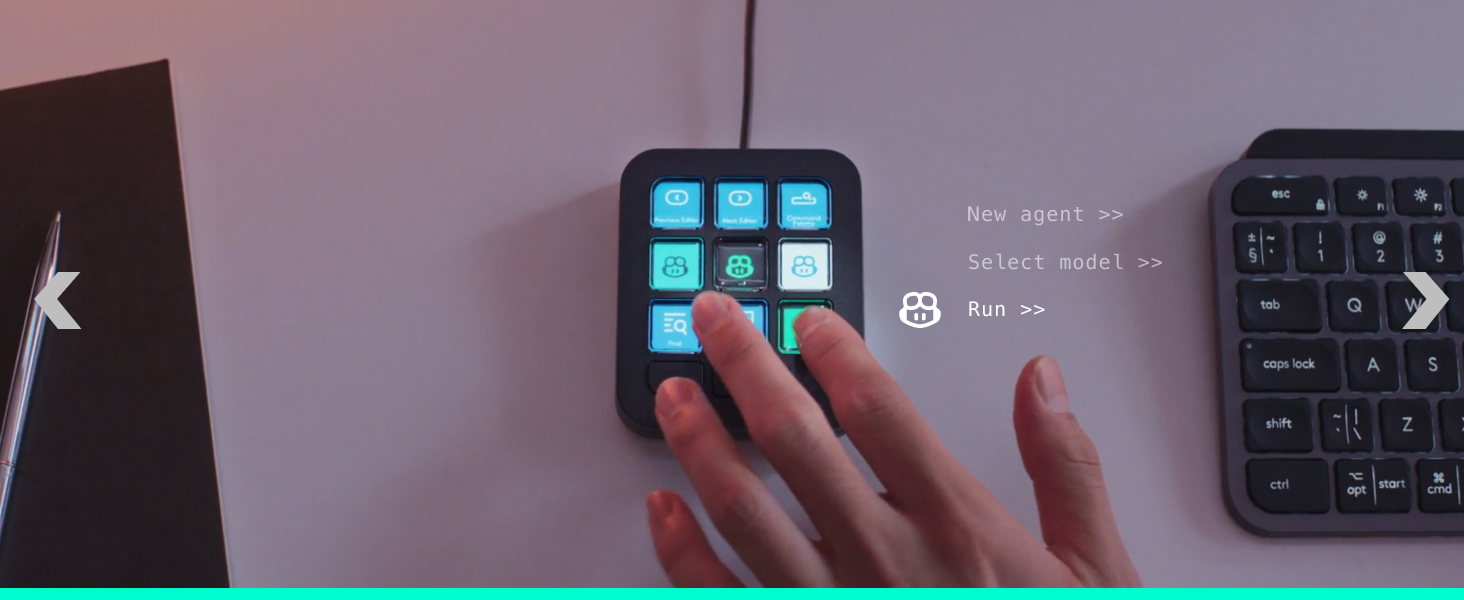
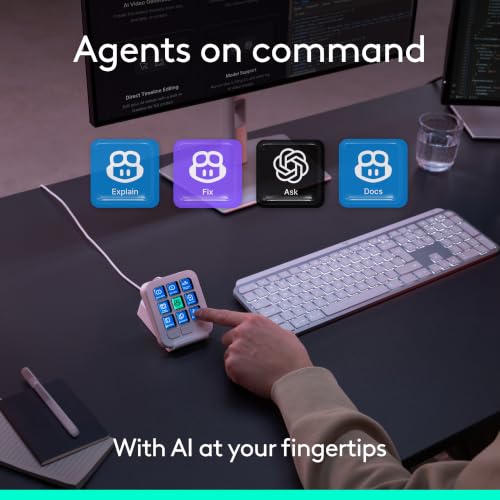
- Your vibe coding sidekick: native integration with GitHub Copilot, one-tap access to AI-assisted coding, trigger custom AI agents and prompts (2)
- One-tap workflow automation: run complex sequences to launch terminals, start servers, run scripts, and execute Git commands with a single key
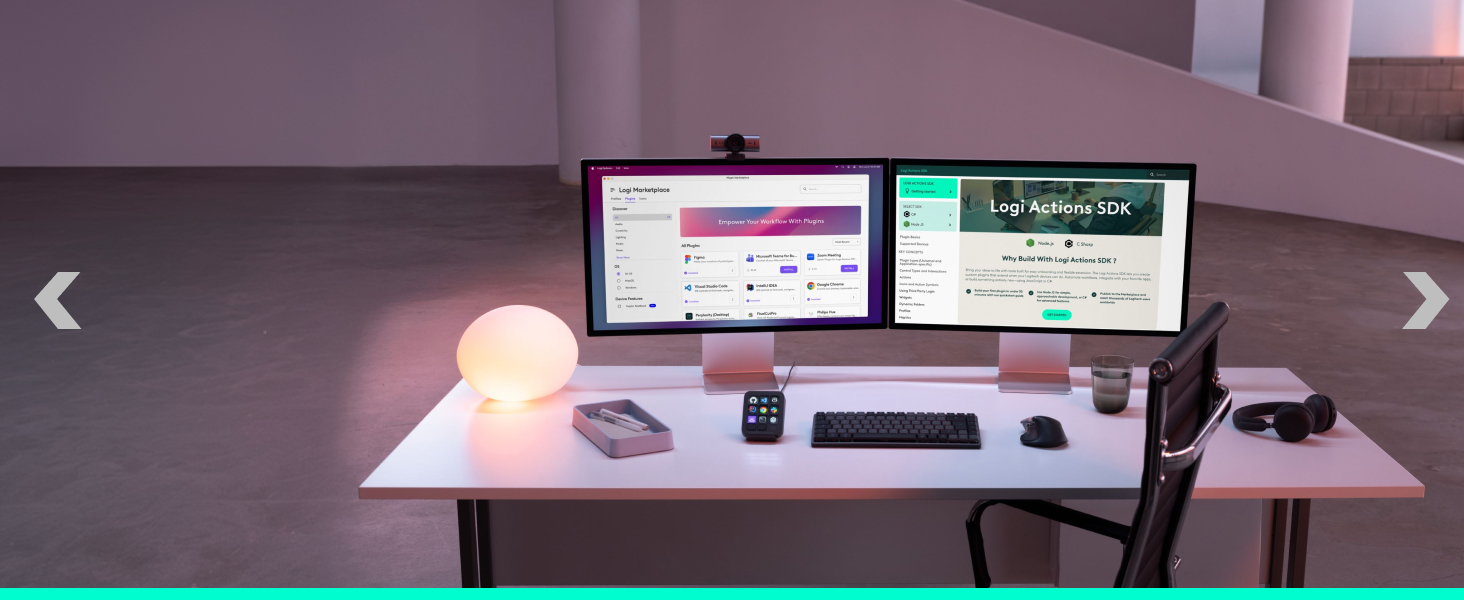
- Build your own tools: use Logi Actions SDK to build custom plugins for your apps, fully integrating MX Keypad into your workflow
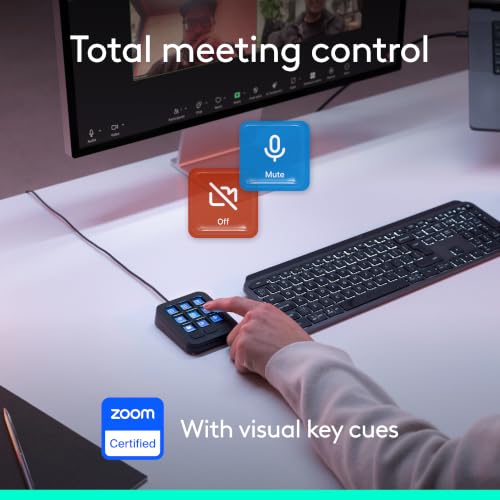
- Streamline every task: native controls for Spotify, Zoom, and Adobe make this a powerful LCD key controller for managing your developer setup and creative projects


| SKU: | B0H8NNVMRW |
| Weight: | 96 Grams |
| Brand: | Logitech |
| Model: | 920-013892 |
| Colour: | Pale Grey |
| Manufacture: | Logitech |
| Colour: | Pale Grey |
| Origin: | China |
From the manufacturer
The video showcases the product in use.The video guides you through product setup.The video compares multiple products.The video shows the product being unpacked.MX Keypad (en)

Built for builders
Deep integrations with VS Code, IntelliJ, and GitHub Copilot allow you to trigger IDE commands, navigate code and run AI agents. (2)
Automate the repetitive
Command complex workflows with a single key. From Git sequences and tests to full dev environment setups, every tap delivers.
Expand productivity beyond coding
Launch apps, manage calls, control light & playlists, or work in Microsoft Office and Adobe Creative tools — all from your keypad.
Start fast, customise later
Start with default profiles, customise any time. Assign shortcuts, create macros and toggles, run scripts and prompts. (1)
Manage your IDE action library
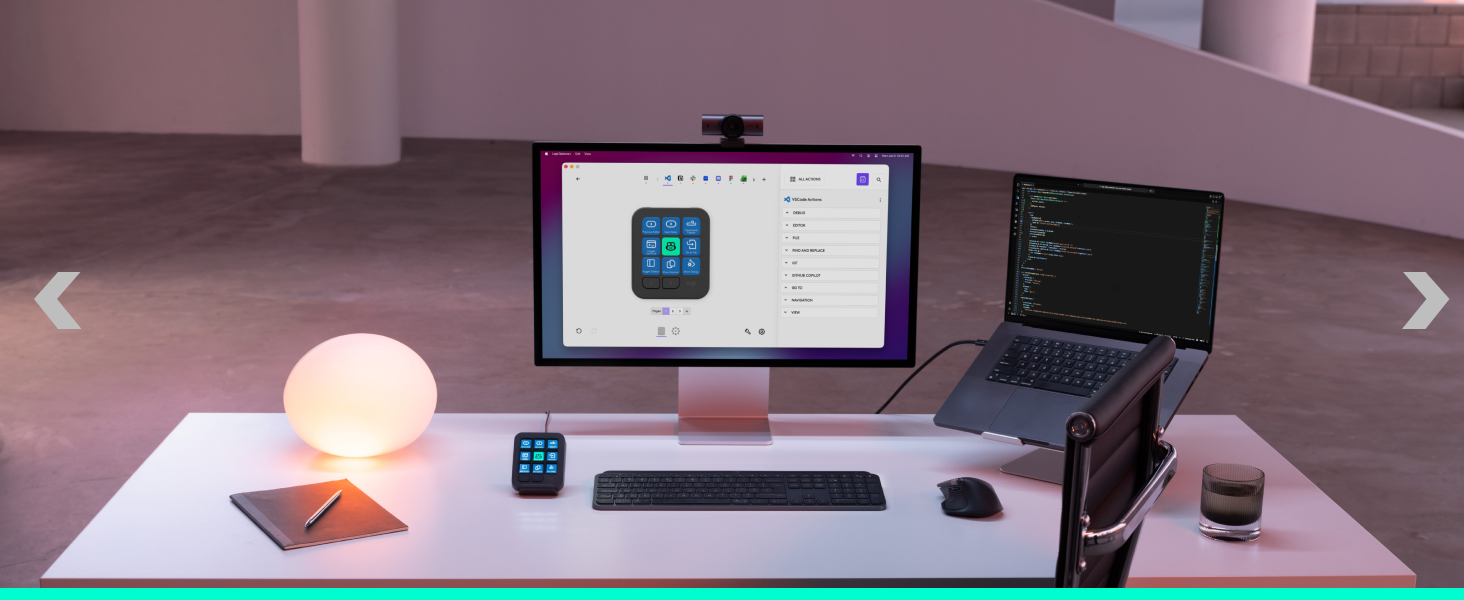
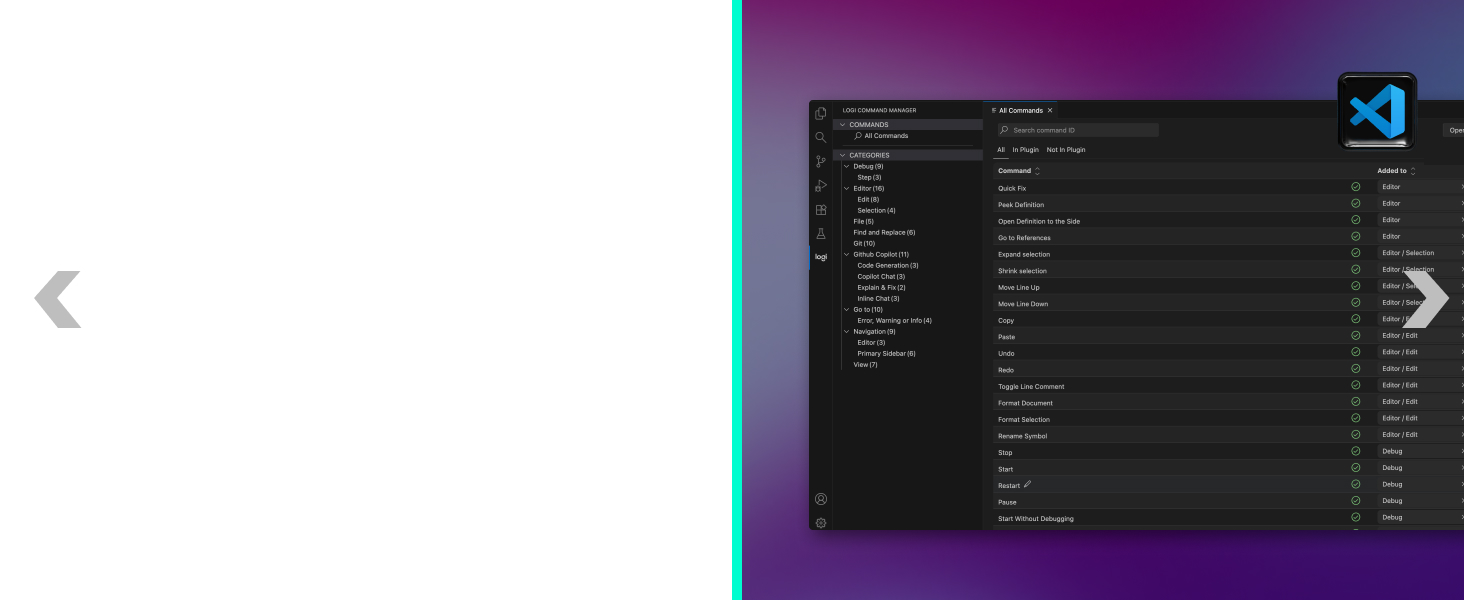
VS Code plugin updates in real time, allowing you to customise actions and structure directly inside the editor.
MX Keypad grows with you
Find a growing library of plugins, profiles, and icons in the Logi Marketplace – with Logi Actions SDK available for you to create. (1)


Your ultimate coding setup
For next-level productivity, build your setup with Master Series. Customise all devices in Logi Options+ and use plugins across the ecosystem. (1)
Legal disclaimers
(1) Requires Logi Options+ app, available for recent versions of Windows and macOS on the official Logitech website.
(2) Requires an active internet connection and account with respective third-party AI providers.
(3) Purchase of an MX Keypad includes 3 months of GitHub Copilot Pro+, redeemable by new and existing users (offer subject to conditions).