M.2 NVMe & 2.5”/ 3.5” SATA HDD Docking Station USB 3.2
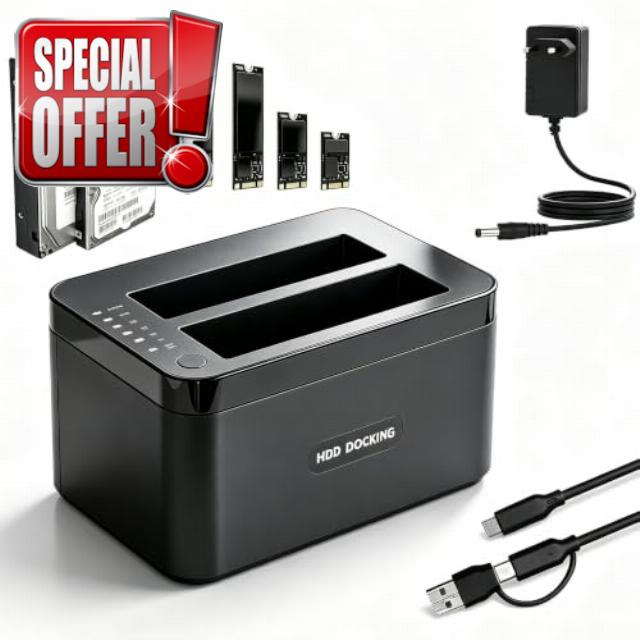
M.2 NVMe & 2.5”/ 3.5” SATA HDD Docking Station USB 3.2 Gen 2 EU-standard Power Adaptor, 3 Bays, 10Gbps, up to 32TB, Cloner & Reader, Offline Cloning, Sleep Mode, SATA III/II/I, Tool-Free
1. Does the docking station have a switch to change the cloning direction?
Please note that Drive A is the Source (source drive) and Drive B is the Target (target drive); data on an empty drive will directly overwrite the data on your source drive. There is no switch to change the direction.
2. If the power is cut or the system freezes during an offline clone, will the data on the source drive remain intact?
The data on the source drive remains unaffected, but the data on the target drive will be incomplete; the valid data cloned will be limited to that available prior to the power cut or system freeze.
3. Will the dock experience drive disconnection or speed drops due to excessive heat whilst in operation?
When multiple hard drives are operating simultaneously, the speed of the slowest drive serves as the reference. During large file writes and continuous operation, testing has not revealed any instances of drive disconnection or speed drops.
4. Does the M.2 support the NVMe protocol or the older SATA (NGFF) protocol?
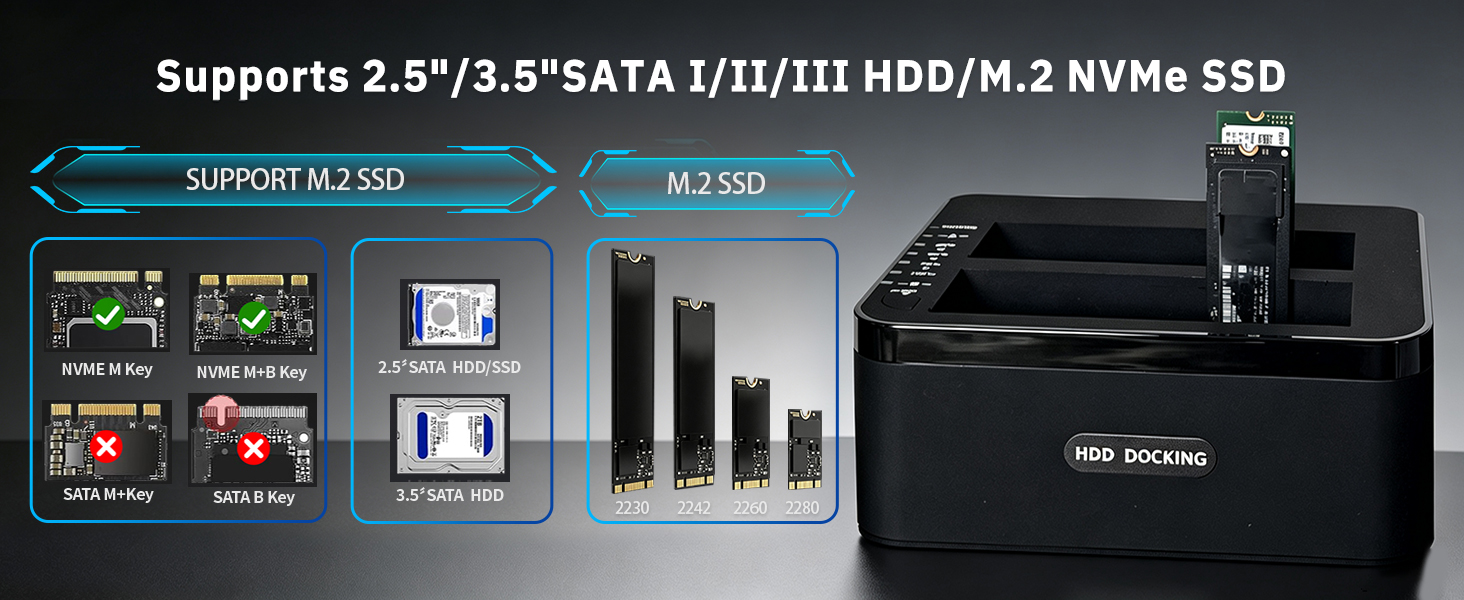
It only supports M.2 NVMe SSDs; M.2 SATA SSDs are not supported. Our M.2 drive only supports M-KEY and M+B KEY SSDs; it does not support B-KEY M.2 SATA or B-KEY M.2 NVMe drives.
5. Is this device portable?
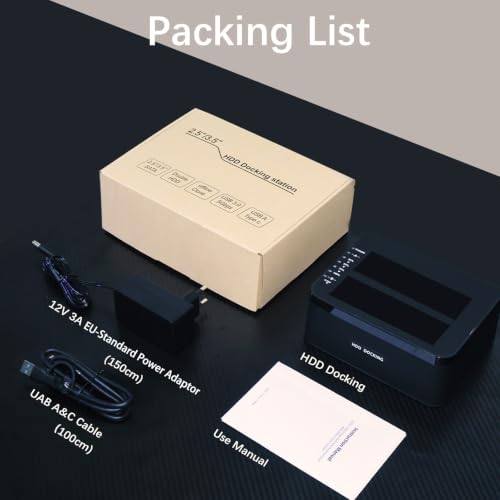
This cloning station weighs just 0.41 kg and measures 15 x 10.9 x 6 cm, so it fits easily into a laptop bag or travel bag, making it convenient to carry when travelling. Please Note: You will need to provide your own UK-specification mains adapter.
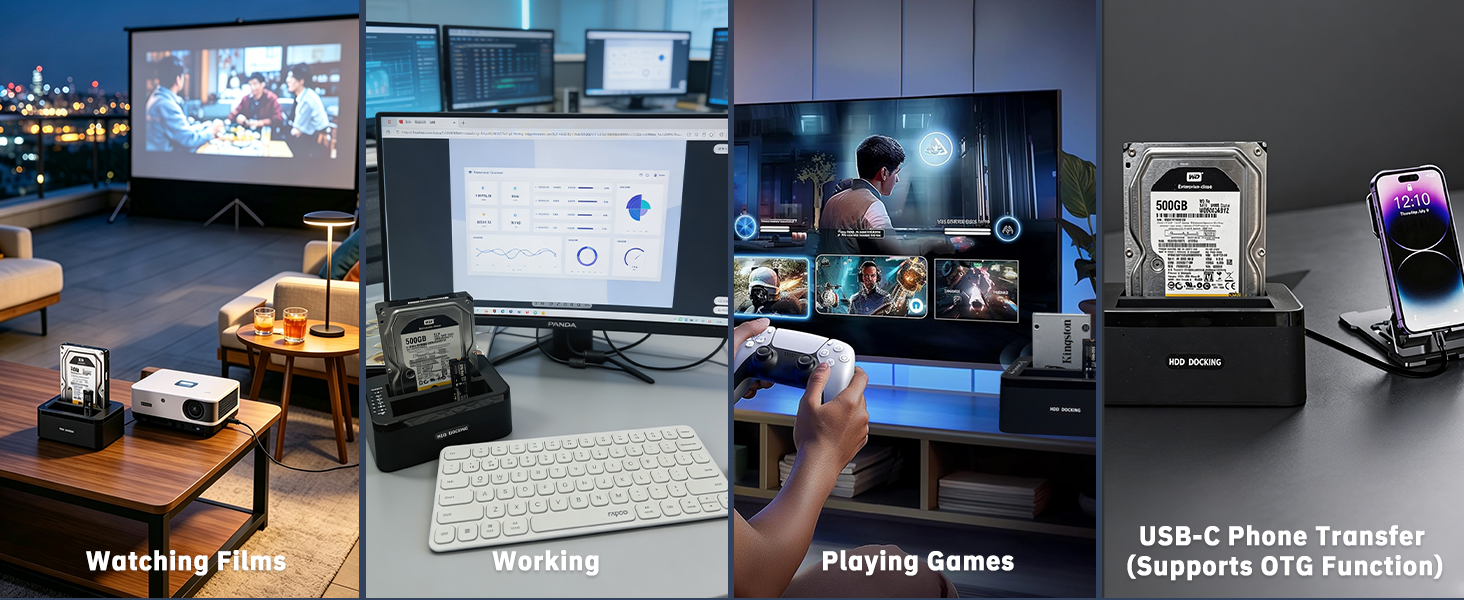
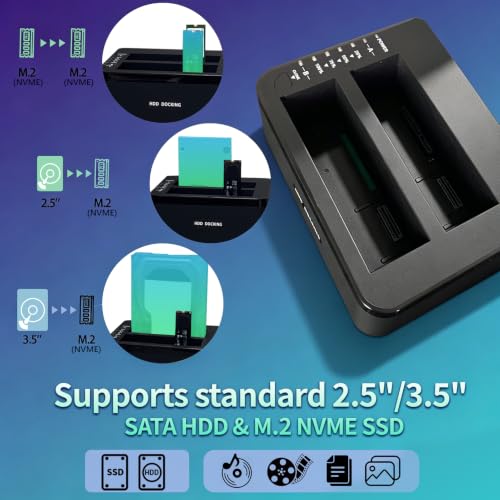
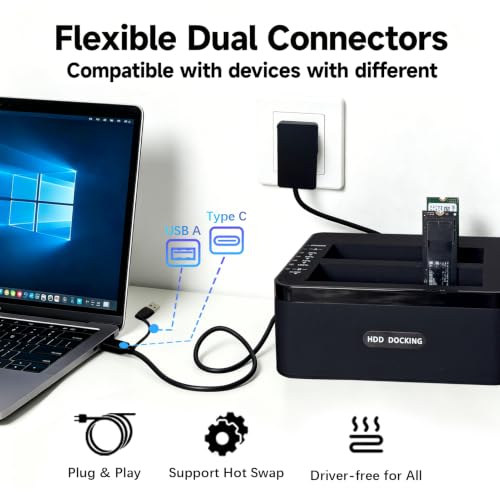
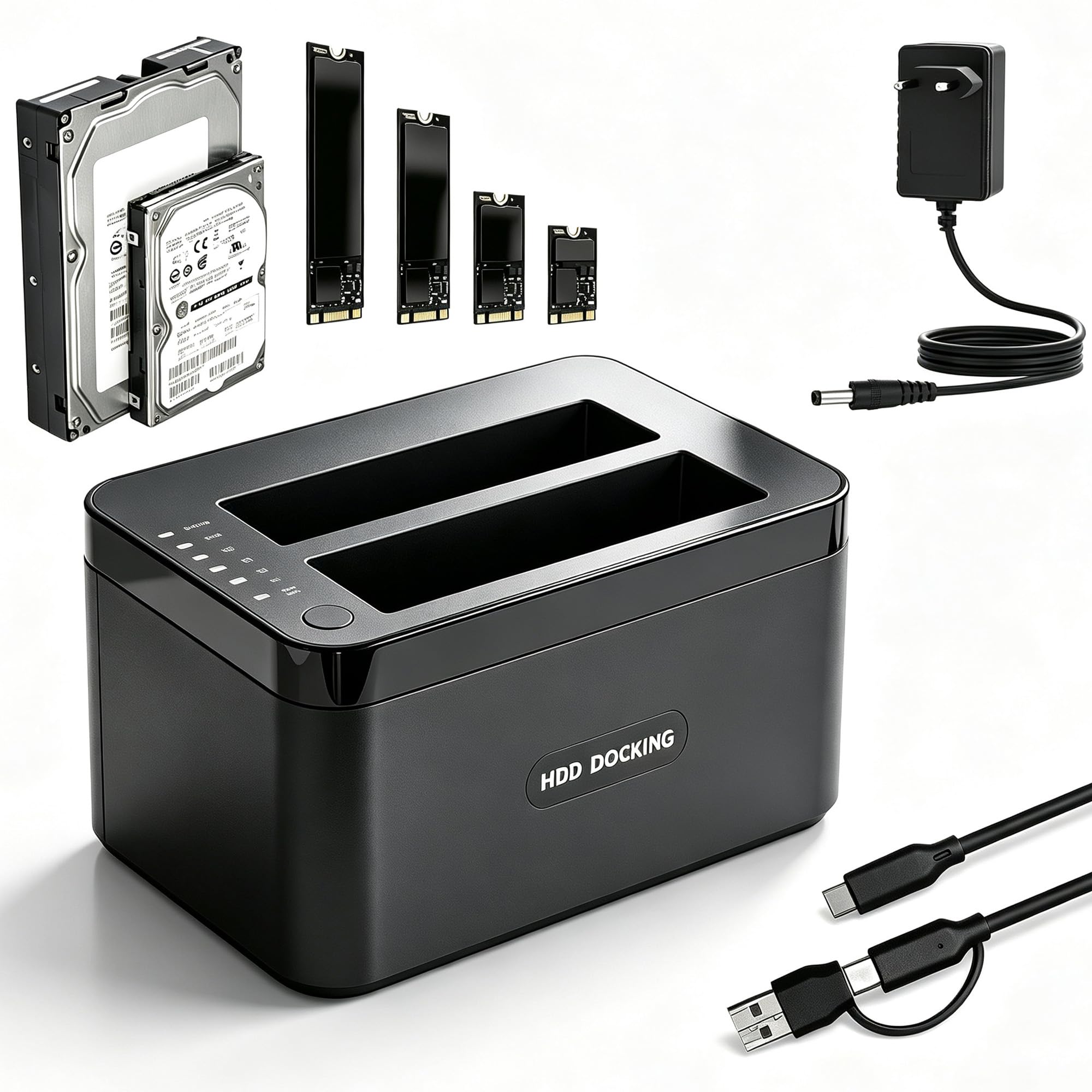
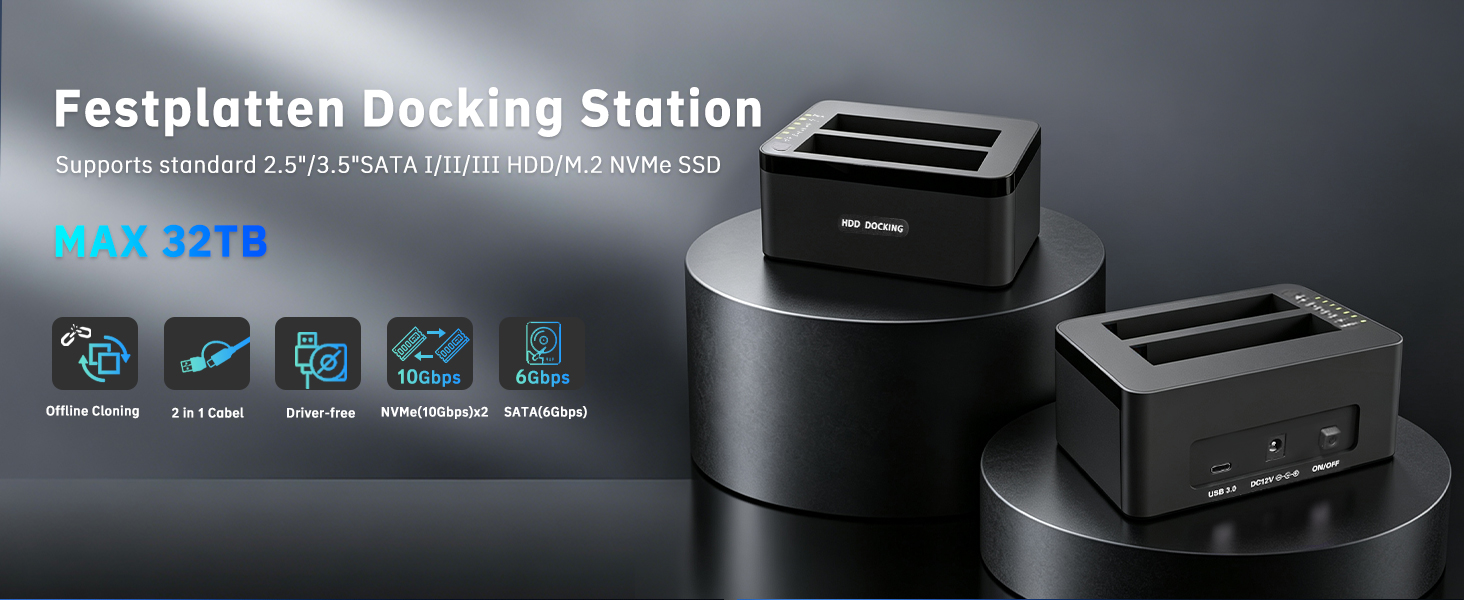
- Versatile 3 Bays Design: The HDD docking station supports 2.5”/ 3.5” SATA hard drives and two M.2 NVMe solid-state drives, catering to all your storage needs. SSD cloner features high-speed USB 3.2 Gen 2 ports (USB-A and USB-C), a European-standard adaptor and an offline cloning switch. This NVMe dock is ideal for users requiring bulk data processing and cloning in specific scenarios, such as film and television production, IT data backup and processing, and bulk data processing in educational settings
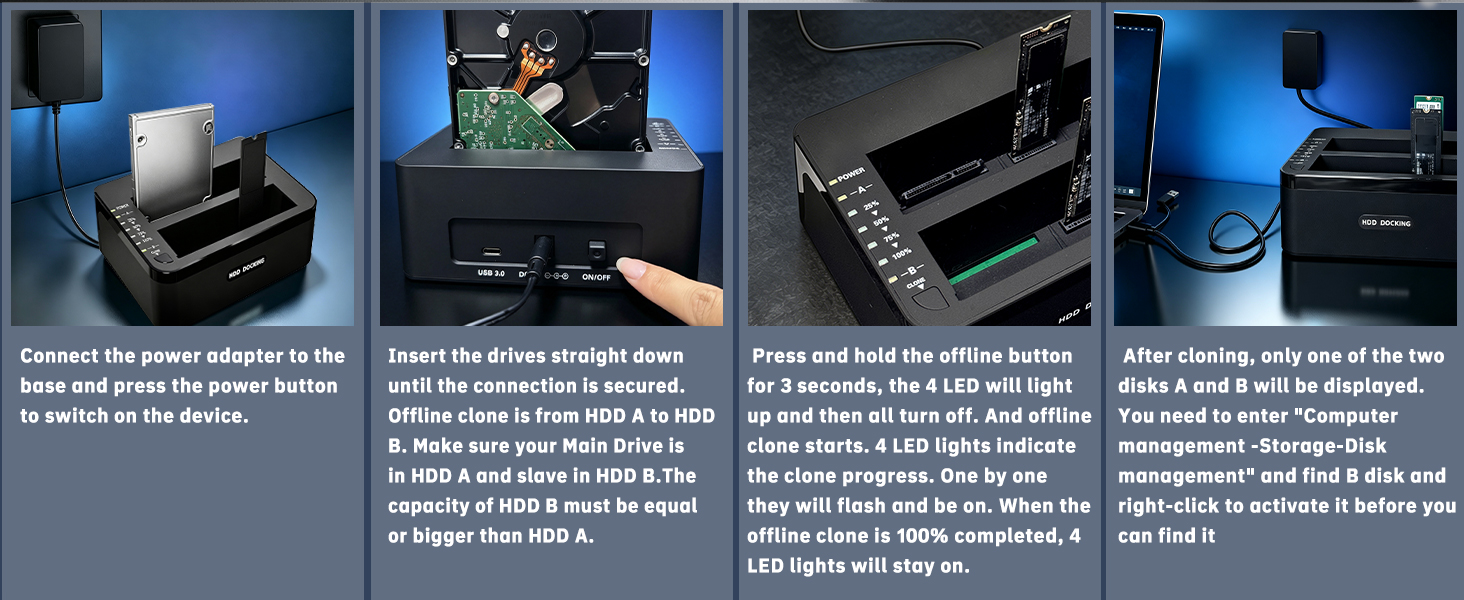
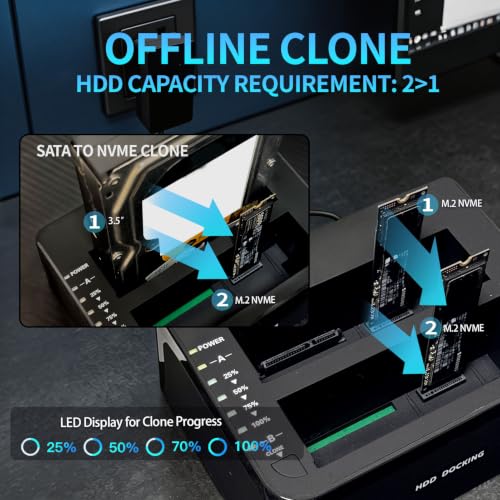
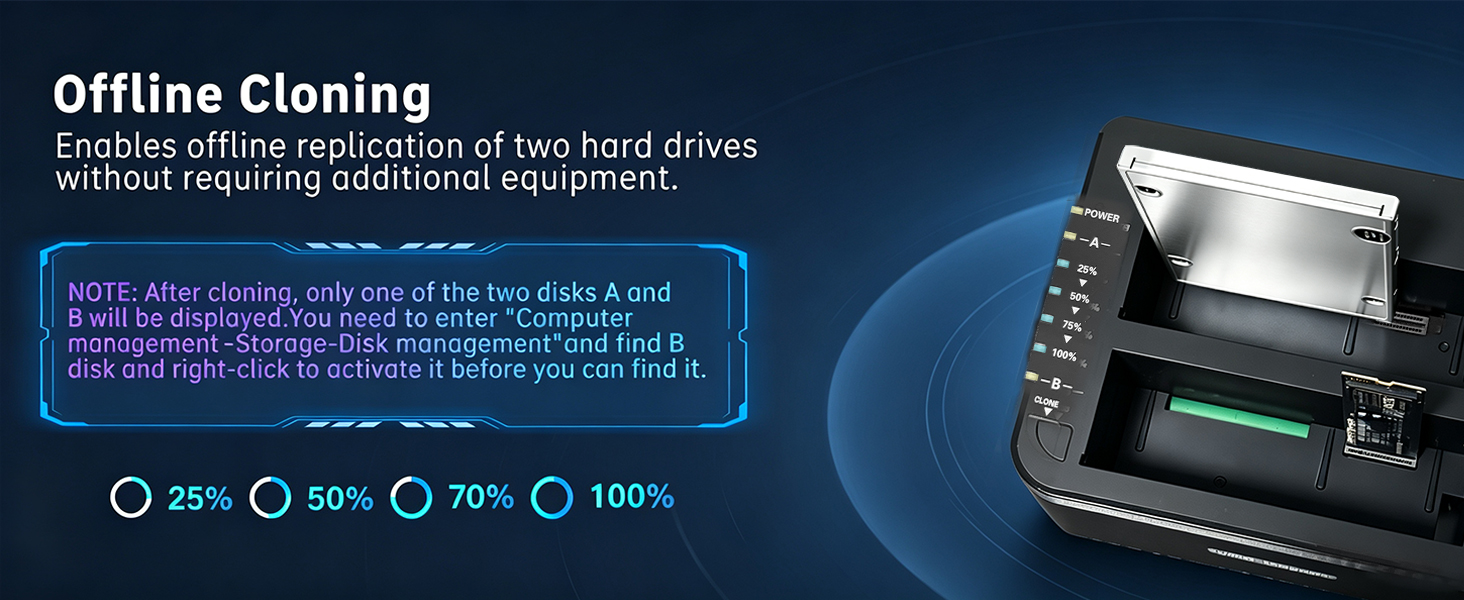
- One-click Offline Cloning: The HDD dock requires no software or drivers, as it features a built-in cloning function. Simply flip the cloning switch to easily clone 2.5”/3.5” SATA SSD/HDD to an M.2 NVMe SSD, or to copy and transfer data between two M.2 NVMe SSD. Please ensure that the capacity of the target drive (B) is equal to or greater than that of the source drive (A). (Note: After cloning, only one of the two drives (A or B) will be displayed. You will need to navigate to ‘Computer Management > Storage > Disk Management’, locate drive B, right-click it and activate it to access the device.)
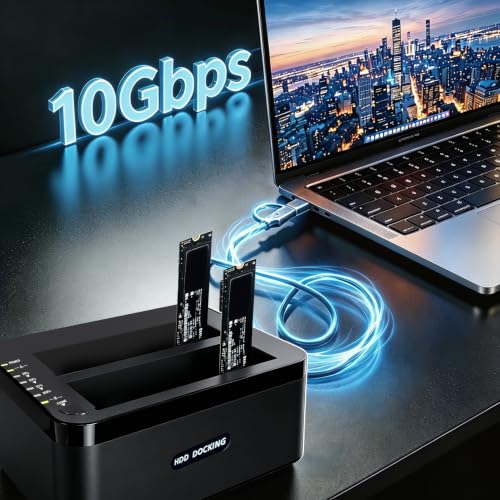
- High-Speed Data Transfer: The hard drive docking stations supports transfer speeds of up to 32TB (up to 24TB for SATA drives and up to 8TB for NVMe drives). The hard drive dock USB-C 3.2 Gen 2 interface provides transfer speeds of up to 10 Gbps for NVMe solid-state drives. Even 2.5”/3.5” SATA mechanical hard drives can achieve transfer speeds of up to 6 Gbps, meeting the needs of fast daily file backups and data access
- Plug-and-Play: Connect the hard drive reader to a power source and switch it on, connect the USB 3.0 cable to your computer, insert the hard drive into the slot, and press the power button for it to be recognised. You can also locate the hard drive in ‘Disk Management’. (Note: Never disconnect the NVMe cloner or add a new hard drive whilst the hard drive is in use, as this may result in damage to the hard drive data, the hard drive itself, the dock, and your computer.)
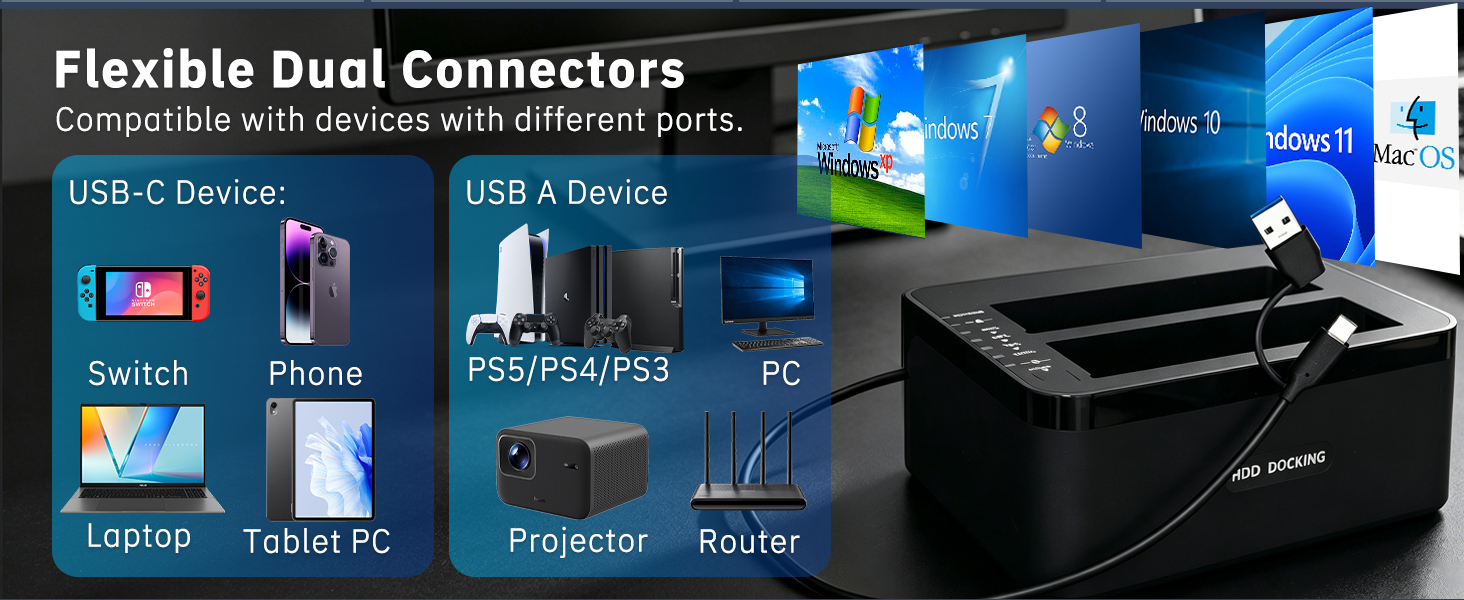
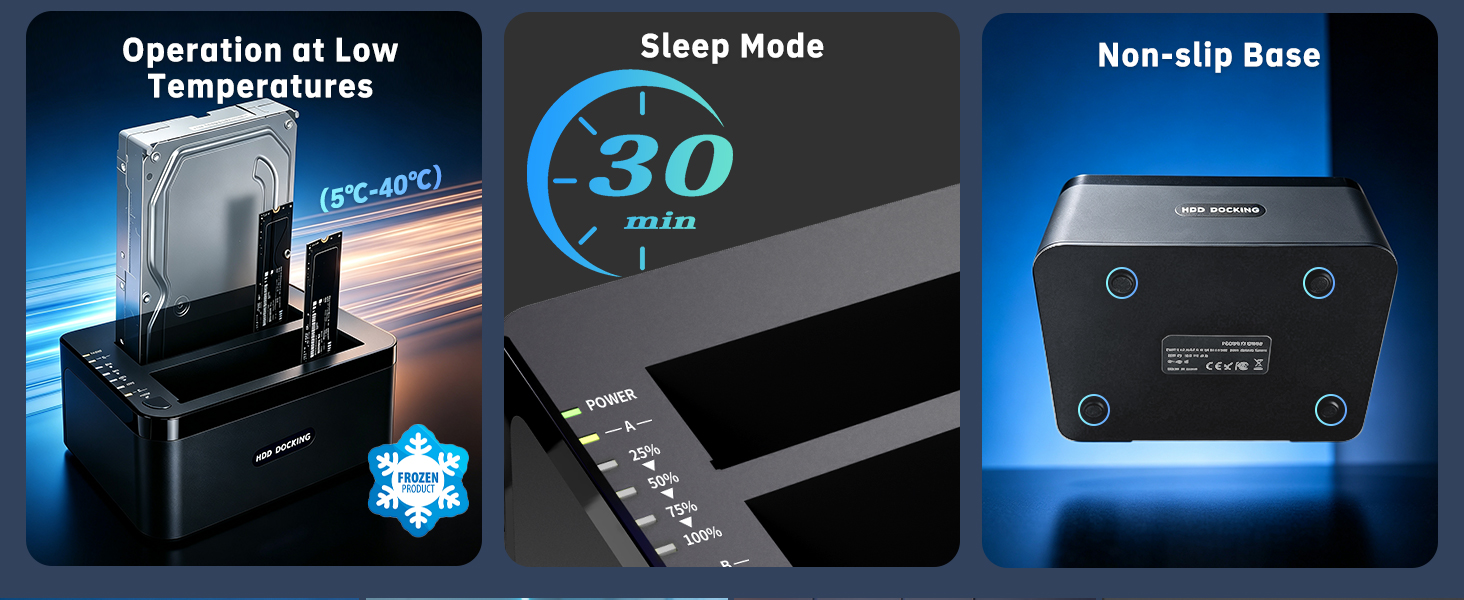
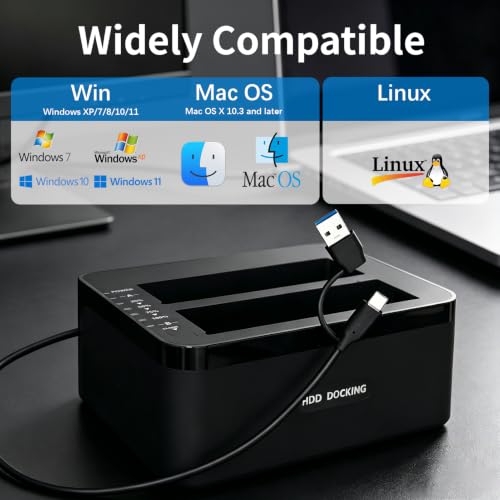
- Widely Compatible: The NVMe cloning station supports Windows XP/7/8/8.1/10/11 and Mac OS 9.0 and later. NVMe duplicator supports SATA III/II/I interfaces but does not support M.2 SATA. The M.2 NVMe SSD clone duplicator automatically enters sleep mode if there is no data activity for 30 minutes. Please Note: The power adaptor is a European-standard adaptor; please provide your own UK-standard power adaptor.
| SKU: | B0H2HPFD9G |
| Brand: | YEELIYA |
| Model: | FD-206 |
| Manufacture: | YEELIYA |
| Origin: | China |
Product Description
1. Does the docking station have a switch to change the cloning direction?
Please note that Drive A is the Source (source drive) and Drive B is the Target (target drive); data on an empty drive will directly overwrite the data on your source drive. There is no switch to change the direction.
2. If the power is cut or the system freezes during an offline clone, will the data on the source drive remain intact?
The data on the source drive remains unaffected, but the data on the target drive will be incomplete; the valid data cloned will be limited to that available prior to the power cut or system freeze.
3. Will the dock experience drive disconnection or speed drops due to excessive heat whilst in operation?
When multiple hard drives are operating simultaneously, the speed of the slowest drive serves as the reference. During large file writes and continuous operation, testing has not revealed any instances of drive disconnection or speed drops.
4. Does the M.2 support the NVMe protocol or the older SATA (NGFF) protocol?
It only supports M.2 NVMe SSDs; M.2 SATA SSDs are not supported. Our M.2 drive only supports M-KEY and M+B KEY SSDs; it does not support B-KEY M.2 SATA or B-KEY M.2 NVMe drives.
5. Is this device portable?
This cloning station weighs just 0.41 kg and measures 15 x 10.9 x 6 cm, so it fits easily into a laptop bag or travel bag, making it convenient to carry when travelling. Please Note: You will need to provide your own UK-specification mains adapter.