ProtoArc EM06 Ergonomic Trackball Mouse, Tri-Mode
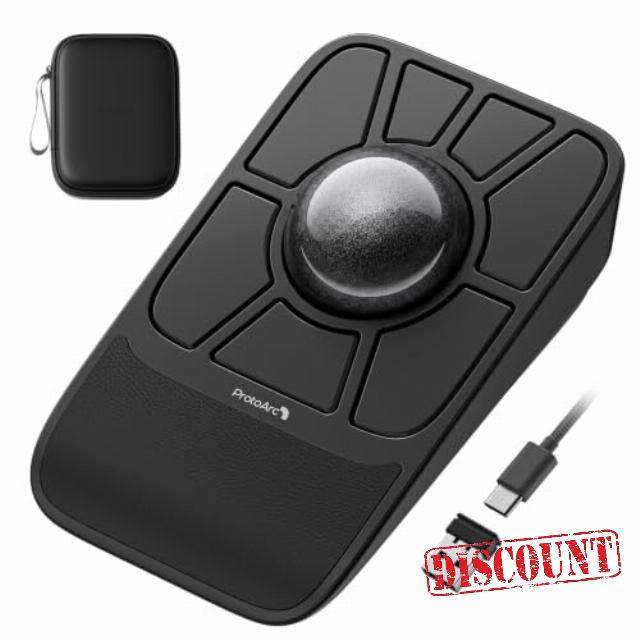
ProtoArc EM06 Ergonomic Trackball Mouse, Tri-Mode Wired/2.4GHz/Bluetooth Easily Customize All Buttons, Smooth and Precise Control, Ergonomic 55mm Trackball with Wrist Rest, Ambidextrous Desig
Customize Your Very Own Trackball Mouse, Ambidextrous Design
The video showcases the product in use.The video guides you through product setup.The video compares multiple products.The video shows the product being unpacked.EM06 Trackball Mouse
After two years of listening , and refining with the trackball community, conducting tests, and refining the product, the ProtoArc EM06 delivers a completely upgraded customization and control experience.
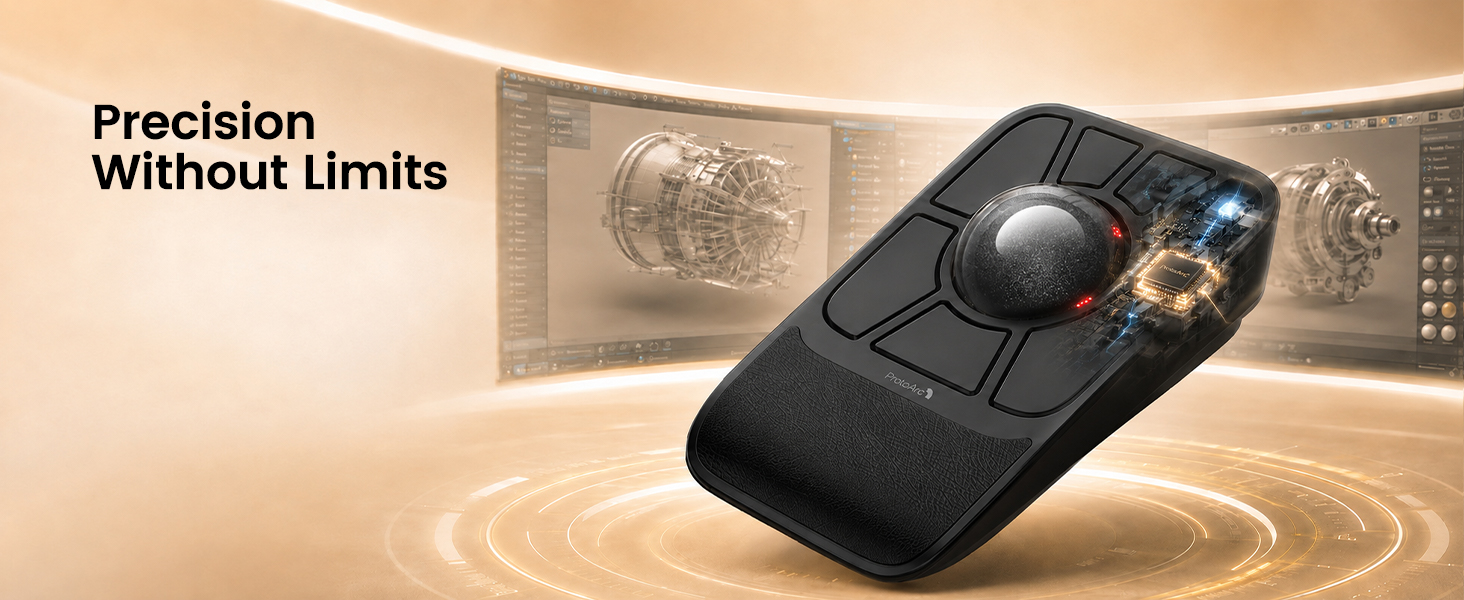
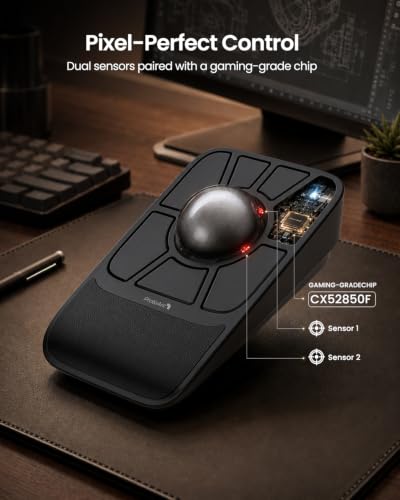
Dual Sensors & Gaming-Grade Chip
Capture every tiny movement with smooth, accurate cursor control.
More Details About the ProtoArc EM06 Tri-Mode Trackball Mouse
Is this trackball mouse easy to use for first-time trackball users?
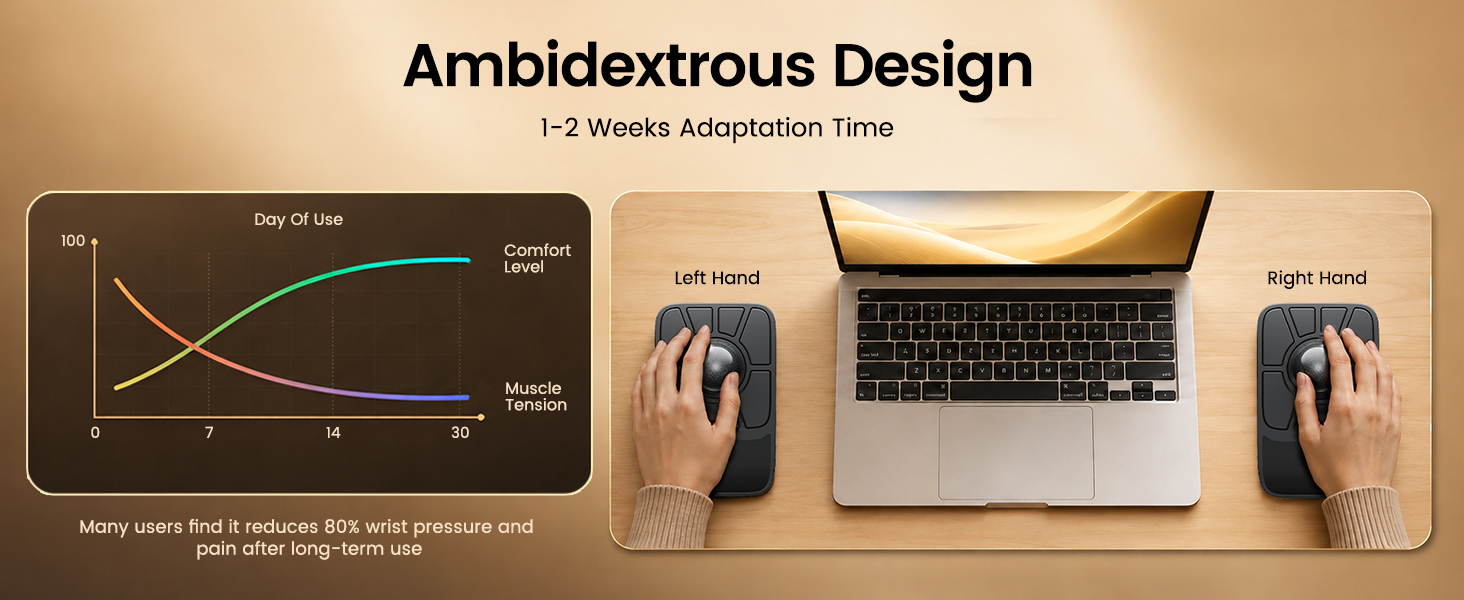
It may take 1-2 weeks to get familar with. For first-time users, we recommend starting with a lower DPl setting (200/400 DP) and gradually adiusting the sensitivity once you become comfortable with the trackball control.
Why does a trackball sometimes feel sticky or unsmooth when I use it?
1. After prolonged use, any trackball will accumulate dust-this is normal. Please clean the ball and the three white rollers first, then use it as usual
2. Low battery power can also cause lag.
How many buttons can I customize? Can EM06 save my settings?
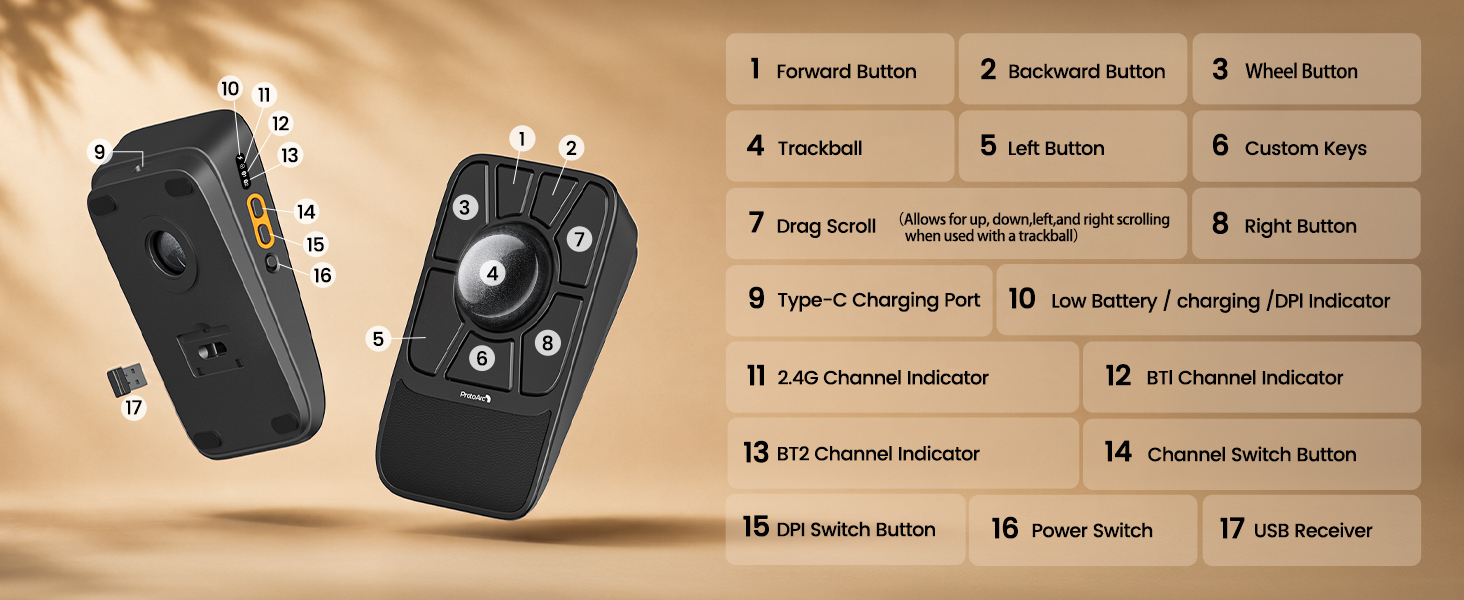
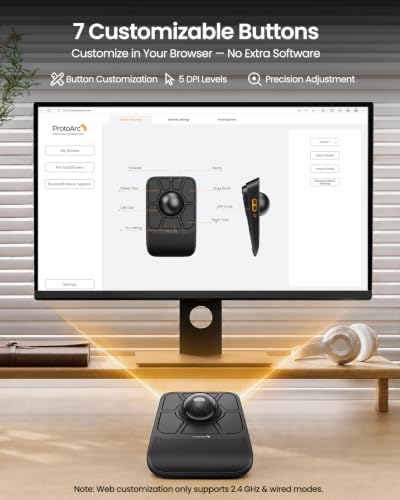
EM06 features 7 fully customizable keys. It supports 4 onboard profiles, so your configurations are stored directly on the mouse and can stay with you when switching between devices.
Do I need to install software to customize EM06?
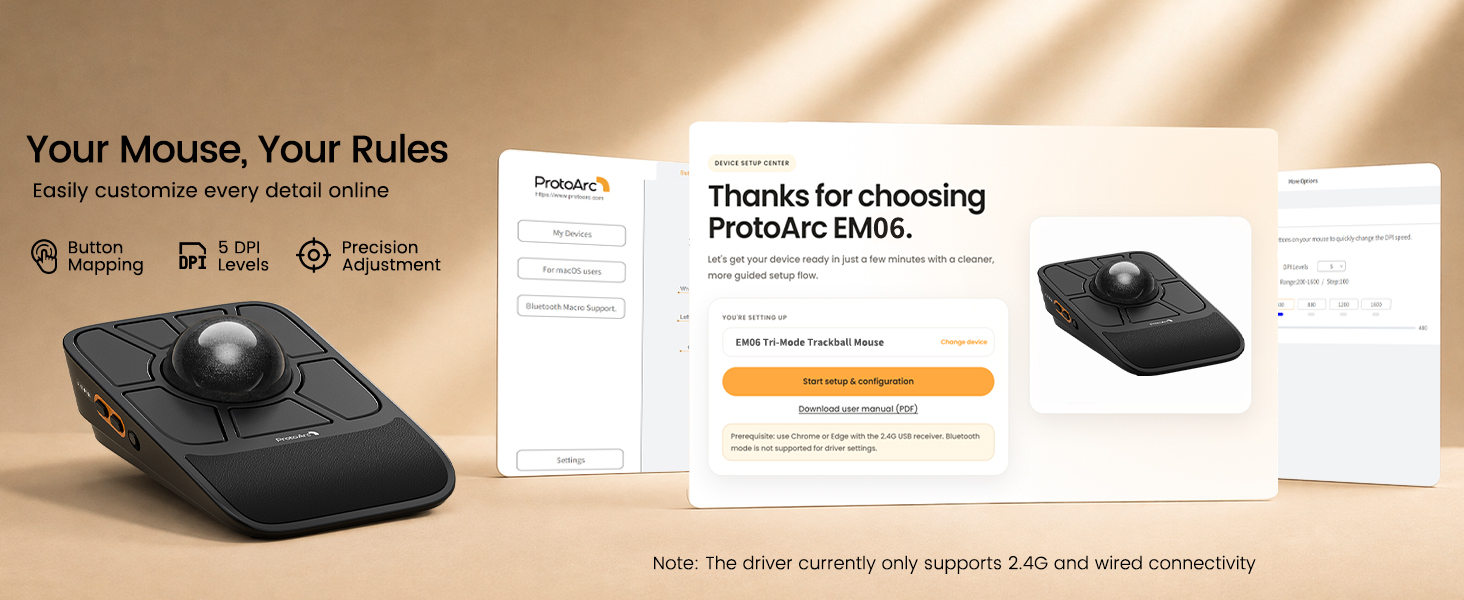
No. EM06 uses a web-based configuration tool, so you can customize your settings directly through a supported browser without installing desktop software.
ProtoArc Trackball Mouse Series
| Add To Basket Add To Basket Add To Basket | ||||||
| Customer Reviews | 4.2 out of 5 stars5 | 4.4 out of 5 stars262 | 4.4 out of 5 stars393 | 4.1 out of 5 stars3,740 | 4.3 out of 5 stars1,579 | 4.2 out of 5 stars173 |
| Price | £79.99£79.99 | — | £46.99£46.99 | £46.99£46.99 | — | £45.99£45.99 |
| Connection Type | 2.4G + Dual Bluetooth + Wired | 2.4G + Dual Bluetooth | 2.4G + Dual Bluetooth | 2.4G + Dual Bluetooth | 2.4G + Dual Bluetooth | 2.4G + Dual Bluetooth |
| Button Programmable | ✔ | ✘ | ✘ | ✘ | ✘ | ✘ |
| Maximum Number of Devices | 4 | 3 | 3 | 3 | 3 | 3 |
| Ergonomic Design | Wrist Rest | 30°/45°Adjustable Angle | 62° Vertical Angle | 30°/50°Adjustable Angle | No | No |
| Mouse Type | Index Finger Type | Thumb Type | Thumb Type | Thumb Type | Thumb Type | Index Finger Type |
| Suitable for Hand Size | Great for Medium to Large Hand | Great for Medium Hand | Great for Medium Hand | Great for Medium Hand | Great for Small Hand | Great for Medium to Large Hand |
| Channel Switching Button | The Side of the Mouse | The Top of the Mouse | The Bottom of the Mouse | The Top of the Mouse | The Bottom of the Mouse | The Bottom of the Mouse |
| USB-C Charging | ✔ | ✔ | ✔ | ✔ | ✔ | ✔ |
| Battery Capacity | 930 mAh | 500 mAh | 500 mAh | 500 mAh | 500 mAh | 930 mAh |
| Compatibility Systems | Windows/Android/macOS/iPadOS | Windows/Android/macOS/iPadOS | Windows/Android/macOS/iPadOS | Windows/Android/macOS/iPadOS | Windows/Android/macOS/iPadOS | Windows/Android/macOS/iPadOS |
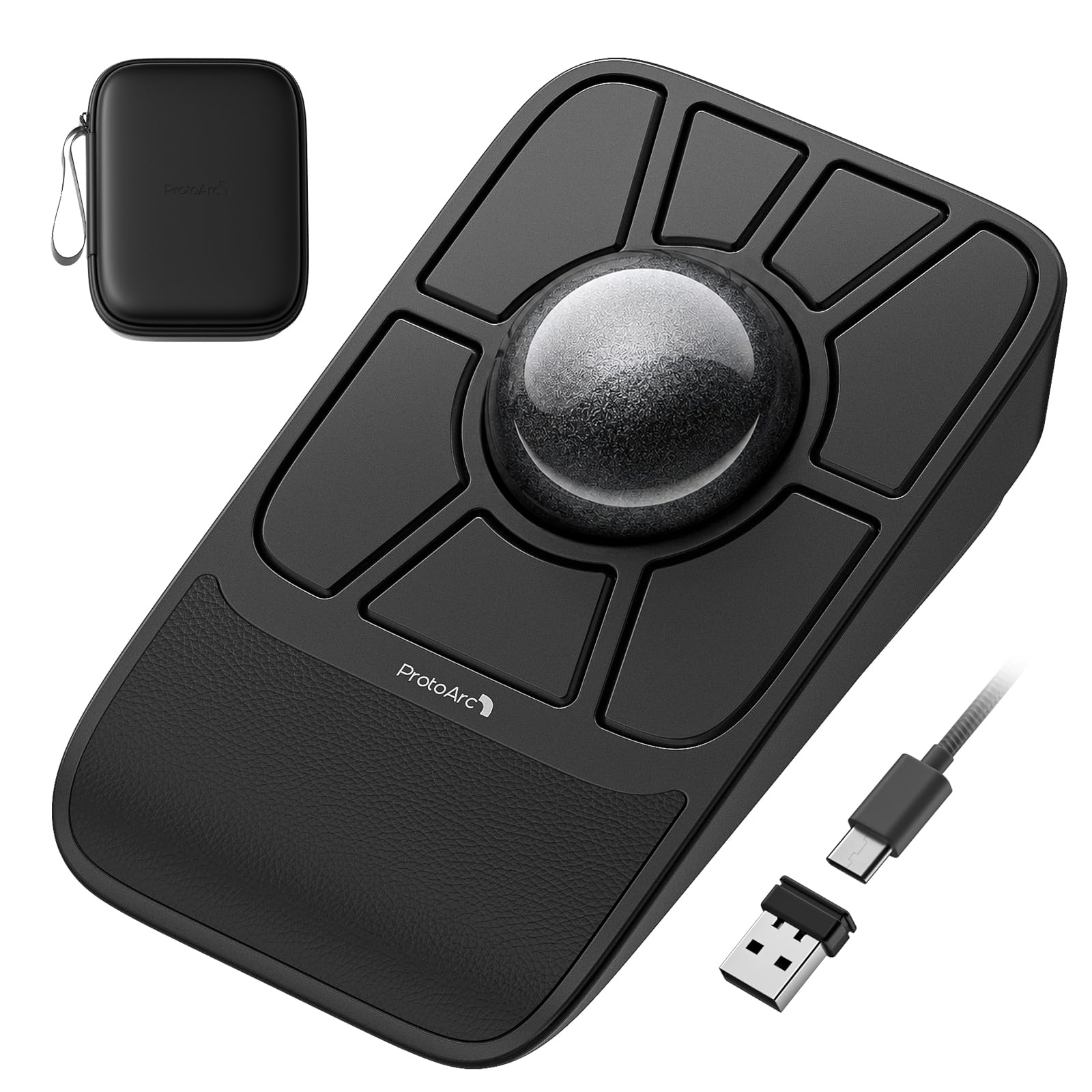
- High-Precision Tracking: The dual sensors and a gaming-grade chip accurately track the large 55mm trackball, providing highly accurate and responsive cursor tracking and scrolling. Ideal for graphic design, video editing and everyday office tasks. Note: Please clean the trackball regularly to ensure its smooth and accurate operation
- Easy Customization: This wireless rollerball mouse supports customizable buttons and 5-level DPI adjustment without installing complex drivers. The mouse can save up to 4 profiles, which can be switched with a single click. Note: It supports only 2.4G and wired connections. The device may not be detected when used with a multi-port hub, and it is not compatible with Safari
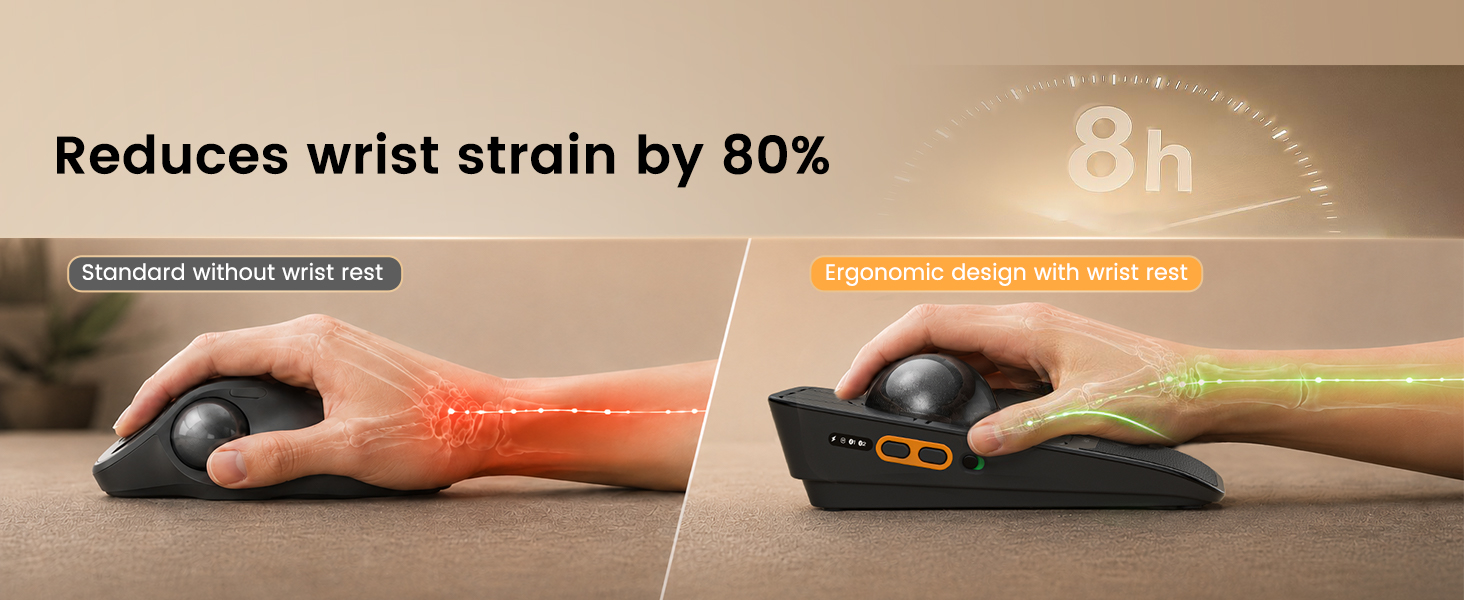
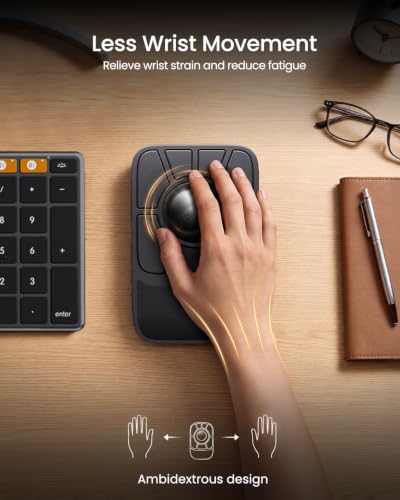
- Say Goodbye to Mouse Hand: ProtoArc EM06 is designed to minimize arm and wrist movement. This ergonomic mouse with trackball comes with a wrist rest to relieve wrist strain and fatigue, providing a more comfortable experience during long working hours
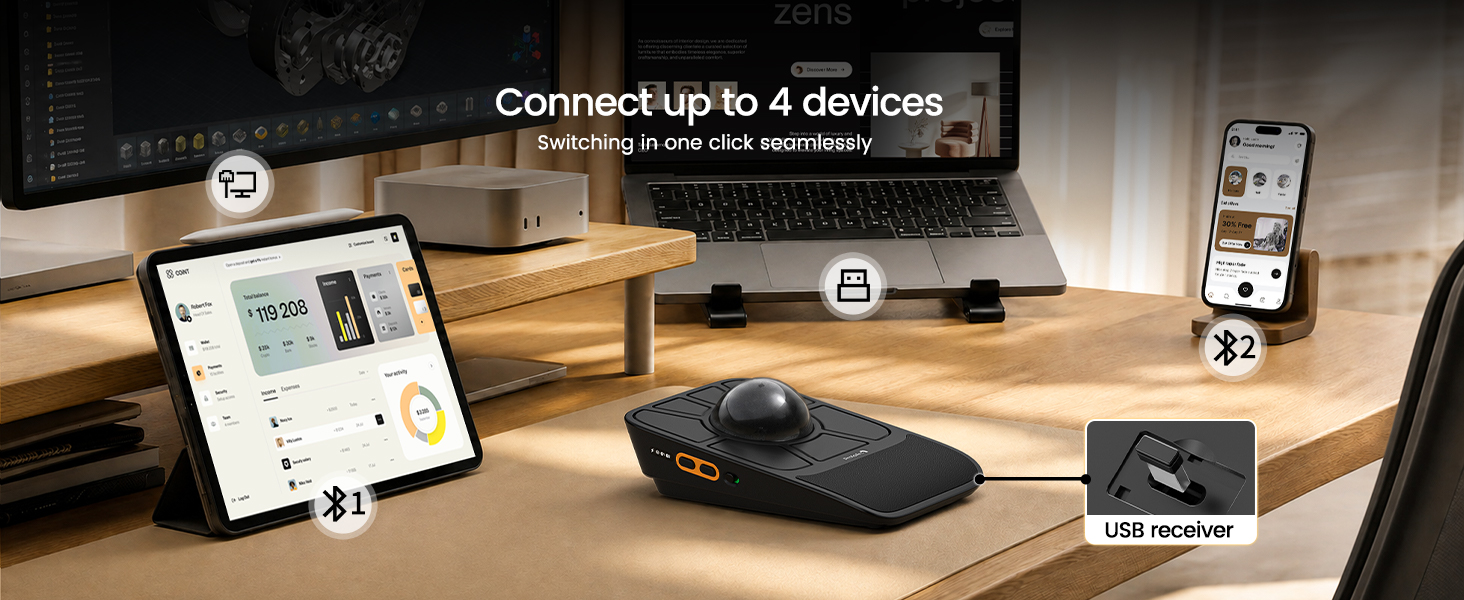
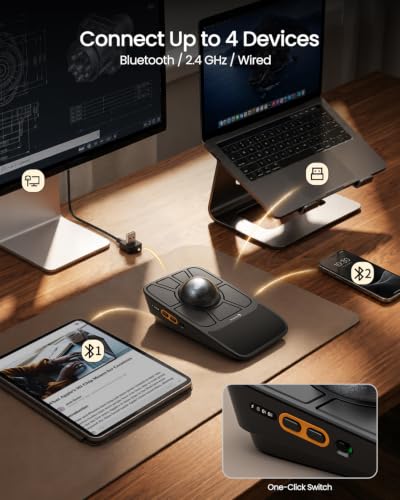
- True Multi-Device Freedom: The ProtoArc wireless trackball mouse features tri-mode connectivity and can connect up to 4 devices via Bluetooth, 2.4 GHz or wired connection. Switch easily between desktops, laptops and tablets on Windows/Mac, thereby enhancing your productivity
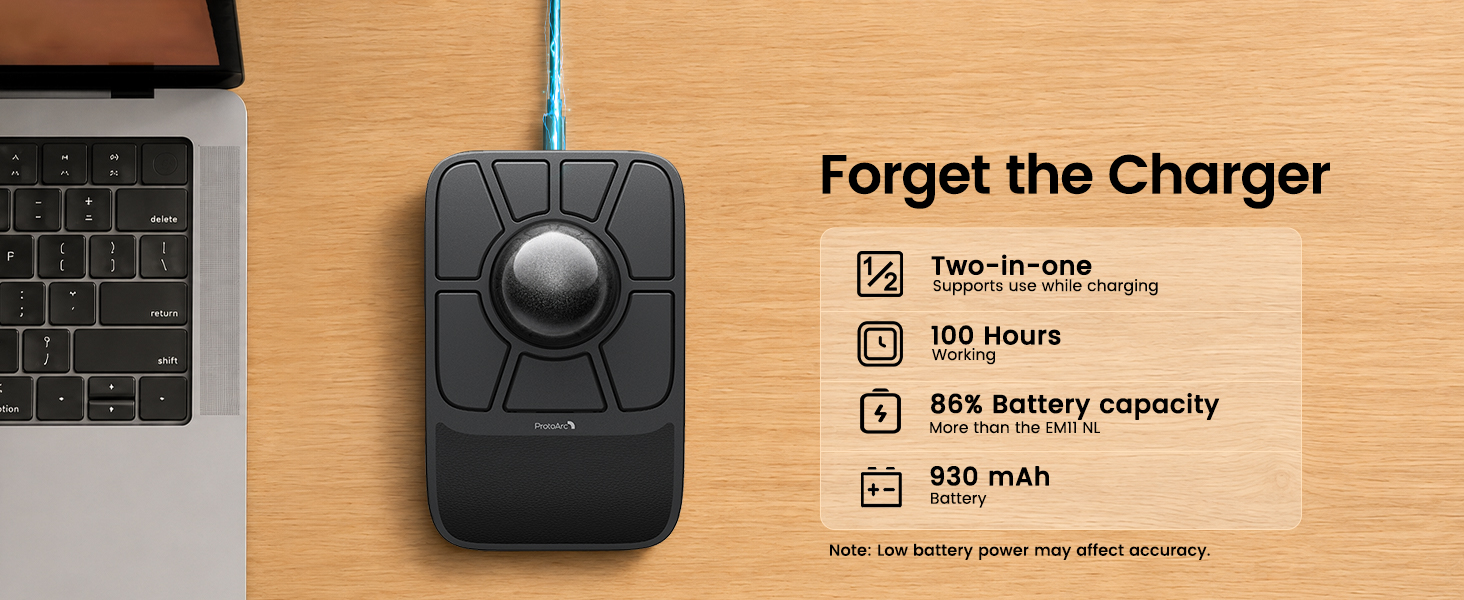
- Long-Lasting Power: The rechargeable computer mouse has a built-in 930mAh battery—3x the capacity of standard ProtoArc mice. In wired mode, you can charge and use it stably—no interruptions, just efficient work. Note: Please charge using the included cable
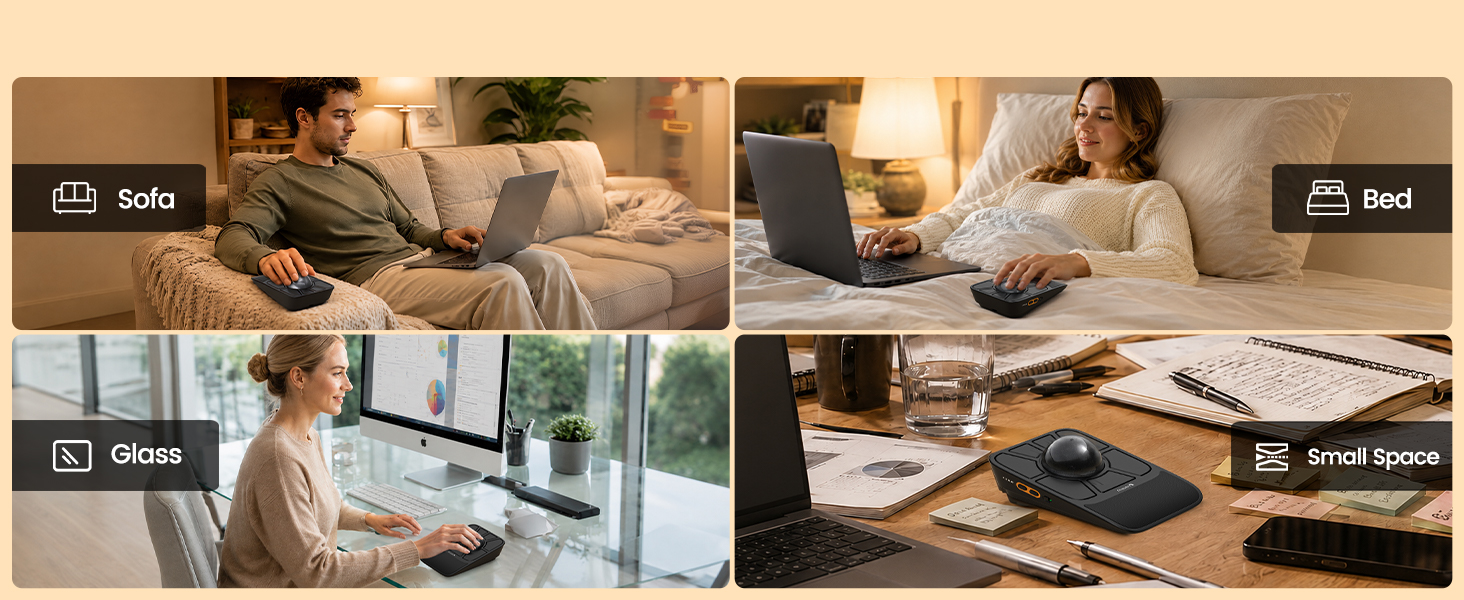
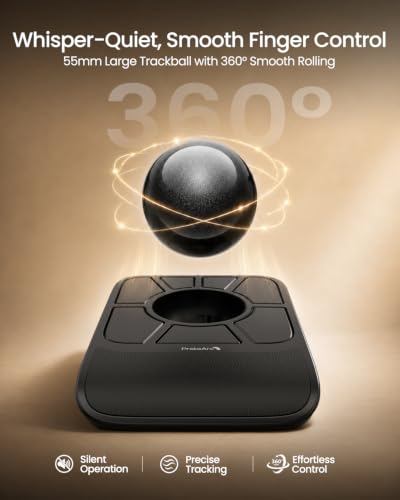
- Space-Saving Trackball: Saves desk space with a stationary roller mouse design and works on any surface such as beds, couches, or crowded desks. No mouse pad is needed with this trackball mouse (Free Storage Box Included)
- Health Tip: Like any ergonomic tool, trackball mice require a short learning curve. Unlike traditional mice, they keep your wrist stable – a more natural motion that reduces pressure and fatigue. Most users adapt within 1–2 weeks. Experiment with hand positions to find your comfort. The goal: healthier, pain‑free use for years

| SKU: | B0H68P9TKP |
| Weight: | 277 Grams |
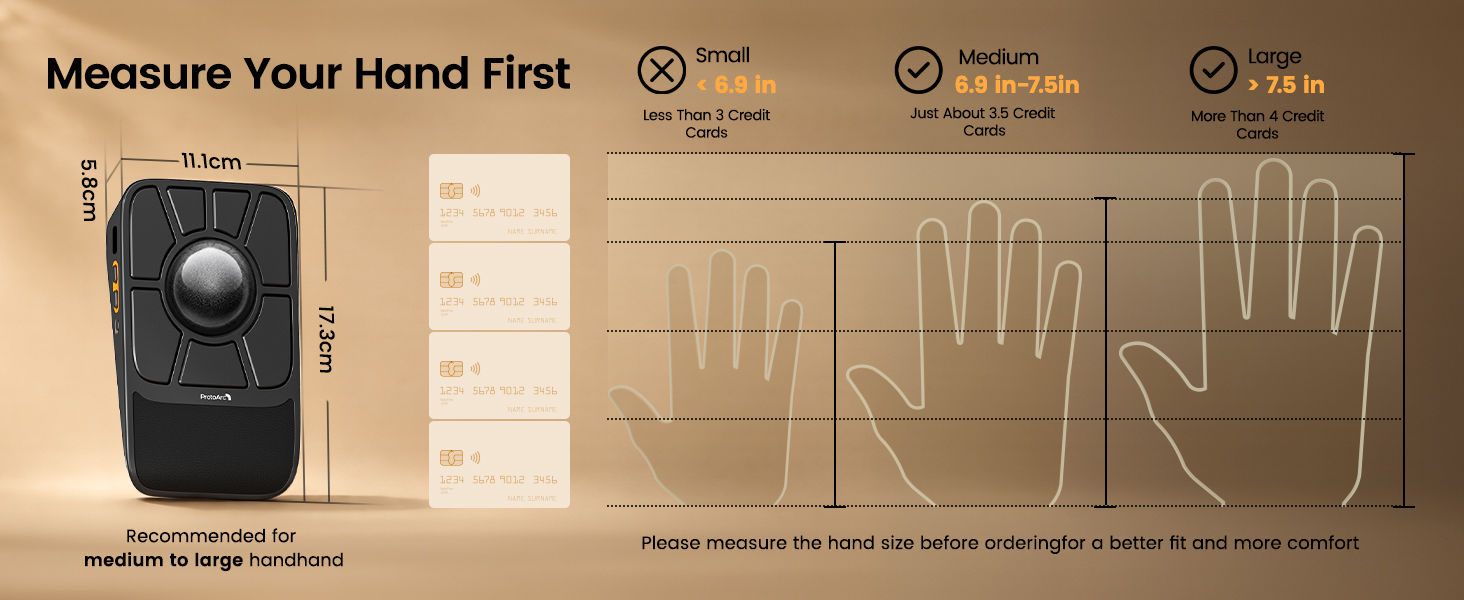
| Dimensions: | 17.3L x 5.8W centimetres |
| Brand: | ProtoArc |
| Model: | EM06 |
| Colour: | Black |
| Batteries Included: | No |
| Manufacture: | ProtoArc |
| Colour: | Black |
| Origin: | China |
Product Description
Customize Your Very Own Trackball Mouse, Ambidextrous Design
EM06 Trackball Mouse
After two years of listening , and refining with the trackball community, conducting tests, and refining the product, the ProtoArc EM06 delivers a completely upgraded customization and control experience.
-

Dual Sensors & Gaming-Grade Chip
Capture every tiny movement with smooth, accurate cursor control.
-
-
-
-
Is this trackball mouse easy to use for first-time trackball users?
It may take 1-2 weeks to get familar with. For first-time users, we recommend starting with a lower DPl setting (200/400 DP) and gradually adiusting the sensitivity once you become comfortable with the trackball control.
-
Why does a trackball sometimes feel sticky or unsmooth when I use it?
1. After prolonged use, any trackball will accumulate dust-this is normal. Please clean the ball and the three white rollers first, then use it as usual
2. Low battery power can also cause lag.
-
How many buttons can I customize? Can EM06 save my settings?
EM06 features 7 fully customizable keys. It supports 4 onboard profiles, so your configurations are stored directly on the mouse and can stay with you when switching between devices.
-
Do I need to install software to customize EM06?
No. EM06 uses a web-based configuration tool, so you can customize your settings directly through a supported browser without installing desktop software.
ProtoArc Trackball Mouse Series
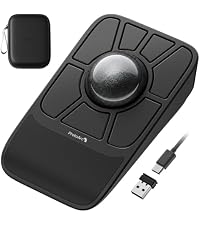 EM06 Tri-Mode Mouse | 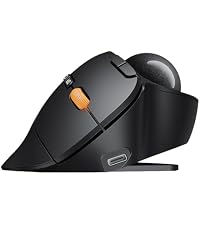 EM02 Adjustable Mouse | 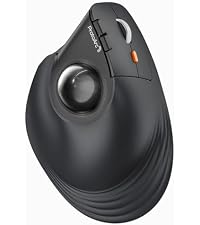 EM05 NL Vertical Mouse | 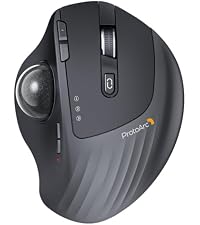 EM01 NL Adjustable Mouse | 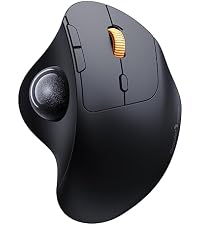 EM04 Thumb Mouse | 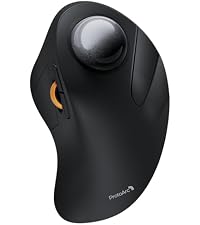 EM03 Index-Finger Mouse | |
|---|---|---|---|---|---|---|
| Customer Reviews | 4.2 out of 5 stars 5 | 4.4 out of 5 stars 262 | 4.4 out of 5 stars 393 | 4.1 out of 5 stars 3,740 | 4.3 out of 5 stars 1,579 | 4.2 out of 5 stars 173 |
| Price | £79.99 | — | £46.99 | £46.99 | — | £45.99 |
| Connection Type | 2.4G + Dual Bluetooth + Wired | 2.4G + Dual Bluetooth | 2.4G + Dual Bluetooth | 2.4G + Dual Bluetooth | 2.4G + Dual Bluetooth | 2.4G + Dual Bluetooth |
| Button Programmable | ✔ | ✘ | ✘ | ✘ | ✘ | ✘ |
| Maximum Number of Devices | 4 | 3 | 3 | 3 | 3 | 3 |
| Ergonomic Design | Wrist Rest | 30°/45°Adjustable Angle | 62° Vertical Angle | 30°/50°Adjustable Angle | No | No |
| Mouse Type | Index Finger Type | Thumb Type | Thumb Type | Thumb Type | Thumb Type | Index Finger Type |
| Suitable for Hand Size | Great for Medium to Large Hand | Great for Medium Hand | Great for Medium Hand | Great for Medium Hand | Great for Small Hand | Great for Medium to Large Hand |
| Channel Switching Button | The Side of the Mouse | The Top of the Mouse | The Bottom of the Mouse | The Top of the Mouse | The Bottom of the Mouse | The Bottom of the Mouse |
| USB-C Charging | ✔ | ✔ | ✔ | ✔ | ✔ | ✔ |
| Battery Capacity | 930 mAh | 500 mAh | 500 mAh | 500 mAh | 500 mAh | 930 mAh |
| Compatibility Systems | Windows/Android/macOS/iPadOS | Windows/Android/macOS/iPadOS | Windows/Android/macOS/iPadOS | Windows/Android/macOS/iPadOS | Windows/Android/macOS/iPadOS | Windows/Android/macOS/iPadOS |