Soothielec Bluetooth Headset, Wireless Headset with Noise
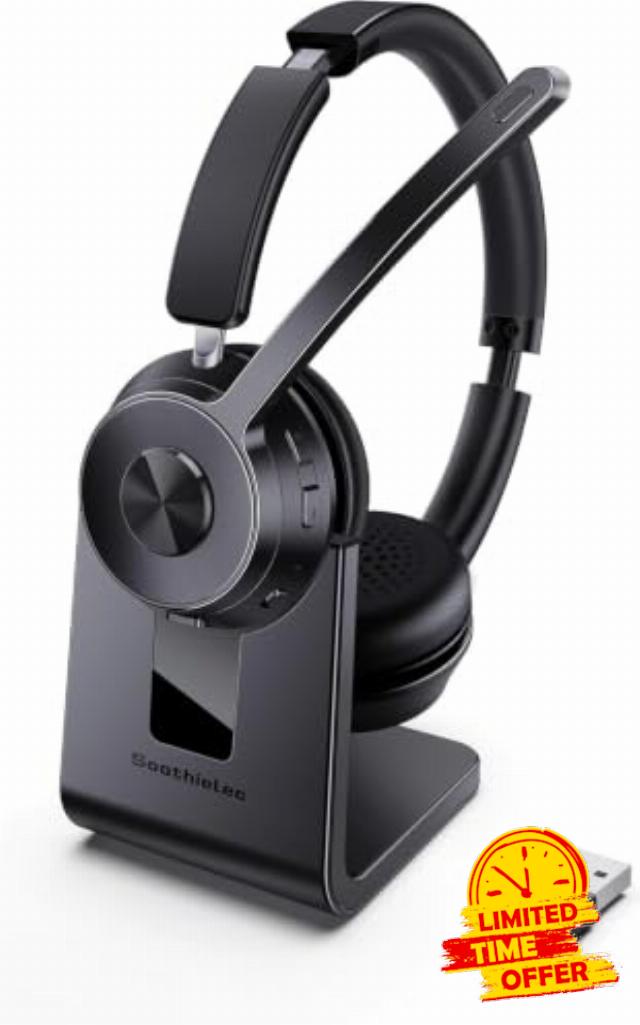
Soothielec Bluetooth Headset, Wireless Headset with Noise Cancelling Microphone, Best Headset with Mic Mute and USB Dongle for PC/Computer/Laptop/Phones/Remote Work/Call Cente
Soothielec Bluetooth Headset
Wireless Headset with Noise Canceling Microphone for PC
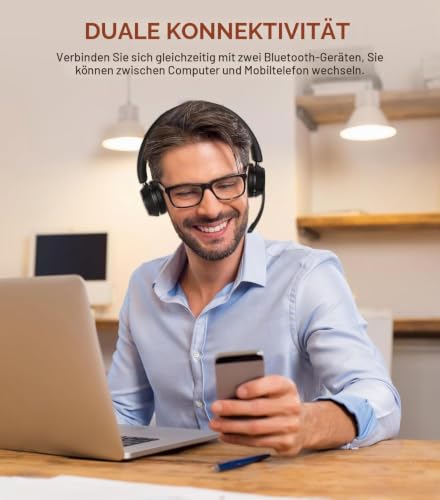
Dual Connection
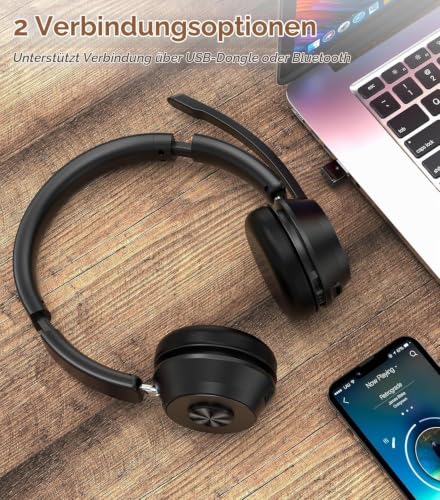
Support to connect two Bluetooth devices at the same time, you can switch between computer and cell phone.
Excellent Sound Quality
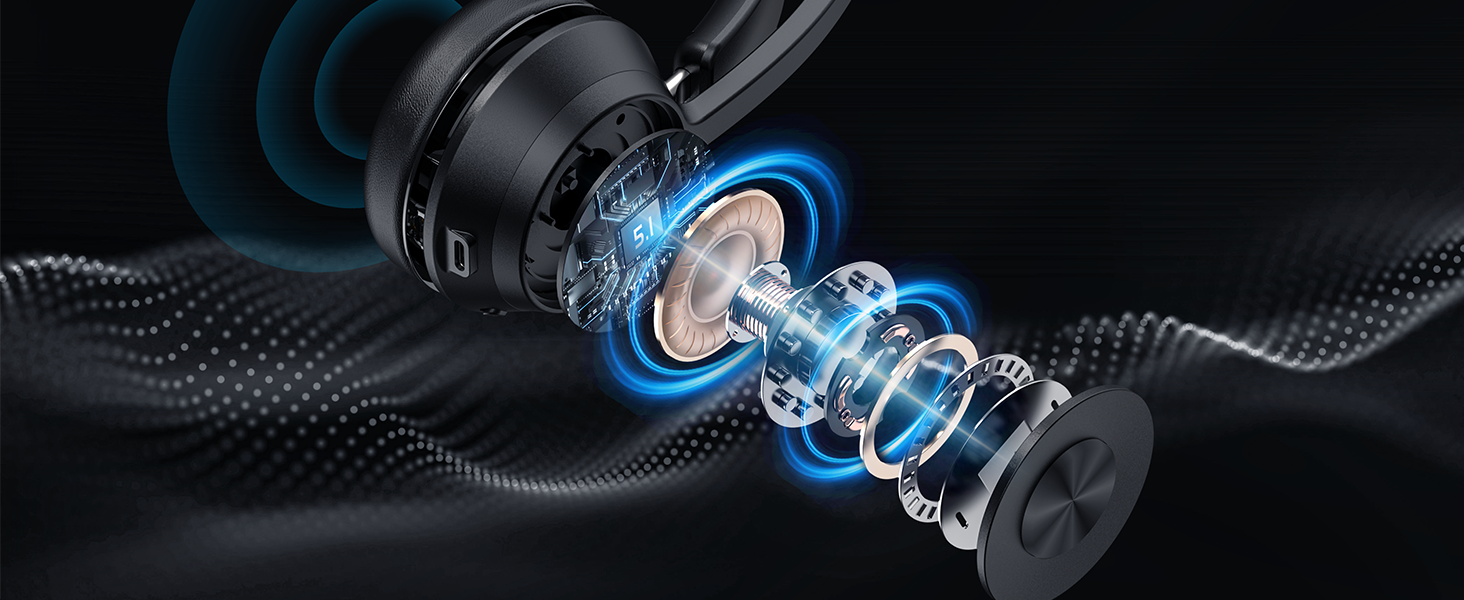
Adopt Qualcomm Chip and support AptX HD, enjoy great stereo sound while listening to music
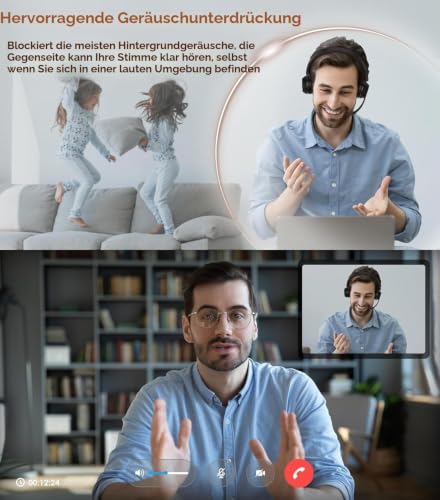
AI noise cancellation
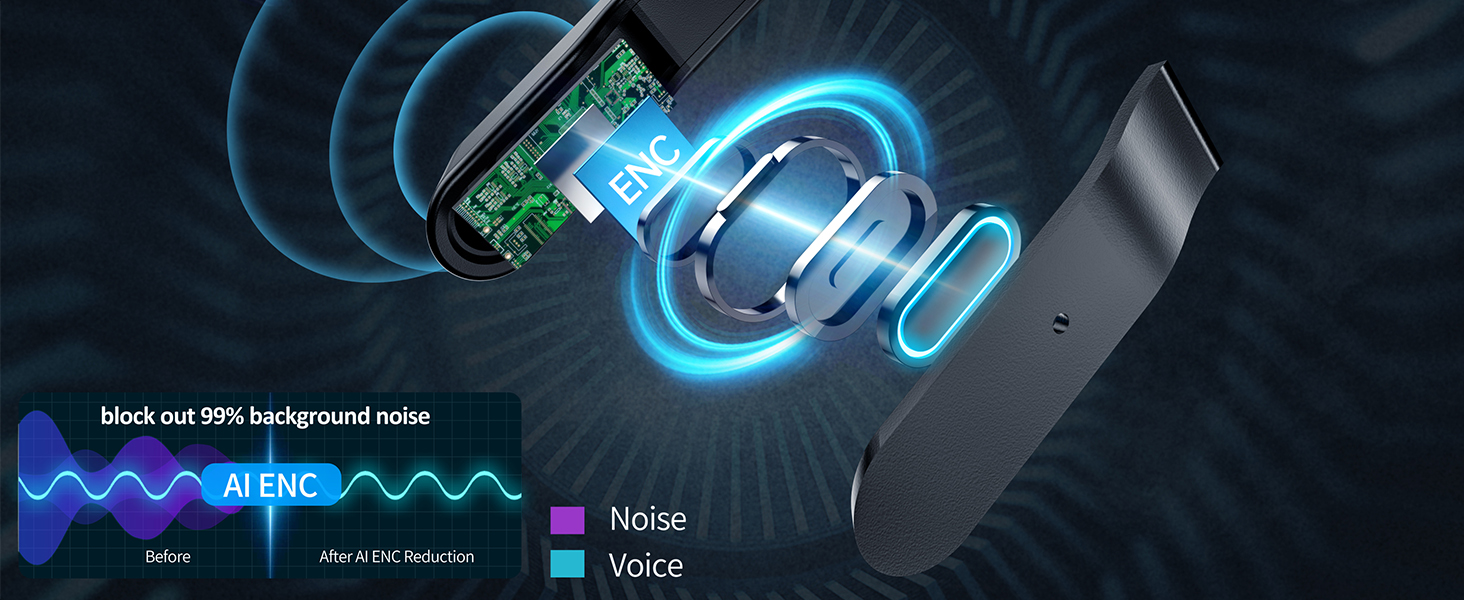
Block out 99% background noise, the other end can hear your voice clearly when making a call
Long Battery Life
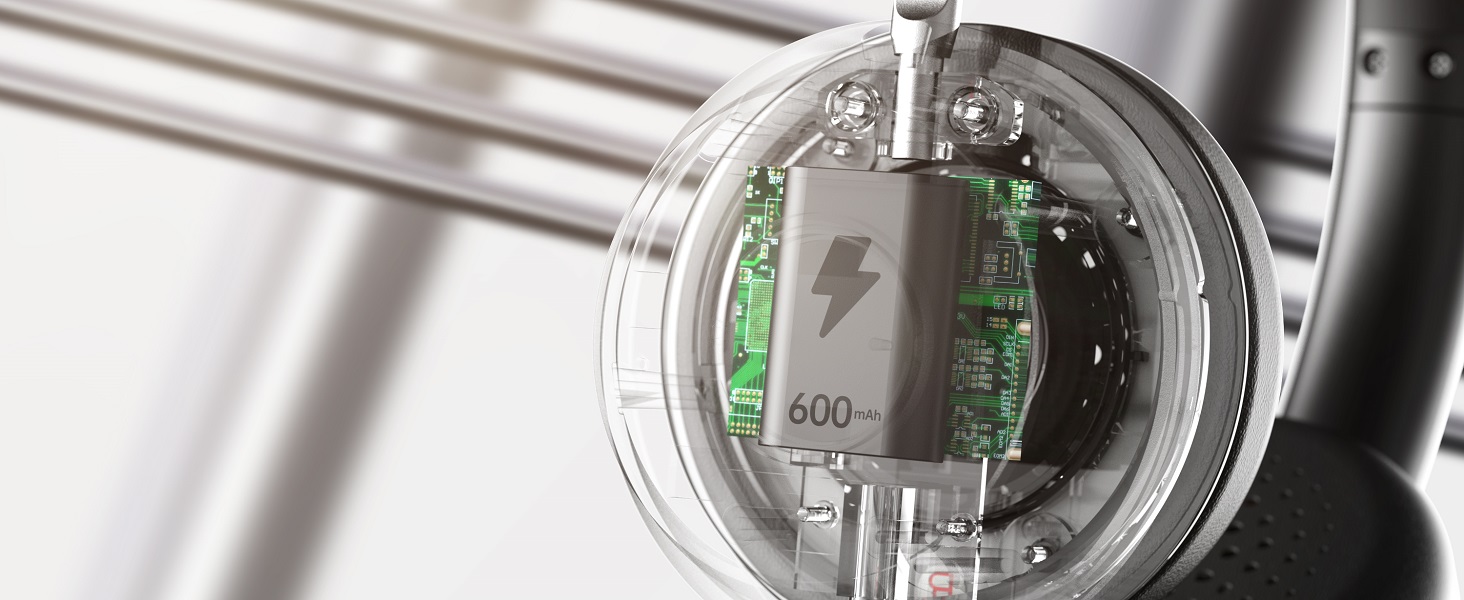
The Bluetooth headset is equiped with 600mAh battery that can support daily usage after fully charged.
Effective in various environments
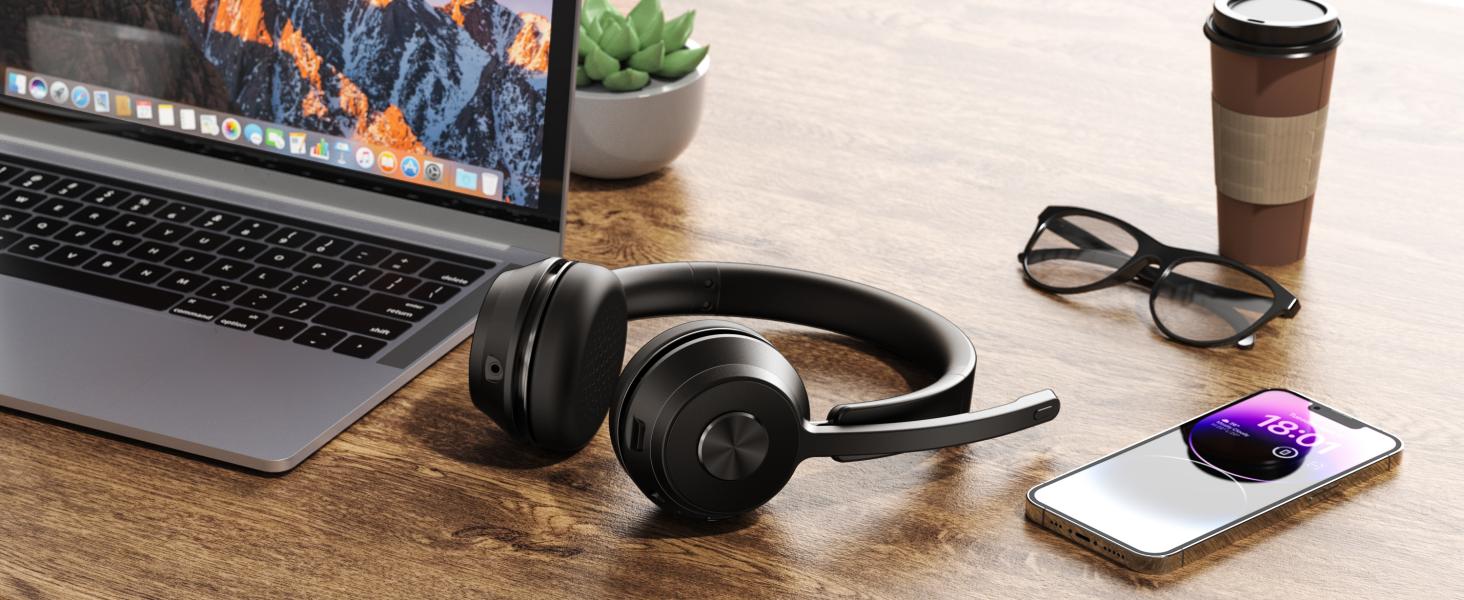
Designed for various scenarios, from outdoor to work calls, catering to all your audio needs
Great Noise Canceling Office Headset
Make your calls more effecient and convenient
Can I use the headset to answer or hang up calls?
lf you use the headset with cell phone, you can answer/end calls through the MFB button on the headset. If you use the headset with computer, you need to answer/end calls through the mouse. NOTE: MFB button does not work with desk phones OR landlines
I use this Bluetooth headset to work from home, can it effectively block out the noise?
Yes. Our headset can block out 99% of background noise, such as children screaming, dogs barking,TV sound or other household sounds. However, if your family speak at a normal volume is not environmental noise, so it may be picked up by the mic.
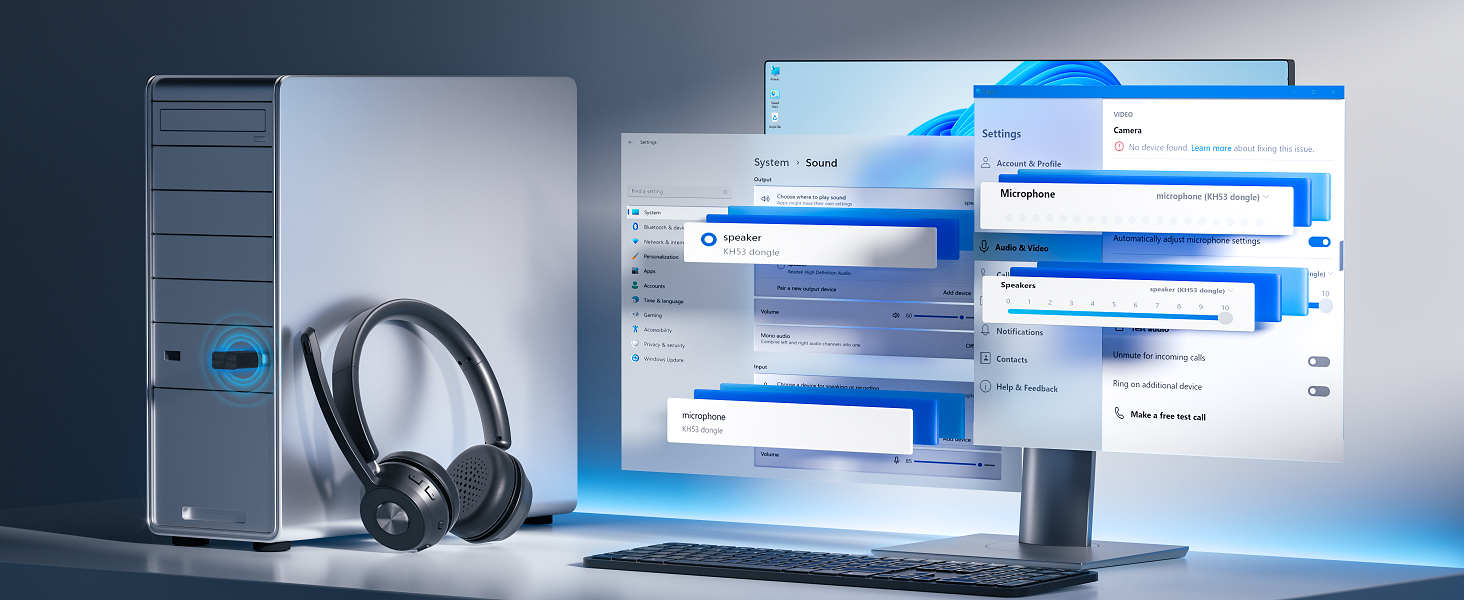
Why does zoom show the microphone cannot be detected after my headset is connected to computer?
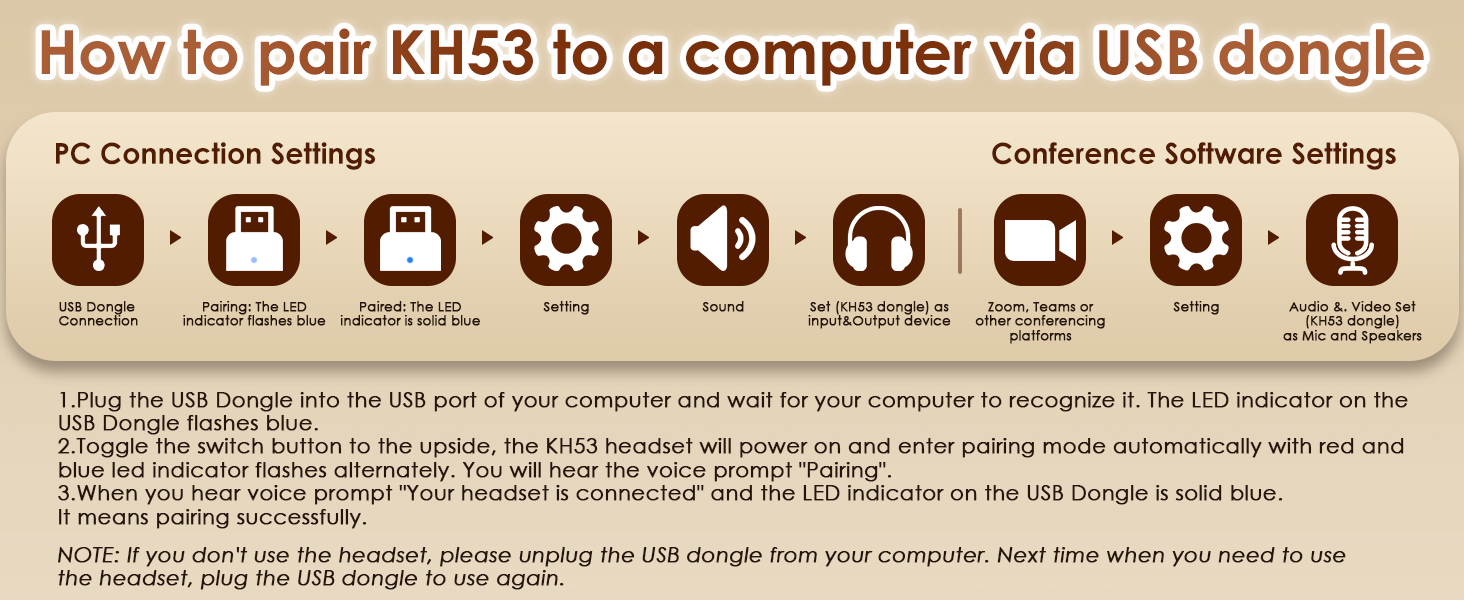
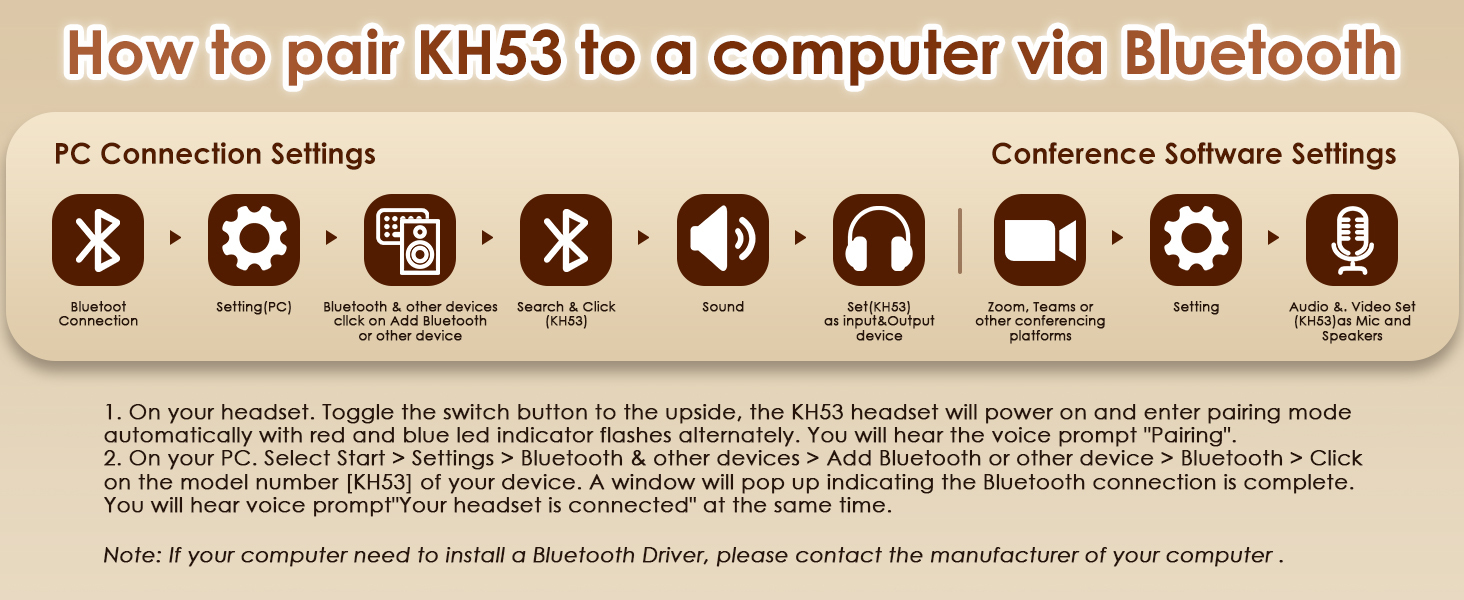
When you use software to make a call, check the settings of the computer and software, make sure to select [KH53 dongle] as the default output and input device. Besides, you can exit the software and login in again.Because it may not sync at first
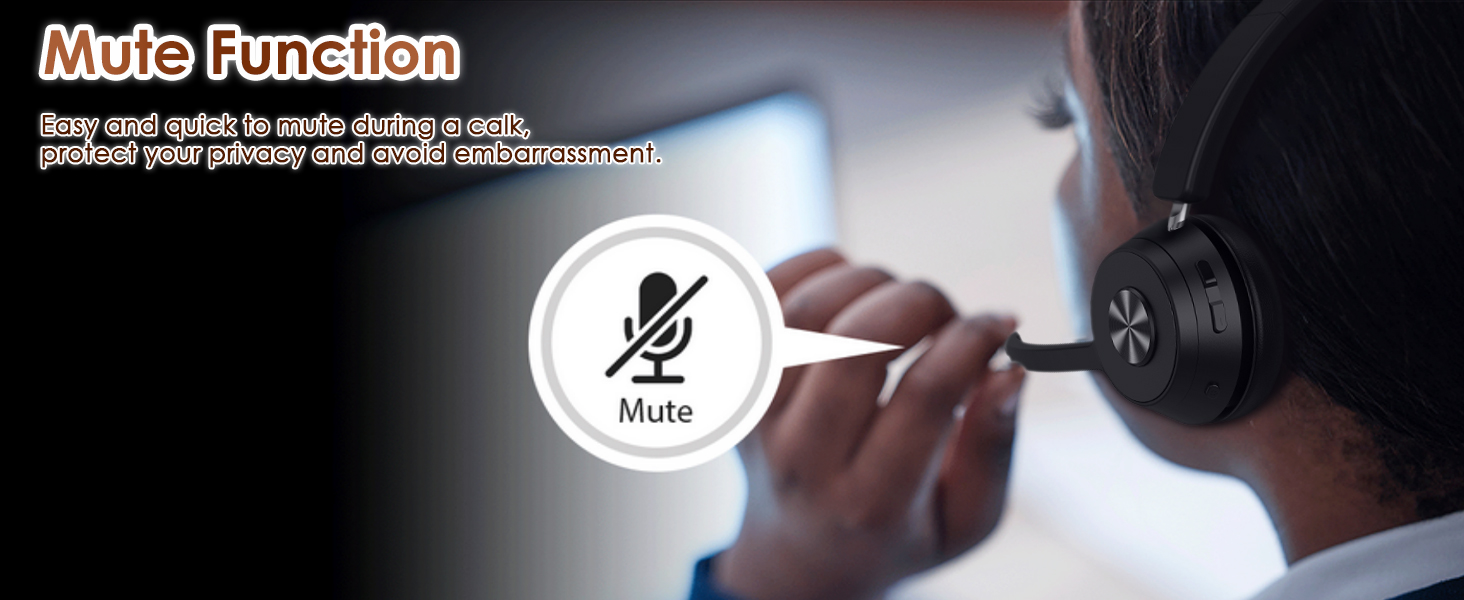
Can I mute the microphone if I am not on a call?
Our wireless headset only support muting during a call or meeting. It doesn't support muting if you are not on a call. Sorry for the inconvenience.
How to reset the headset?
Turn on the headset, then hold and press the MFB button and volume- button at the same time for over 5 second, the led on the headset will flash purple light for once, it means reset successfully
- AI Noise Cancelling and Mute Switch: Immerse yourself in peace thanks to our state-of-the-art ENC technology and effectively erase remarkable 99% of background noise. Say goodbye to distractions such as dog barking or children's screaming. Seamlessly activate the mute button during a conversation – an absolute game changer for calls or meetings, allowing for private discussions or curbing unintentional noise. Note: The mute function is only active during calls or meetings.
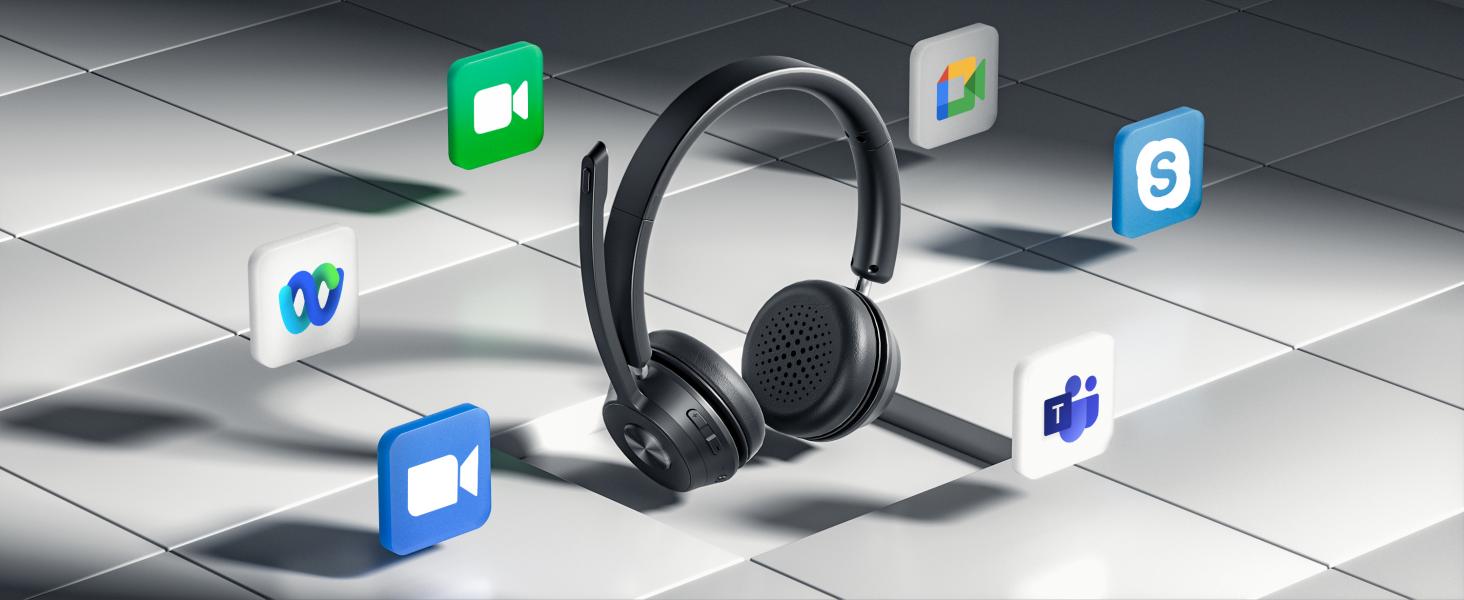
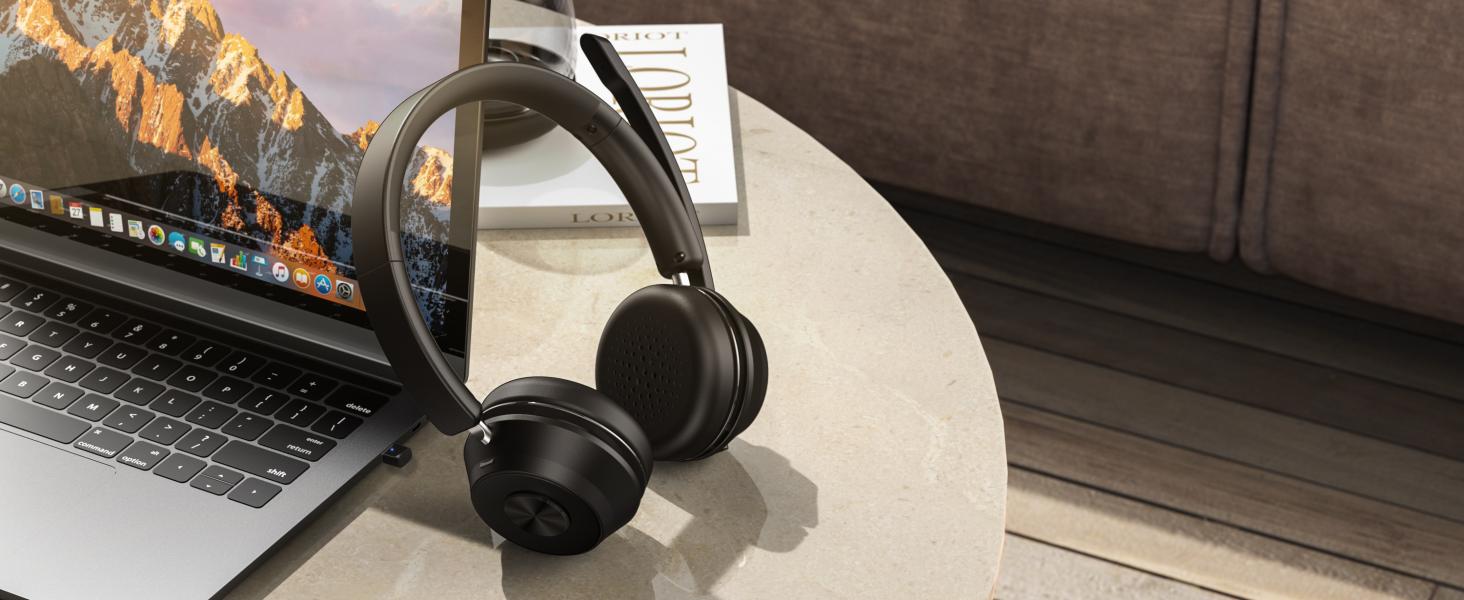
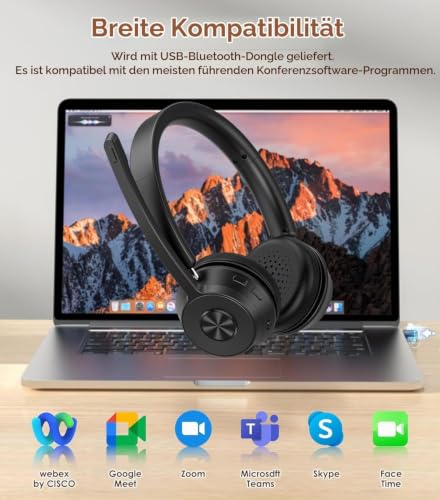
- Stable connectivity: thanks to the performance of the advanced Bluetooth chip QCC3040, our headset ensures stable connections with low latency. Perfect for real-time audio experiences such as music playback and video conferencing. Comes with a Bluetooth dongle that is suitable for computers without built-in Bluetooth function. Compatible with popular platforms such as Webex, Zoom, MS Teams etc. Remember: unplug the dongle when you are inactive. when the headset resumes its function.
- Double connection and extended Bluetooth range: Increase your efficiency by easily connecting two devices at the same time. Effortlessly transition between computer meetings and incoming phone calls. With an impressive range of up to 10 meters, the Bluetooth range gives you the flexibility to move freely during calls and video conferences. Don't forget: stay connected to two devices exclusively via Bluetooth; avoid the complex combination of USB and Bluetooth connections.
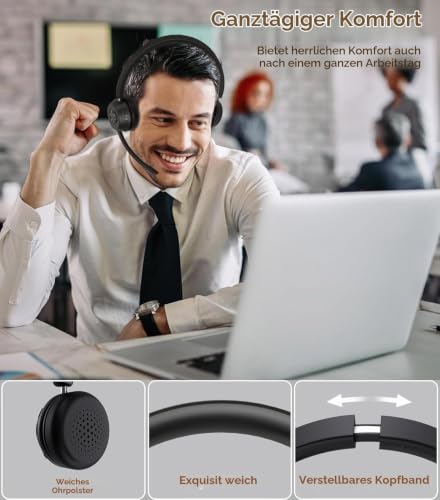
- All-day comfort: Treat yourself to ultimate comfort with our soft ear pads, which are designed for long-lasting comfort during prolonged use. Adjust your comfort with the adjustable headband so longer wear is a breeze. The flexible design of the microphone guarantees first-class voice recording. Calling Siri and other voice assistants is a breeze with the MFB button. Just a warning: the MFB button is not suitable for answering or rejecting calls on computers.
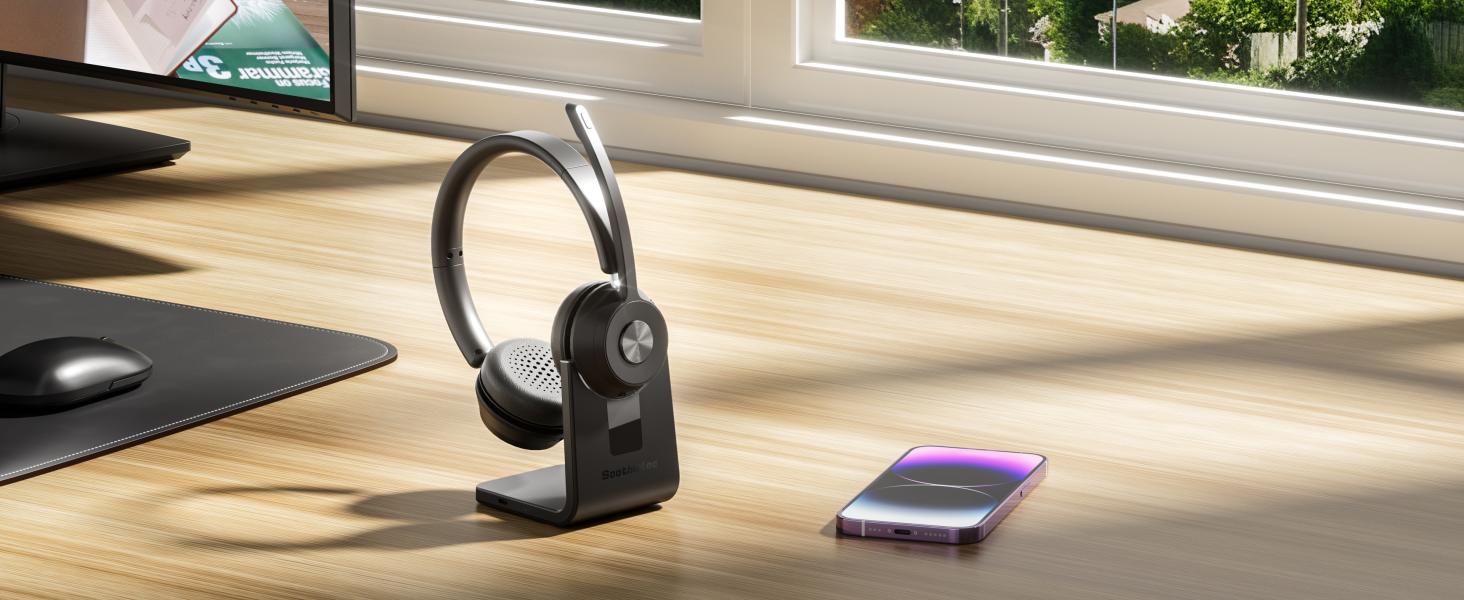
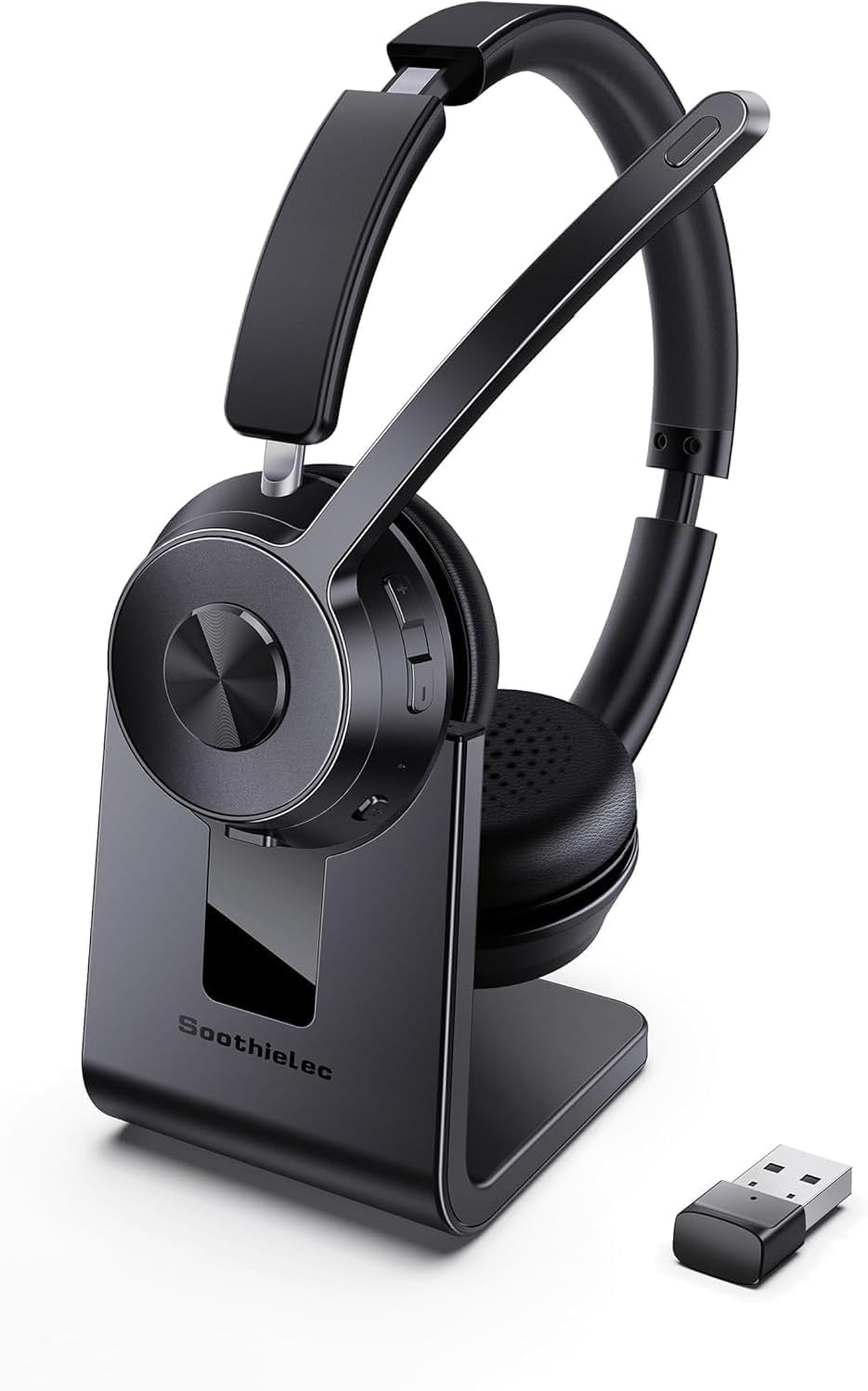
- Long battery life: Thanks to a robust 600 mAh battery, our wireless headset offers an amazing operating time of 40 hours after a full charge. Enjoy prolonged use without frequent charging. Charging is accelerated and takes only 2 hours to fully regenerate the battery. The package includes a special charging station for added convenience. Note: Turn off the headset before you start charging.




| SKU: | B0HMVT39MZ |
| Weight: | 445 Grams |
| Brand: | Soothielec |
| Colour: | Black |
| Manufacture: | Soothielec |
| Colour: | Black |
Product Description
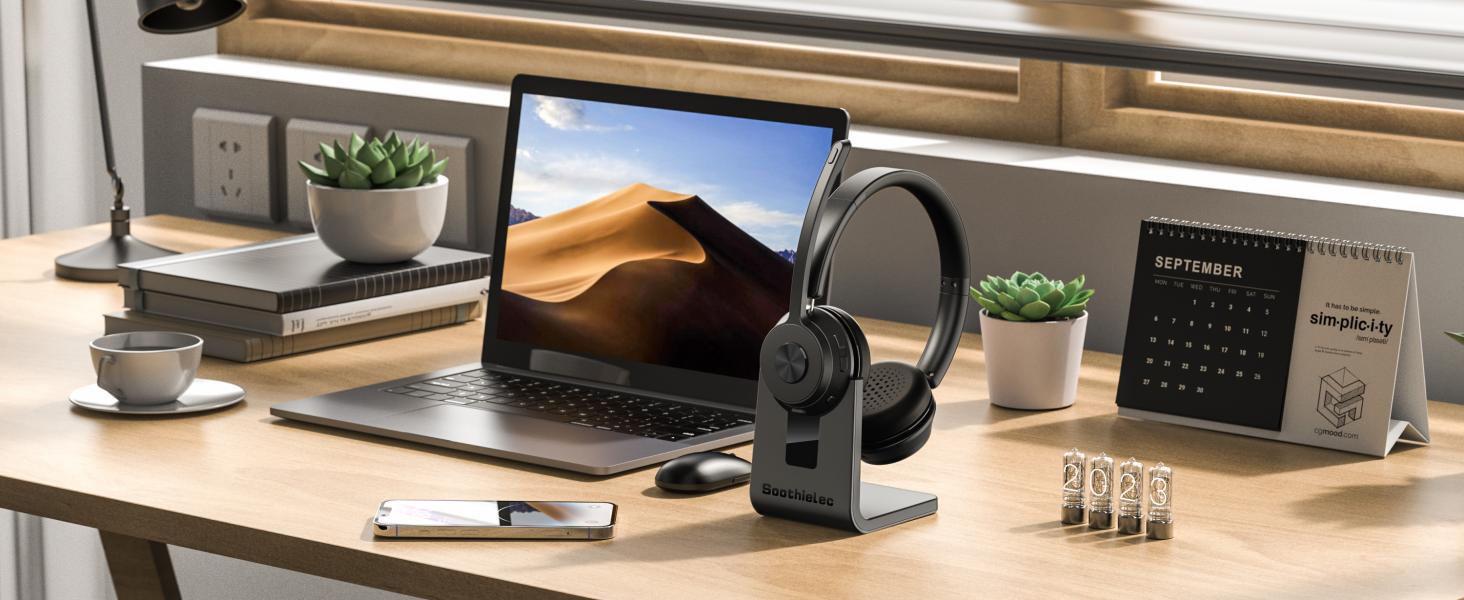
Soothielec Bluetooth Headset
Wireless Headset with Noise Canceling Microphone for PC

Dual Connection
Support to connect two Bluetooth devices at the same time, you can switch between computer and cell phone.
Excellent Sound Quality
Adopt Qualcomm Chip and support AptX HD, enjoy great stereo sound while listening to music
AI noise cancellation
Block out 99% background noise, the other end can hear your voice clearly when making a call
Long Battery Life
The Bluetooth headset is equiped with 600mAh battery that can support daily usage after fully charged.
Effective in various environments
Designed for various scenarios, from outdoor to work calls, catering to all your audio needs
Great Noise Canceling Office Headset
Make your calls more effecient and convenient
Can I use the headset to answer or hang up calls?
lf you use the headset with cell phone, you can answer/end calls through the MFB button on the headset. If you use the headset with computer, you need to answer/end calls through the mouse. NOTE: MFB button does not work with desk phones OR landlines
I use this Bluetooth headset to work from home, can it effectively block out the noise?
Yes. Our headset can block out 99% of background noise, such as children screaming, dogs barking,TV sound or other household sounds. However, if your family speak at a normal volume is not environmental noise, so it may be picked up by the mic.
Why does zoom show the microphone cannot be detected after my headset is connected to computer?
When you use software to make a call, check the settings of the computer and software, make sure to select [KH53 dongle] as the default output and input device. Besides, you can exit the software and login in again.Because it may not sync at first
Can I mute the microphone if I am not on a call?
Our wireless headset only support muting during a call or meeting. It doesn’t support muting if you are not on a call. Sorry for the inconvenience.
How to reset the headset?
Turn on the headset, then hold and press the MFB button and volume- button at the same time for over 5 second, the led on the headset will flash purple light for once, it means reset successfully