Visualiser for Classroom & Online Teaching, 8MP 4K USB
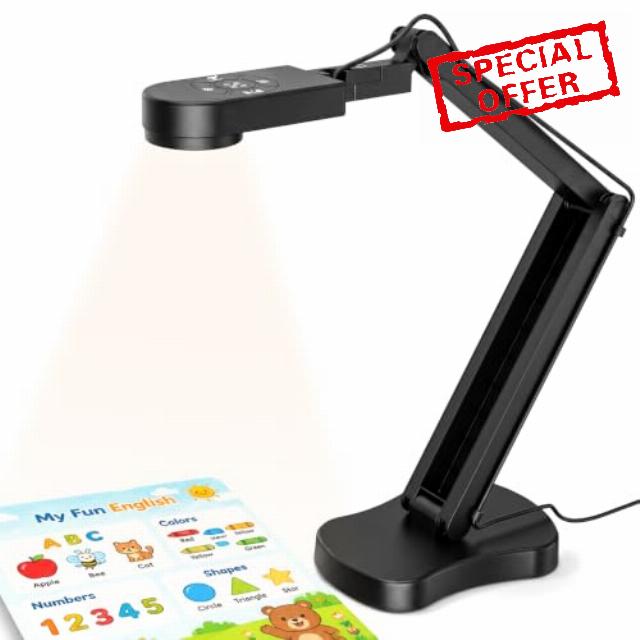
Visualiser for Classroom & Online Teaching, 8MP 4K USB Document Camera – A3 Webcam for Teachers with LED Light, Dual Mic, Live Demo & Video Recording,Compatible with Windows/Mac/Chrome
KITCHBAI Document Camera Targeted at Teachers and Business Professionals
4K USB Document Camera for Teacher, 8MP Webcam & Visualiser for A3 Size with Dual Microphones, 3-Level LED Light, Image Invert, Foldable for Live Demo, Work with Windows, macOS and Chrome OS
8MP Document Cameras
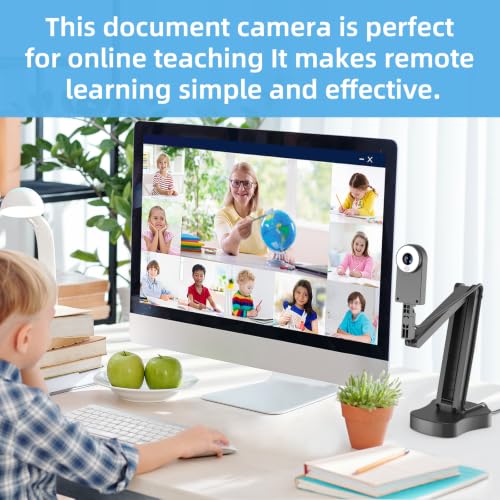
Elevate Remote Teaching Quality.
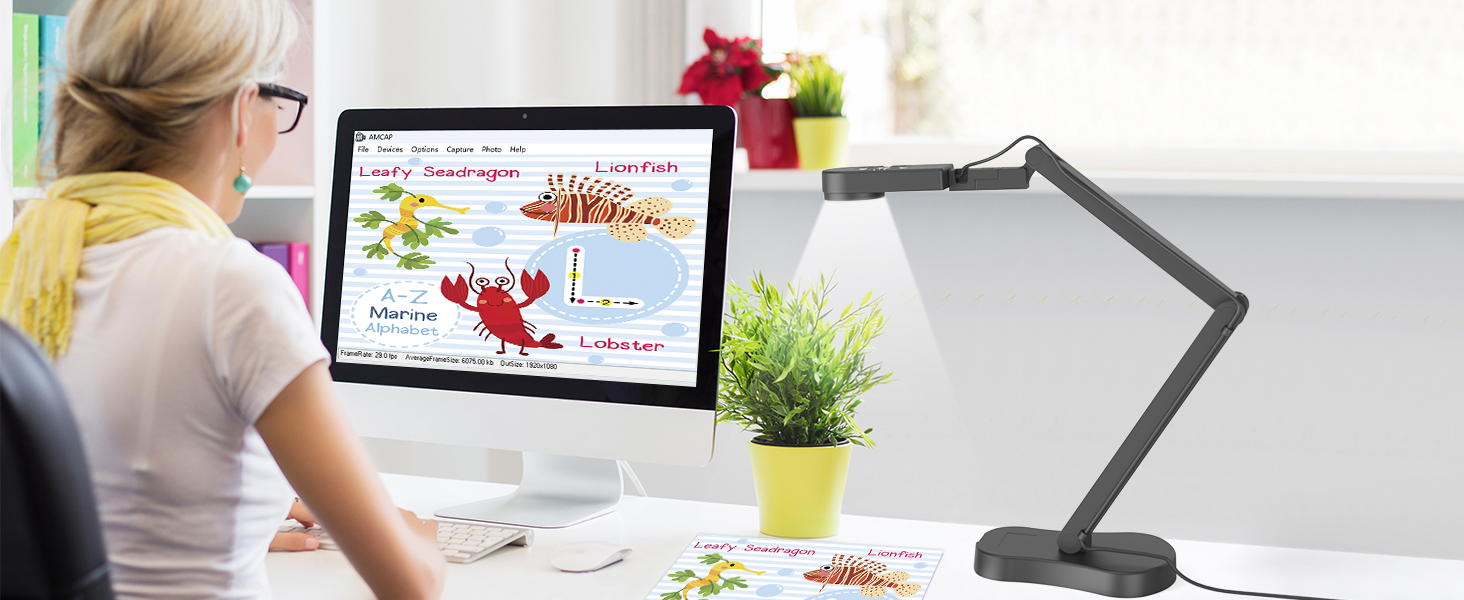
8MP Document Cameras real-time, HD images capture at 30fps to enhance lesson engagement.
Visualizer for teaching
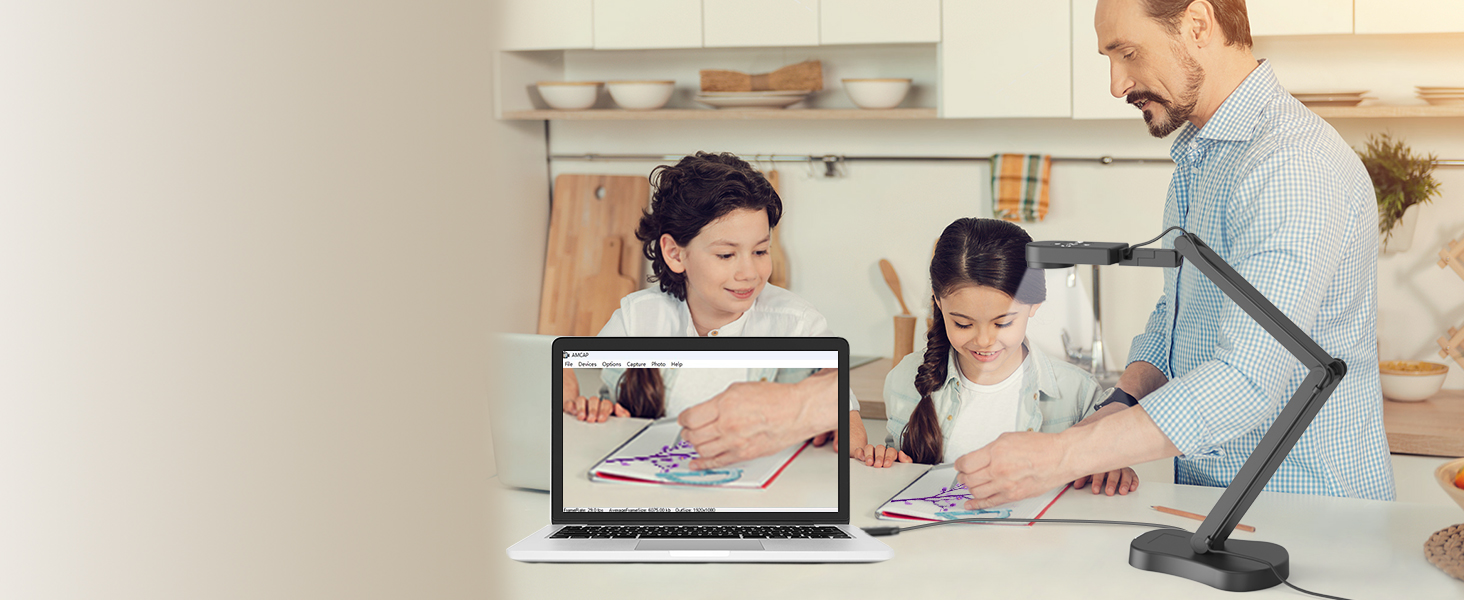
New way of online learning
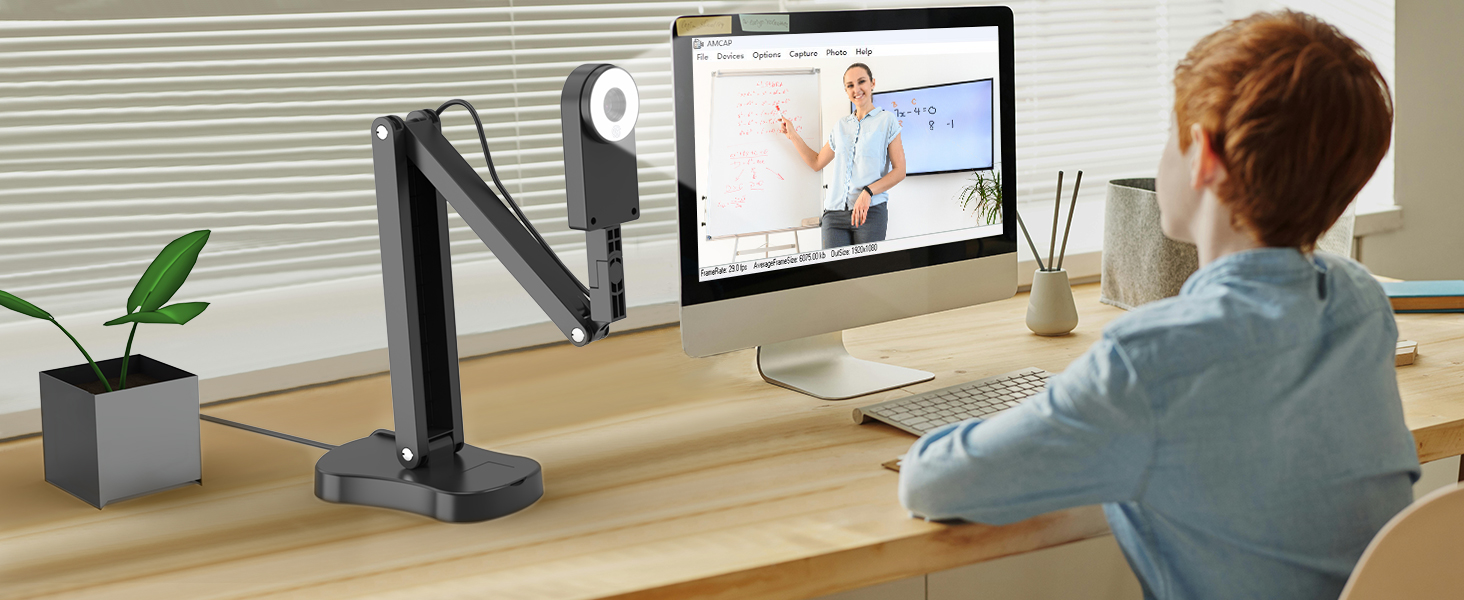
Visualizer promotes real-time interaction and textbook sharing between teachers and students.
Document Cameras
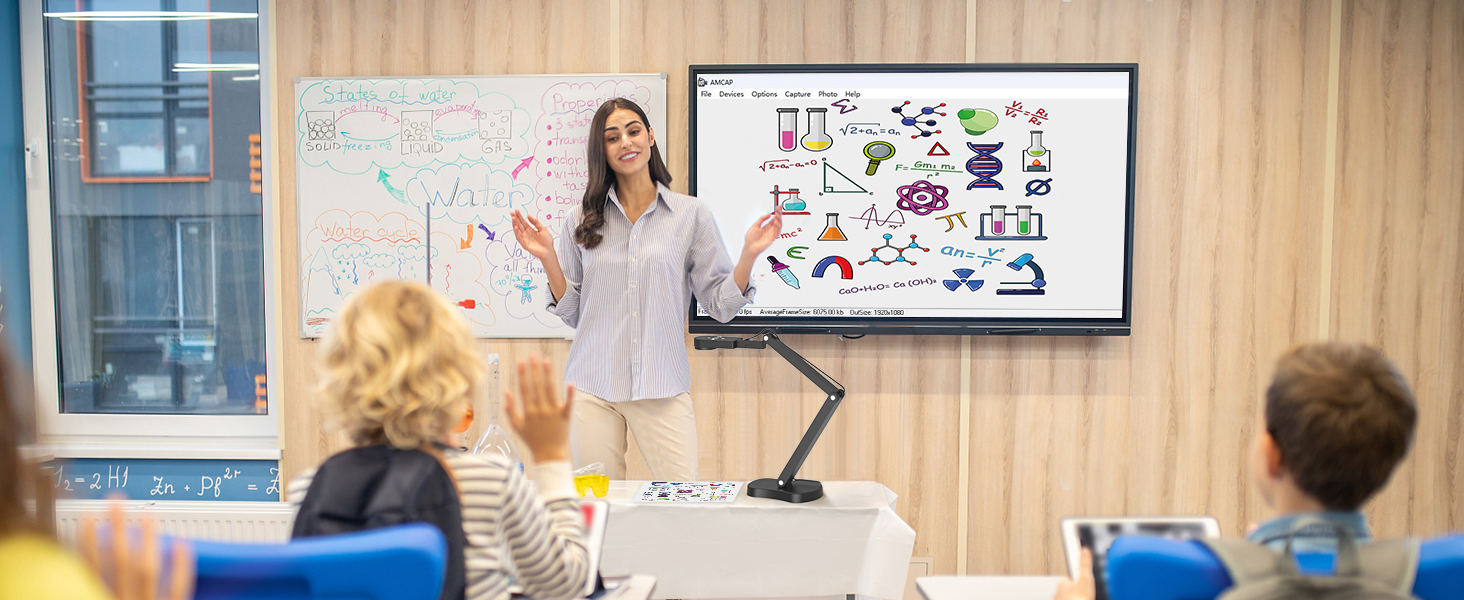
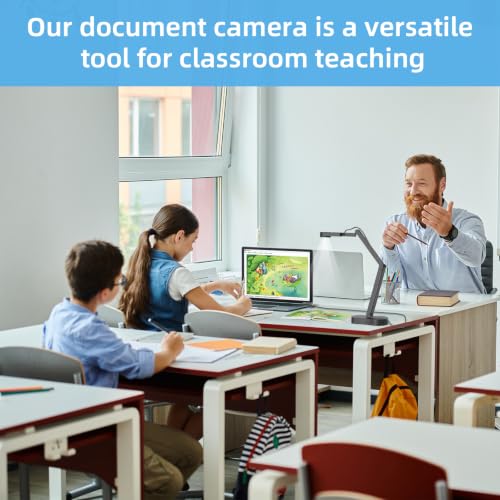
Document Camera for ln-Class Teaching
USB document camera for teachers work with PC & interactive whiteboards.
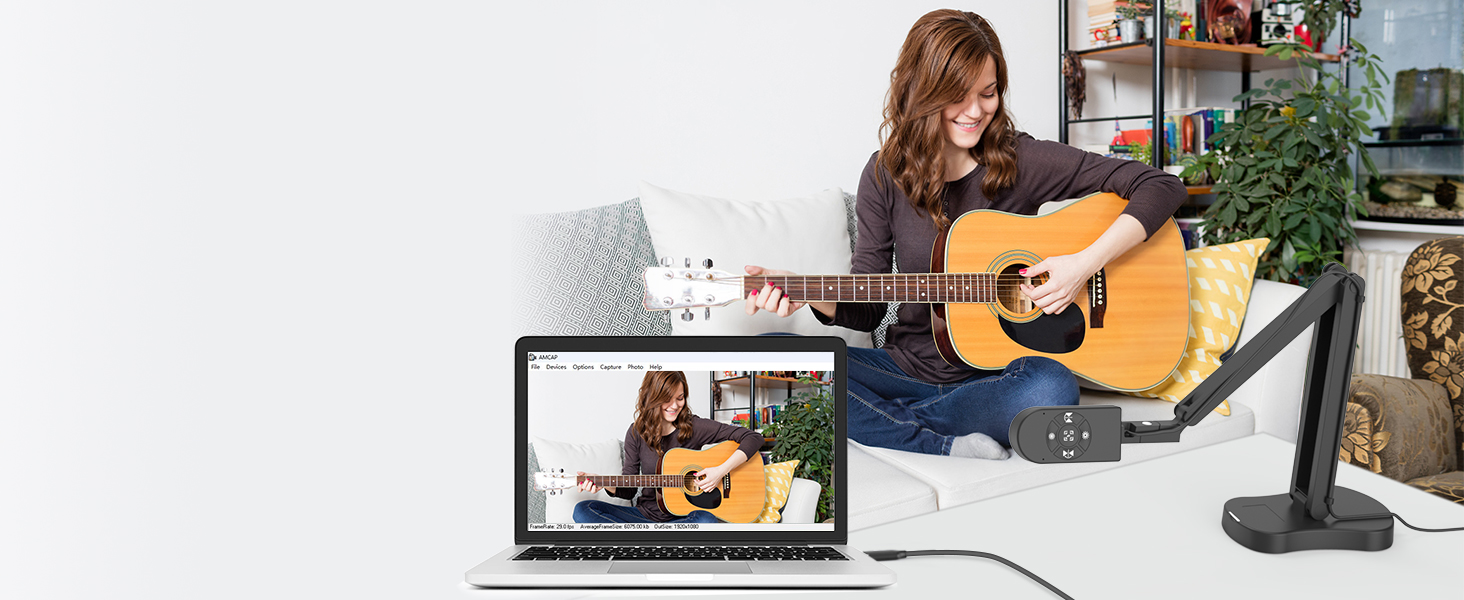
Webcam video recording
Share Creative Videos
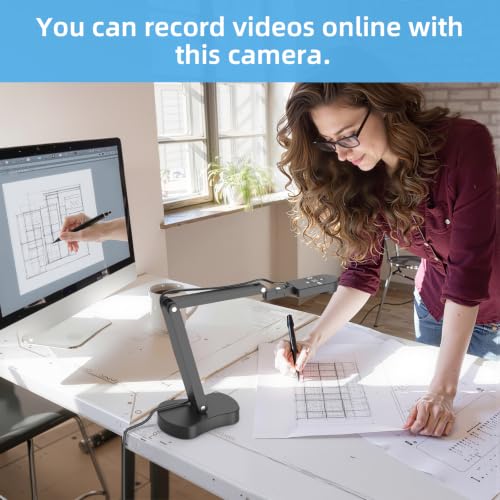
Document camera can provide teaching recording videos up to 2448P, 30fps to share your creations!
KITCHBAI Visualiser
Visualiser for Live Demo
The Visualiser adjustable height lets you choose your preferred position for live presentations.
visualiser manipulate video for MAC system
USB Visualiser for teaching manipulate video
KITCHAI Visualiser/ webcam for classroom,
The steps for Mac system are as follows:
- To shoot a video: please search "Quick Time Player" in the system.
- To take a photo: please search "Photo Booth" on the computer.
Doc camera manipulate video for MAC system
Camera manipulate video for Windows 11/10 system
The manipulate video for Windows 11/10 system
Visualiser for classroom, manipulate steps of Windows 10/11 system are as follows:
- Please search for the " Camera " program in the system to use this document camera. (If you have a laptop, you also need to select " Change Camera " in the upper right corner of the laptop).
The manipulate video for Windows 11/10 system
Universal Systems Compatibility:
- Software supporting Windows PC, Macs,and Chromebooks
- Compatible for E-Learning/Online Lesson App: Tiktok, Google Meet, Skyp, Microsoft Teams, Zoom etc.
The Visualiser is compatible with Tiktok, Zoom, Skype, Google Meet, Microsoft Teams, FaceTime, etc. ! You can start a video conference with doc cam in 3 steps:
- Step 1: Plug in the computer. It will be automatically detected. No need to install any drivers or other software
- Step 2: Launch the desired video sharing app
- Step 3: In the settings menu, change the camera source to "Stream Camera" and you can start using it.
- Finally: Image resolution can be adjusted as you need
- KITCHBAI Document cameras are only compatible with desktops or laptops and cannot be used with iPads or mobile devices.
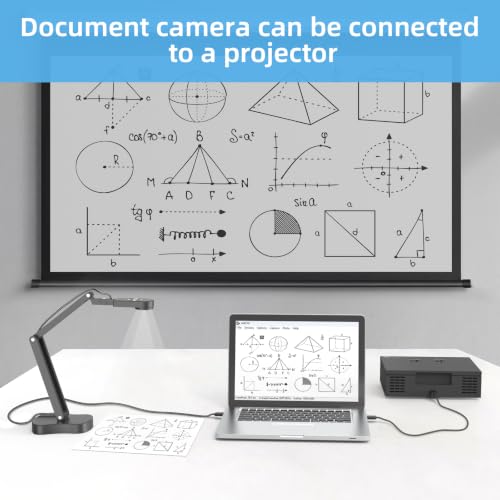
KITCHBAIVisualisercan be connected to projectors. The document camera needs to be connected to the projector through a computer. Please connect the camera to the computer, open the video software, and then connect the projector to the computer.
Can I use the KITCHBAI Document Camera to project directly to a TV or projector without connecting it to a computer?
No, the camera requires a computer to process the image feed. You'll need to:First connect the KB-700 Webcam to a PC,laptop via USB.
Can the KB-700 visualiser be used with webinar platforms?
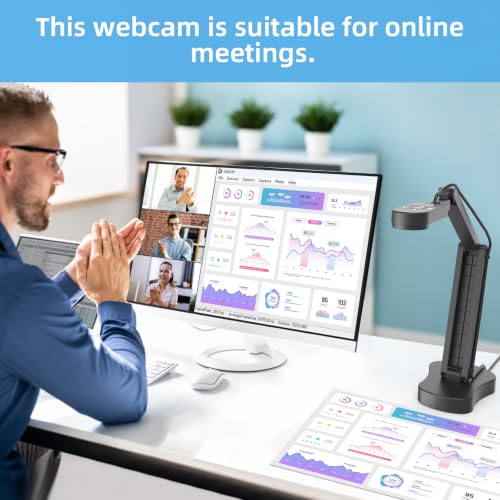
Yes, the KB-700 is plug-and-play compatible with popular webinar software like Zoom, Google Meet, Microsoft Teams, and Webex.
Does the KITCHBAI document camera support iPads and mobile devices?
No. This Document Camera is designed for PCs and laptops only, and does not support iPads or mobile devices.
What's special about the KITCHBAI Document Camera?
Document Camera is plug-and-play and come with USB 2.0 cable, assembly-free, and easy to use. Its compact but stable base design frees up desktop space. KITCHBAI is an really excellent document camera for teachers, students, and presenters.
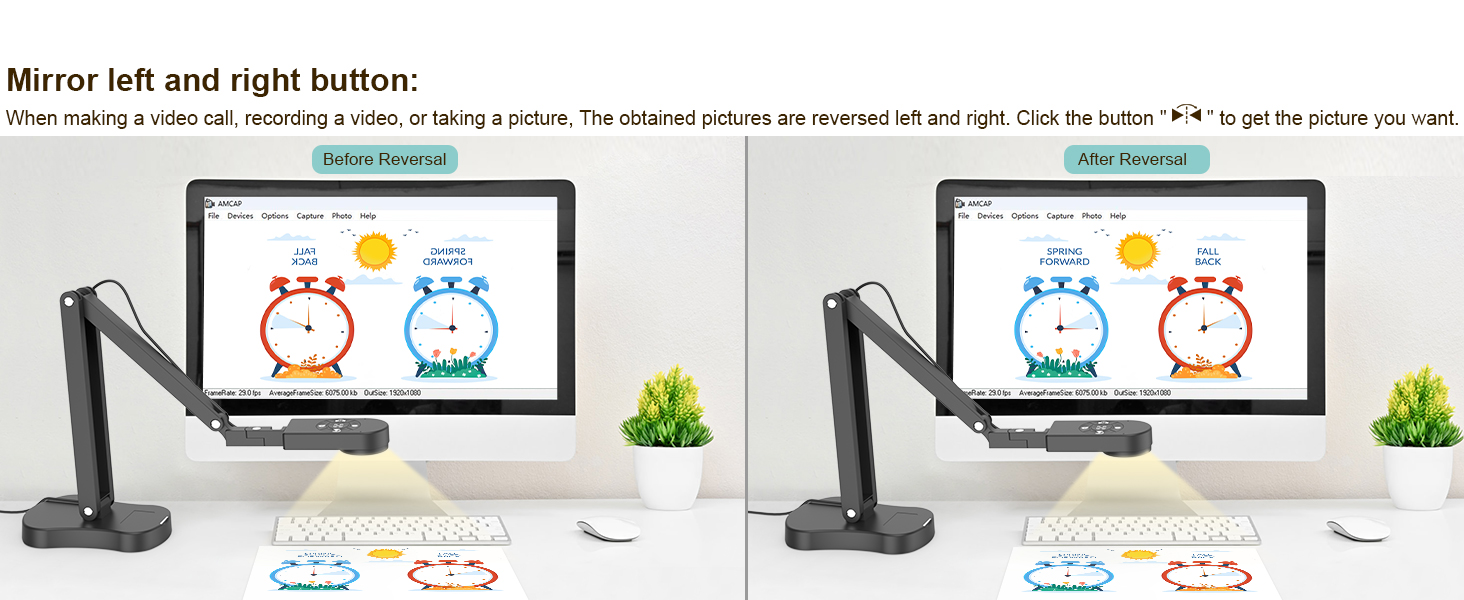
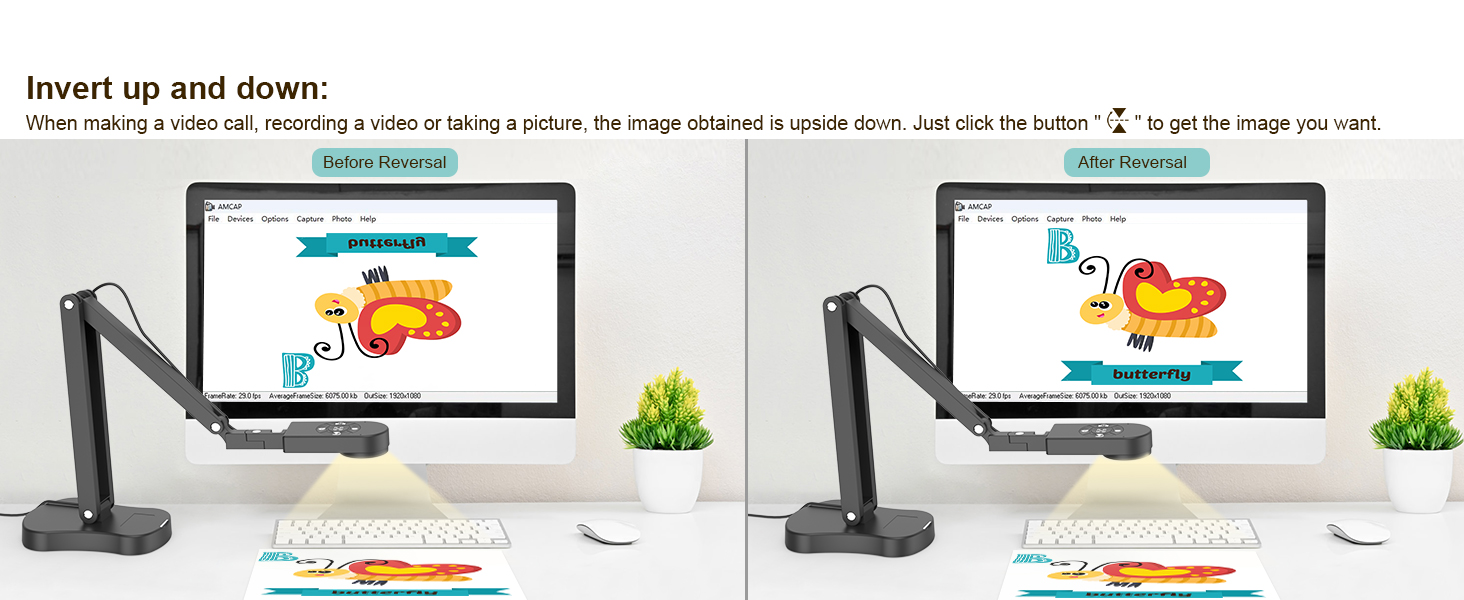
- Adjustable Image Reversal:The visualiser supports manual image reversal, allowing you to flip the image left/right or up/down with ease. Whether in video chats or image output, you can quickly correct mirror images to ensure a natural, accurate view—no software adjustments needed. Ideal for any overhead document camera used in classroom settings.
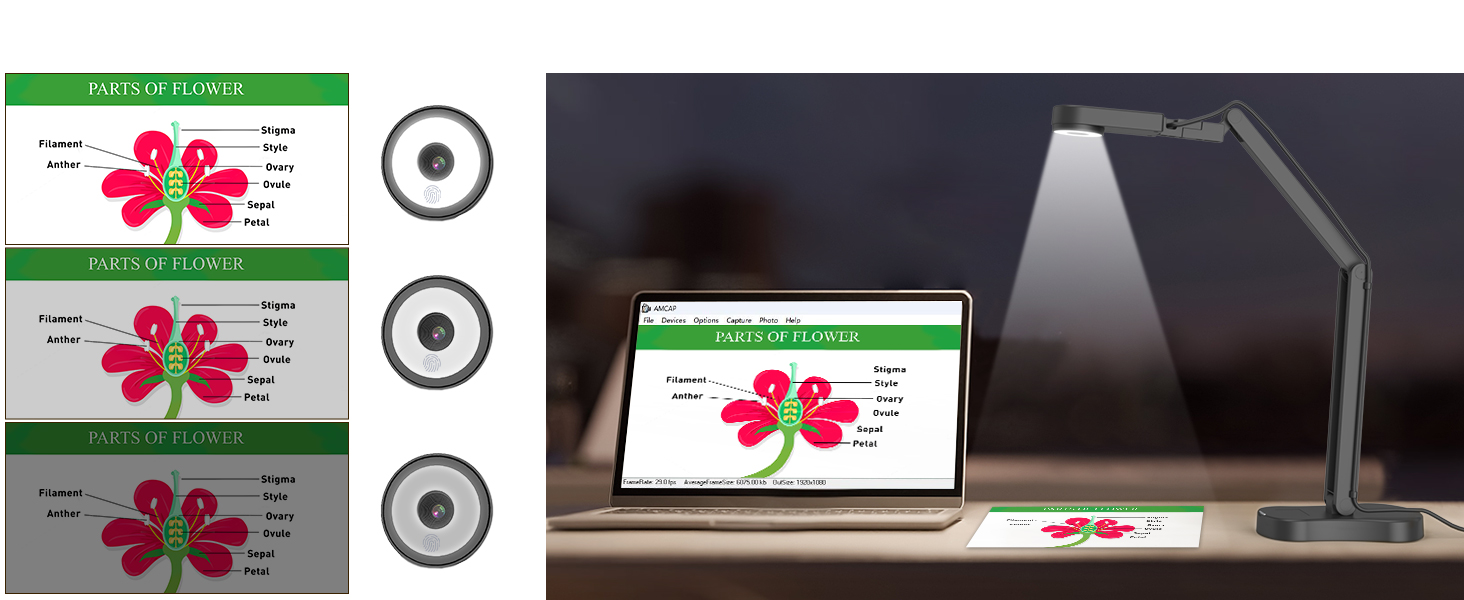
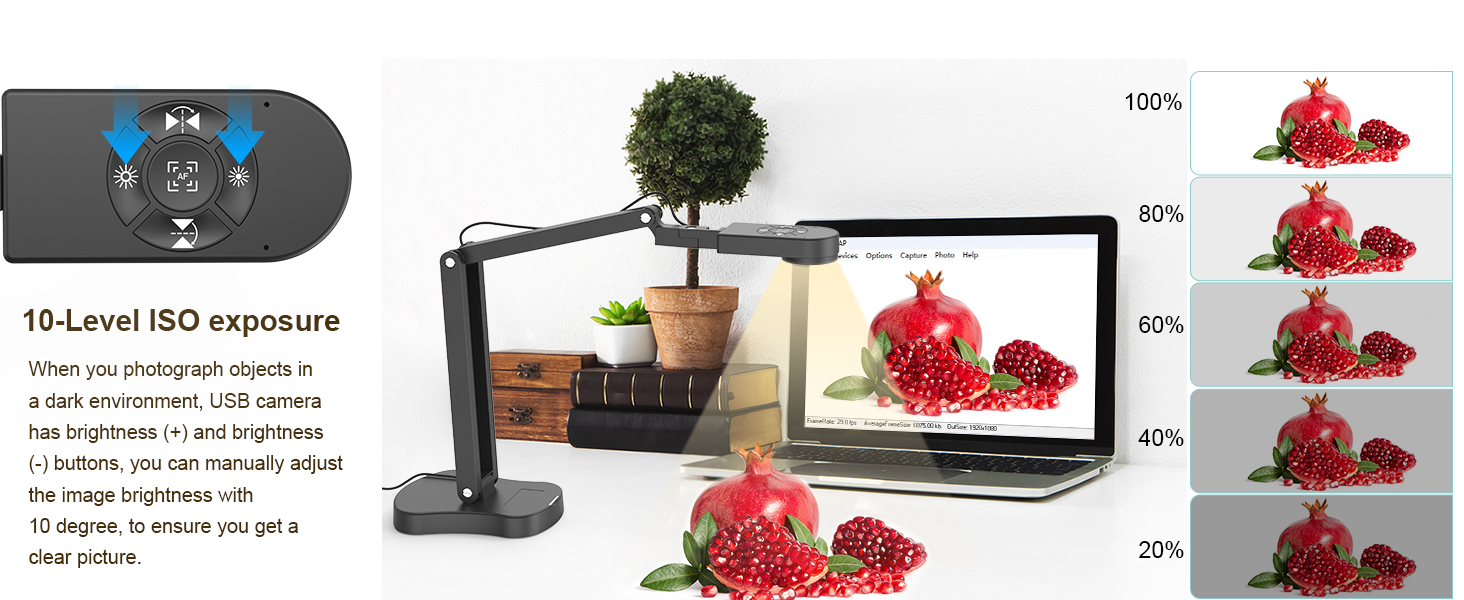
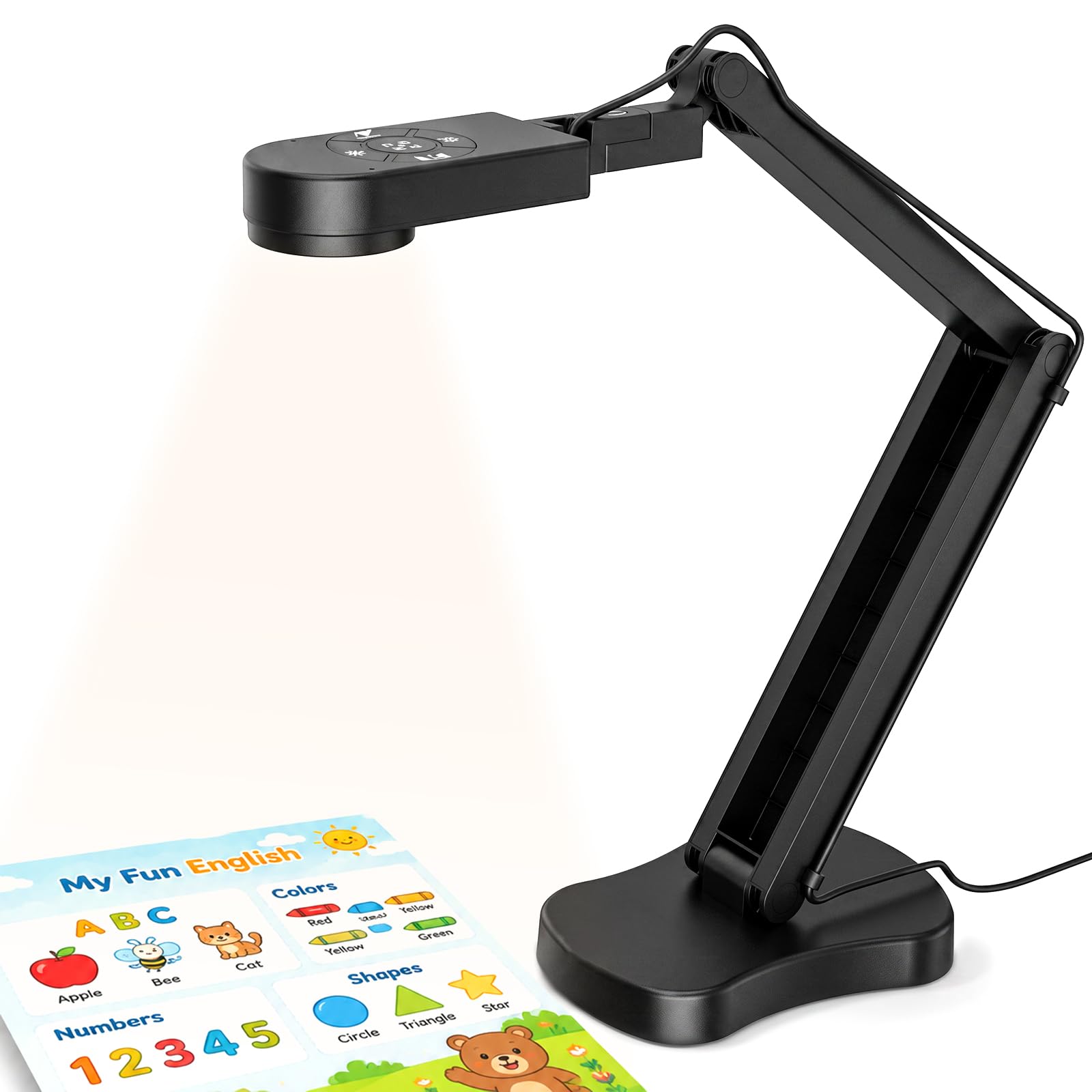
- 3-Level Adjustable Brightness: Equipped with dedicated brightness buttons, the document camera offers 3-level manual brightness adjustment (each step around 10°). This ensures clear, well-lit images even in challenging lighting conditions. It also works as a handy selfie fill light for live demos or video calls, making it a versatile visual presenter for any environment.
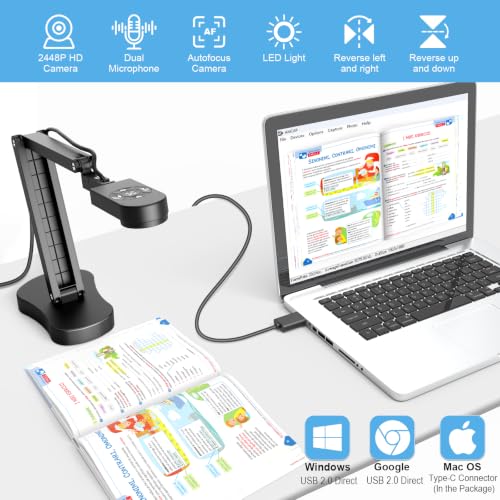
- Foldable & Portable Design for Teachers: The foldable, space-saving design makes it easy to store and carry, perfect for a teacher camera for online class. Its multi-joint stand supports flexible multi-angle rotation, allowing you to capture both 2D and 3D objects from the best perspective. Maximum scanning area covers A3 paper size (16.5" x 11.6"), functioning as a full-fledged A3 document scanner camera for all your teaching needs.
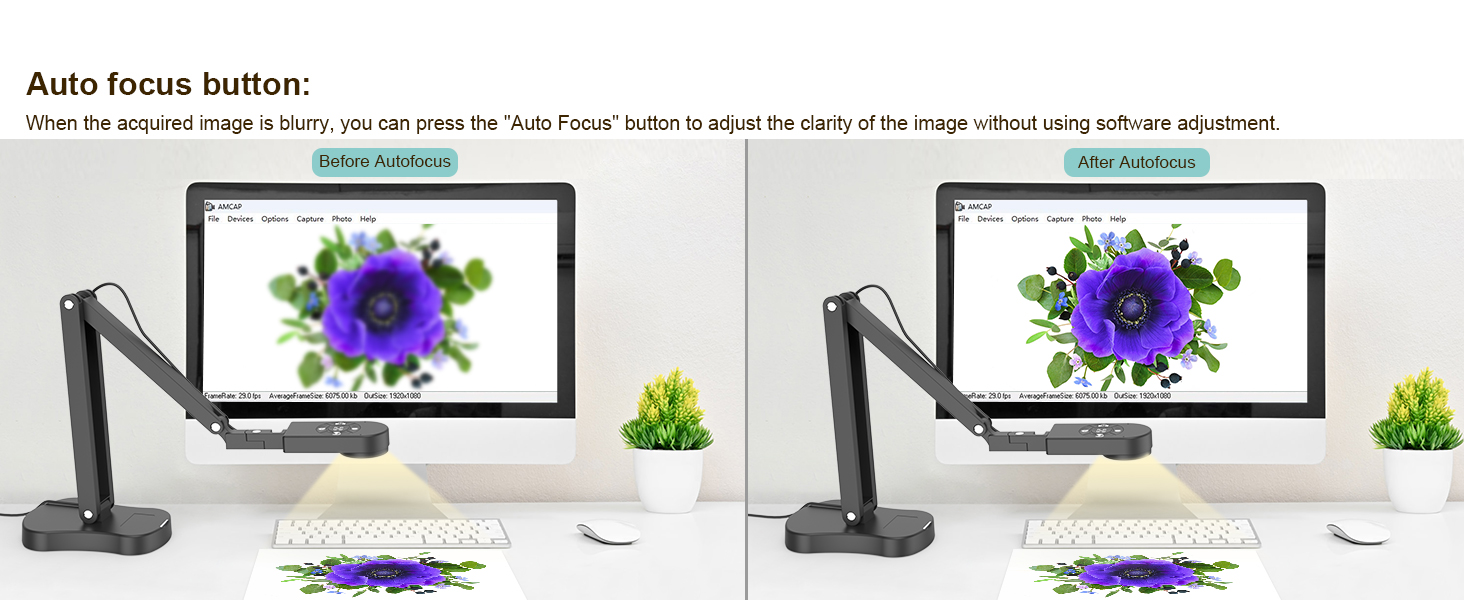
- 8MP High-Speed Sensor with 30fps: Featuring a premium image sensor, this 4K classroom camera delivers ultra-HD live video at up to 2448P resolution with smooth 30fps output. The one-touch focus button locks in sharp clarity instantly, while the fixed-focus design prevents unwanted auto-focus shifts when moving objects, so you always enjoy stable, dance-free images. Macro shooting is supported from as close as 3.94". Whether used as a classroom webcam or live demo recording camera, performance stays consistently reliable.
- Wide Compatibility & Dual Mics: Comes with a USB-C cable for plug-and-play connectivity. Compatible with Windows (7/8/10/11), macOS (10.11+), and Chrome OS (38.0+). Works seamlessly with Zoom, Google Meet, Microsoft Teams, Skype, and TikTok. Built-in dual silicon microphones reduce background noise and enhance voice clarity for online teaching and conferencing, making this USB visual presenter with dual mic webcam features the ultimate choice for educators. Whether you need a visualizer camera for teaching or a reliable webcam for teachers, this device has you covered.
| SKU: | B0H5K6JDMS |
| Weight: | 0.8 Kilograms |
| Brand: | kitchbai |
| Model: | Document camera-700 |
| Colour: | KB-700 |
| Batteries Included: | No |
| Manufacture: | KITCHBAI |
| Colour: | KB-700 |
| Origin: | China |
Product Description
KITCHBAI Document Camera Targeted at Teachers and Business Professionals
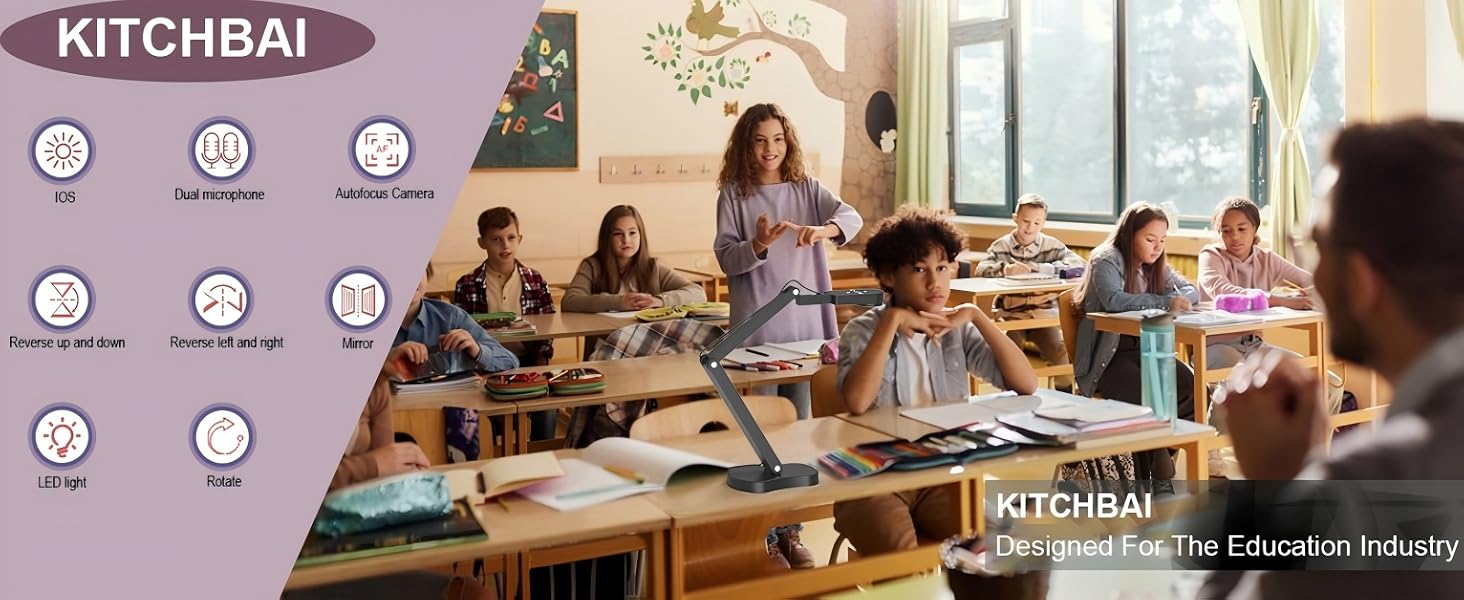
4K USB Document Camera for Teacher, 8MP Webcam & Visualiser for A3 Size with Dual Microphones, 3-Level LED Light, Image Invert, Foldable for Live Demo, Work with Windows, macOS and Chrome OS

8MP Document Cameras
Elevate Remote Teaching Quality.
8MP Document Cameras real-time, HD images capture at 30fps to enhance lesson engagement.
Visualizer for teaching
New way of online learning
Visualizer promotes real-time interaction and textbook sharing between teachers and students.
Document Cameras
Document Camera for ln-Class Teaching
USB document camera for teachers work with PC & interactive whiteboards.
Webcam video recording
Share Creative Videos
Document camera can provide teaching recording videos up to 2448P, 30fps to share your creations!
KITCHBAI Visualiser
Visualiser for Live Demo
The Visualiser adjustable height lets you choose your preferred position for live presentations.
visualiser manipulate video for MAC system
USB Visualiser for teaching manipulate video
KITCHAI Visualiser/ webcam for classroom,
The steps for Mac system are as follows:
- To shoot a video: please search “Quick Time Player” in the system.
- To take a photo: please search “Photo Booth” on the computer.
Doc camera manipulate video for MAC system
Camera manipulate video for Windows 11/10 system
The manipulate video for Windows 11/10 system
Visualiser for classroom, manipulate steps of Windows 10/11 system are as follows:
- Please search for the ” Camera ” program in the system to use this document camera. (If you have a laptop, you also need to select ” Change Camera ” in the upper right corner of the laptop).
The manipulate video for Windows 11/10 system
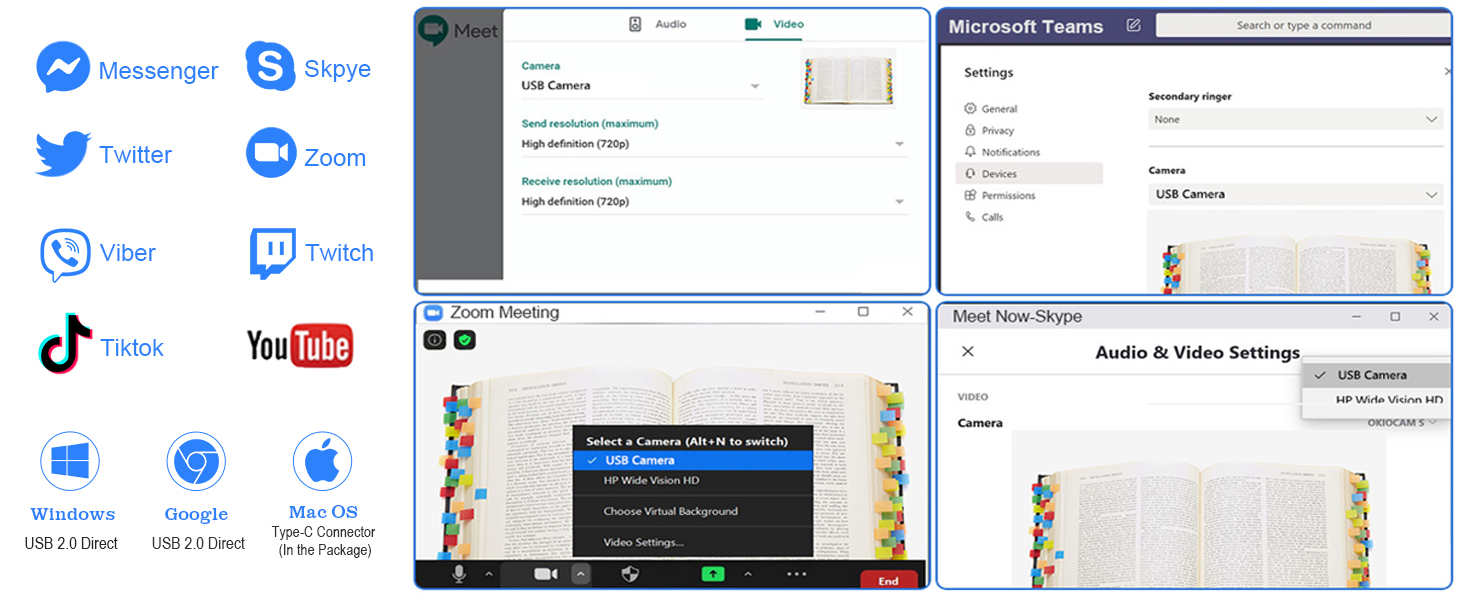
Universal Systems Compatibility:
- Software supporting Windows PC, Macs,and Chromebooks
- Compatible for E-Learning/Online Lesson App: Tiktok, Google Meet, Skyp, Microsoft Teams, Zoom etc.
The Visualiser is compatible with Tiktok, Zoom, Skype, Google Meet, Microsoft Teams, FaceTime, etc. ! You can start a video conference with doc cam in 3 steps:
- Step 1: Plug in the computer. It will be automatically detected. No need to install any drivers or other software
- Step 2: Launch the desired video sharing app
- Step 3: In the settings menu, change the camera source to “Stream Camera” and you can start using it.
- Finally: Image resolution can be adjusted as you need
- KITCHBAI Document cameras are only compatible with desktops or laptops and cannot be used with iPads or mobile devices.
KITCHBAI Visualiser can be connected to projectors. The document camera needs to be connected to the projector through a computer. Please connect the camera to the computer, open the video software, and then connect the projector to the computer.
Can I use the KITCHBAI Document Camera to project directly to a TV or projector without connecting it to a computer?
No, the camera requires a computer to process the image feed. You’ll need to:First connect the KB-700 Webcam to a PC,laptop via USB.
Can the KB-700 visualiser be used with webinar platforms?
Yes, the KB-700 is plug-and-play compatible with popular webinar software like Zoom, Google Meet, Microsoft Teams, and Webex.
Does the KITCHBAI document camera support iPads and mobile devices?
No. This Document Camera is designed for PCs and laptops only, and does not support iPads or mobile devices.
What’s special about the KITCHBAI Document Camera?
Document Camera is plug-and-play and come with USB 2.0 cable, assembly-free, and easy to use. Its compact but stable base design frees up desktop space. KITCHBAI is an really excellent document camera for teachers, students, and presenters.