XTEINK X4 Pro ebook Reader with Front Light,Touchscreen

XTEINK X4 Pro ebook Reader with Front Light,Touchscreen, 4.3″ E ink Ereader 4.3″ E-Book Reader with Adjustable Front Light,Touch&Gesture Control, Physical Buttons, 1100mAh Battery & Magnetic Charging
XTEINK X4 Pro
What should I do if the system update fails?
Press the RESET button, then long-press the Power button to restart. If the update still fails, switch networks or move closer to your Wi-Fi router. Network fluctuations may trigger update failures; wait briefly and retry.
What should I do if the device cannot connect to Wi-Fi?
Try another network or use a mobile hotspot. When using a mobile hotspot, enable "Compatibility Mode" on your phone.
What should I do if no network is detected?
Make sure the router has 2.4 GHz Wi-Fi enabled and that the device is within signal range.
What should I do if the device is unresponsive or sluggish?
Press the RESET button, then press and hold the Power button to restart the device. If it remains unresponsive, connect the charger, wait for a while, and try again to rule out a depleted battery.
What should I do if the device does not charge properly?
Ensure the charger is securely connected. Inspect metal contacts on device and charger for dust, debris or stains causing bad contact. If charging still fails after cleaning contacts, swap to another power adapter or charging cable.
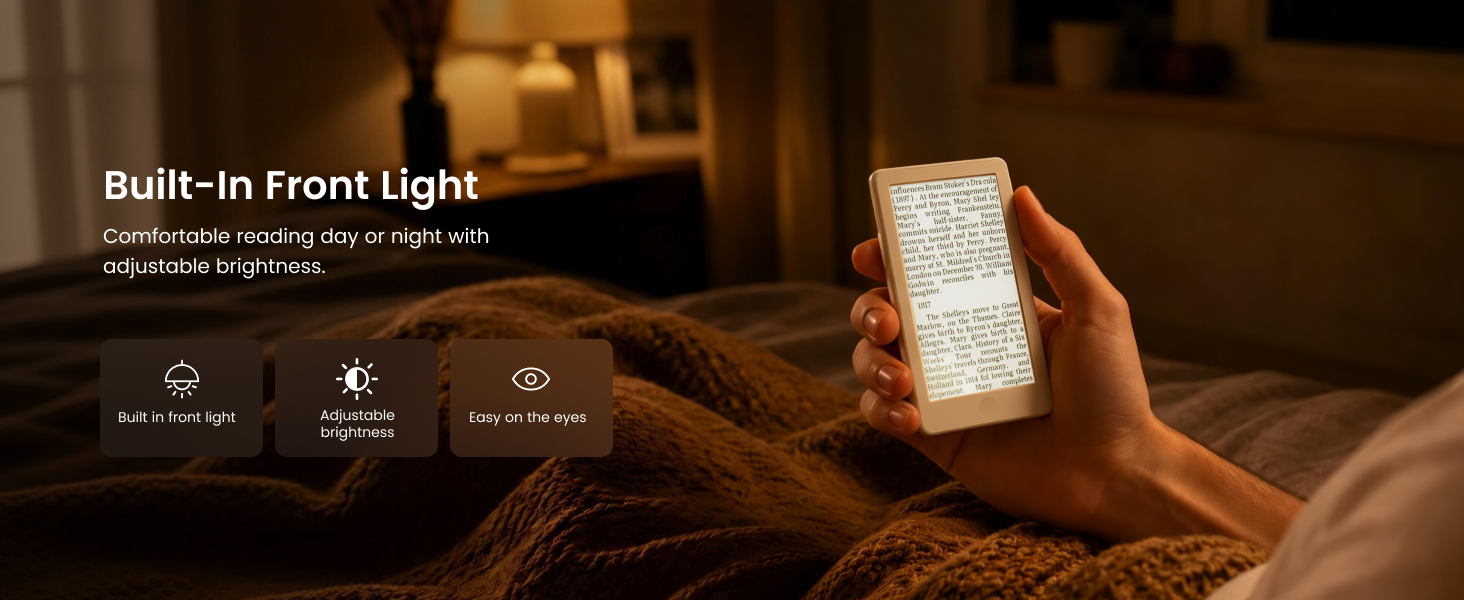
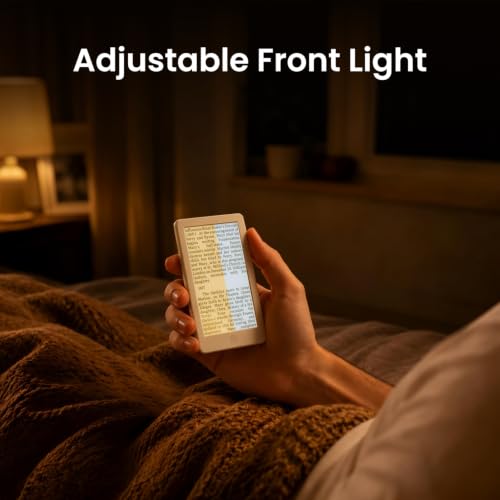
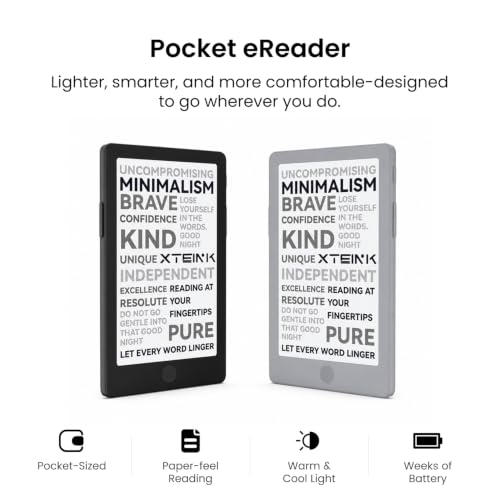
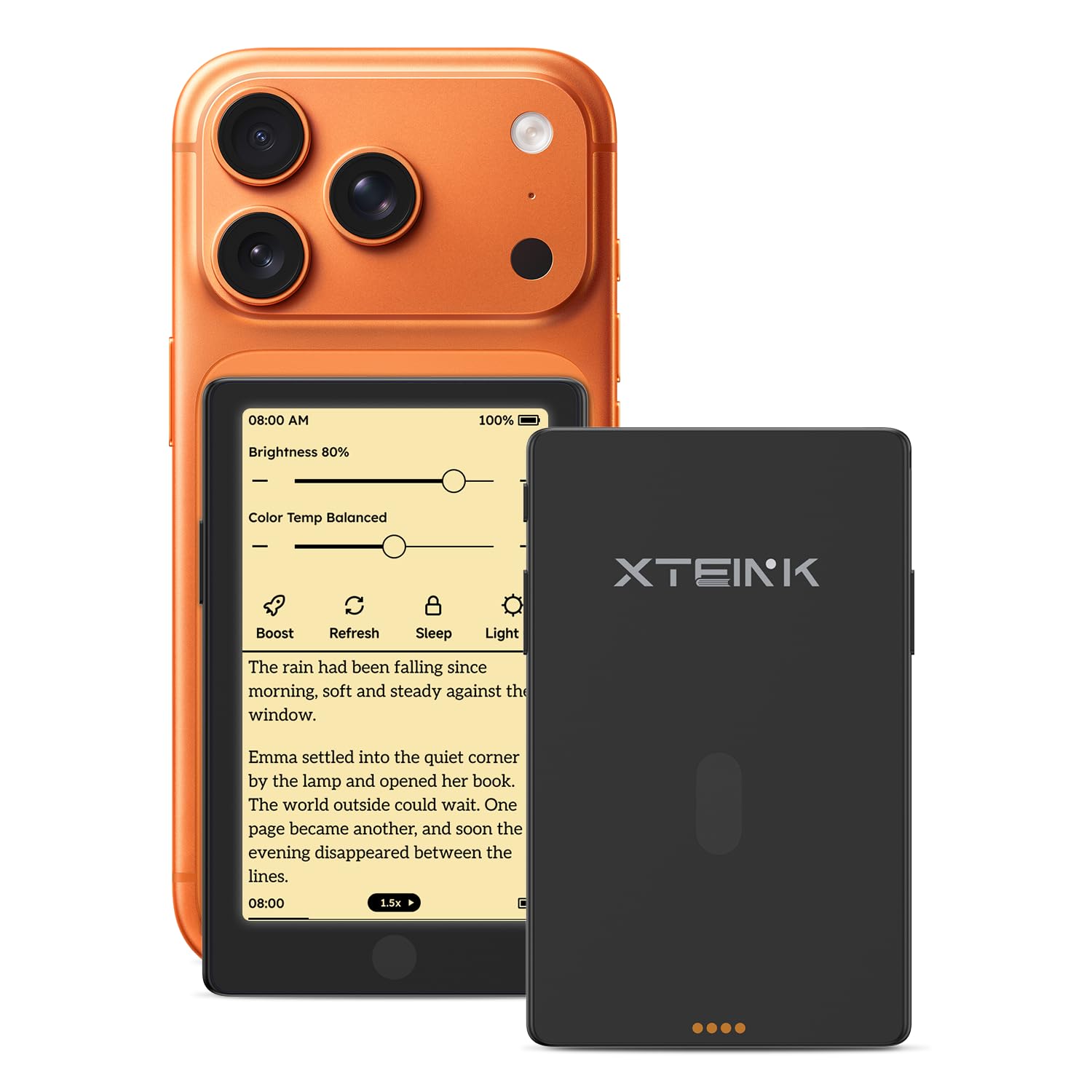
- ADJUSTABLE WARM & COOL FRONT LIGHT — Enjoy flexible reading with the X4 Pro’s adjustable front light. Choose warm or cool lighting to suit your reading routine, from daytime breaks to evening reading. The 4.3-inch E Ink display brings front-lit reading to a compact pocket eReader.
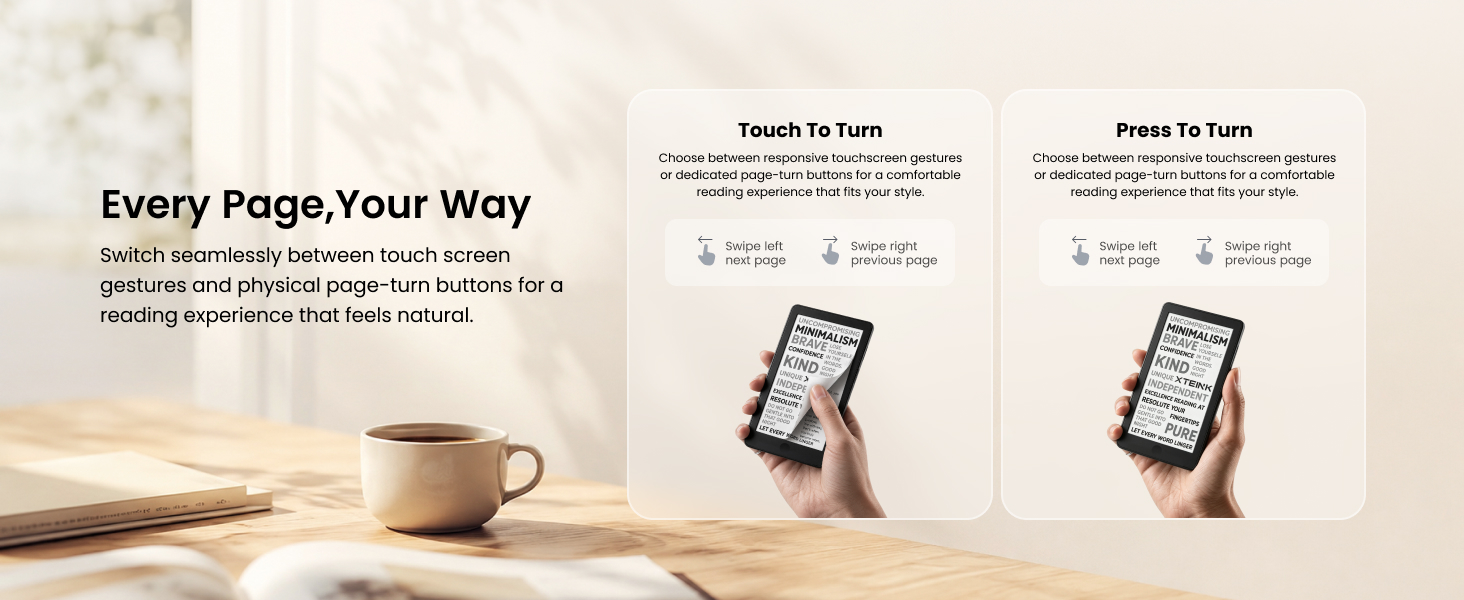
- TOUCHSCREEN & PHYSICAL BUTTONS — Navigate your reading with touchscreen controls or dedicated physical page-turn buttons. Tap or swipe the screen, or use the buttons for one-handed page turning. X4 Pro combines intuitive touch navigation with familiar physical controls in a compact eBook reader.
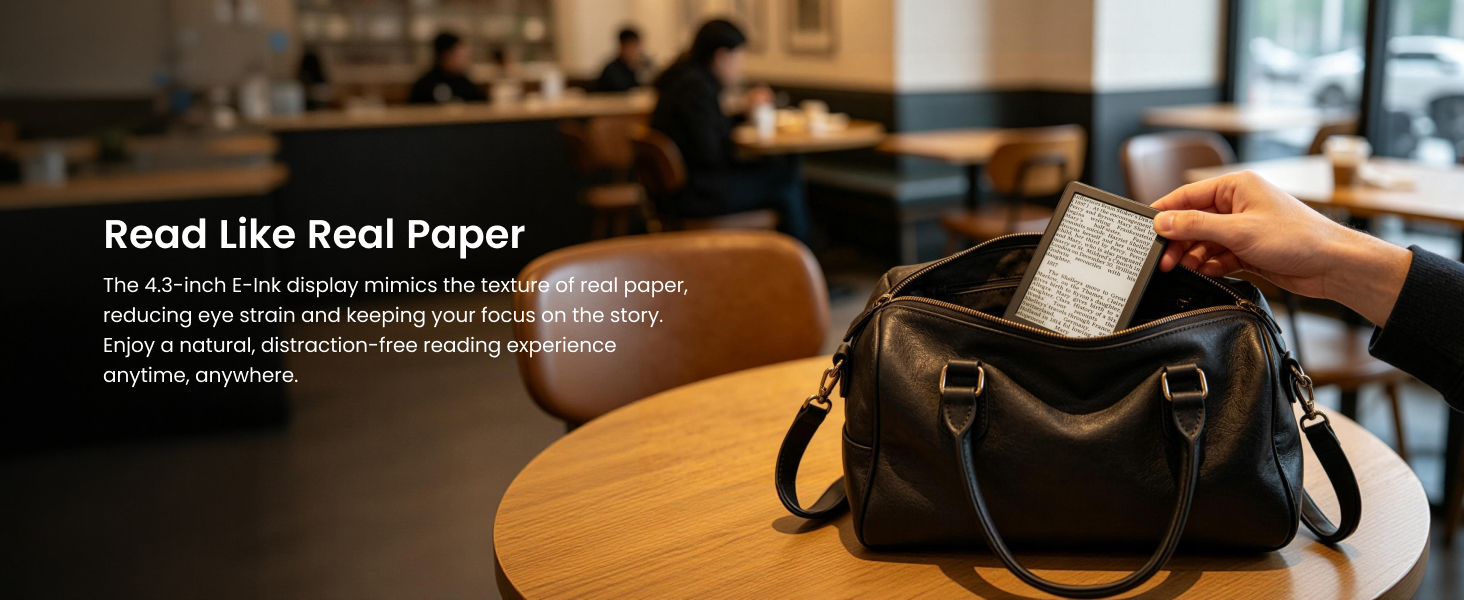
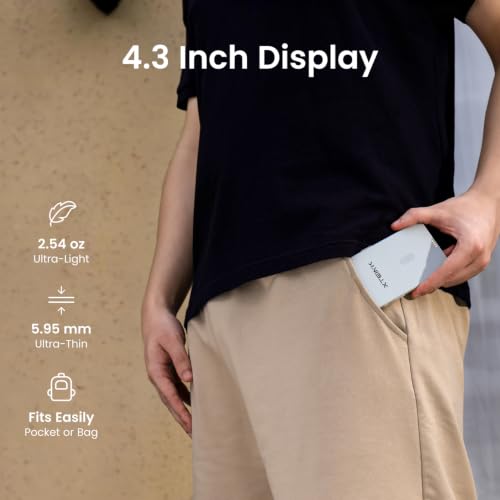
- 72G LIGHTWEIGHT, 5.95MM SLIM — Measuring approximately 111 × 69 × 5.95mm and weighing around 72g, this slim pocket eReader is easy to carry in a bag or suitable pocket. The 4.3-inch, 219 PPI E Ink display gives you a compact reading option for commuting, travel and everyday outings.
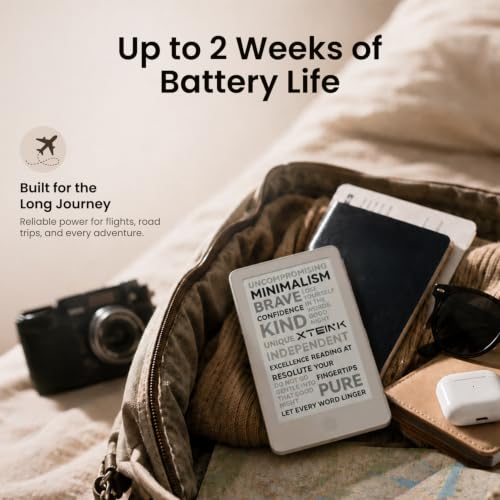
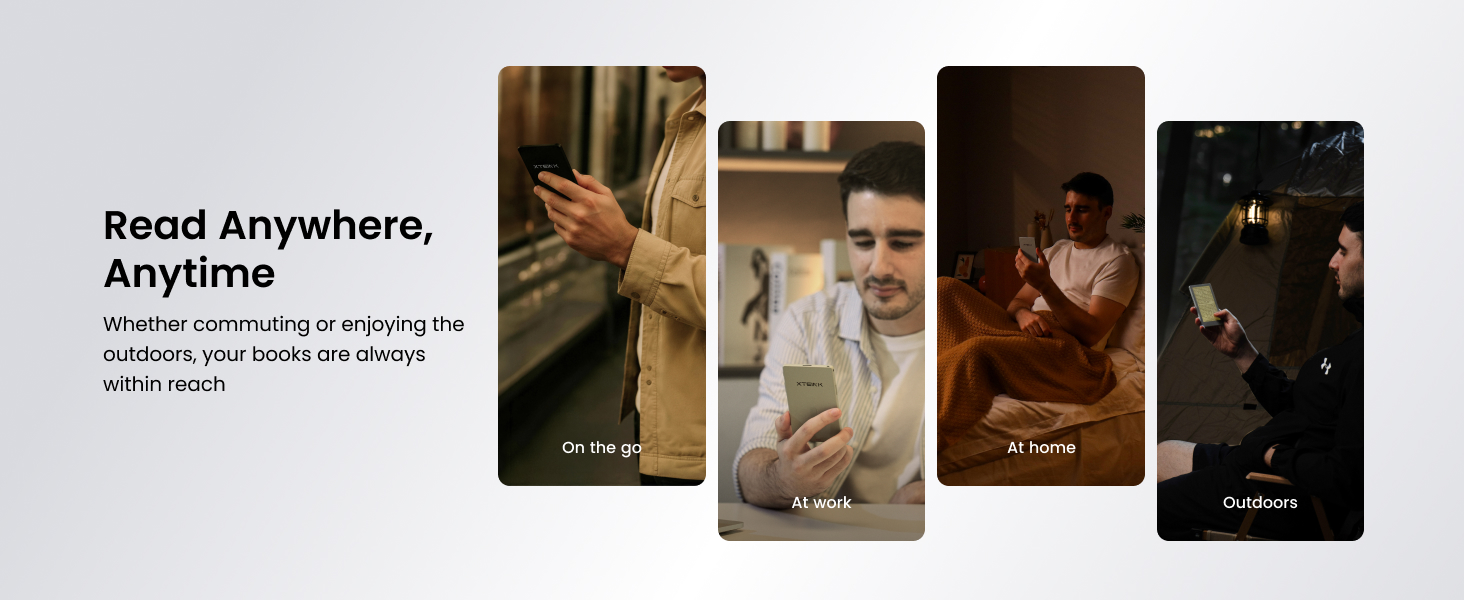
- MAKE TIME FOR EVERYDAY READING — Keep your next book close during a coffee break, while waiting for an appointment or on a journey. The compact X4 Pro fits naturally into your daily routine, making it convenient to pick up a few pages whenever you have a spare moment.
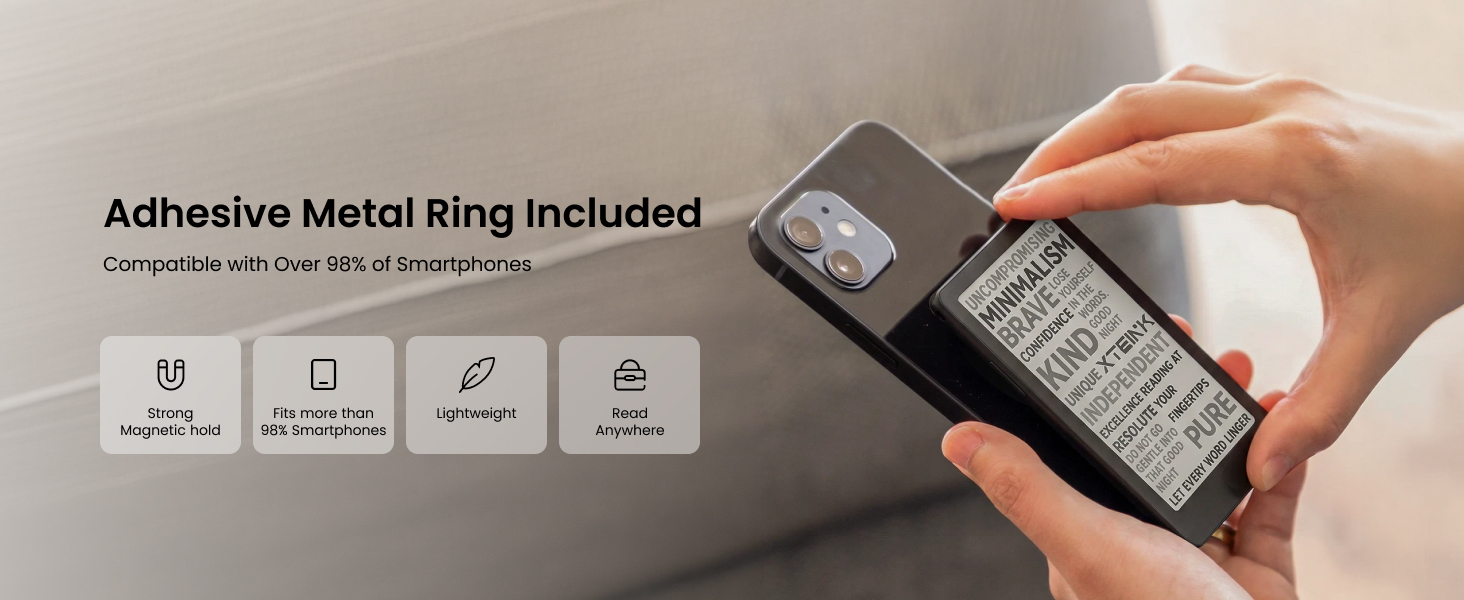
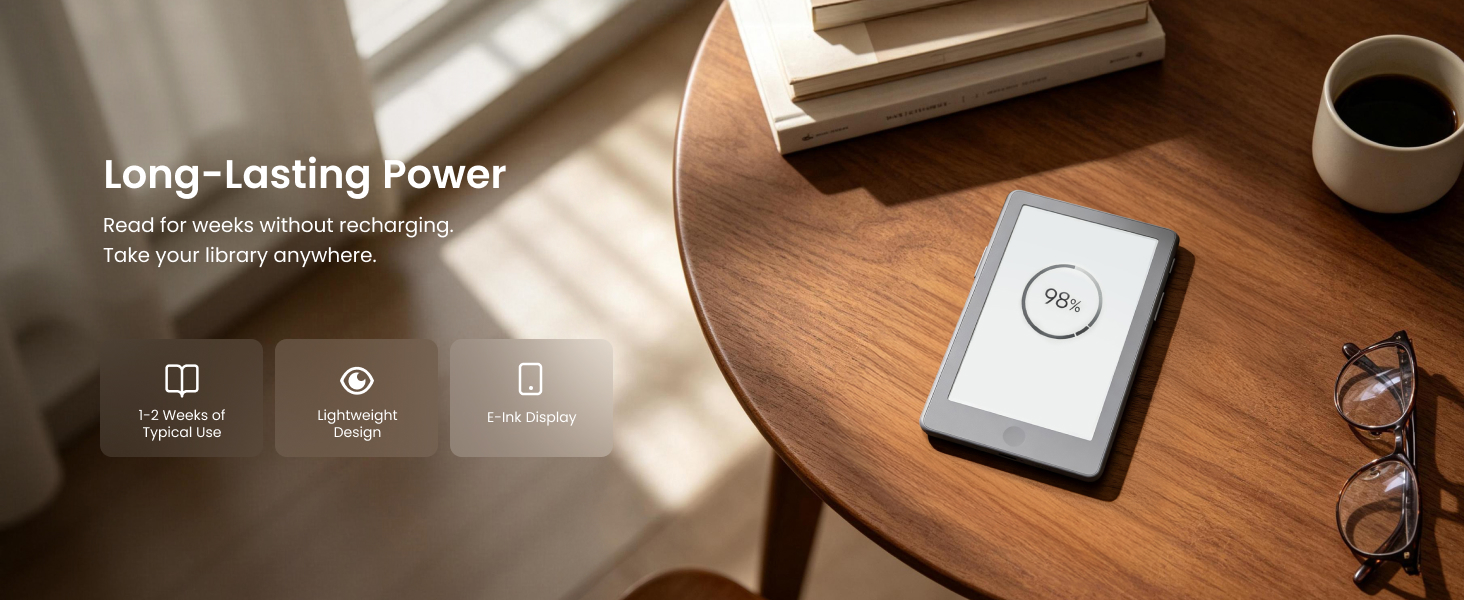
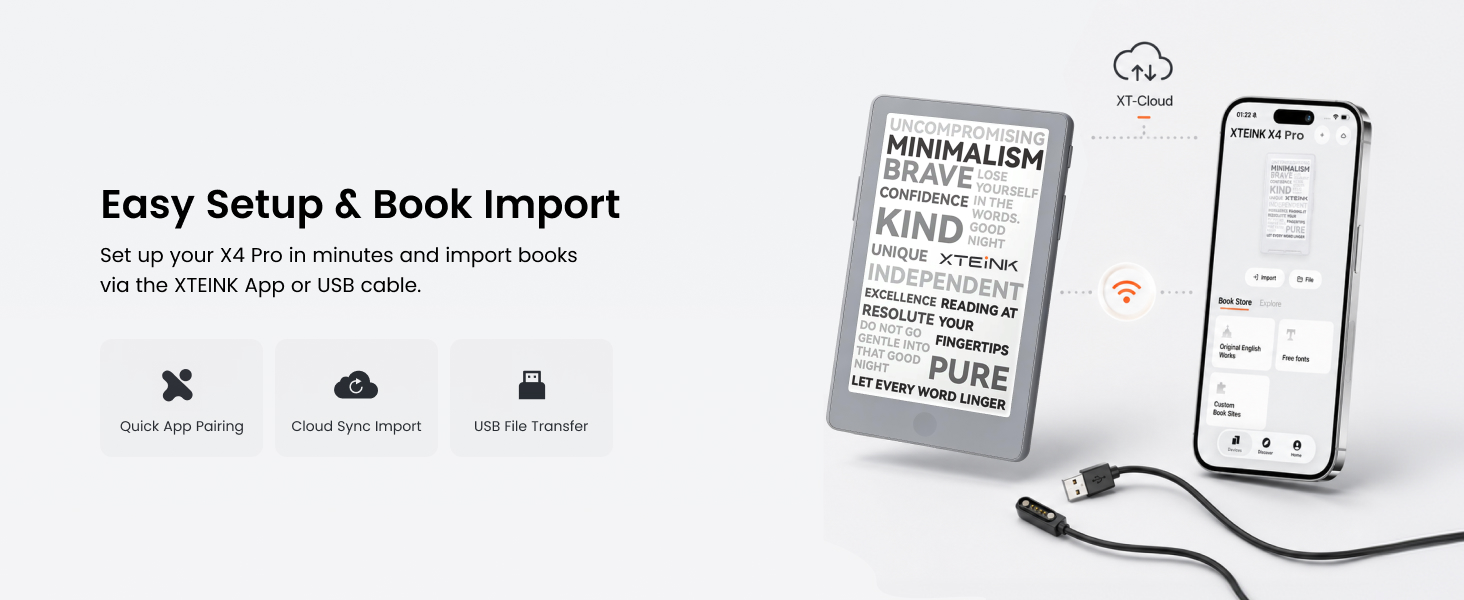
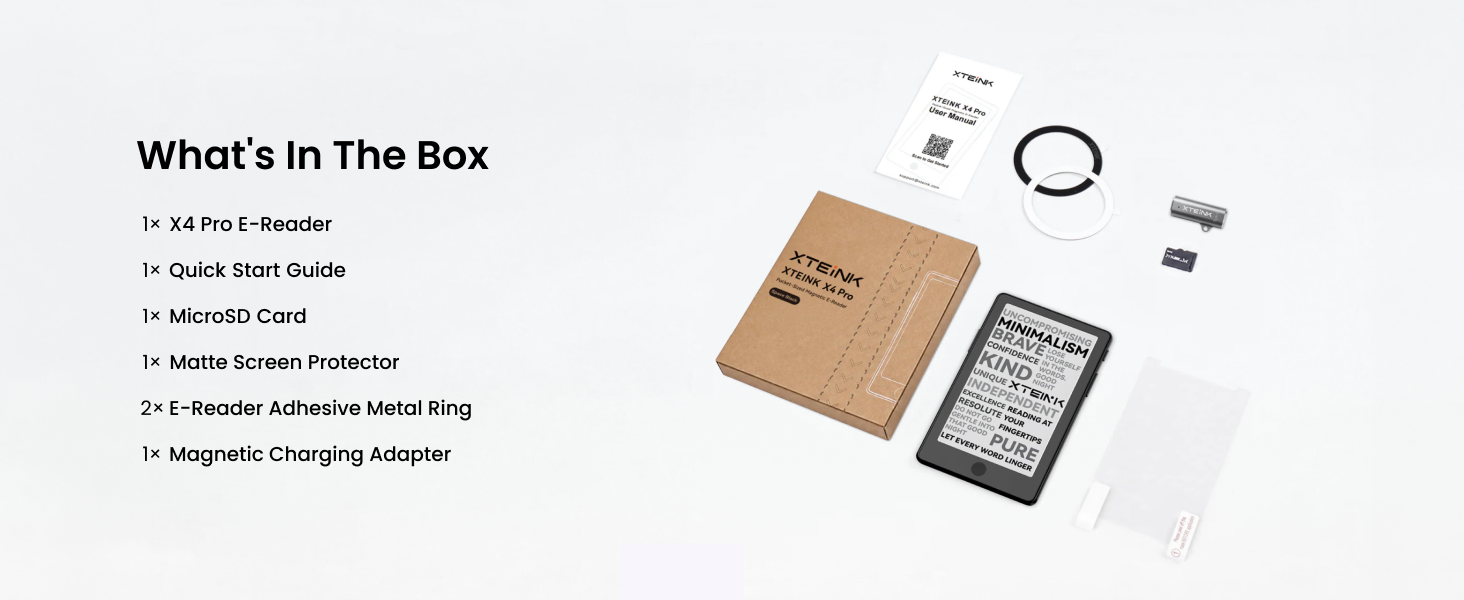
- 16GB STORAGE & MAGNETIC DESIGN — Includes a 16GB microSD card, with support for card expansion up to 256GB. Transfer supported files using the XTEINK app or a USB connection. The built-in magnetic backplate supports compatible magnetic attachments. The 1100mAh battery and 2.4GHz Wi-Fi support the device’s everyday reading functions. Check the product specifications for supported file formats and connection requirements.
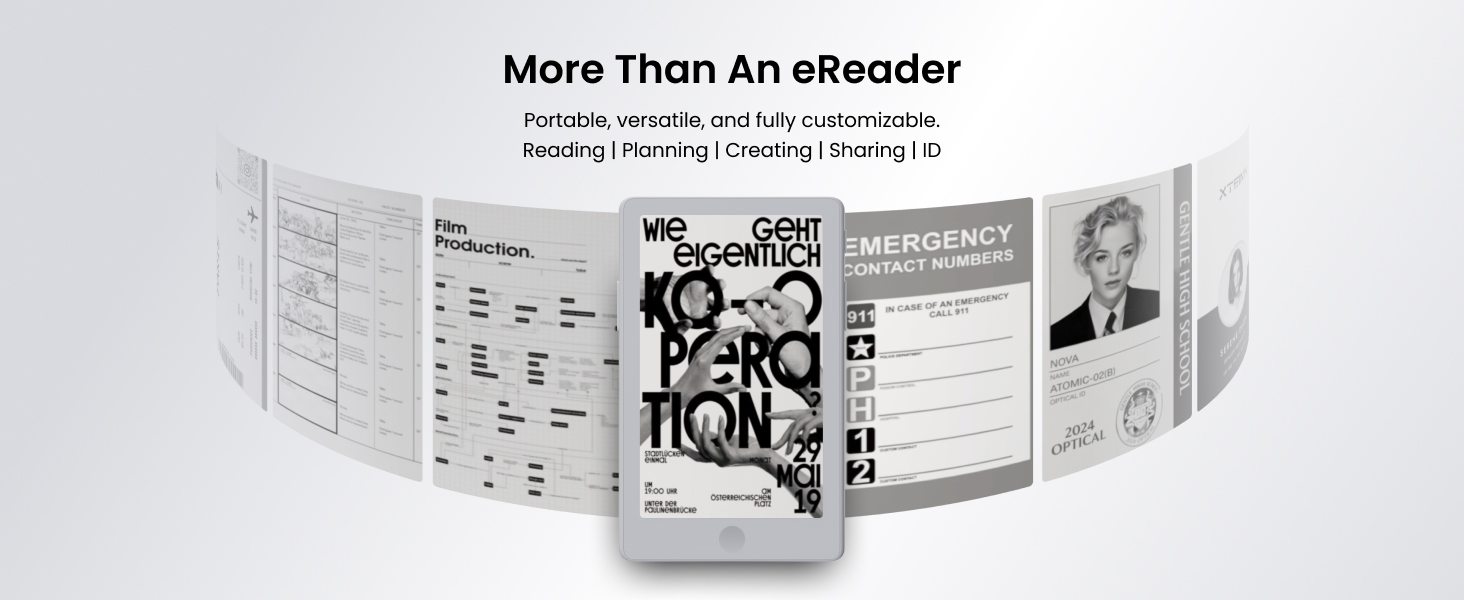
- XT-Cloud & XTEINK App Integration: Easily transfer and convert books or comics via the dedicated XTEINK App. Supports EPUB, TXT, MOBI, PDF formats, plus cloud-based AI features for real-time news subscriptions, weather, and schedule updates.

| SKU: | B0HGLKSJPC |
| Weight: | 72 Grams |
| Brand: | XTEINK |
| Colour: | Space Black |
| Manufacture: | XTEINK |
| Colour: | Space Black |
Product Description
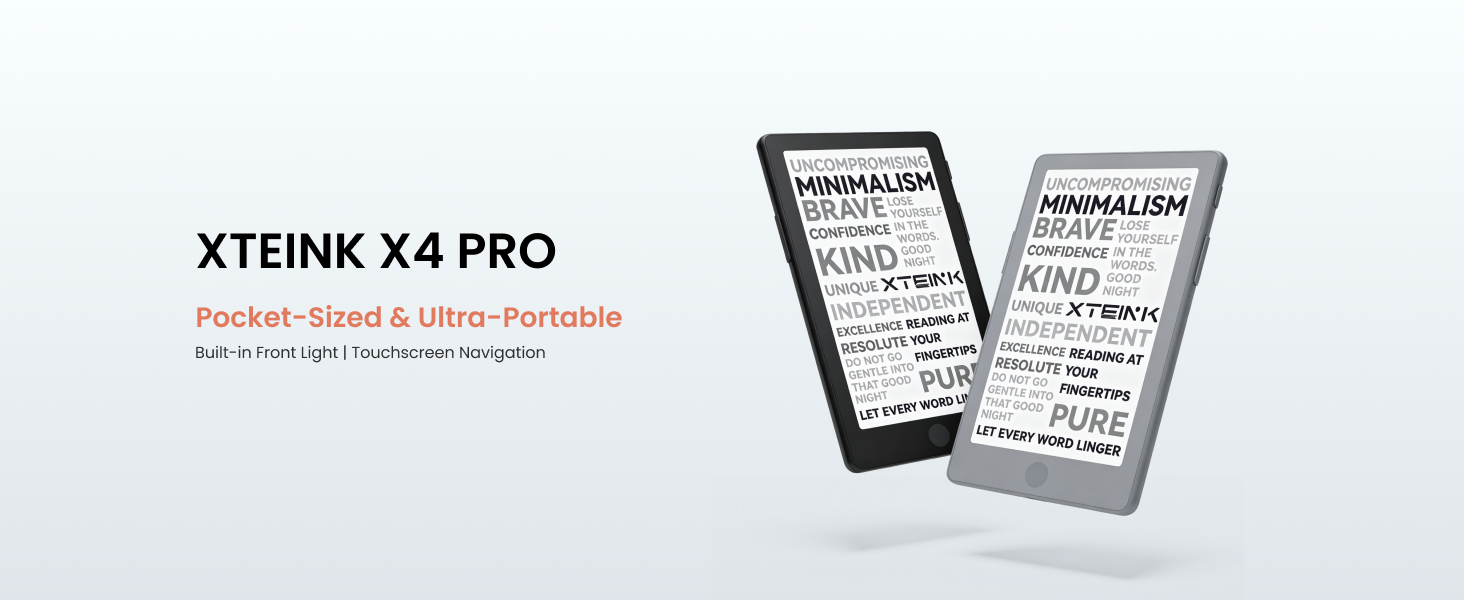
XTEINK X4 Pro
What should I do if the system update fails?
Press the RESET button, then long-press the Power button to restart. If the update still fails, switch networks or move closer to your Wi-Fi router. Network fluctuations may trigger update failures; wait briefly and retry.
What should I do if the device cannot connect to Wi-Fi?
Try another network or use a mobile hotspot. When using a mobile hotspot, enable “Compatibility Mode” on your phone.
What should I do if no network is detected?
Make sure the router has 2.4 GHz Wi-Fi enabled and that the device is within signal range.
What should I do if the device is unresponsive or sluggish?
Press the RESET button, then press and hold the Power button to restart the device. If it remains unresponsive, connect the charger, wait for a while, and try again to rule out a depleted battery.
What should I do if the device does not charge properly?
Ensure the charger is securely connected. Inspect metal contacts on device and charger for dust, debris or stains causing bad contact. If charging still fails after cleaning contacts, swap to another power adapter or charging cable.