2-Pack 32GB SD Memory Card, Up to 90MB/S Read, V30, U3, A1
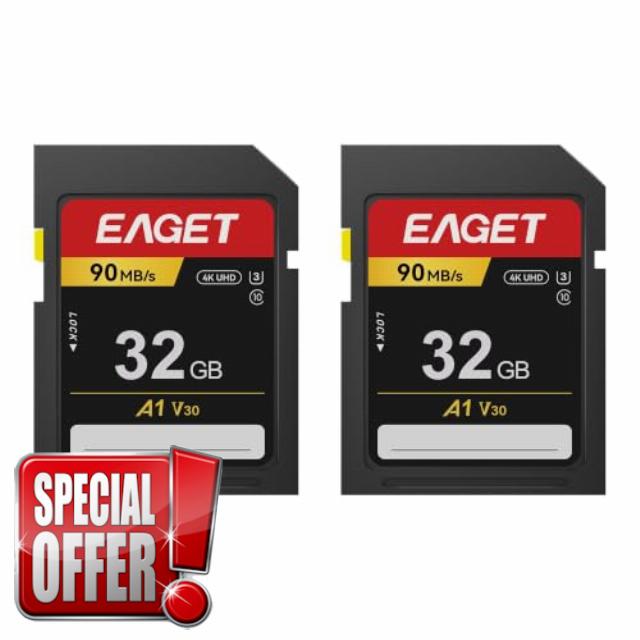
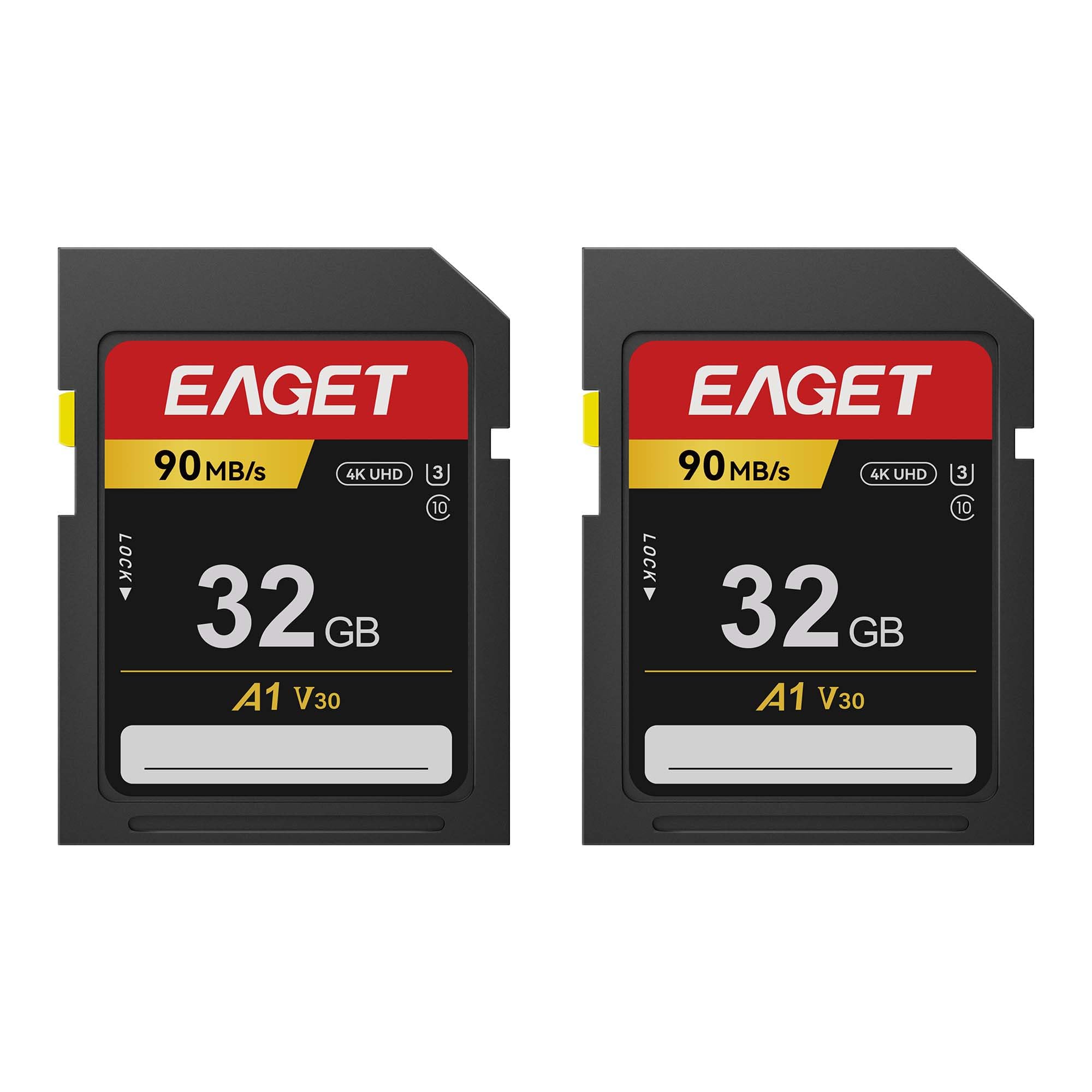
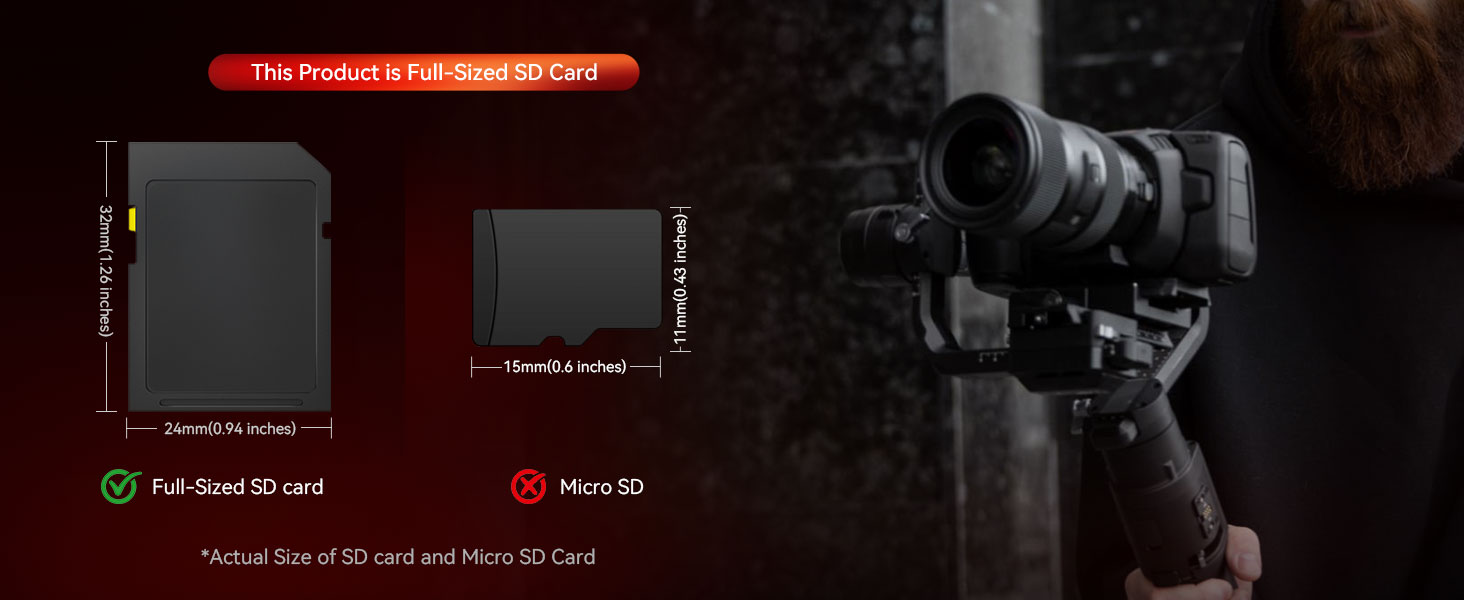
2-Pack 32GB SD Memory Card, Up to 90MB/S Read, V30, U3, A1, Class 10 Full HD, Ideal for Entry Level and Mid-range Compact Cameras & Camcorders
Why does my computer show only about 29GB instead of 32GB?
Flash memroy count 1GB = 1,000,000,000 bytes; computers count 1,073,741,824 and part of the storage is used for formatting and system-related functions,so a real 32GB card shows 29.5–29.9GB.
The listing says 90MB/s but I'm only getting 25–35MB/s. Is my card defective?
90MB/s is max READ speed; write is guaranteed 30MB/s (U3/V30).To get advertised speed,all four links must support it: a USB 3.0+ card reader (USB 2.0 caps ~35MB/s), a USB 3.0 port, a USB 3.0-rated cable, and a UHS-I slot.
Can this card really record 4K, or will recording stop halfway?
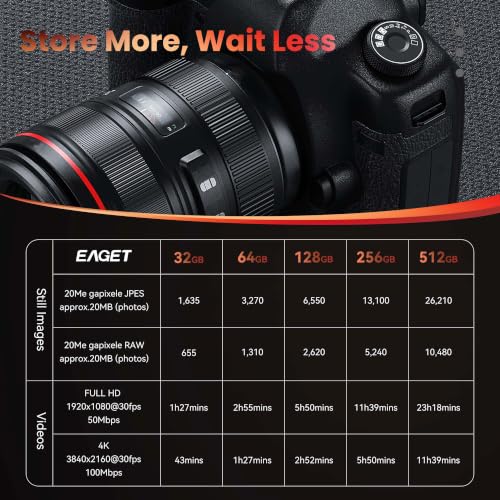
Yes — V30/U3 guarantees 30MB/s sustained write; 4K/30fps needs only ~12.5MB/s, a 2.4x margin. Limits: 4K/60fps, 200Mbps+, 10-bit or 120fps need V60/V90. Recording can also stop from an overheating camera or a nearly full card — not the card itself.
My camera says “Card Error” or “This card cannot be used”. What should I do?
In order: (1) check the adapter's lock slider — push up to UNLOCK; a half-way slider is the #1 cause. (2) Clean contacts, reseat firmly. (3) Test in a card reader — if the PC reads it, it's the camera slot. (4) Back up, then format in-camera.
Do I need to format the card before first use, and which format should I choose?
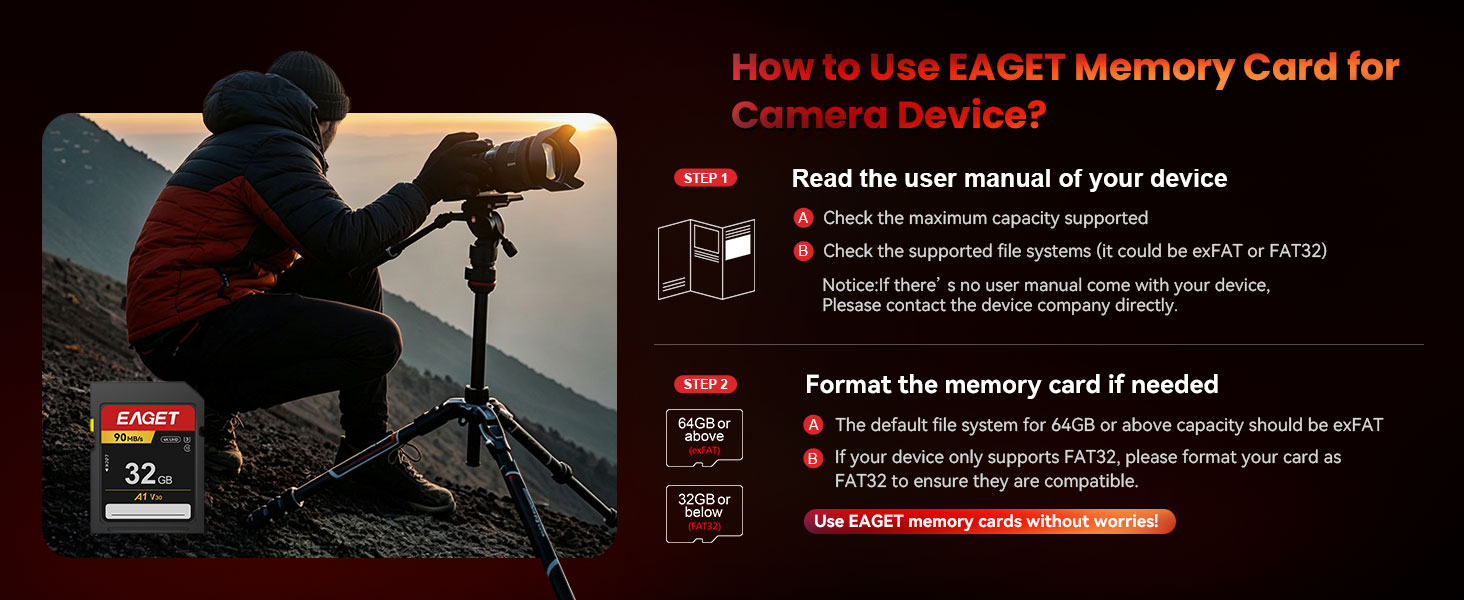
Format in the device you'll use — it sets the cluster size that device expects. On PC: 32GB must be FAT32; Use full-overwrite format if errors appeared.
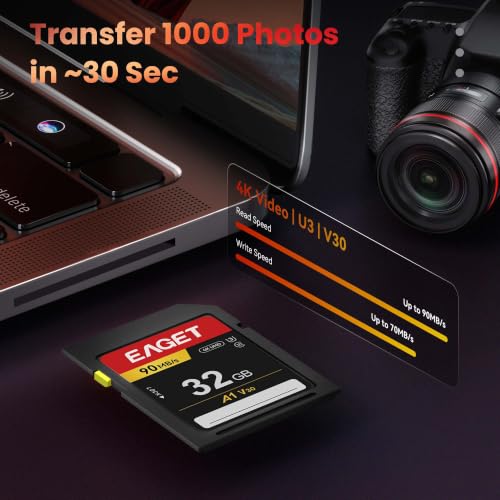
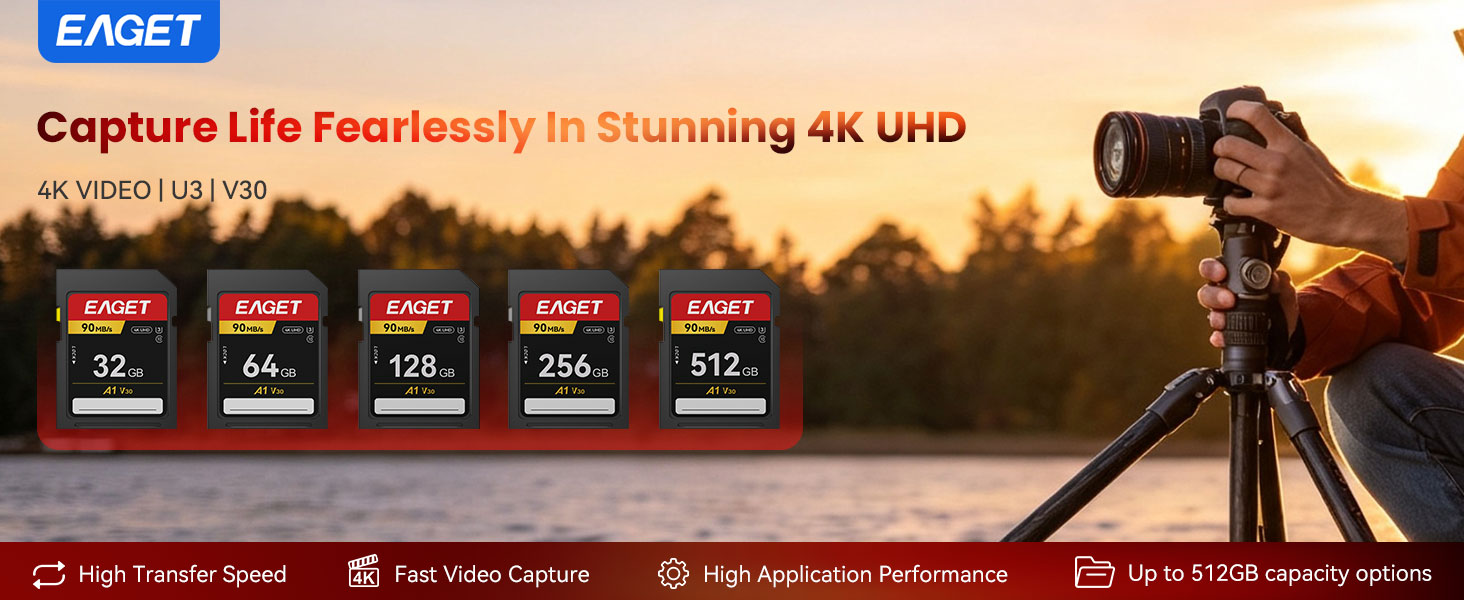
- Fast File Transfer: Read speeds of up to 90MB/s support efficient transfer of photos, videos and other files. (Read/write speeds are maximum values measured under specific test conditions. For optimal performance, use a USB 3.0 or higher card reader with a compatible USB port. Actual speeds may vary by reader, device, interface and operating environment.)
- Smooth Video Recording: Rated Class 10, U3 and V30, this memory card delivers consistent frame stability to meet your everyday video‑shooting demands
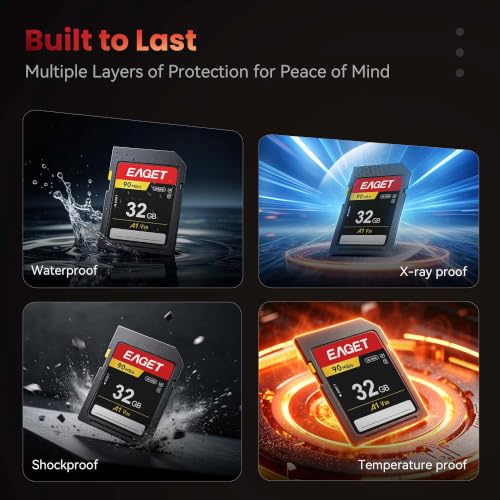
- Built for Everyday Conditions: Designed to resist water, shock, temperature fluctuations from -25°C to 85°C, magnets and X-rays, helping protect stored data in different environments.
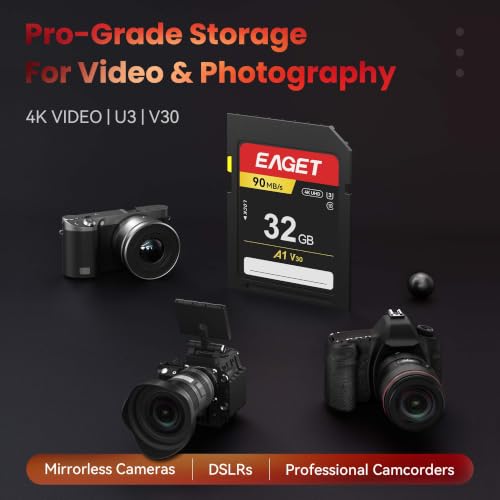
- Ideal for Compact Cameras & Camcorders: Suitable for compatible entry-level and mid-range compact cameras and camcorders, supporting everyday photo and video recording.
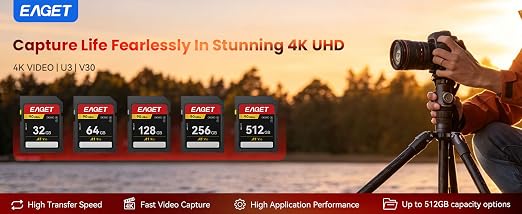
- Flexible Capacity Options:Available from 32GB to 512GB, with different capacities to meet various storage requirements.

| SKU: | B0HKFTPZNK |
| Brand: | EAGET |
| Colour: | Black |
| Manufacture: | Shenzhen Eaget Innovation Technology Ltd. |
| Colour: | Black |
Product Description
Why does my computer show only about 29GB instead of 32GB?
Flash memroy count 1GB = 1,000,000,000 bytes; computers count 1,073,741,824 and part of the storage is used for formatting and system-related functions,so a real 32GB card shows 29.5–29.9GB.
The listing says 90MB/s but I’m only getting 25–35MB/s. Is my card defective?
90MB/s is max READ speed; write is guaranteed 30MB/s (U3/V30).To get advertised speed,all four links must support it: a USB 3.0+ card reader (USB 2.0 caps ~35MB/s), a USB 3.0 port, a USB 3.0-rated cable, and a UHS-I slot.
Can this card really record 4K, or will recording stop halfway?
Yes — V30/U3 guarantees 30MB/s sustained write; 4K/30fps needs only ~12.5MB/s, a 2.4x margin. Limits: 4K/60fps, 200Mbps+, 10-bit or 120fps need V60/V90. Recording can also stop from an overheating camera or a nearly full card — not the card itself.
My camera says “Card Error” or “This card cannot be used”. What should I do?
In order: (1) check the adapter’s lock slider — push up to UNLOCK; a half-way slider is the #1 cause. (2) Clean contacts, reseat firmly. (3) Test in a card reader — if the PC reads it, it’s the camera slot. (4) Back up, then format in-camera.
Do I need to format the card before first use, and which format should I choose?
Format in the device you’ll use — it sets the cluster size that device expects. On PC: 32GB must be FAT32; Use full-overwrite format if errors appeared.