3K 5MP Window Camera, AI Color Night Vision Window Cameras
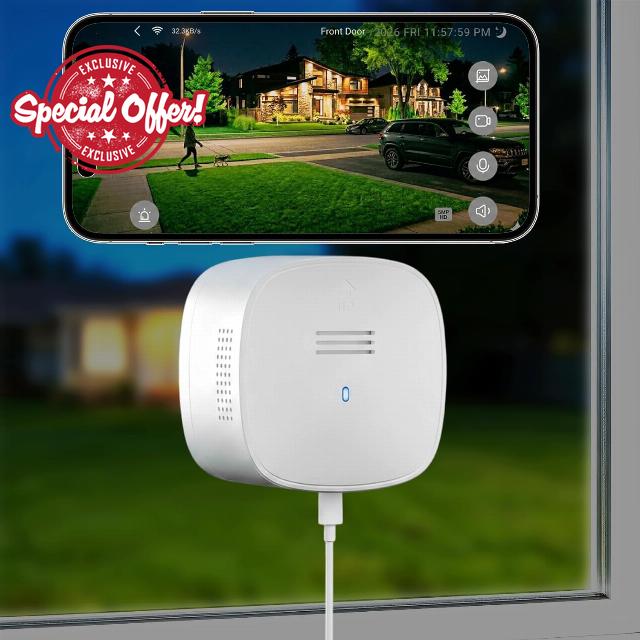
3K 5MP Window Camera, AI Color Night Vision Window Cameras for Home Security, 2.4G&5G WiFi, Motion Detection, Two-Way Audio, 24/7 Recording, Easy Quick Install Indoor Glass, Dome Cameras
IdeaBeam 3K 5MP Indoor Window Camera for Home Security
Wihdow Camera with Night Vision
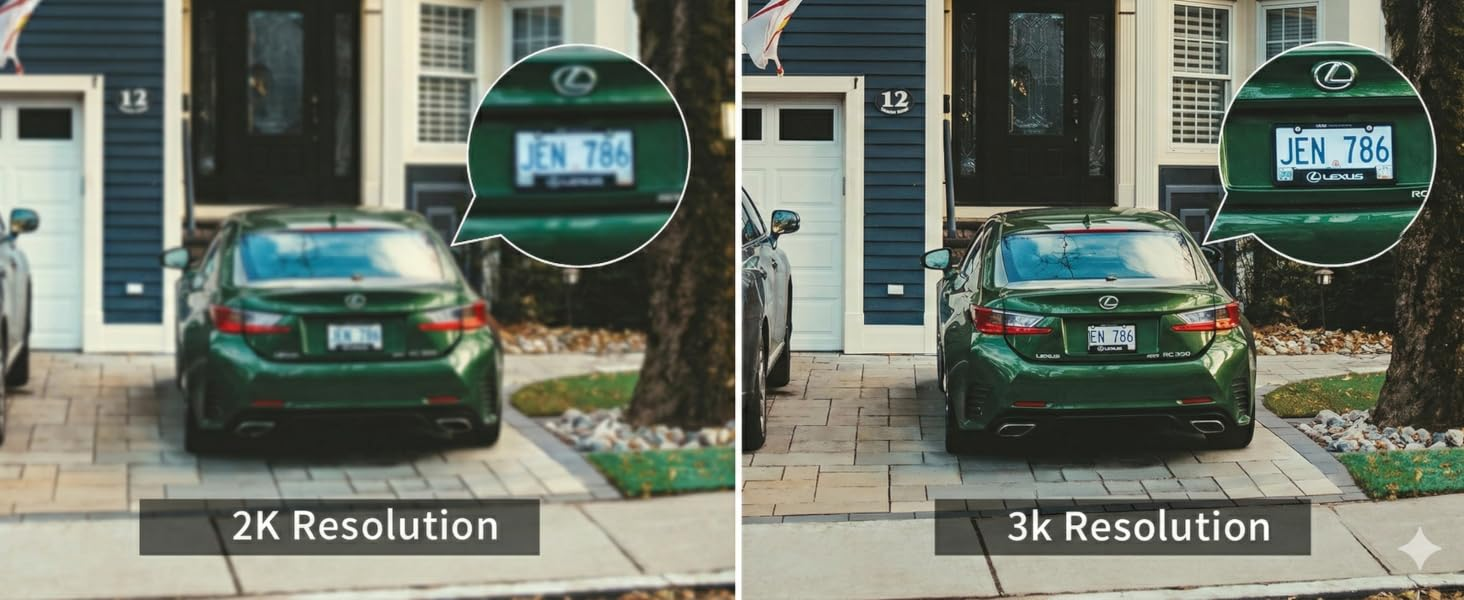
3K 5MP Ultra HD Resolution,Crystal-Clear Monitoring Day and Night
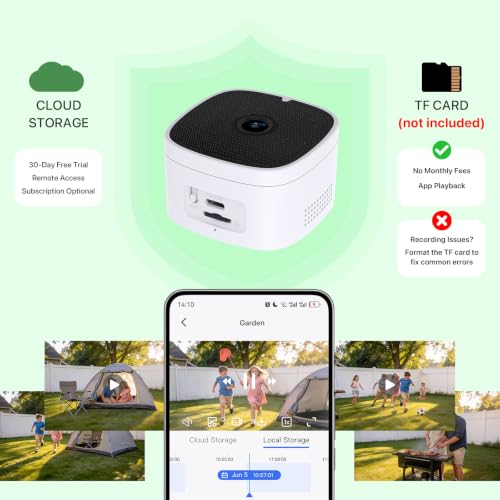
What kind of TF card do this device use?
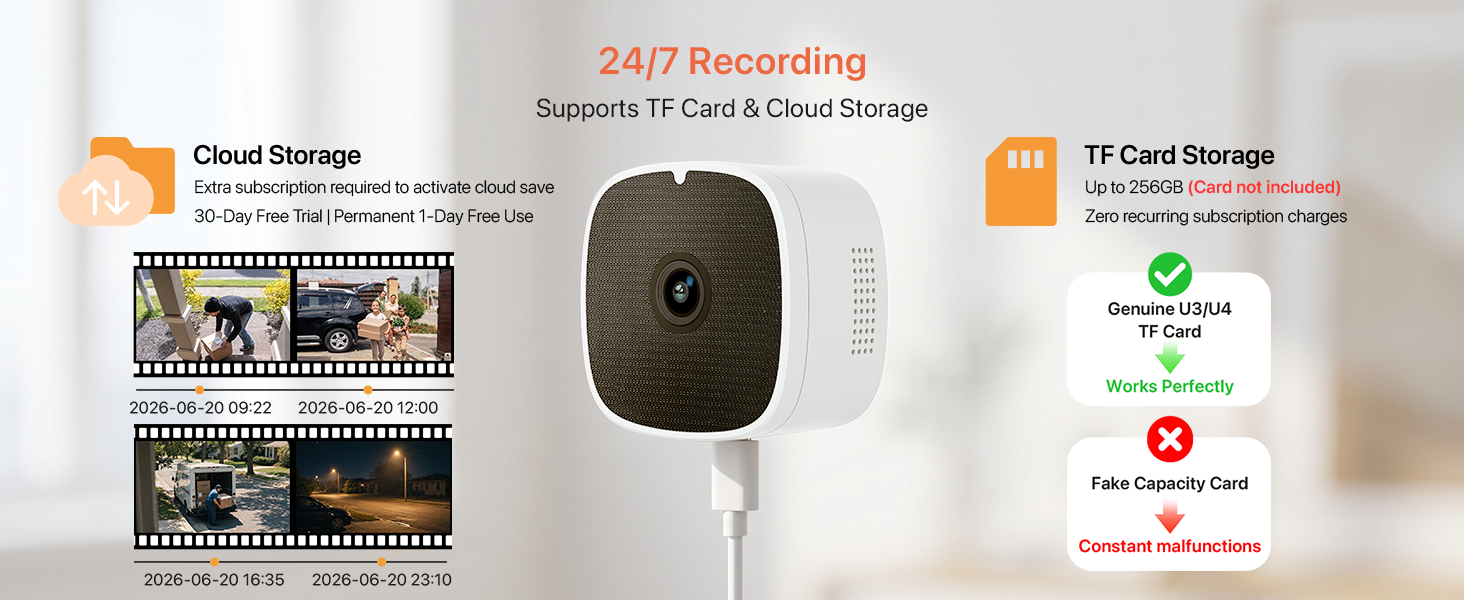
TF card up to 256GB is compatible. Suggest U3/U4 cards, do not use expansion fake cards.
How to resetting the device to factory settings?
Option 1: Click twice: enter into network configuration mode. Option 2:Press and hold for 5 seconds: restore factory default.
What should I do if the camera is offline?
Here’s what you can try first:
Restart your router – Please unplug your router from the power source, wait about 30 seconds, and then plug it back in. Allow a few minutes for it to fully restart, then check if the camera comes back online.
Why can't I playback the video?
First, could you please confirm if a TF card is inserted in the device? To watch the playback footage, you’ll need to purchase a TF card separately,
If it's already inserted, it might not be seated properly.
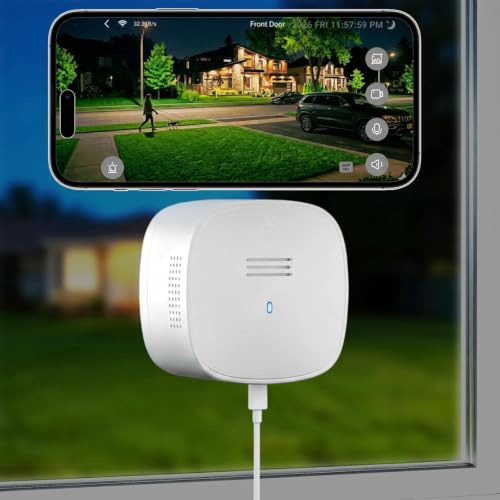
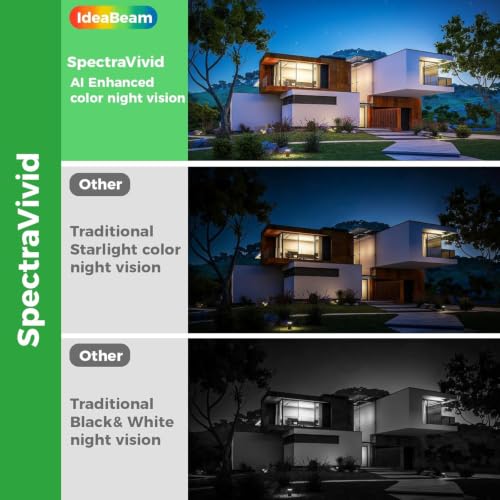
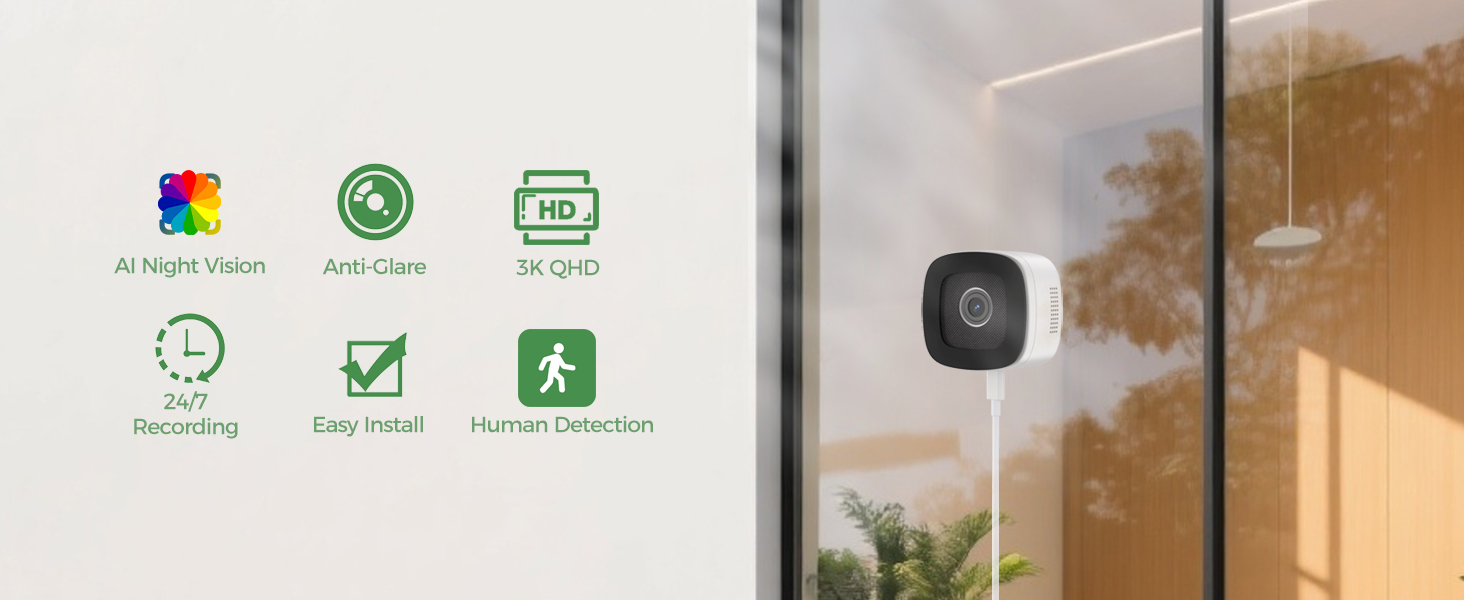
- 【3K 5MP Window Camera with SpectraVivid AI Night Vision】Experience crystal-clear monitoring day and night with this advanced window security camera night vision through window. Its 5MP Ultra HD sensor and anti-glare technology deliver stunning 3K resolution, while the SpectraVivid AI night vision ensures full-color imagery even in darkness. Deliver unimaginable visuals.
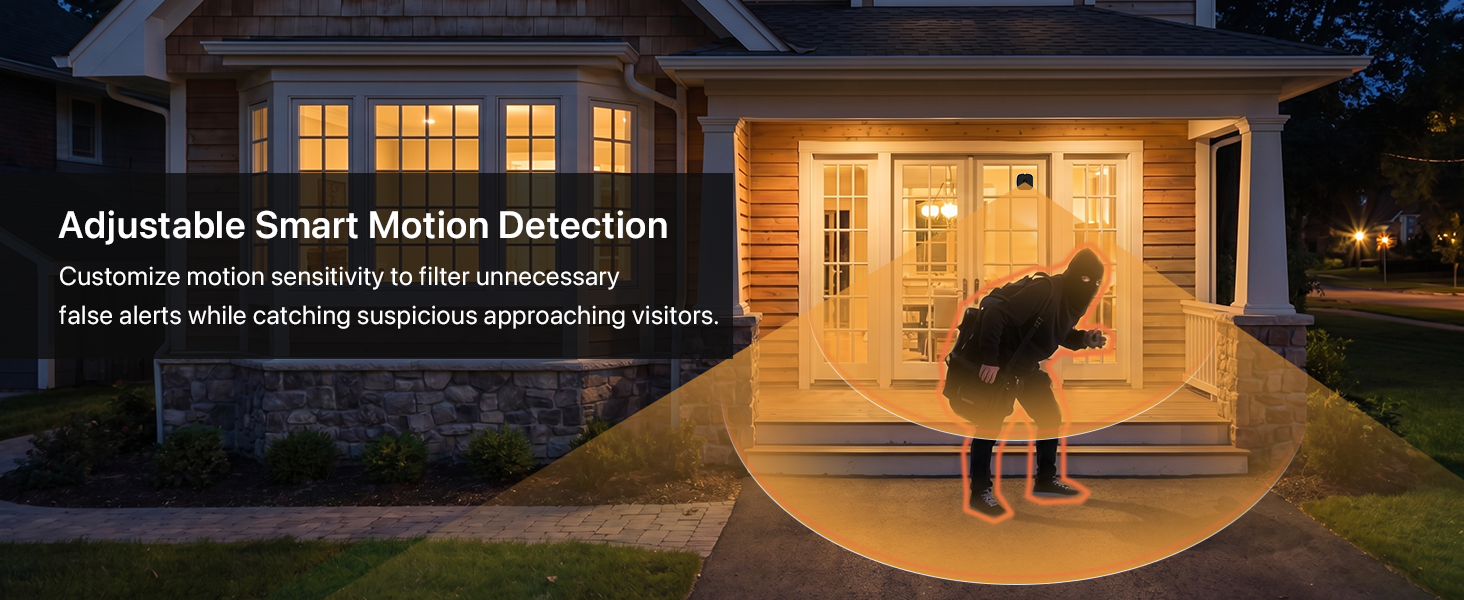
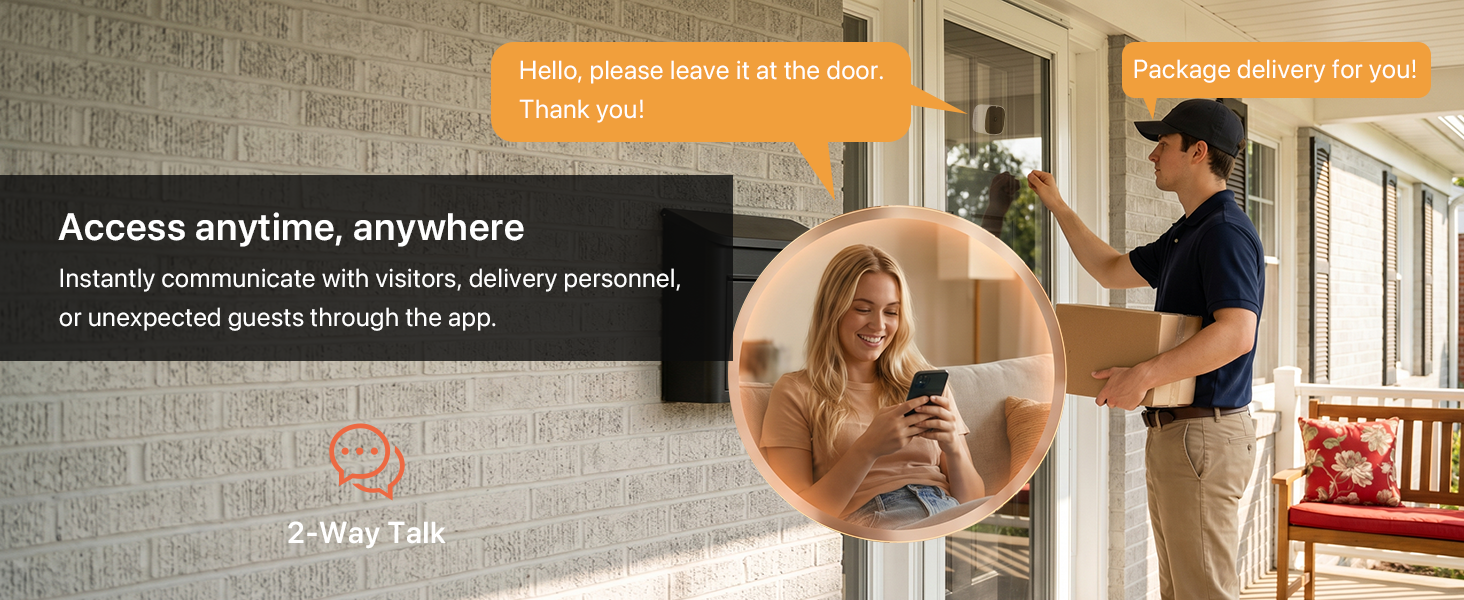
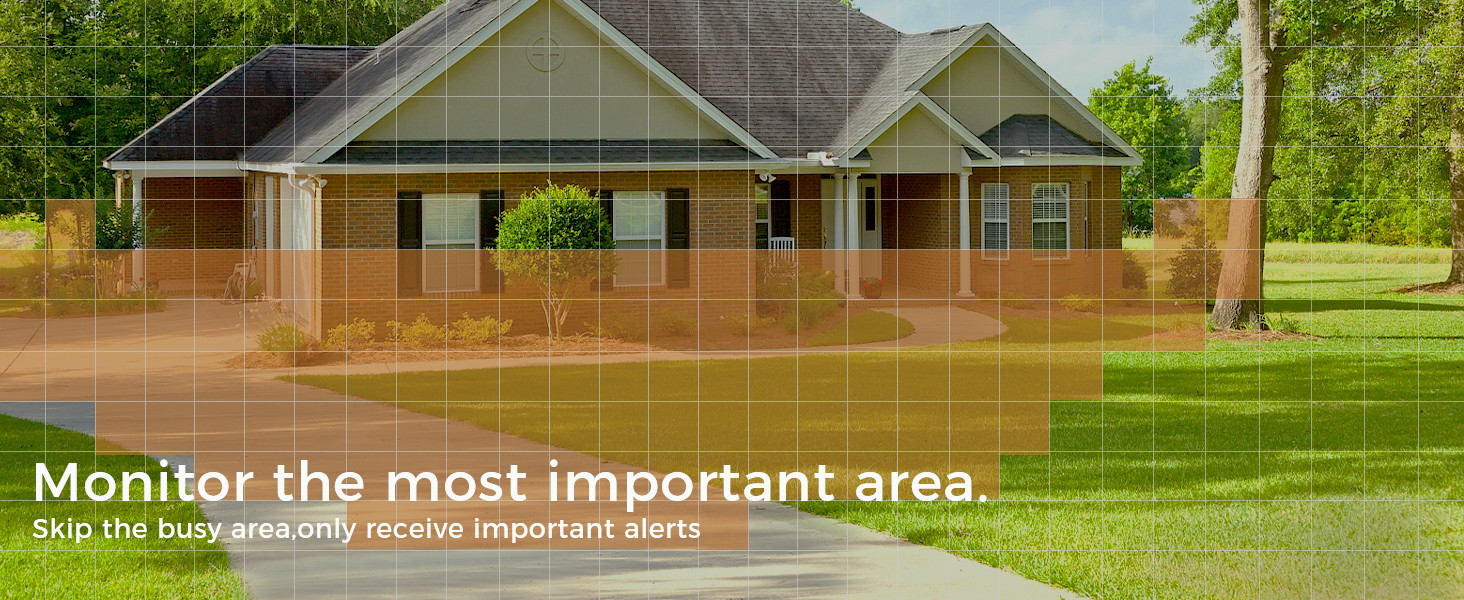
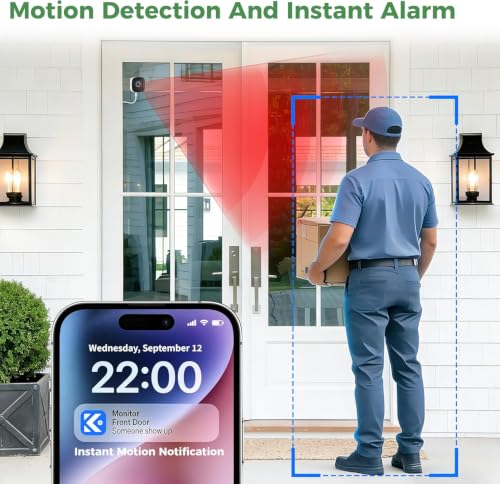
- 【AI Human Detection & Instant Siren Alert & Two-Way Audio】Worried about packages, burglars, or strangers lurking? As a window cctv camera for outdoor monitoring, it captures critical details through glass without blind spots—ideal for through window security camera applications. Receive real-time alerts on your phone when motion is detected. With its built-in mic and speaker, this window camera for looking outside lets you speak directly to anyone outside.
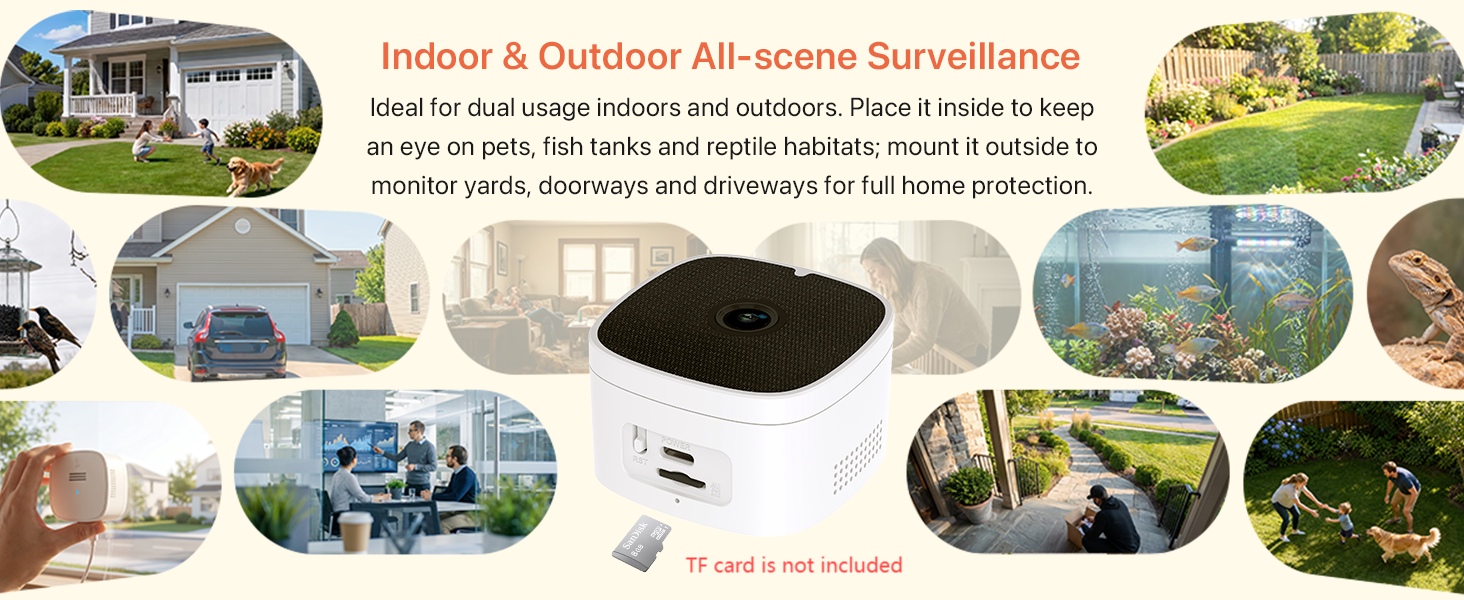
- 【24/7 Recording】As a reliable window cameras for home security, it provides 24/7 protection with proactive security measures, never miss a moment with continuous recording. This window cam supports local storage via TF card (up to 256GB, not included) and secure cloud storage (optional). it ensures your data is protected while providing seamless access to playback and live feeds day and night.
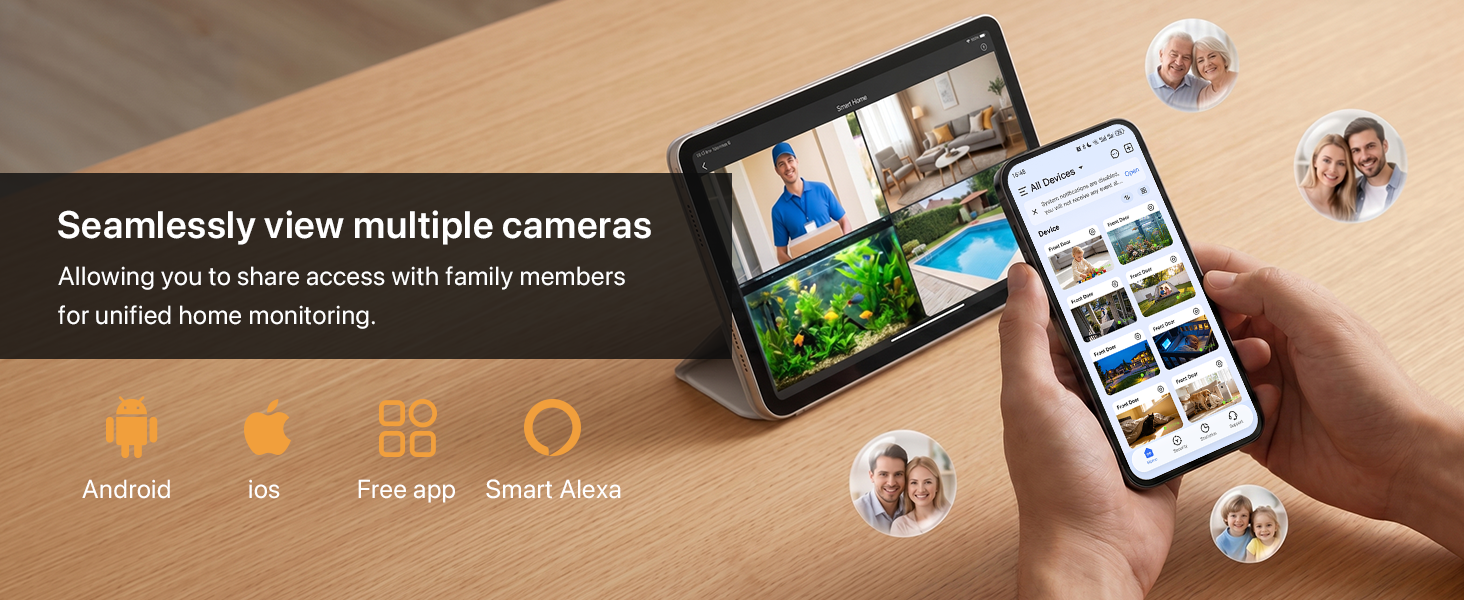
- 【Compatible with Alexa & Google Assistant & Multi-Camera Management】This stick on window camera offers effortless integration with Alexa and Google Assistant, delivers a more convenient and intelligent user experience. Designed to provide comprehensive whole-home coverage through window mounting, it is the ideal security camera solution for modern smart homes. Allowing you to share access with family members for unified home monitoring.
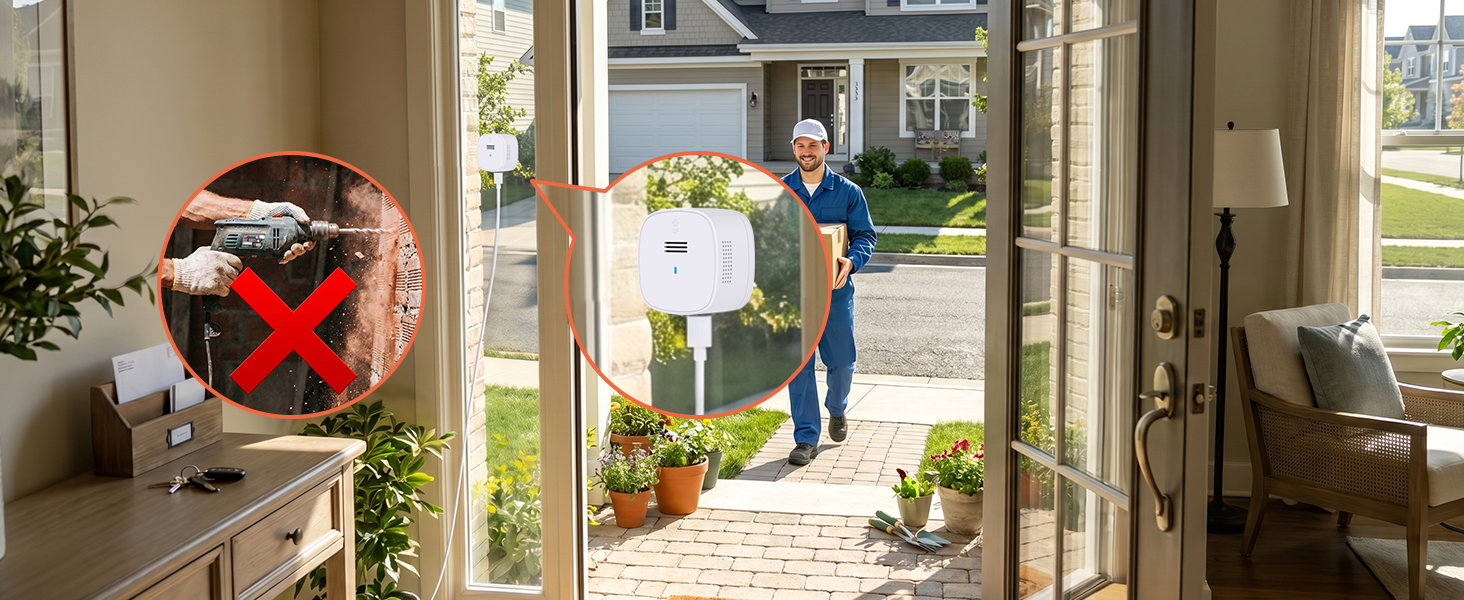
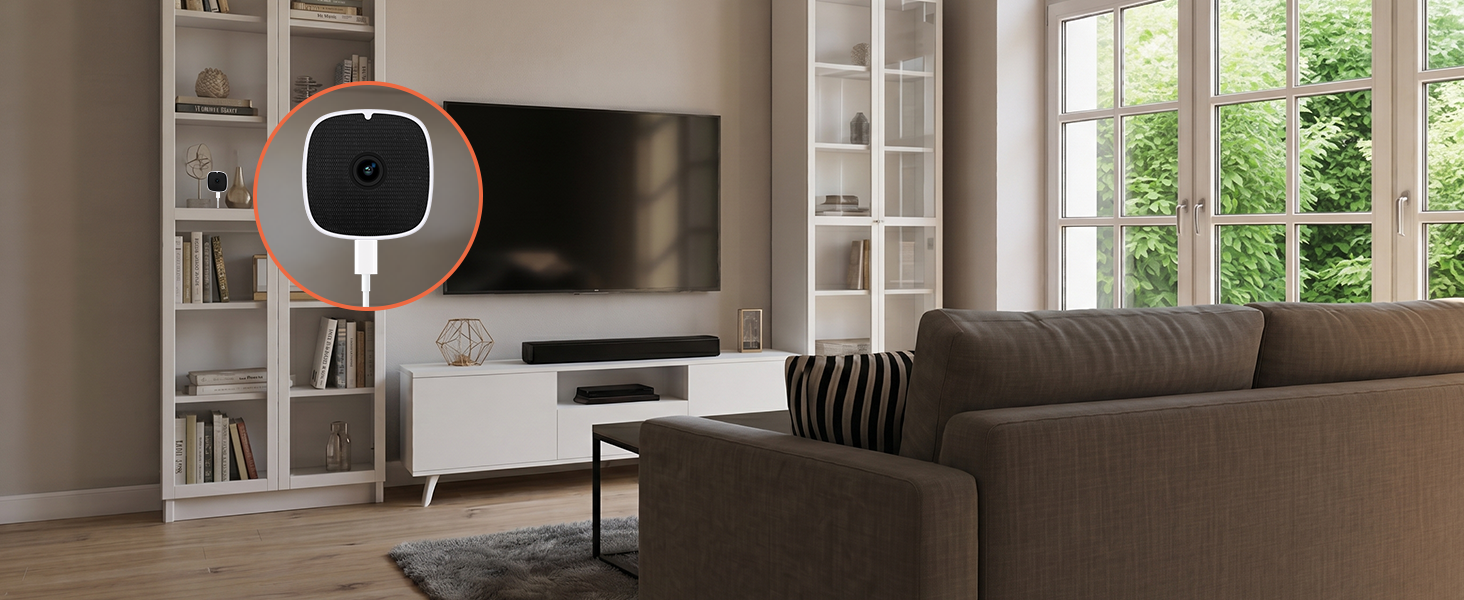
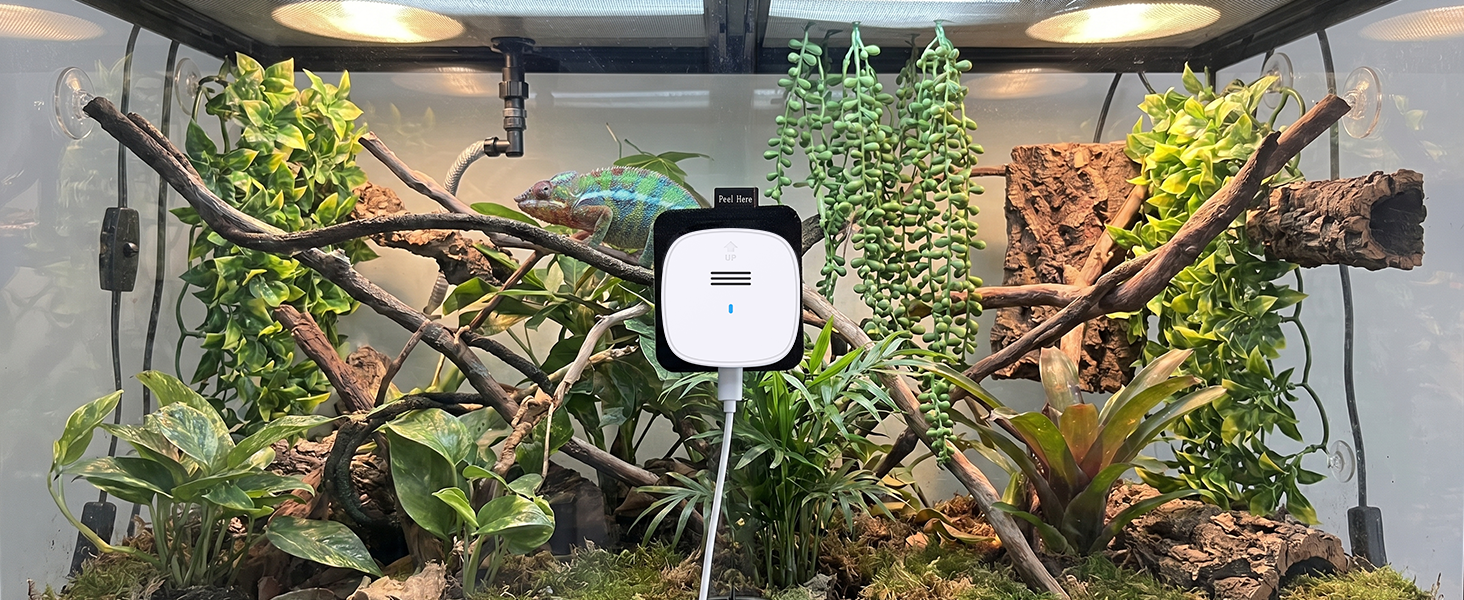
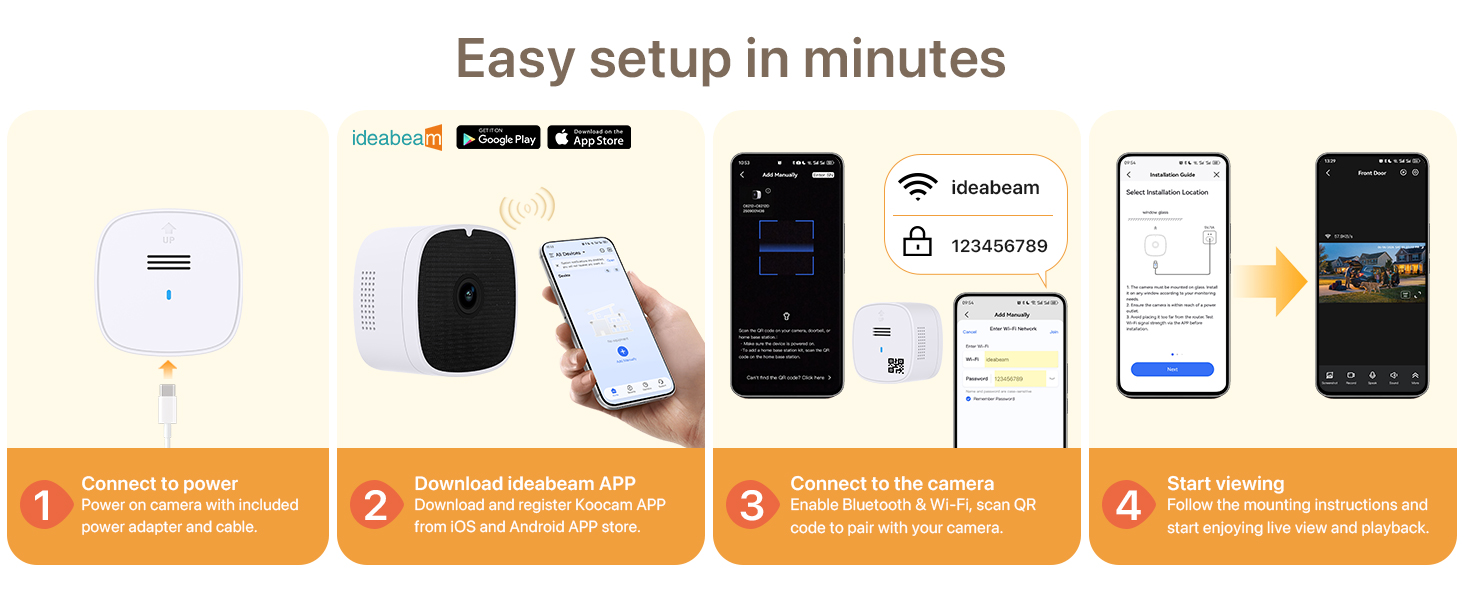
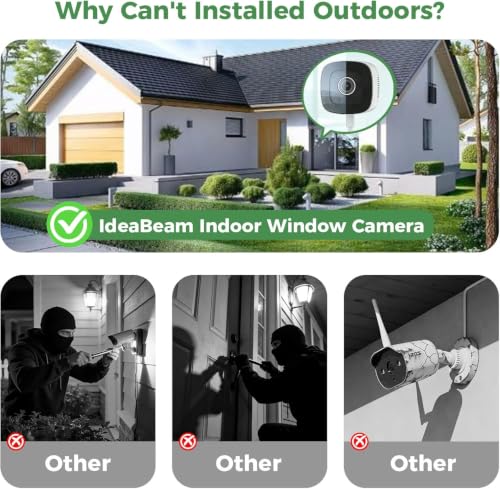
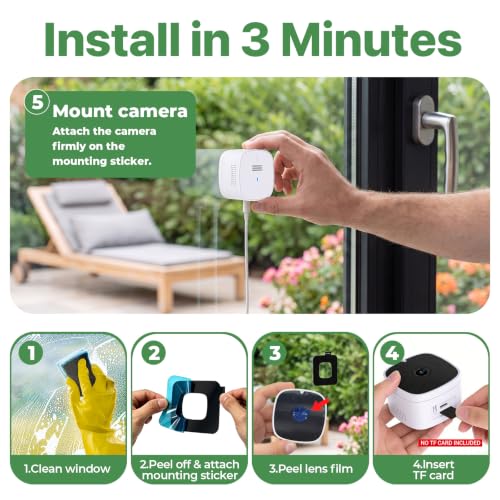
- 【Drill-Free Quick Installation & 2.4G&5G WiFi】Set up this window mount security camera in seconds! The peel-and-stick design adheres firmly to any glass surface without drilling or tools—perfect for renters and homes. With dual-band WiFi (2.4G & 5G), connect this wireless window camera effortlessly to your network. It’s the ultimate camera for window to look outside with no complex installation.




| SKU: | B0HCCM85TD |
| Brand: | IdeaBeam |
| Colour: | 3k |
| Manufacture: | Shenzhen Bovision Technology Co., Ltd |
| Colour: | 3k |
Product Description
IdeaBeam 3K 5MP Indoor Window Camera for Home Security
What kind of TF card do this device use?
TF card up to 256GB is compatible. Suggest U3/U4 cards, do not use expansion fake cards.
How to resetting the device to factory settings?
Option 1: Click twice: enter into network configuration mode. Option 2:Press and hold for 5 seconds: restore factory default.
What should I do if the camera is offline?
Here’s what you can try first:
Restart your router – Please unplug your router from the power source, wait about 30 seconds, and then plug it back in. Allow a few minutes for it to fully restart, then check if the camera comes back online.
Why can’t I playback the video?
First, could you please confirm if a TF card is inserted in the device? To watch the playback footage, you’ll need to purchase a TF card separately,
If it’s already inserted, it might not be seated properly.