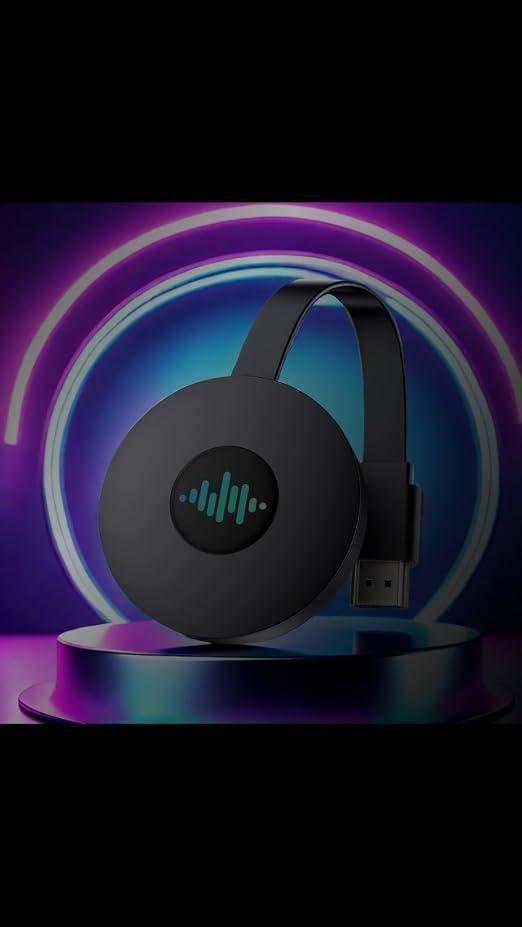
5G Wireless HDMI Display Adapter, Miracast HDMI Dongle
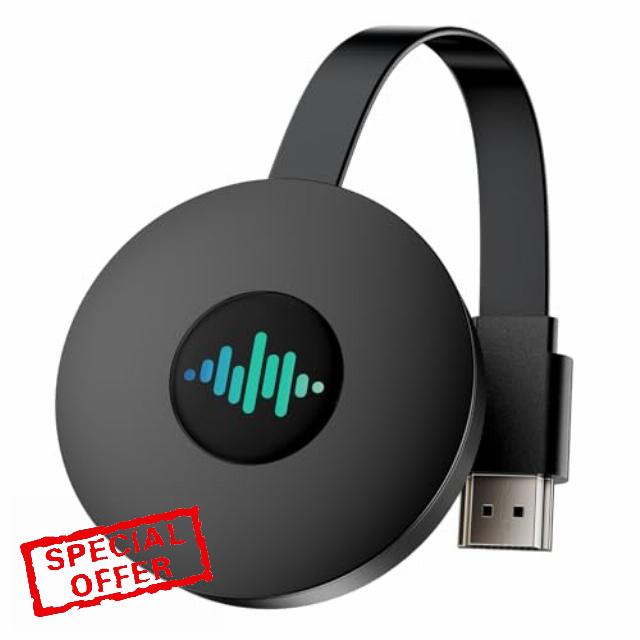
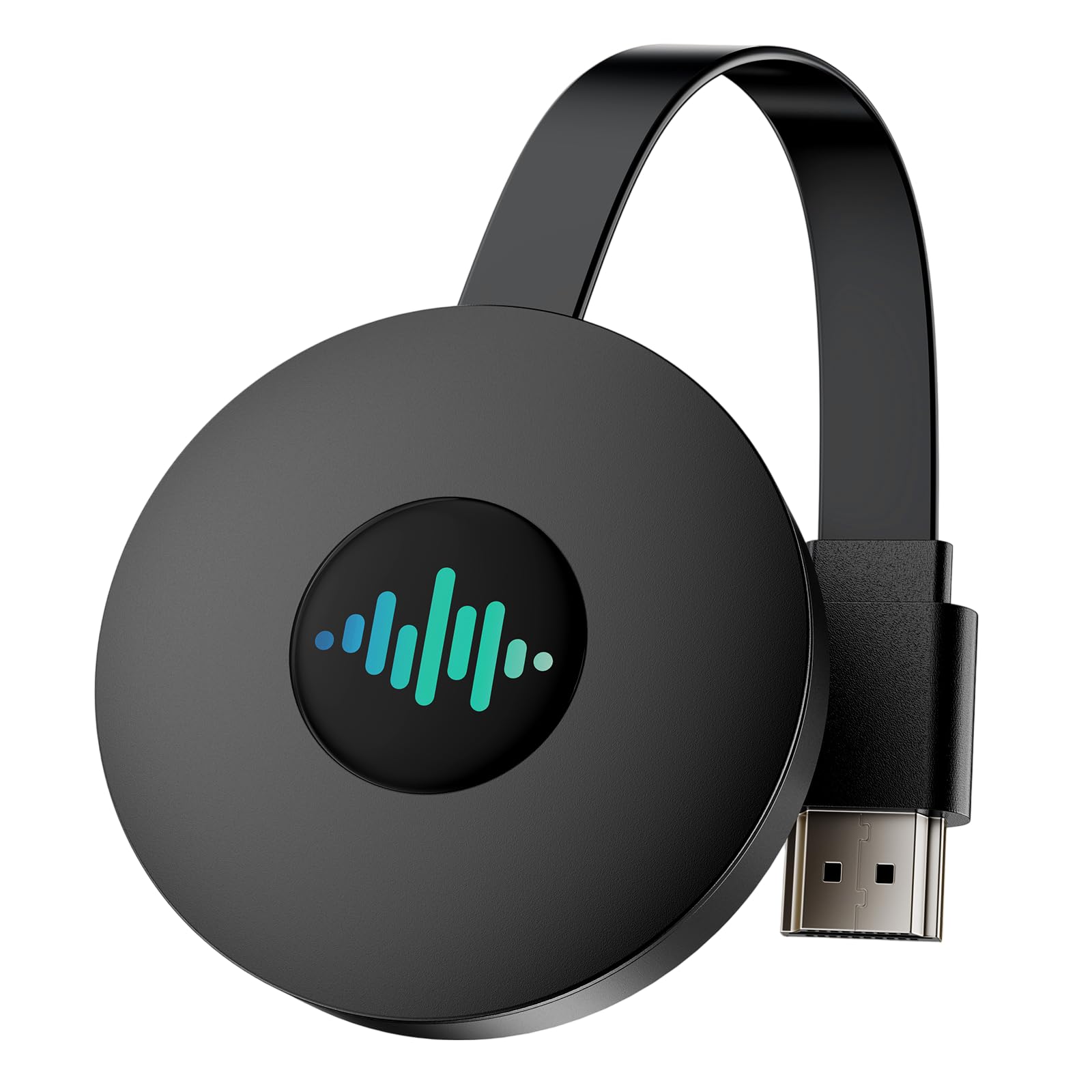
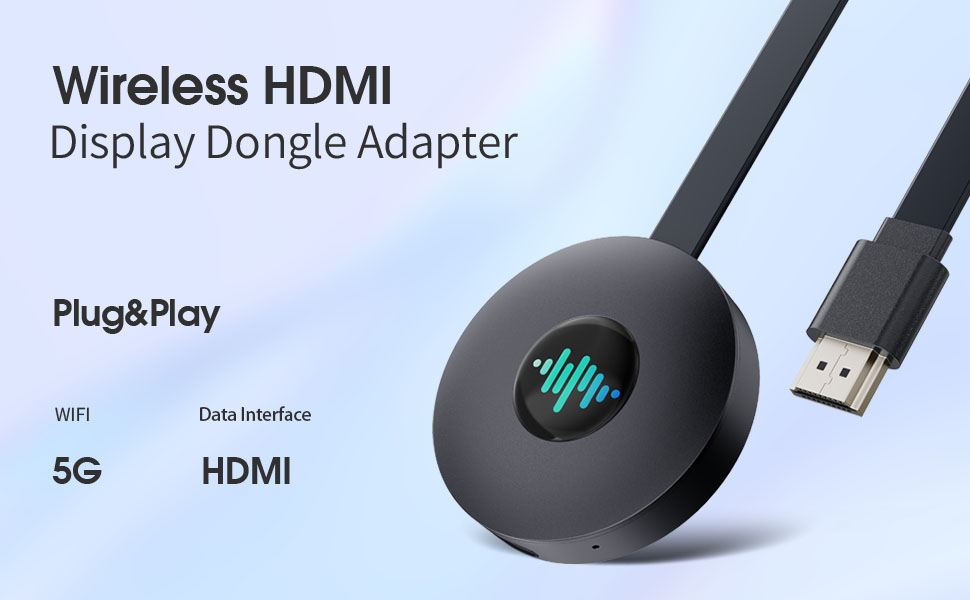
5G Wireless HDMI Display Adapter, Miracast HDMI Dongle Adapter, 4K HDMI Screen Mirroring Display Dongle for i-OS/i-Phone/Android/Projector/Monitor, Support Miracast/DLNA/Airplay (Carbon Black)
5G Wireless Projector
The 5G projection machine uses the latest 5G network technology to bring you an ultra-high-speed, low-latency wireless connection experience. The 5G projection machine can transmit high-definition videos, game images and real-time data faster, ensuring that you have a smooth and fluid viewing experience on the big screen. Whether it is home entertainment, office meetings or online education, the 5G projection machine can easily cope with it. Even if multiple devices are connected at the same time, the 5G projection machine can stably reproduce high-quality images, allowing each image to play smoothly.
Multi-device compatibility
The 5G projection screen is compatible with a variety of devices and operating systems. Whether you are using an A-Android phone, iPhone device, projector or Windows computer, you can easily connect and project the screen. Supports simultaneous connection and switching of multiple devices, allowing you to freely switch the projection content between multiple devices, greatly improving the flexibility of use.
Supports ultra-high-definition picture quality
Content from mobile phones, tablets or computers can be presented on the big screen with the most realistic and clear image quality. Whether you are watching a movie, browsing photos or making a professional presentation, the 5G projection machine can restore every detail and bring you a cinema-level visual enjoyment.
Easy to use and convenient
The 5G screen projector is simple in design and easy to use. Its compact and portable design allows you to project the screen anytime and anywhere, making it ideal for home, office and travel.
Stable connection performance
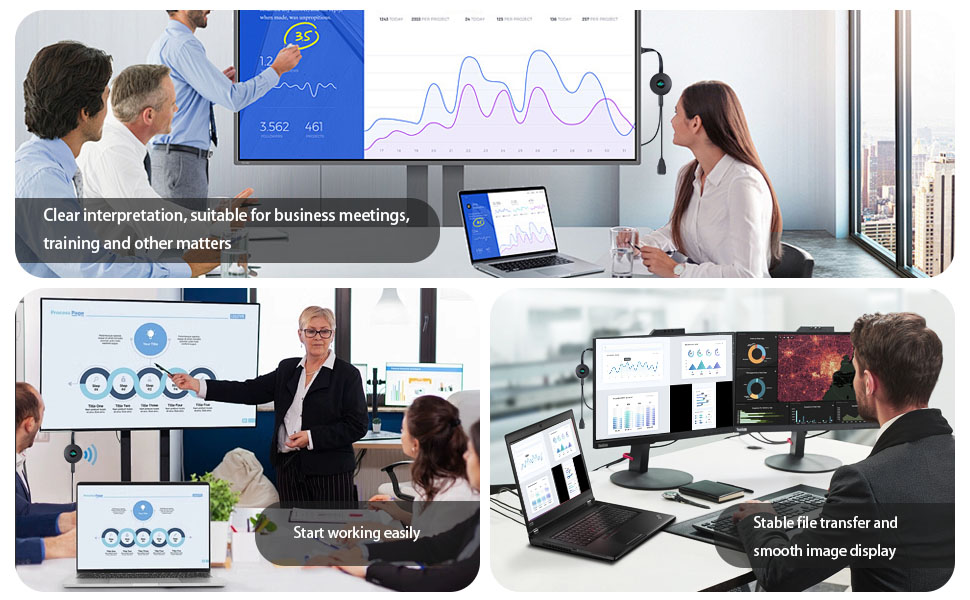
Thanks to excellent connection stability, you don't have to worry about screen projection interruptions or image delays due to weak signals. It uses advanced dual-band WiFi technology, which can intelligently switch frequency bands to avoid network congestion and ensure stable signal transmission. Whether it is training, office meetings or online training, the 5G screen projector can handle it easily.
Tips and troubleshooting
(1) Unable to connect or have problems with screen projection?
A: Press and hold the button on the device for 10 seconds to restore the factory settings, or disassemble and reinstall the device multiple times.
(2) Can't find the device's WIFI signal?
A: Make sure the product is using the "dedicated power antenna" and restart the device and mobile phone; make sure the product is turned on and displays the home page interface. It is recommended to use an external 5V/2A power adapter.
(3) Why is there a freeze or disconnection during playback?
A: The projection device is a signal receiver and will not cause freezes or disconnections. Clear the mobile phone cache, close unnecessary programs and restart the phone to reconnect. During projection, if freezes or disconnections occur, shorten the distance between the mobile phone and the device antenna to increase signal strength.
(4) Why is the TV screen black, snowy or flickering?
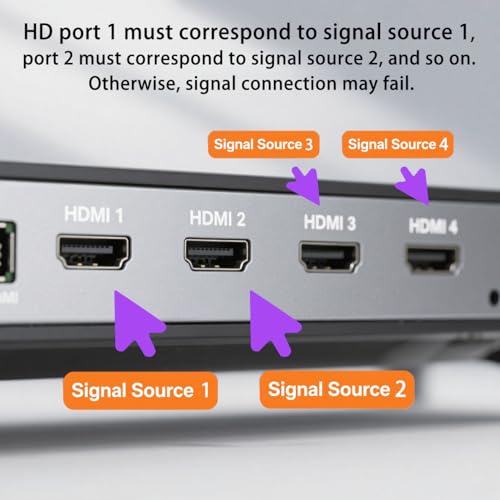
A: Please check whether the HDMI interface of the device is properly plugged in and switch to the corresponding signal source. It is recommended to use a 5V/2A power supply. Please check whether the HDMI interface of the TV is aging or has poor contact. Try to replace the HDMI interface.
(5) Why is there video but no audio or audio but no video during playback?
Answer: Please shut down and restart the projection device or restore the factory settings, re-plug the HDMI connector to ensure normal contact, and use an external 5V2A power supply; ensure that the volume of the mobile phone/TV is normal, which can be adjusted by the volume button on the mobile phone or TV remote control; during the projection, some videos may be affected by copyright, and there may be audio but no video. Please change the video to watch.
(6) The computer cannot connect and freezes
Answer: The system requires Windows 10 or above, independent graphics card, and a 5G router
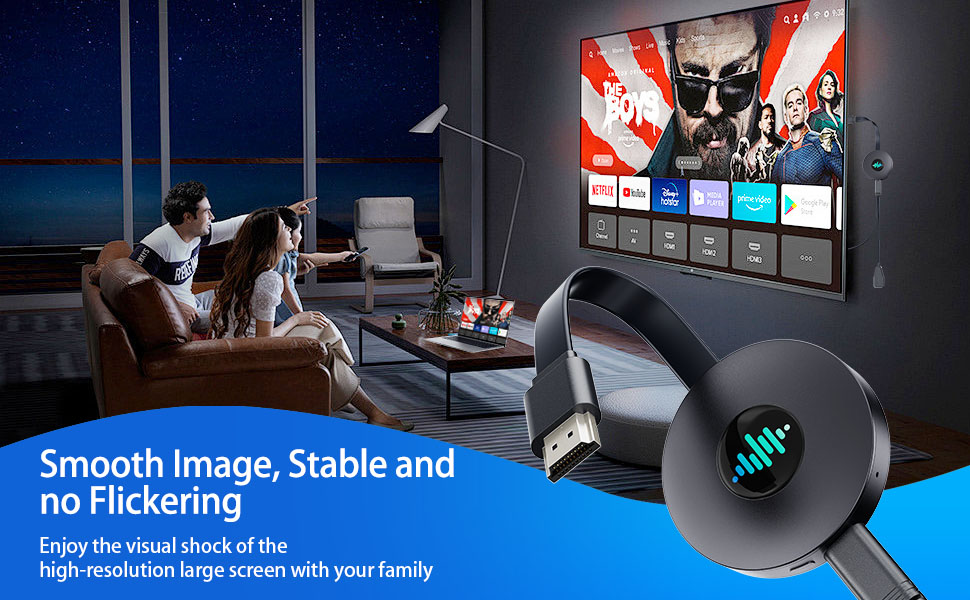
- 【Enjoy the Fun of the Big Screen】You can put photos, videos, music, games, meetings, online chats, etc. on mobile phones, tablets, TVs, projectors or other large screens. Share the audio-visual feast with your family, it is an ideal choice for watching videos, playing games, and home, office, education.
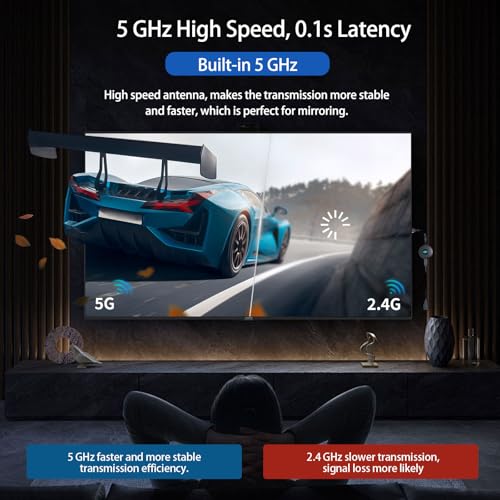
- 【Stable Transmission】The built-in antenna and powerful chip of the Miracast HDMI adapter ensure fast data transmission and stable connection. You can project the screen in seconds without delays or congestion, and achieve fast transmission.
- 【5G Wireless WiFi is Smoother】5G wireless screen projector, upgraded smart chip, provides more stable transmission than other devices, makes image output smoother, and enjoy the best ultra-high visual experience.
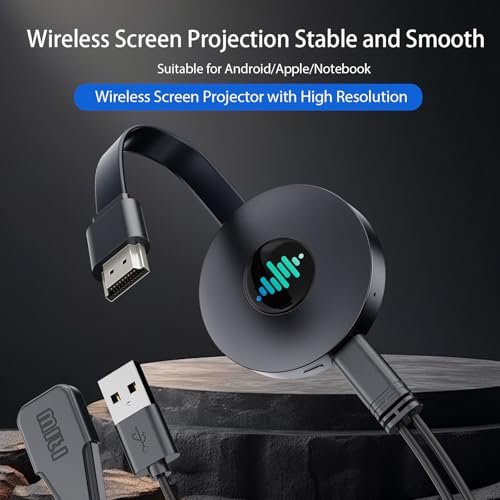
- 【Easy Operation】Just a few simple steps, plug and play, no driver, no application, no messy cables, just an external WiFi antenna to receive radio signals freely.
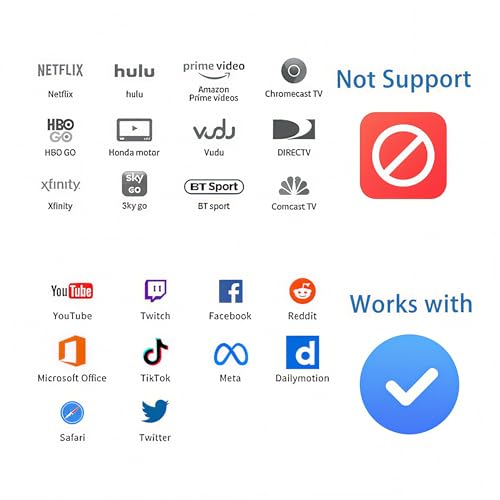
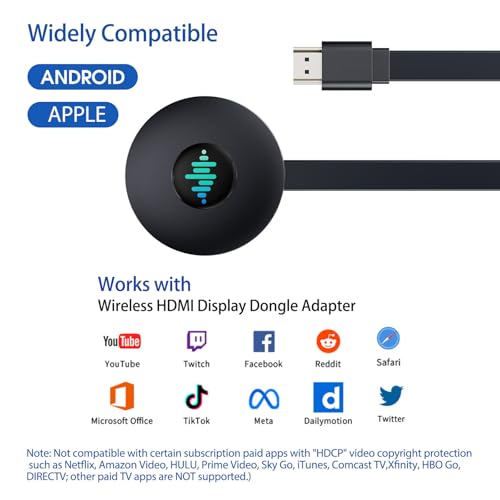
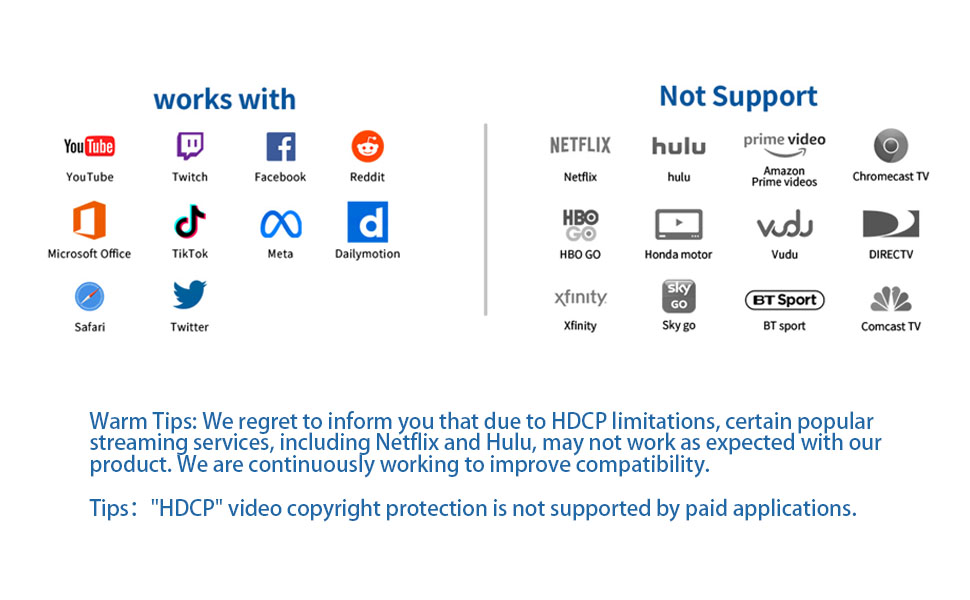
- 【Wide Compatibility】Miracast HDMI adapter is compatible with IOS, Android, Windows and Mac OS systems. Suitable for mobile phones, tablets, MAC Book, Samsung, etc. Support Miracast/Airplay/DLNA mode. (Please note that our Wireless HDMI Display Adapter is not compatible with certain paid applications that use "HDCP" video copyright protection, such as Netflix, Amazon Prime Videos, Hulu, Comcast TV, Xfinity, Vudu, Sky Go, BT Sport.)

| SKU: | B0HKMSN24D |
| Brand: | QIDUHUQI |
| Colour: | Carbon Black |
| Manufacture: | QIDUHUQI |
| Colour: | Carbon Black |
Product Description
5G Wireless Projector
Tips and troubleshooting
(1) Unable to connect or have problems with screen projection?
A: Press and hold the button on the device for 10 seconds to restore the factory settings, or disassemble and reinstall the device multiple times.
(2) Can’t find the device’s WIFI signal?
A: Make sure the product is using the “dedicated power antenna” and restart the device and mobile phone; make sure the product is turned on and displays the home page interface. It is recommended to use an external 5V/2A power adapter.
(3) Why is there a freeze or disconnection during playback?
A: The projection device is a signal receiver and will not cause freezes or disconnections. Clear the mobile phone cache, close unnecessary programs and restart the phone to reconnect. During projection, if freezes or disconnections occur, shorten the distance between the mobile phone and the device antenna to increase signal strength.
(4) Why is the TV screen black, snowy or flickering?
A: Please check whether the HDMI interface of the device is properly plugged in and switch to the corresponding signal source. It is recommended to use a 5V/2A power supply. Please check whether the HDMI interface of the TV is aging or has poor contact. Try to replace the HDMI interface.
(5) Why is there video but no audio or audio but no video during playback?
Answer: Please shut down and restart the projection device or restore the factory settings, re-plug the HDMI connector to ensure normal contact, and use an external 5V2A power supply; ensure that the volume of the mobile phone/TV is normal, which can be adjusted by the volume button on the mobile phone or TV remote control; during the projection, some videos may be affected by copyright, and there may be audio but no video. Please change the video to watch.
(6) The computer cannot connect and freezes
Answer: The system requires Windows 10 or above, independent graphics card, and a 5G router