Digital Camera, 1080P 44MP First Digital Camera with 32GB SD
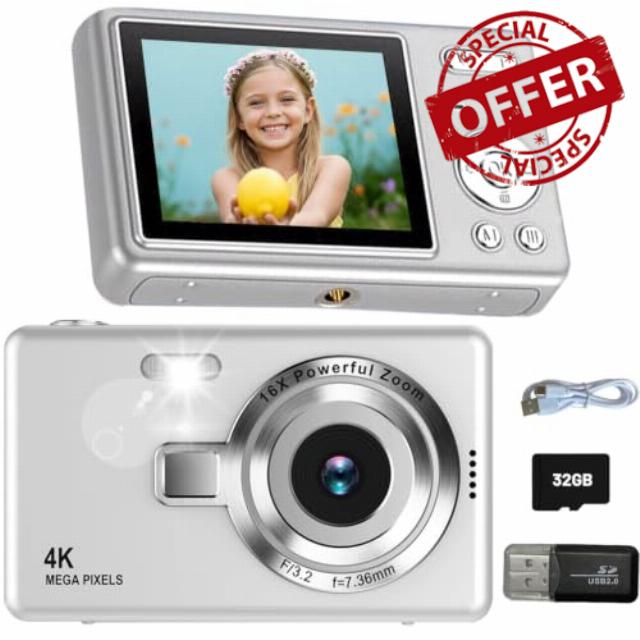
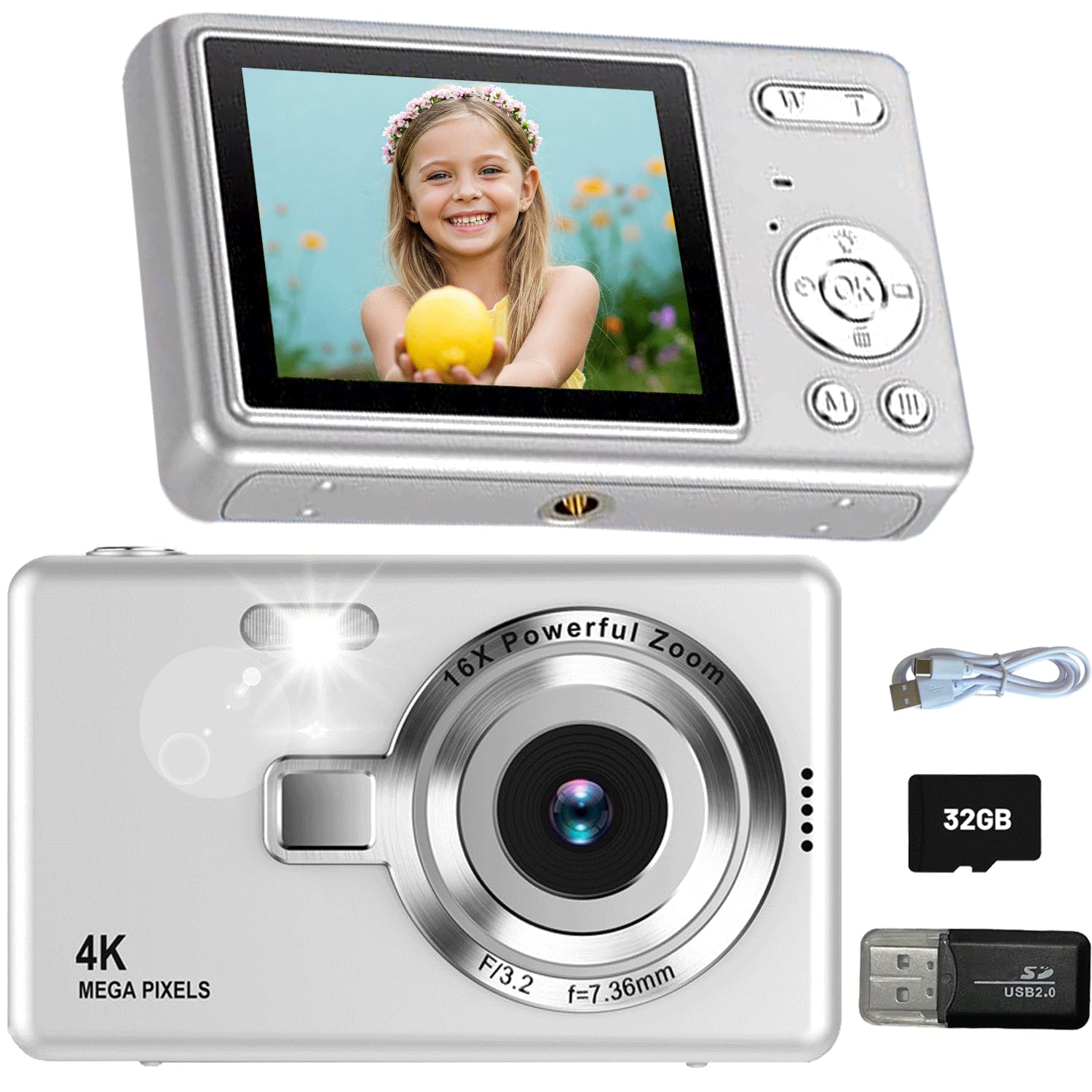
Digital Camera, 1080P 44MP First Digital Camera with 32GB SD Card Anti Shake, Fill Light, 2.4″ LCD Screen, Portable Compact Cameras for Beginner Kids Vlogging Camera
Cultivate Interest in Photography
44MP DIGITAL CAMERA
First Camera for Kids 6-15
ANTI-SHAKE
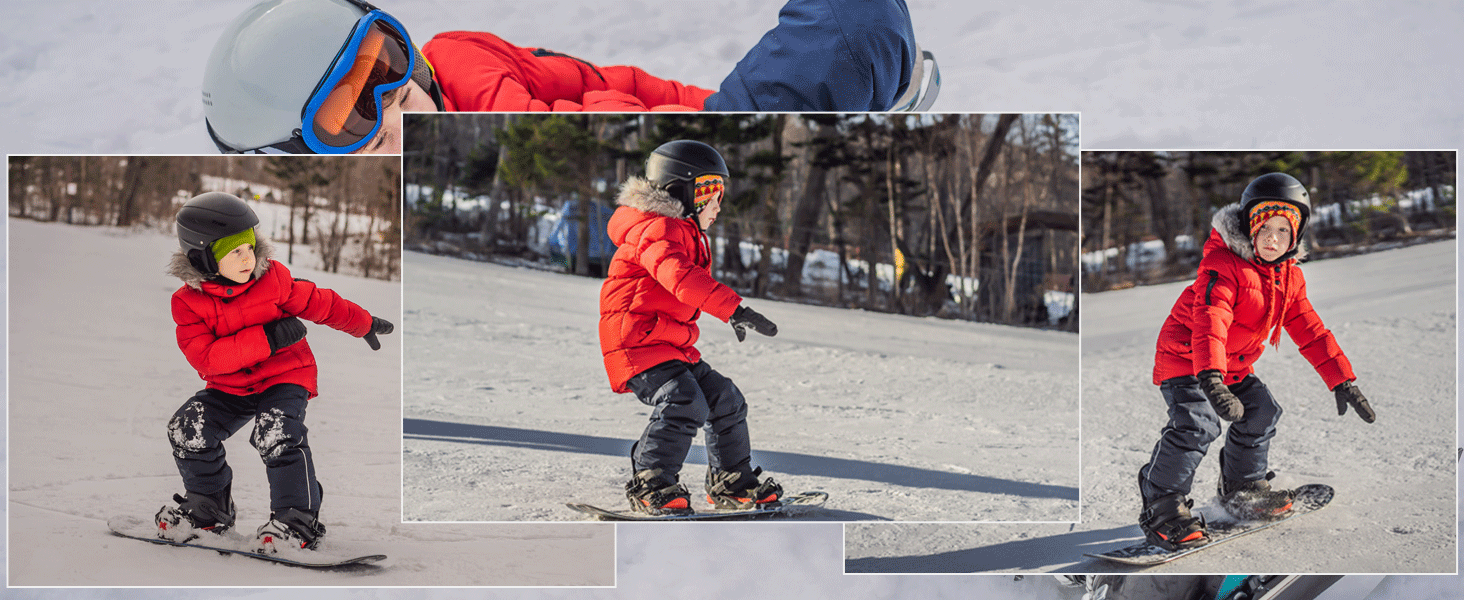
Continuous Shooting
Capture every excellent monment with the continuous shooting function
Self Timer
Time-lapse shooting allows you to delay time and start taking pictures after 2S/5S/10S.
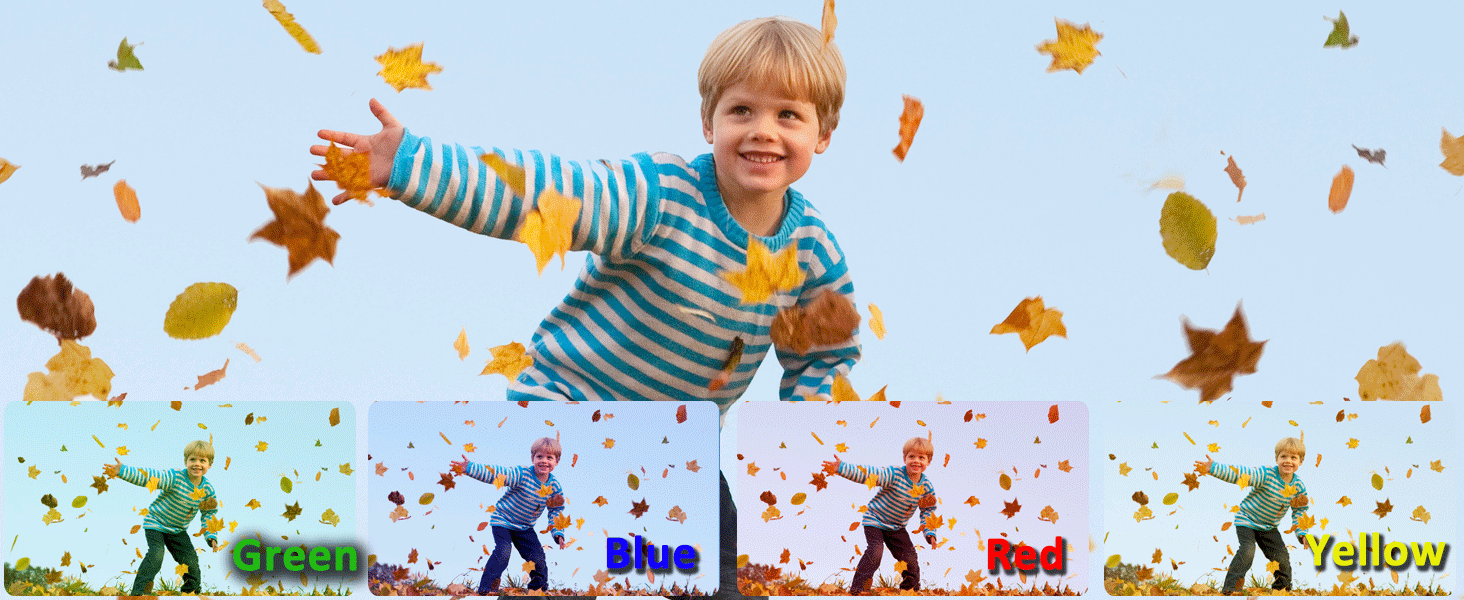
4 Filters
Choose color styles based on scenes and themes to make photos more vivid, rich, and atmospheric
How to make the Pictures and Video Clearer?
PLEASE set video resolution to 1080P and image resolution to 44MP to get a better image quality
8X Digital Zoom
Zoom in or out images , just pressing W/T button
Fill Light
Increase the brightness of the shooting scene to achieve better photo effects.
Why does photos I took look terrible on camera?
Please turn on the ANTI-SHAKE function before shooting and save in high-quality or RAW format.
Why does the photos look blurry on the camera after shooting?
The digital camera features with LCD display screen,which makes it look blurry when directly view photos on the camera but it will be clearer when you view it on computer.
How to format the memory card?
In the image mode, press the "Menu"button to enter setting interface, and then scroll down to select "Format" option to format the memory card.
Or Insert the memory card into the card reader and connect the card reader to the computer to format it.
How to play back and delete still image that have been taken?
1.Press the mode button 2 times in the still image mode to enter the playback mode.
2.Select an image by pressing Left and right keys.
3.If you want to delete the photo,please press the down button, this is the shortcut delete key.
How to download still image/video files to computer?
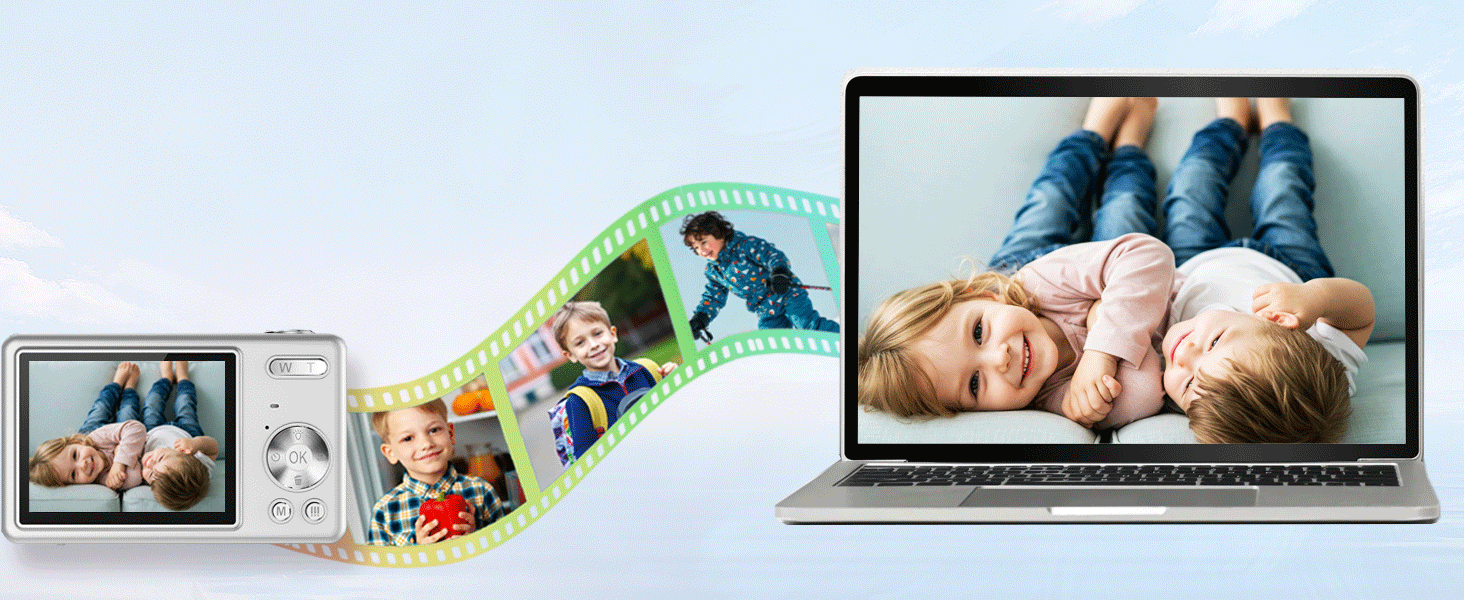
Put the memory card into a card reader and plug the card reader into a computer to start the downloading.
Or connect the camera to the computer via Type-C cable and select MSDC, then you can download the files from the camera to your computer.
Is this a Professional digital camera?
NO. The digital camera is just amateur camera for kids 6-15. The 44MP images and 1080p video resolution can not compare with phone's camera and professional camera.
- 【Affordable Entry‑Level Point‑and‑Shoot Camera】This user‑friendly first digital camera comes with a 44MP CMOS sensor and FHD 1080P video function, a practical compact option for casual daily shooting. Built‑in digital anti‑shake helps reduce blurry images, perfectly suited for beginners and hobbyists to record everyday moments.
- 【Feature‑Packed Kids Digital Camera for Creative Fun】Full of handy practical functions: anti‑shake, self‑timer, continuous shooting and various fun filter effects. Equipped with a built‑in LED fill light to assist shooting in low‑light environments. A great choice for children to explore creativity and document their outdoor adventures.
- 【Compact, Lightweight & Simple to Use】Weighing less than 0.33 lb, this pocket‑size camera is easy to carry around. Straightforward buttons and simple interface make it a wonderful first camera for children aged 6‑15. Young users can conveniently capture life memories whenever they are out and about.
- 【Generous Storage & Easy File Transfer】A 32GB memory card is included in the set, which can store thousands of photos for daily use. The rechargeable 700mAh battery delivers decent runtime for daily shooting. You can transfer photos and videos to your computer quickly using the supplied USB cable or card reader.
- 【Complete Accessory Kit & Trustworthy After‑sales Service】Package contents: 32GB SD card, rechargeable battery, USB cable, safety lanyard, card reader and user manual. It is a thoughtful gift for birthdays, Christmas, Halloween and other festivals. We offer 12‑month replacement service and a 2‑year warranty. Please feel free to reach out to our support team if you have any questions.
| SKU: | B0HJR5QXVV |
| Brand: | Jzbulo |
| Colour: | Silver |
| Manufacture: | Jzbulo |
| Colour: | Silver |
Product Description

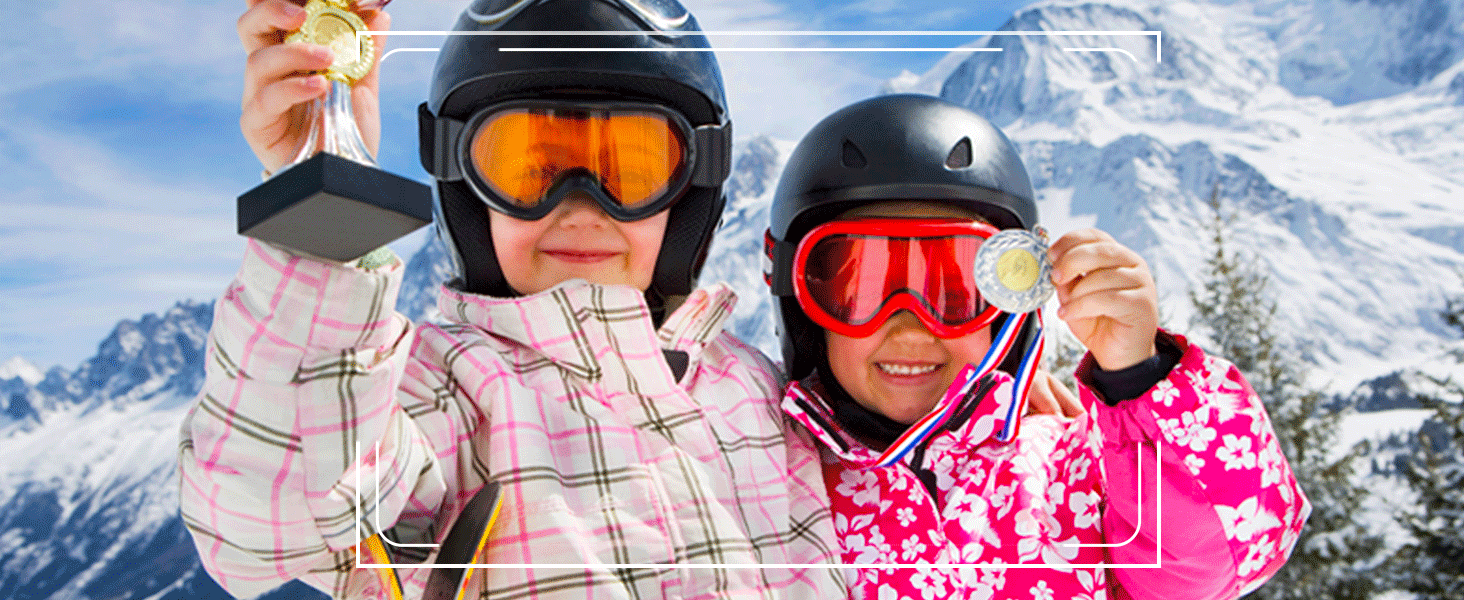

Continuous Shooting
Capture every excellent monment with the continuous shooting function
Self Timer
Time-lapse shooting allows you to delay time and start taking pictures after 2S/5S/10S.
4 Filters
Choose color styles based on scenes and themes to make photos more vivid, rich, and atmospheric

How to make the Pictures and Video Clearer?
PLEASE set video resolution to 1080P and image resolution to 44MP to get a better image quality
8X Digital Zoom
Zoom in or out images , just pressing W/T button
Fill Light
Increase the brightness of the shooting scene to achieve better photo effects.


Why does photos I took look terrible on camera?
Please turn on the ANTI-SHAKE function before shooting and save in high-quality or RAW format.
Why does the photos look blurry on the camera after shooting?
The digital camera features with LCD display screen,which makes it look blurry when directly view photos on the camera but it will be clearer when you view it on computer.
How to format the memory card?
In the image mode, press the “Menu”button to enter setting interface, and then scroll down to select “Format” option to format the memory card.
Or Insert the memory card into the card reader and connect the card reader to the computer to format it.
How to play back and delete still image that have been taken?
1.Press the mode button 2 times in the still image mode to enter the playback mode.
2.Select an image by pressing Left and right keys.
3.If you want to delete the photo,please press the down button, this is the shortcut delete key.
How to download still image/video files to computer?
Put the memory card into a card reader and plug the card reader into a computer to start the downloading.
Or connect the camera to the computer via Type-C cable and select MSDC, then you can download the files from the camera to your computer.
Is this a Professional digital camera?
NO. The digital camera is just amateur camera for kids 6-15. The 44MP images and 1080p video resolution can not compare with phone’s camera and professional camera.