MAJORITY Naga 80 Bluetooth Soundbar for TV with Wireless TV
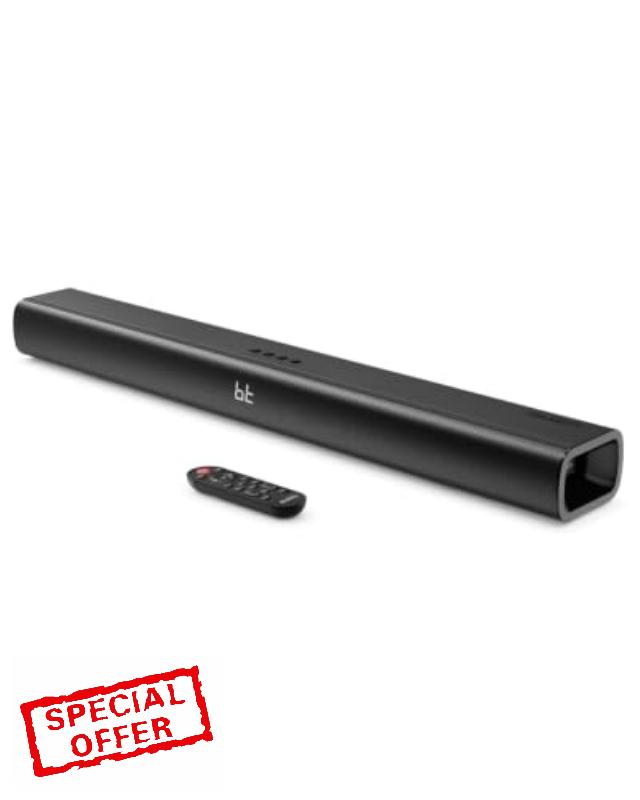
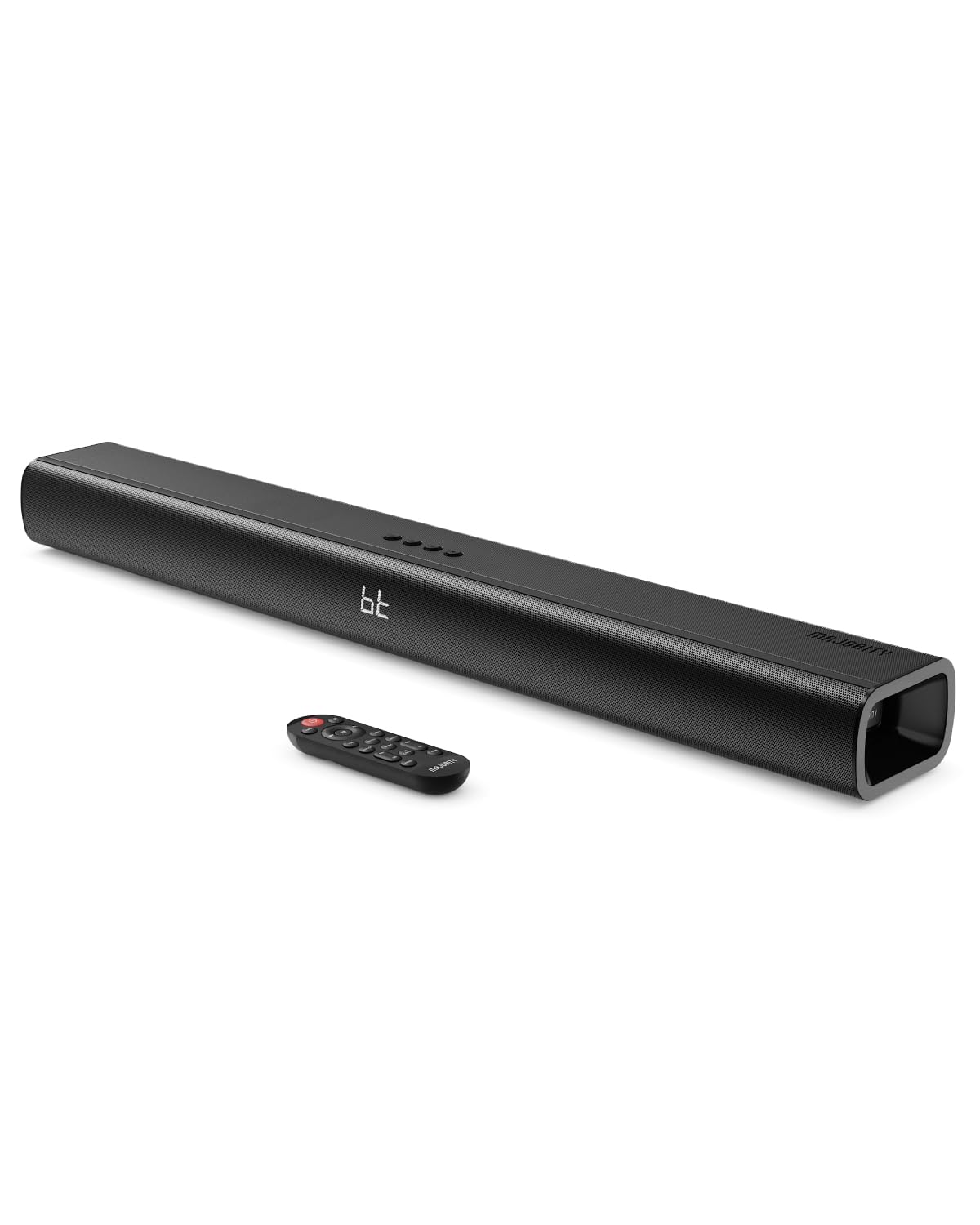
MAJORITY Naga 80 Bluetooth Soundbar for TV with Wireless TV Speaker 140W 2.1 Channel Sound Bar with Built-In Subwoofer 2×2.5″ | 3D Surround Sound, HDMI ARC, Optical, AUX, USB
What inputs does the Naga 80 soundbar support?
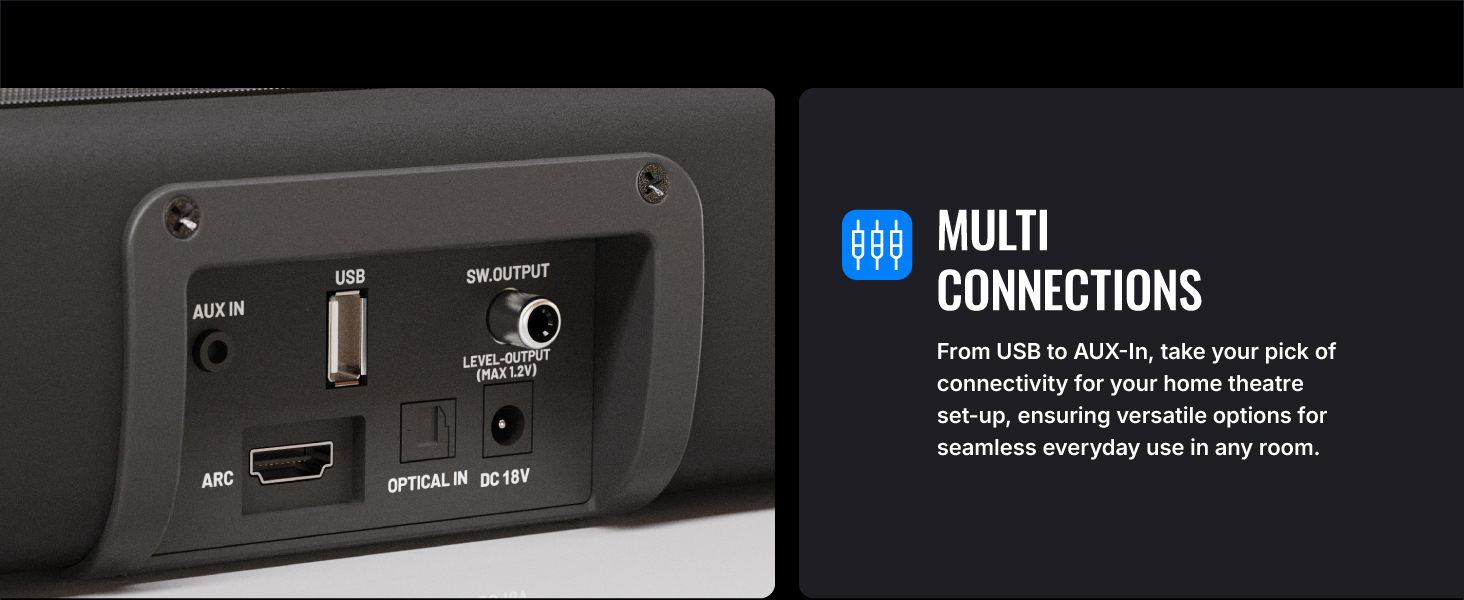
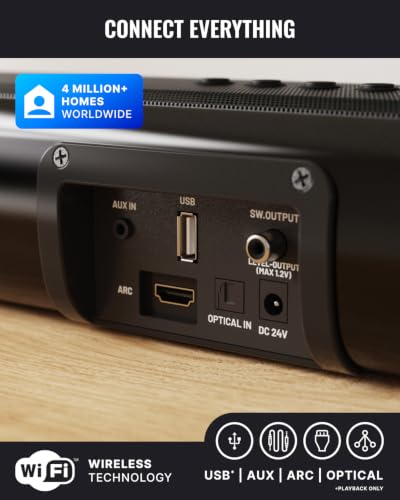
The Naga 80 supports ARC via HDMI, Optical, AUX (3.5mm and RCA), Bluetooth v5.0, and USB playback for MP3 files. USB supports up to 64GB FAT32 sticks only, and external active subwoofers can connect via the SUB OUT port
How do I play music from a USB device on the Naga 80?
Insert a FAT32 formatted USB stick (max 64GB) into the USB port. Press INPUT until USB mode shows on the LED. The soundbar will play MP3 files directly from the stick. The USB port is strictly for playback and not for data transfer
How do I connect the Naga 80 to my TV using ARC?
Connect the included ARC cable to the ARC port on the soundbar and your TV’s HDMI ARC port. Select ARC input using INPUT. On the TV, set audio output to HDMI ARC and PCM format. TV audio will then play through the soundbar
What Bluetooth features does the Naga 80 support?
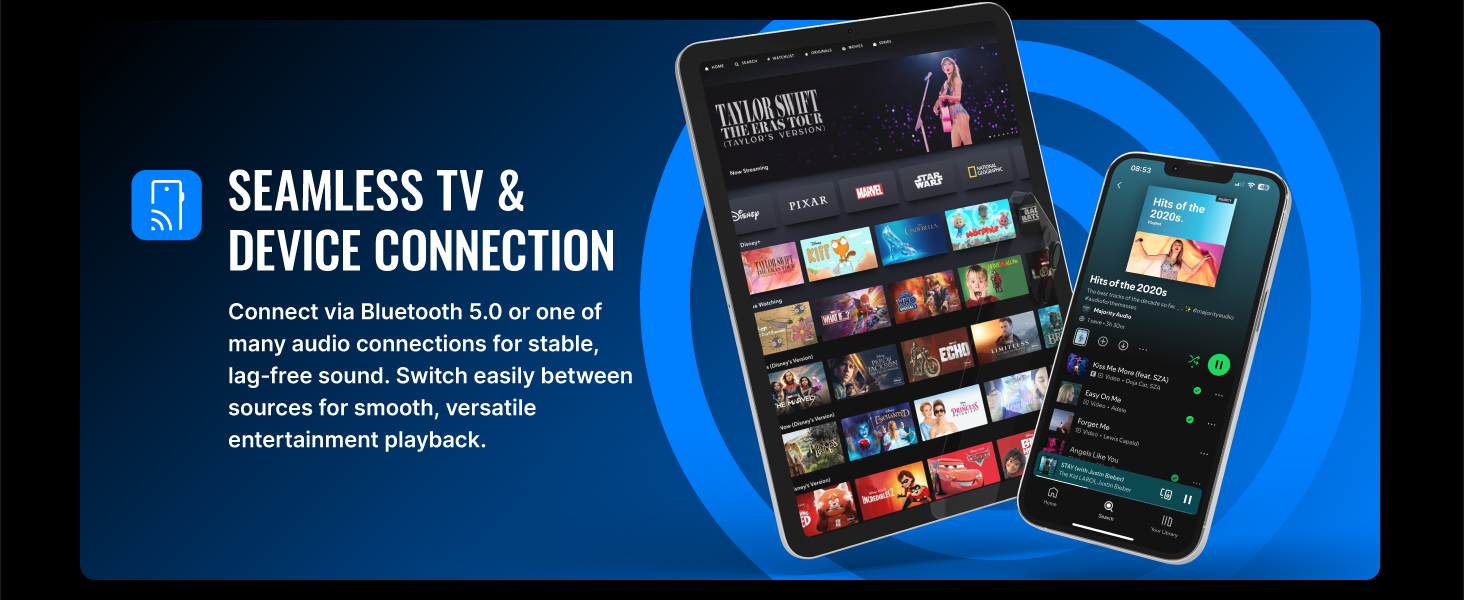
The Naga 80 uses Bluetooth v5.0 for pairing with TVs, PCs, phones, and tablets. Select BT input, pair “NAGA 80,” and enter “0000” if asked. The unit reconnects automatically after first pairing. It does not support Bluetooth earbuds
Why does my soundbaer switch to standby?
It automatically enters standby after 180 minutes without an audio signal, or when the connected device is switched off.
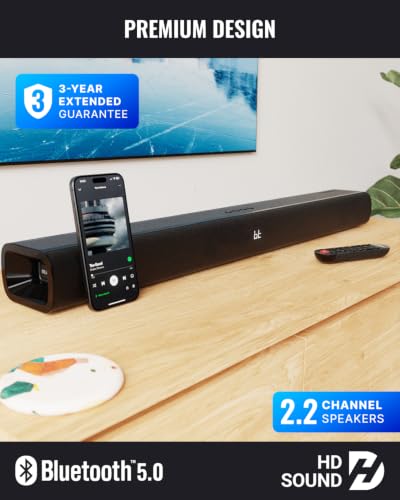
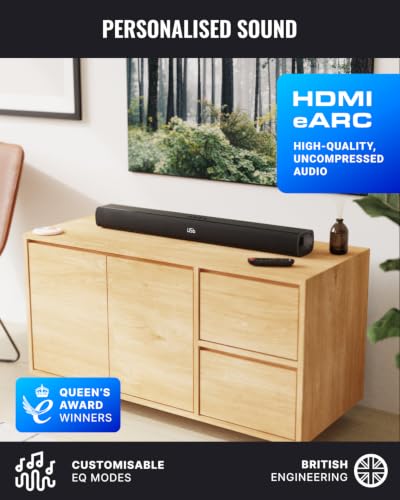
- , . , : Experience powerful 140W audio with deep bass from this high-performance soundbar for TV. Stream wirelessly via Bluetooth 5.0 or connect using HDMI ARC for seamless integration with your television. Ideal for home cinema, music streaming, or as a gaming soundbar.
- , , ( ): Supports multiple connections including optical input, 3.5mm AUX, and USB (for flash drive playback). This versatile TV speaker is compatible with smart TVs, gaming consoles, smartphones, tablets, laptops, and more – making it the ideal all-in-one home audio solution.
- , . , : Enjoy immersive 3D surround sound thanks to advanced audio processing and 2.1 channel output. Customise your experience with preset EQ modes for Movies, Music, or Dialogue, ensuring crystal-clear sound whether you’re watching a film or streaming your favourite playlist.
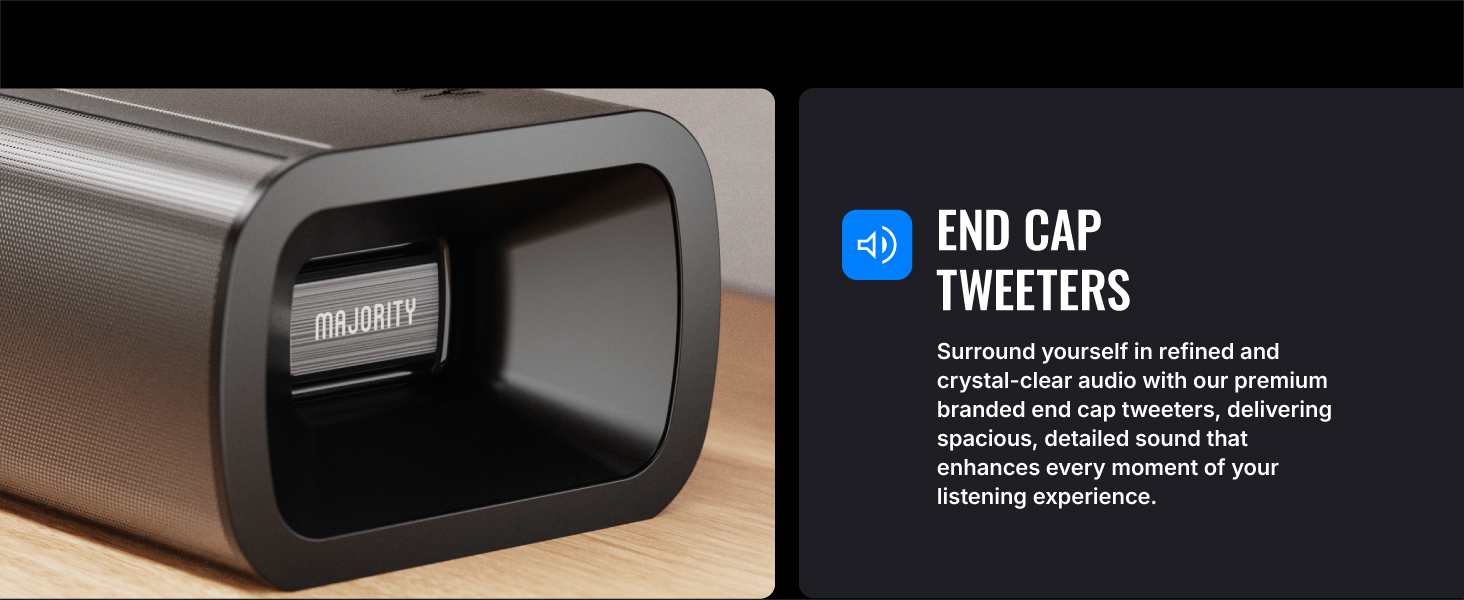
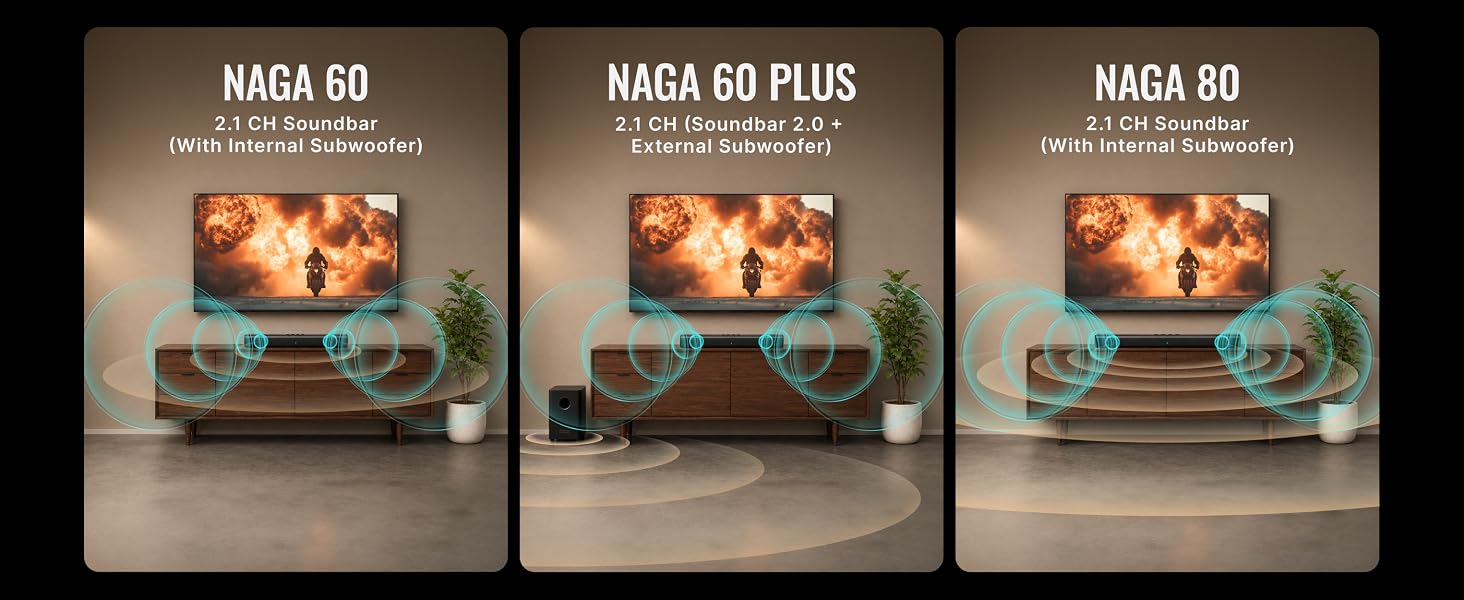
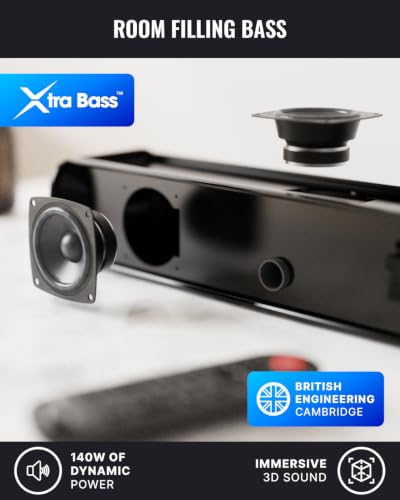
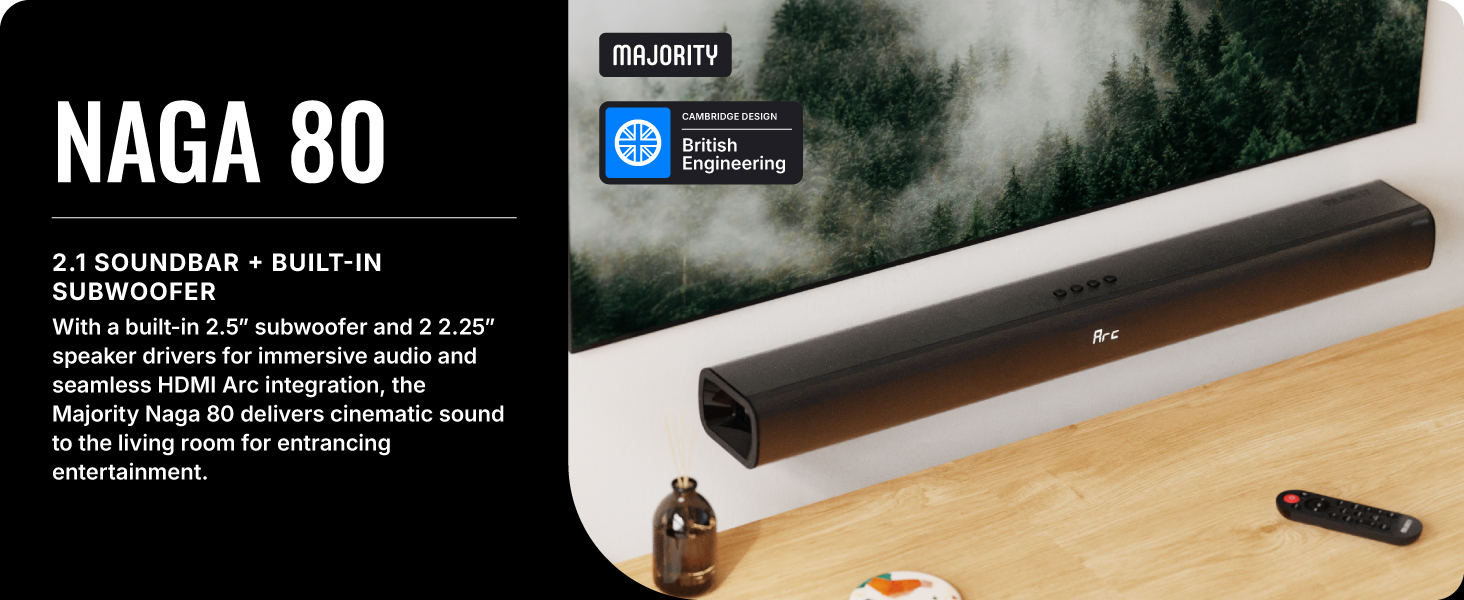
- – : Equipped with dual 2.5" subwoofers for deep, powerful bass and dual 2.25" full-range speakers (left and right) for clear mids and highs, the Naga 80 delivers balanced, room-filling sound without external speakers.
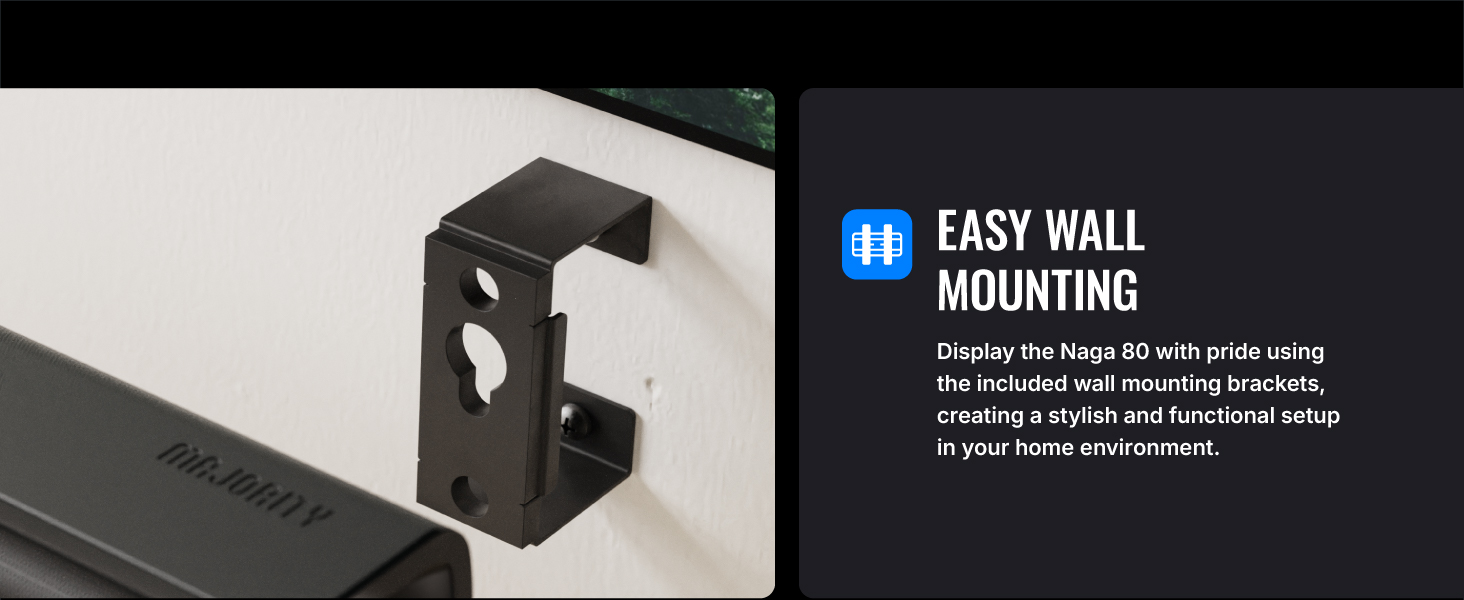
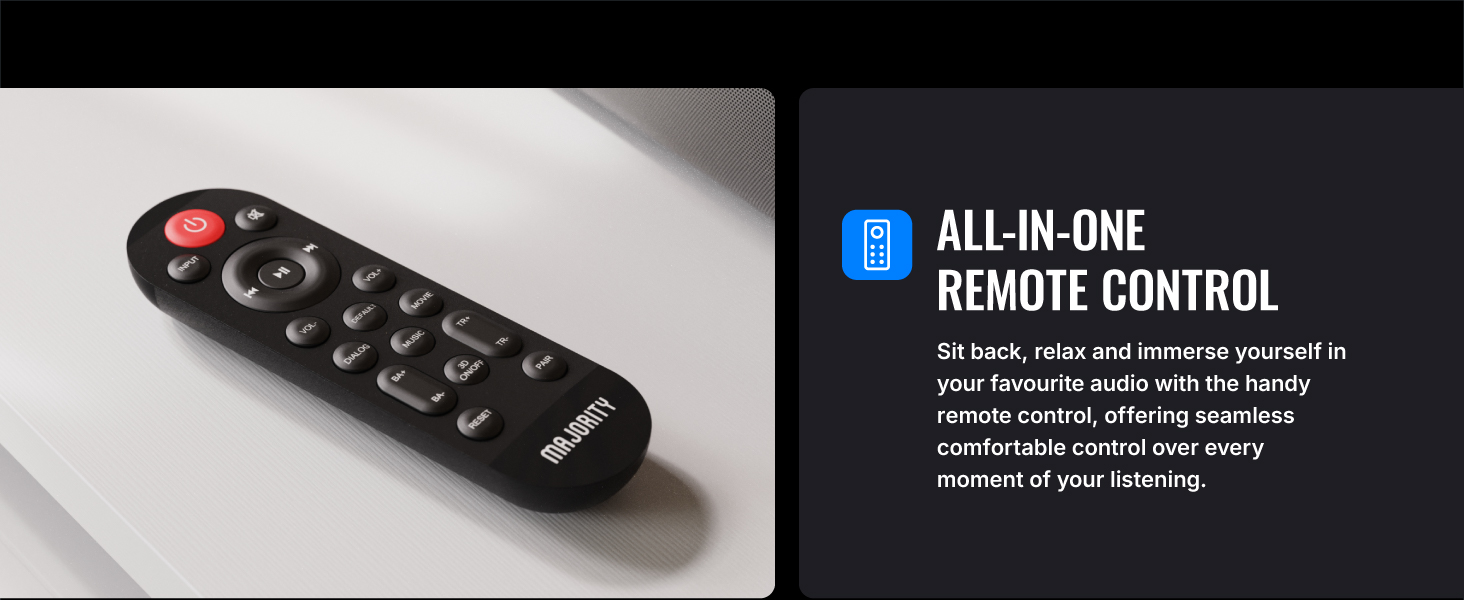
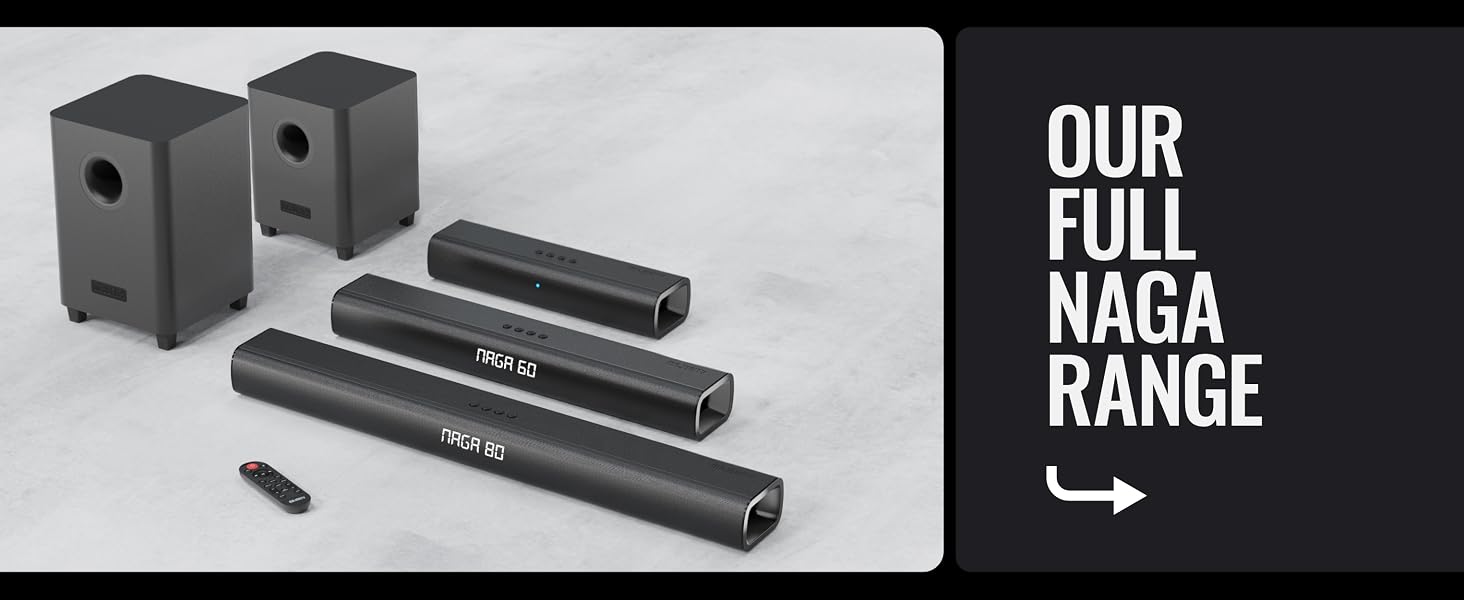
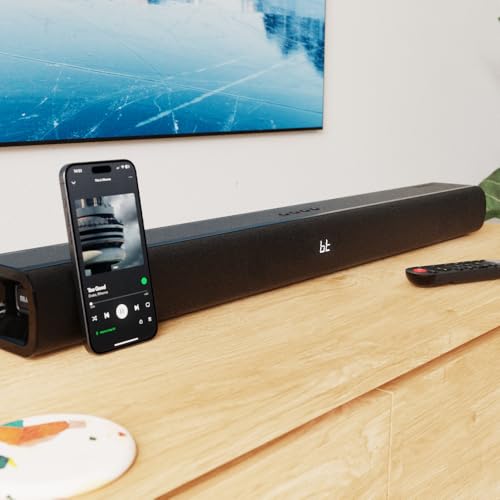
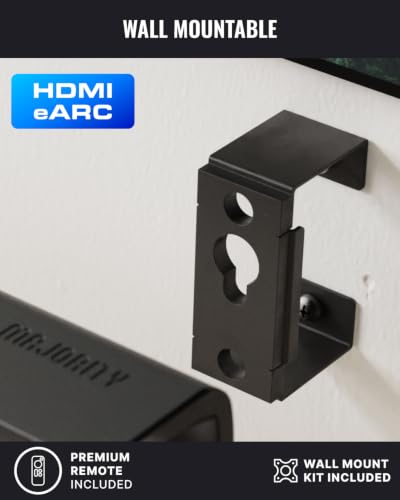
- ’ : Naga 80 TV soundbar, remote control, HDMI cable, AUX cable, power adapter, wall-mount kit, and user manual – everything you need for a quick and easy setup. Dimensions: 81 × 7.77 × 11.7 cm. Weight: 2.38kg. (12mo standard + free registration extension)

| SKU: | B0F48P9D3T |
| Weight: | 2.38 Kilograms |
| Brand: | MAJORITY |
| Colour: | Black |
| Manufacture: | Majority |
| Colour: | Black |
Product Description
What inputs does the Naga 80 soundbar support?
The Naga 80 supports ARC via HDMI, Optical, AUX (3.5mm and RCA), Bluetooth v5.0, and USB playback for MP3 files. USB supports up to 64GB FAT32 sticks only, and external active subwoofers can connect via the SUB OUT port
How do I play music from a USB device on the Naga 80?
Insert a FAT32 formatted USB stick (max 64GB) into the USB port. Press INPUT until USB mode shows on the LED. The soundbar will play MP3 files directly from the stick. The USB port is strictly for playback and not for data transfer
How do I connect the Naga 80 to my TV using ARC?
Connect the included ARC cable to the ARC port on the soundbar and your TV’s HDMI ARC port. Select ARC input using INPUT. On the TV, set audio output to HDMI ARC and PCM format. TV audio will then play through the soundbar
What Bluetooth features does the Naga 80 support?
The Naga 80 uses Bluetooth v5.0 for pairing with TVs, PCs, phones, and tablets. Select BT input, pair “NAGA 80,” and enter “0000” if asked. The unit reconnects automatically after first pairing. It does not support Bluetooth earbuds
Why does my soundbaer switch to standby?
It automatically enters standby after 180 minutes without an audio signal, or when the connected device is switched off.