Numark Mixtrack Go (2026) Beginner Mobile DJ Controller
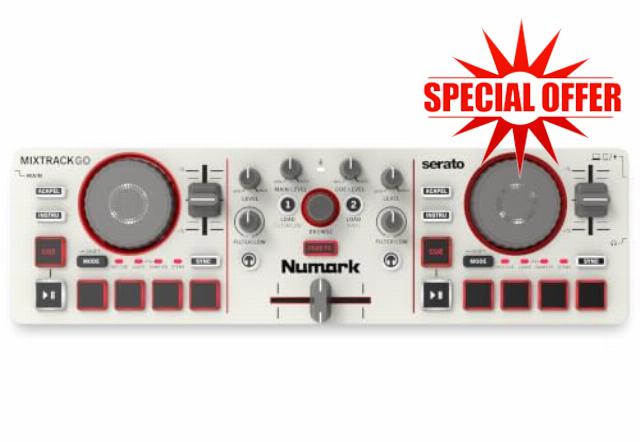
Numark Mixtrack Go (2026) Beginner Mobile DJ Controller, Cream Beginner DJ Lessons, Serato DJ Lite & djay Included, Bluetooth & USB-C Connectivity, Real-Time Stems
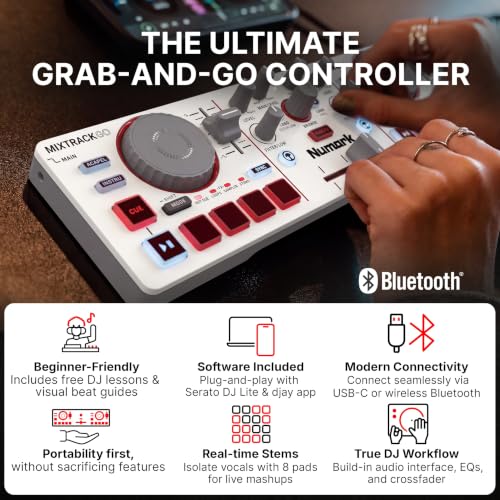
- Beginner-Friendly – Expanded DJ Mixer and Smart Faders ensure smooth, easy mixing for first-time DJs
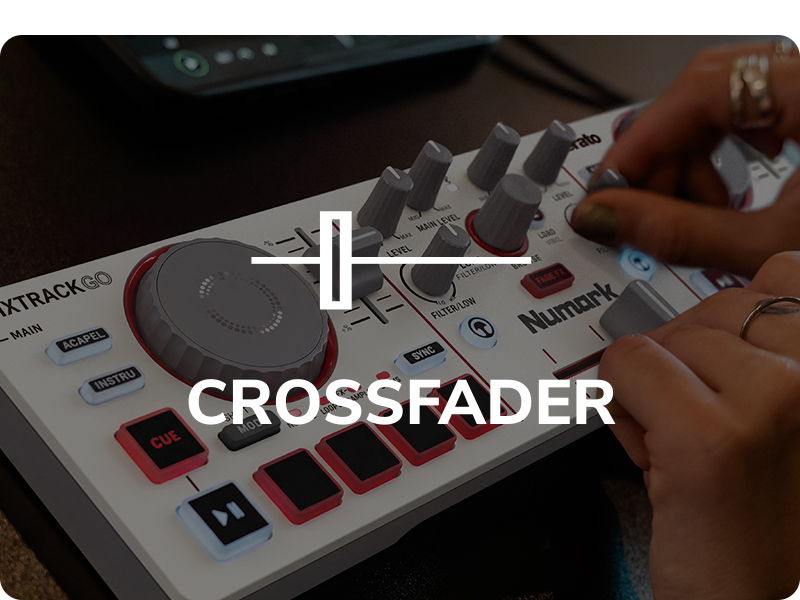
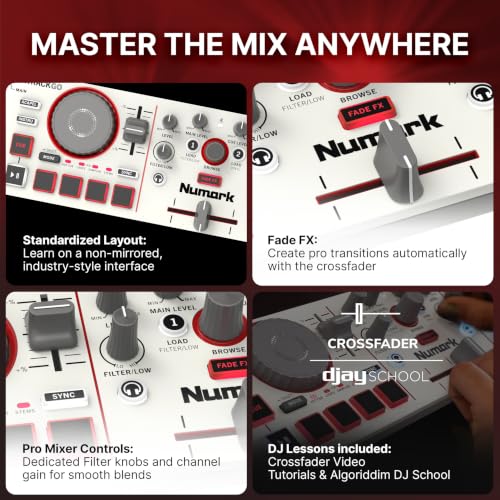
- Free DJ Lessons – Includes exclusive access to step-by-step Crossfader video training for beginners
- Software Included – Start mixing instantly with Serato DJ Lite and Algoriddim djay integration
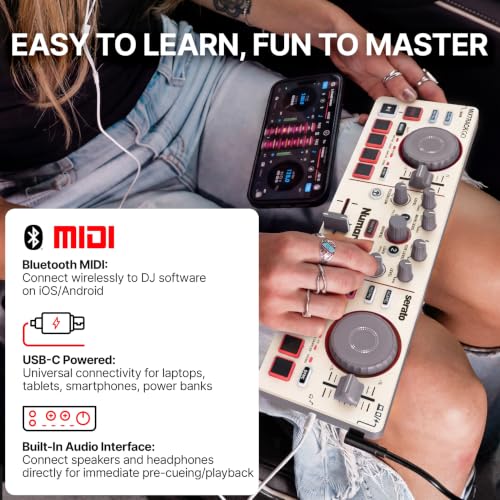
- Bluetooth and USB-C – DJ entirely wirelessly or connect flawlessly to phones and laptops
- Pro Mixer Controls – Shape sound with channel filters, gain, master volume, and a smooth crossfader
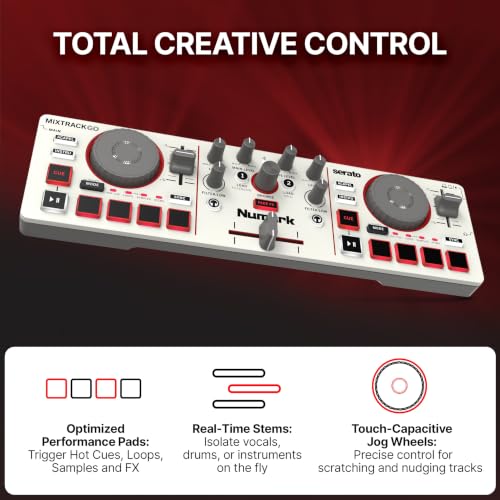
- Touch Jog Wheels – Two responsive wheels for precise track navigation, pitch bending, and scratching
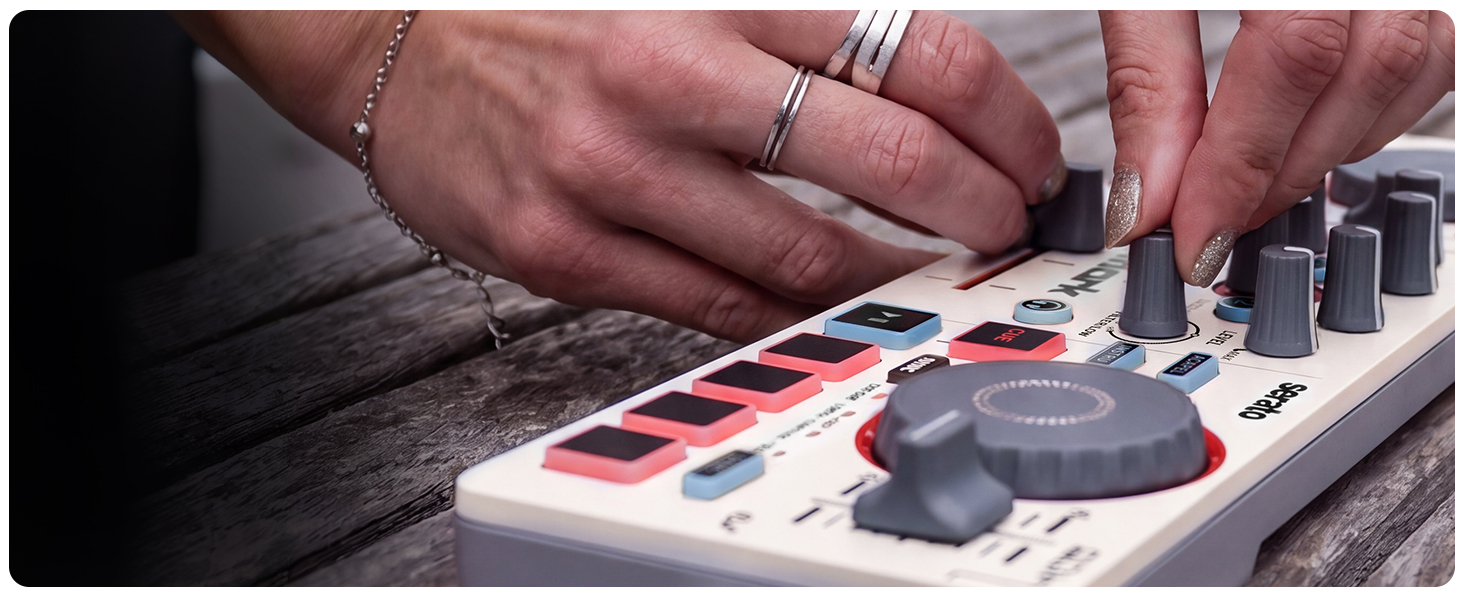
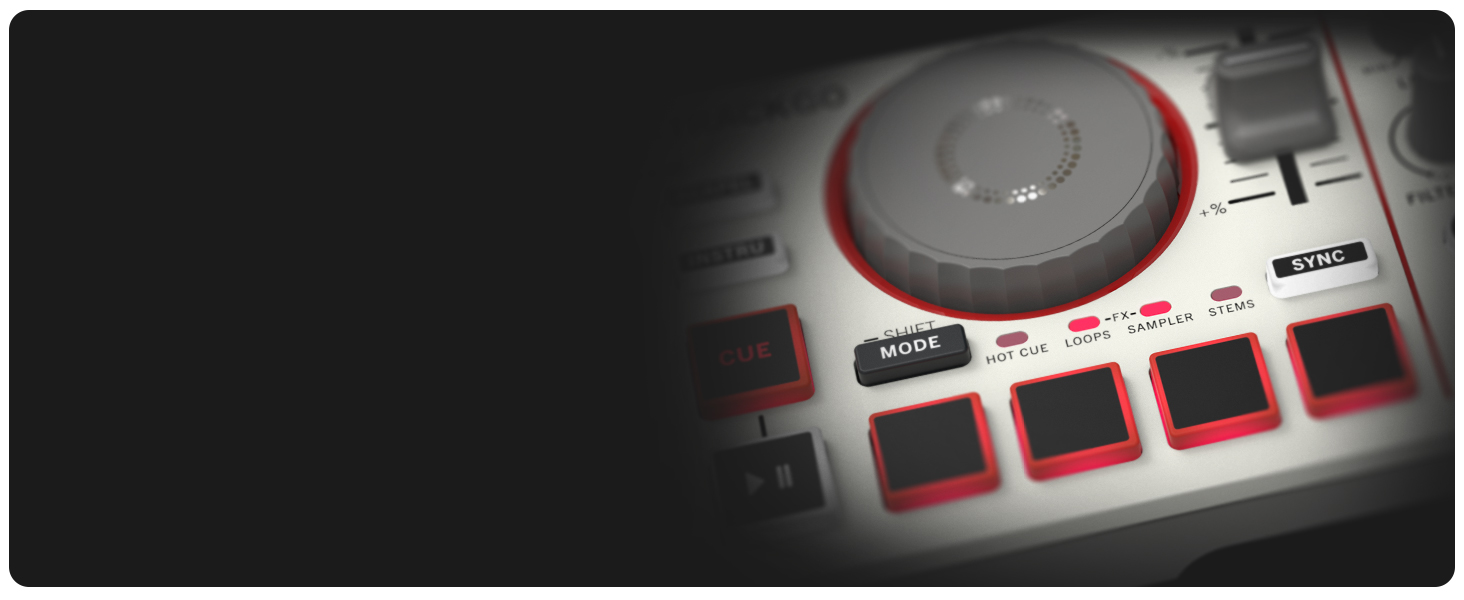
- Performance Pads – Eight backlit pads per deck for hands-on control of Cues, Loops, Samples & Stems
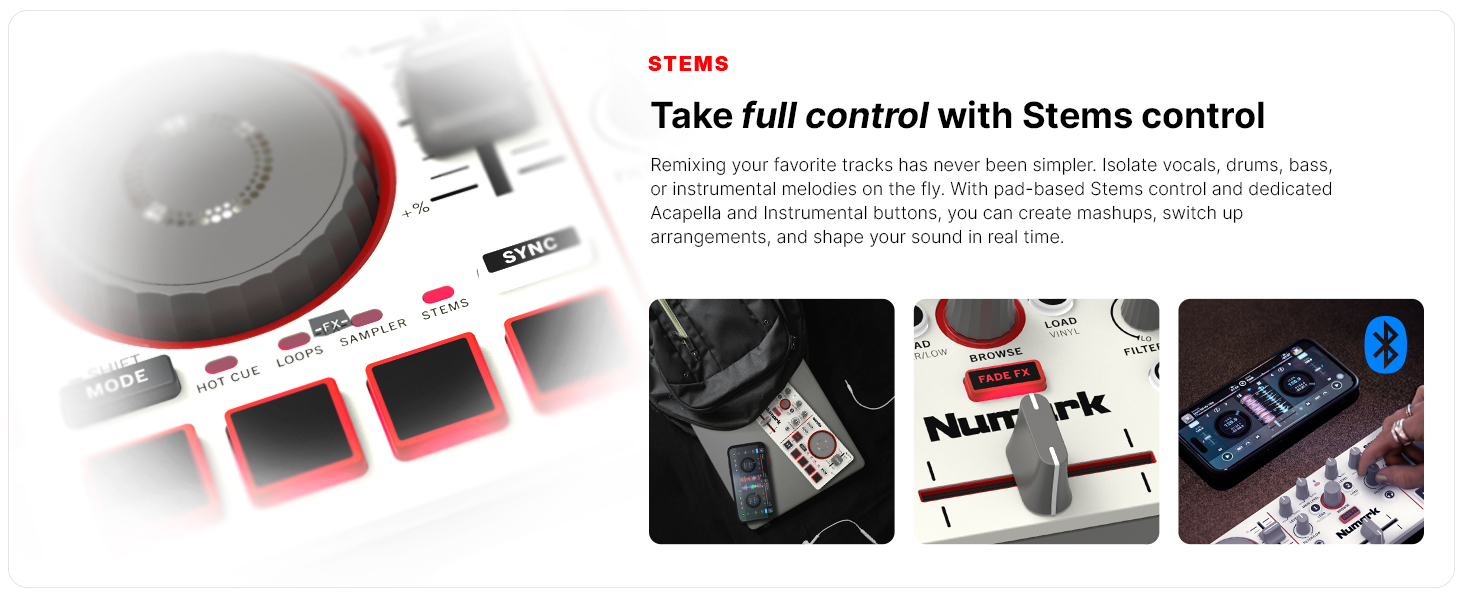
- Stems Control – Use buttons & pads to instantly isolate or remove vocals, drums, and instruments
- Audio Interface – Integrated sound card with 1/8" main speaker and 1/8" headphone cue outputs
- In the Box – MixTrack Go, USB-C cable, software, device stand, RCA adapter, quickstart and manual
| SKU: | B0H3VYK4MG |
| Weight: | 1.1 Pounds |
| Brand: | Numark |
| Manufacture: | inMusic Brands Inc. |
From the manufacturer
GET IN THE MIX:
Ready to Go with Your Flow
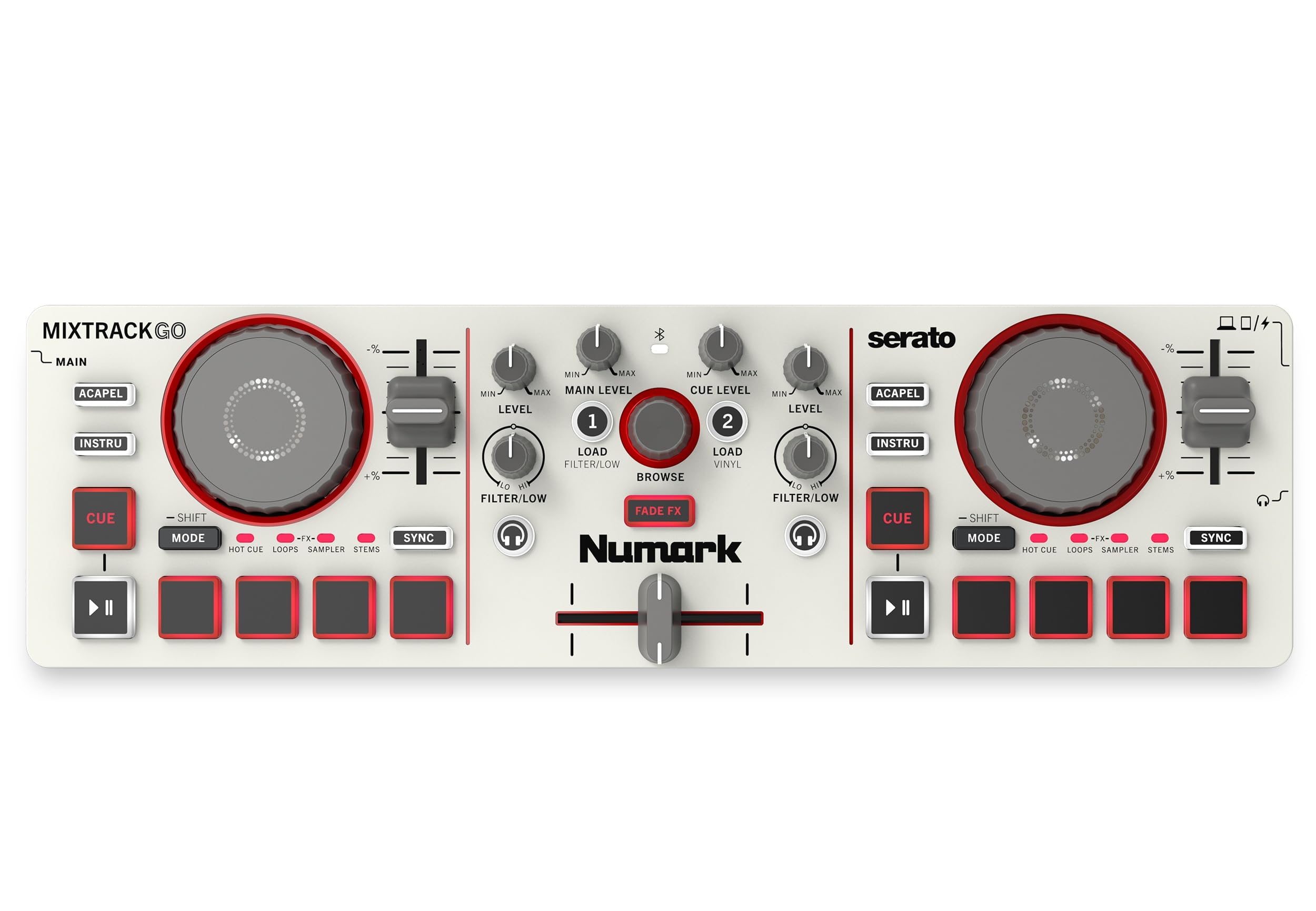
Start mixing anywhere with a portable, hands-on controller designed to make DJing simple from the start. Shape your sound with two-deck control, responsive jog wheels, and intuitive mixer controls. MixTrack Go’s built-in audio interface lets you preview tracks and lock in every transition. Add Stems control, Fade FX, and performance pads at your fingertips, and you can learn the art of mixing from anywhere.

JOG WHEELS:
Feel the Energy with Capacitive Touch
Take command of every mix with responsive capacitive touch jog wheels that keep everything moving smooth and on beat. From nudging tracks into place to adding your own creative touches, you’ll stay connected to your music and in control of every transition.
CREATIVE INSPIRATION:
Just Getting Started? We Got You
Get mixing right away. We teamed up with our friends at Crossfader to bring you exclusive tutorial videos that walk you through everything you need to start DJing with MixTrack Go. Scan the code on your MixTrack Go’s box or Software Download Card to unlock your Numark adventure.
COLORWAYS:
Your Look, Your Sound, Your Style – Your Choice
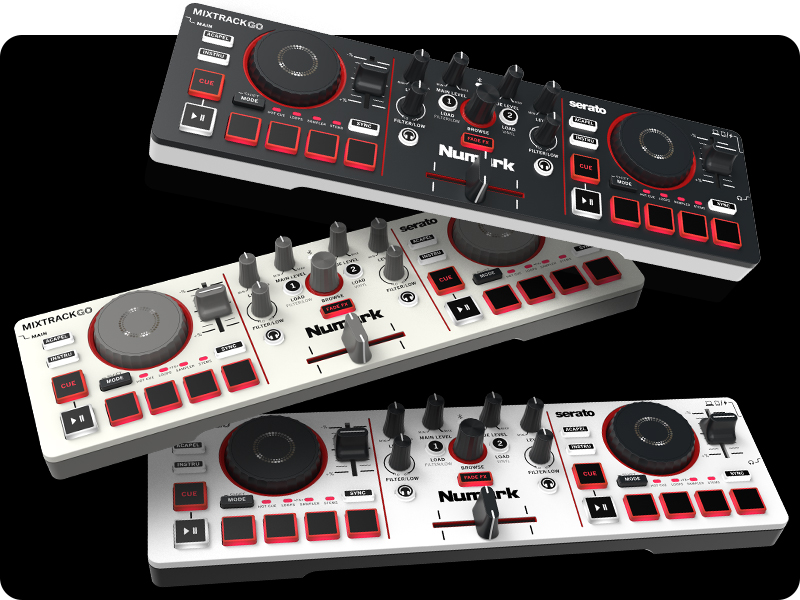
From your home studio to the club to the afters, MixTrack Go is made to match your vibe and aesthetic wherever you play. Available in your choice of striking black, modern cream or white finish.
The Blueprint for Building Your Signature Sound
Keep your mixes fresh with easy to control, fun to explore FX. Add texture, build tension and bring energy into every transition with dynamic Pad FX, Fade FX and dual function EQ/Filter knobs.
EFFECTS: Filter Control
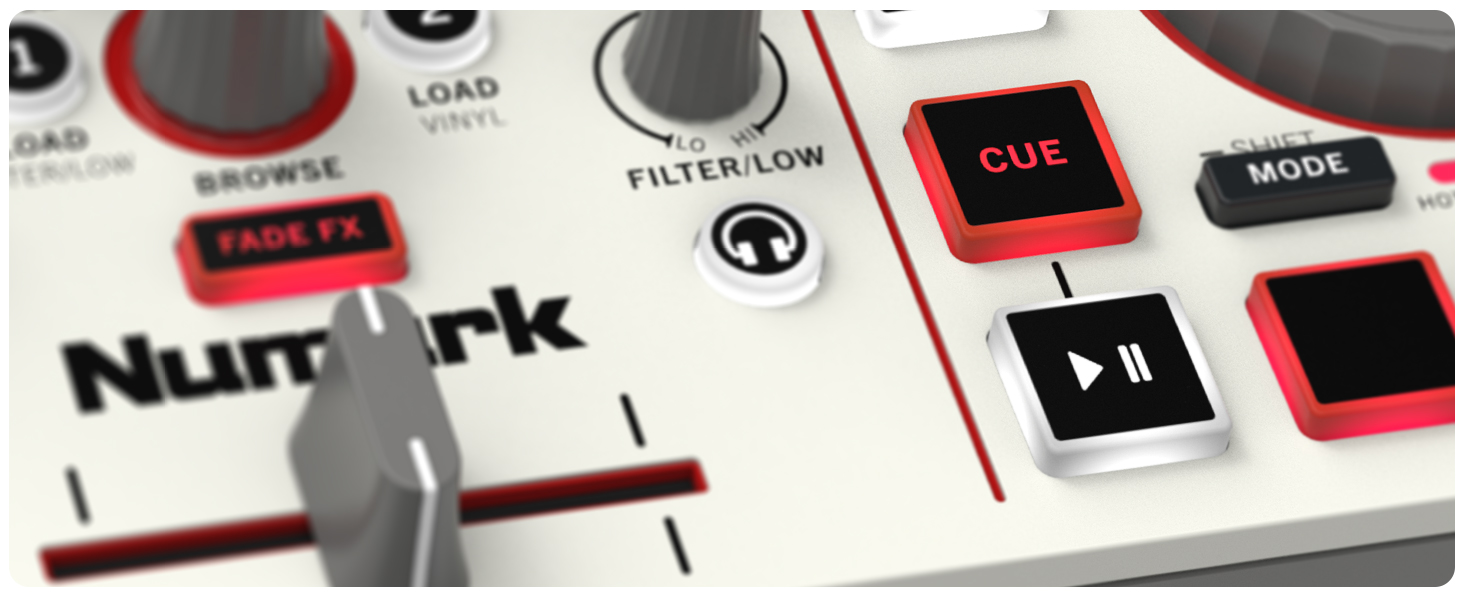
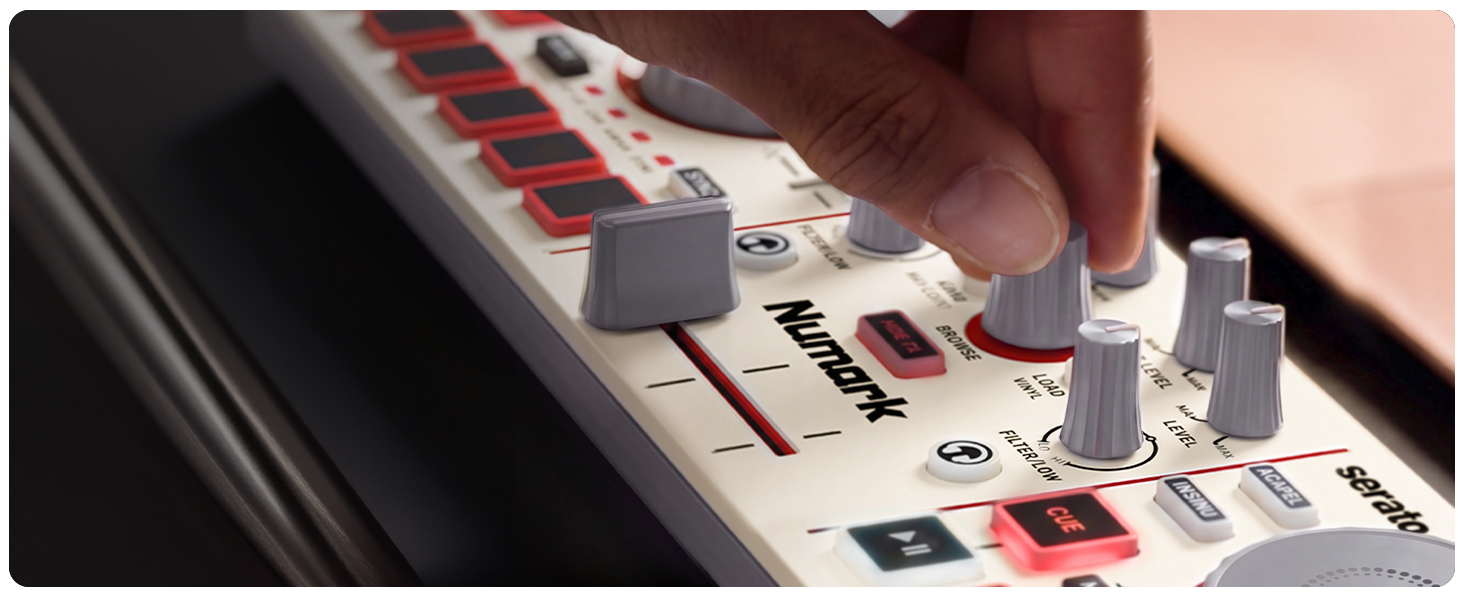
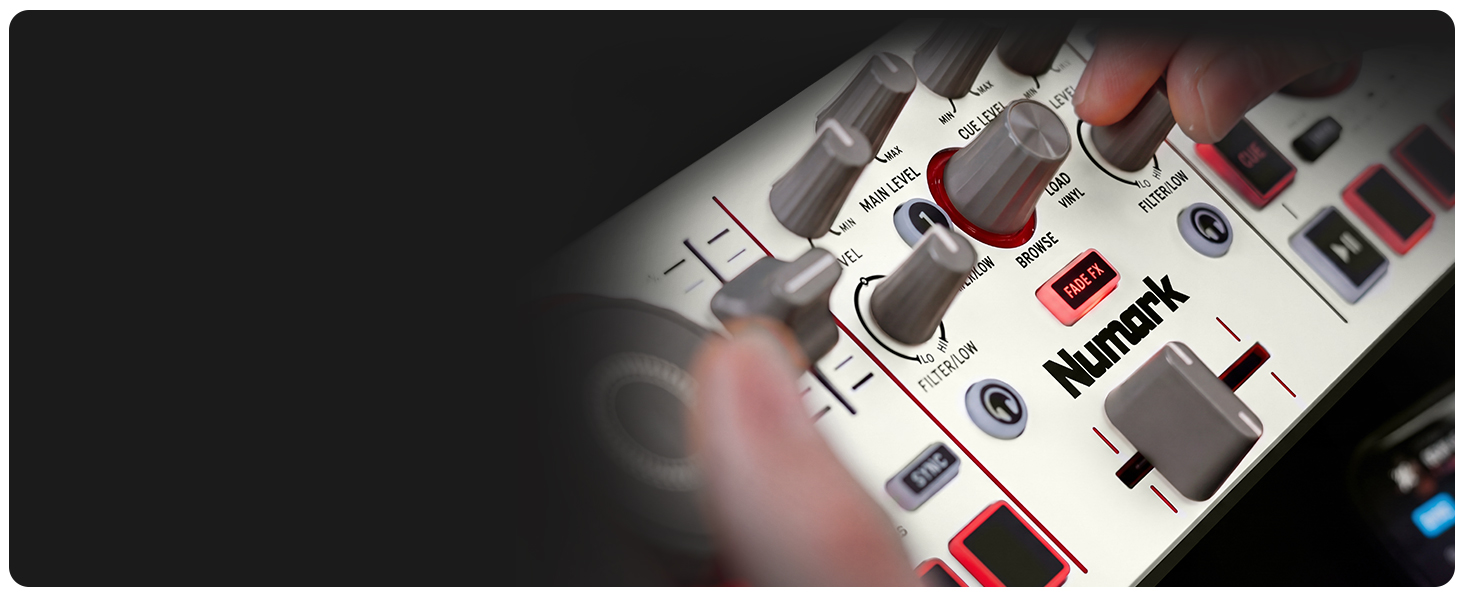
Shape your sound with dedicated Filter knobs on each channel. Sweep highs and lows for smooth transitions, or switch this control to LOW EQ to perform a traditional bass swap when mixing.
EFFECTS: Cue & Playback Control
Dedicated Cue and Load buttons for each deck make it easy to preview tracks, reset your starting point, stutter start your track, and drop in at the perfect moment.
EFFECTS: Browse & Navigation
Stay focused on your mix with a central Browse knob. Quickly scroll through your library or your current playlist and load tracks with no interruption.
FADE FX: Mix Transitions That Move You
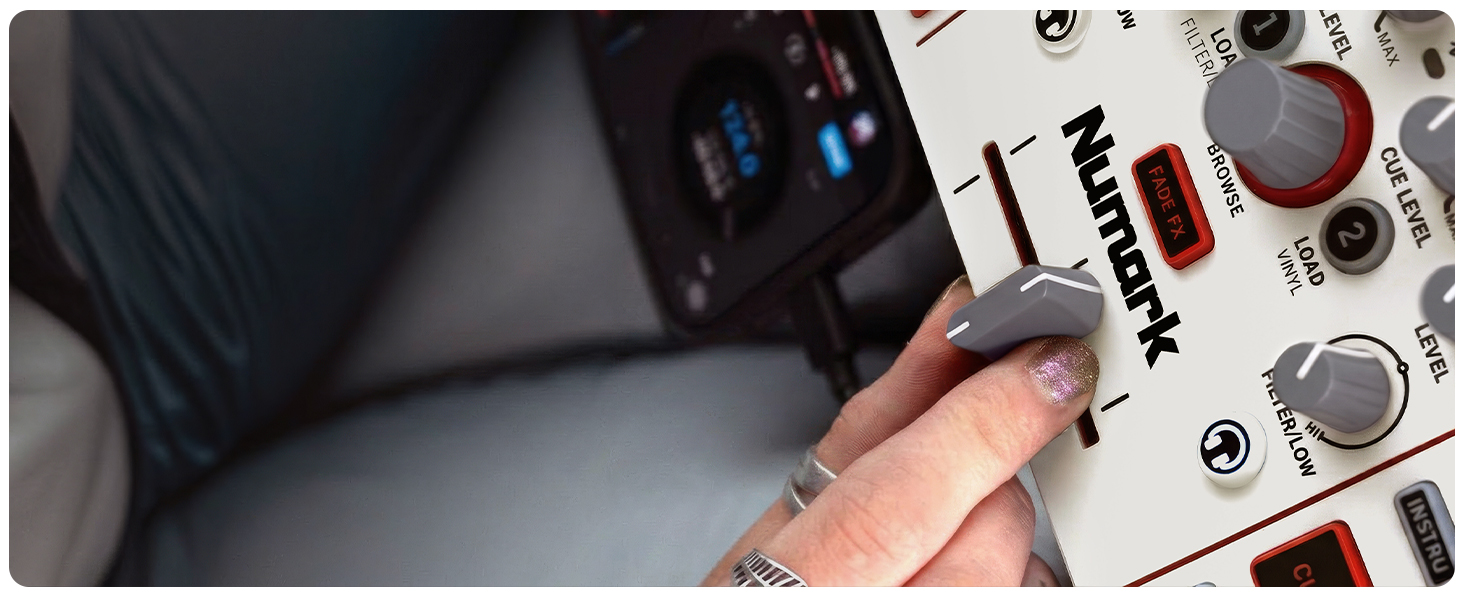
Add motion and energy to every blend with Fade FX, shaping smooth transitions and dynamic drops just by working the crossfader. These simple, expressive effects keep your mixes flowing.
Discover Your New Go-To DJ Software
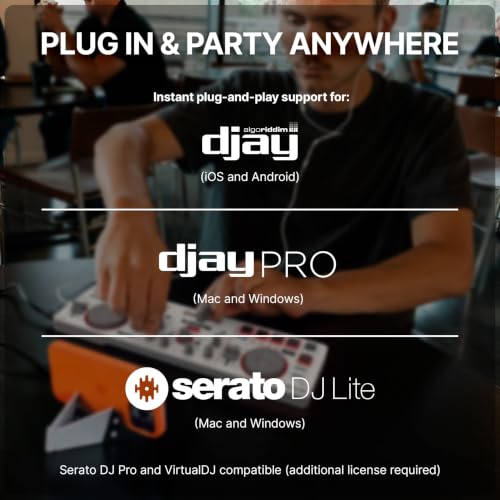
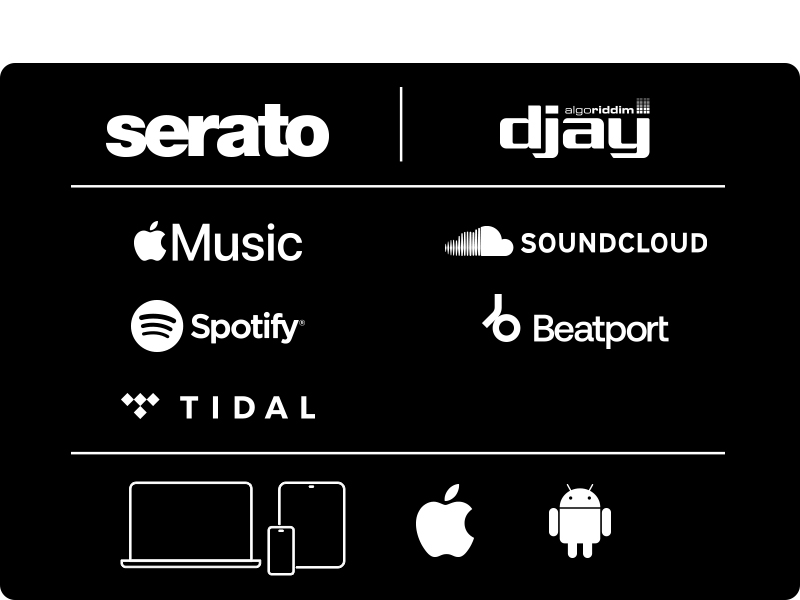
Get started instantly with plug-and-play support for Algoriddim djay (iOS/Android), djay Pro (Mac/Windows) and Serato DJ Lite (Mac/Windows). Serato DJ Pro and VirtualDJ are supported (additional license required). Plug in your smart device and jump right into your set – play how and where you want to.
Wired Performance Setup
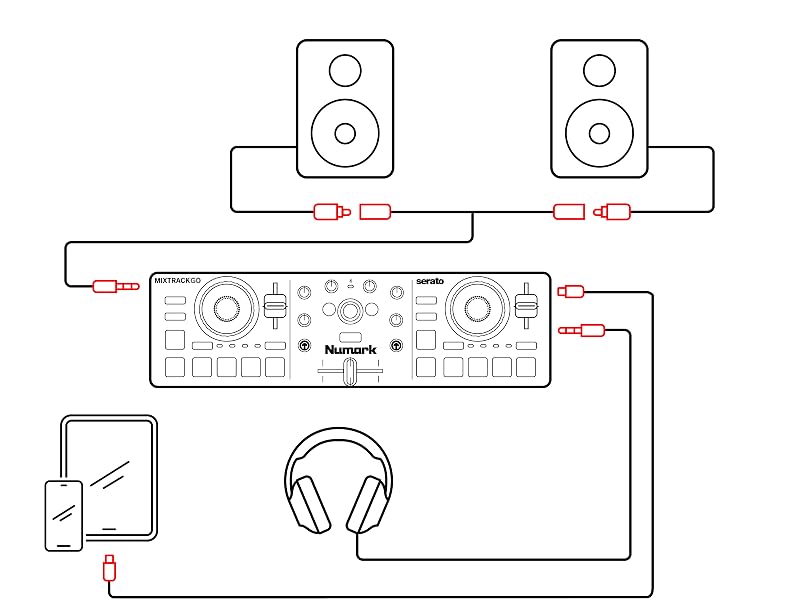
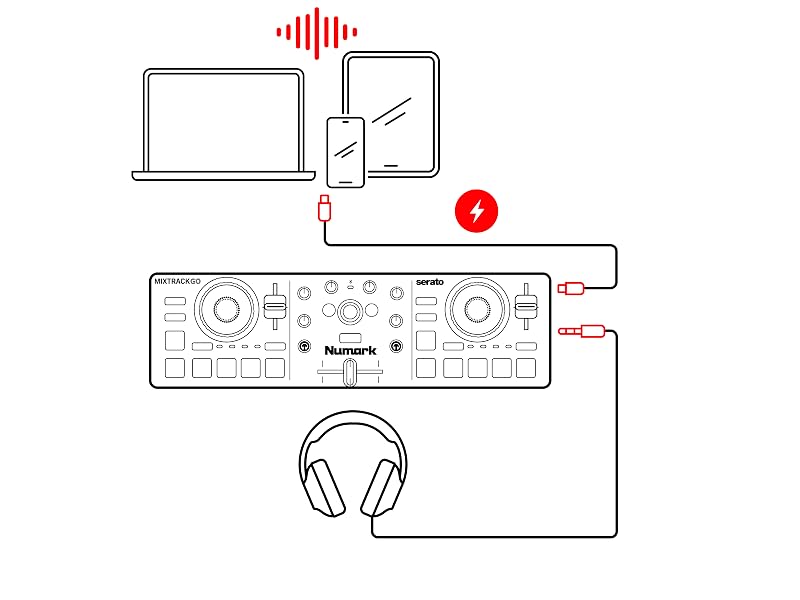
Get the ultimate party setup for the best possible sound. Connect your laptop, tablet, or smartphone via the included USB-C cable to utilize the MixTrack Go’s built-in audio interface. This allows you to drive external speakers via the main RCA outputs while privately cueing your next track in your headphones for a professional mixing experience.
Mix via Bluetooth Setup
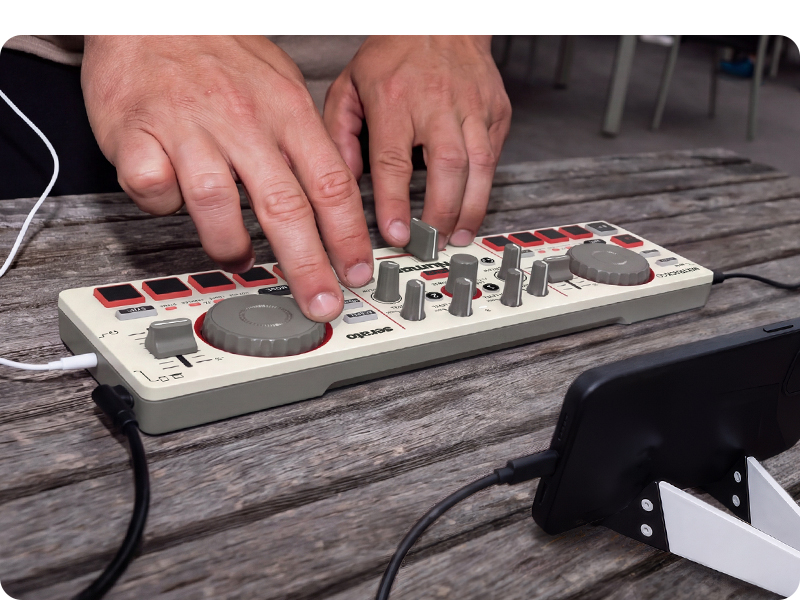
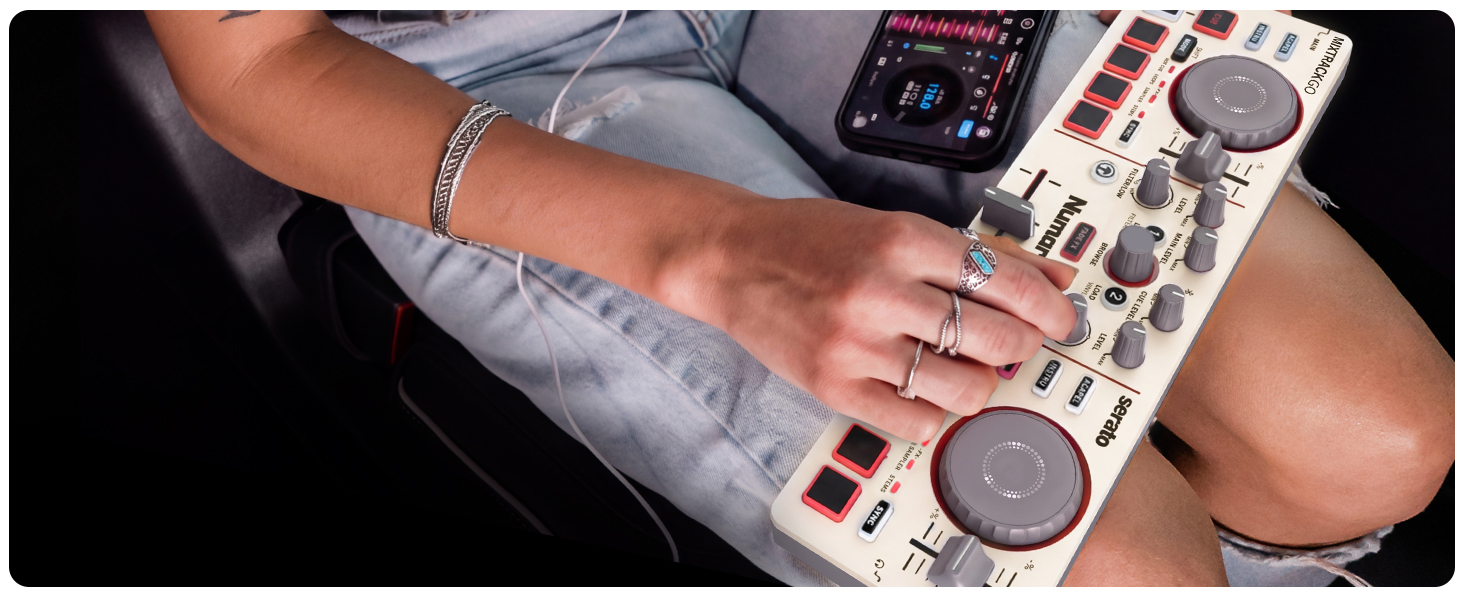
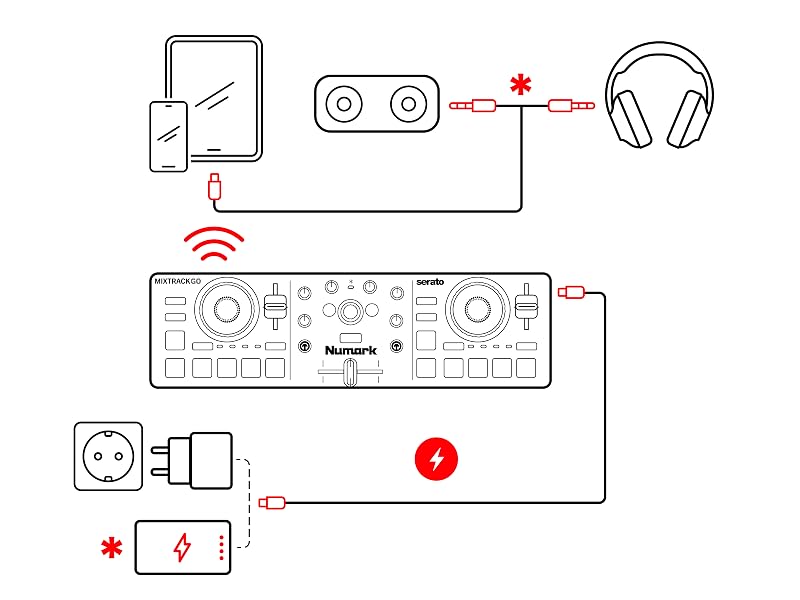
Unleash ultimate portability and take the party anywhere. Connect wirelessly to Algoriddim djay on iOS or Android via Bluetooth MIDI for untethered control. Power the controller easily from a standard USB power bank or wall adapter, and handle audio output directly from your mobile device using a splitter (sold separately) for headphones and speakers.
Practice Setup
For hassle-free practice sessions, keep it simple. Connect the MixTrack Go directly to your laptop, smartphone, or tablet using the single included USB-C cable for both power and control. In this streamlined setup, your mix plays directly through your computing device’s built-in speakers, letting you jump into mixing anywhere without needing external audio gear or complicated wiring.
Connect to Bluetooth Guide
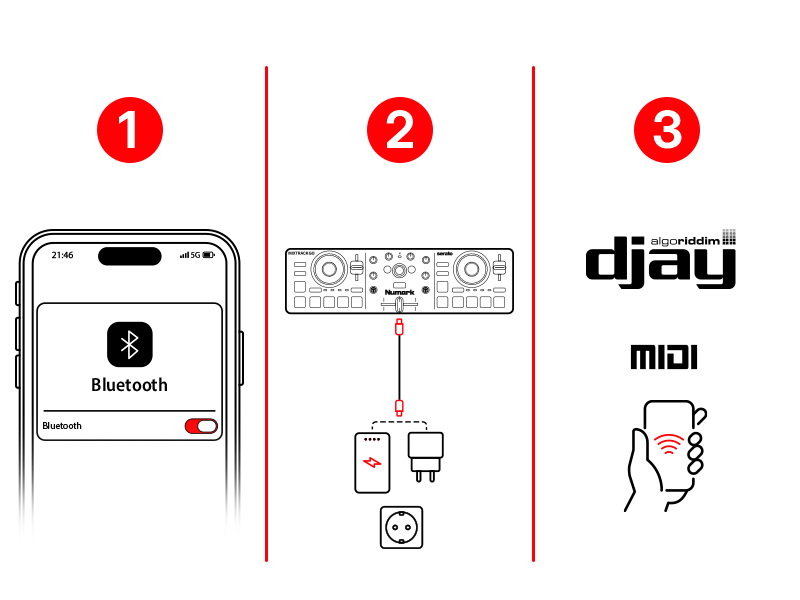
Ready to mix wirelessly? Follow these steps for Bluetooth MIDI connection: First, ensure Bluetooth is enabled on your iOS or Android device. Next, power the MixTrack Go using a standard USB power bank or wall adapter. Finally, open the Algoriddim djay app, navigate to Settings > MIDI Devices, and select “Scan for Bluetooth MIDI Devices” to find and pair with the controller.
All Fun and Function, No Under-the-Hood Secrets
Jump right in with responsive performance pads that make it easy to remix and shape your sound in real time. From quick edits to creative transitions, everything you need is right at your fingertips.
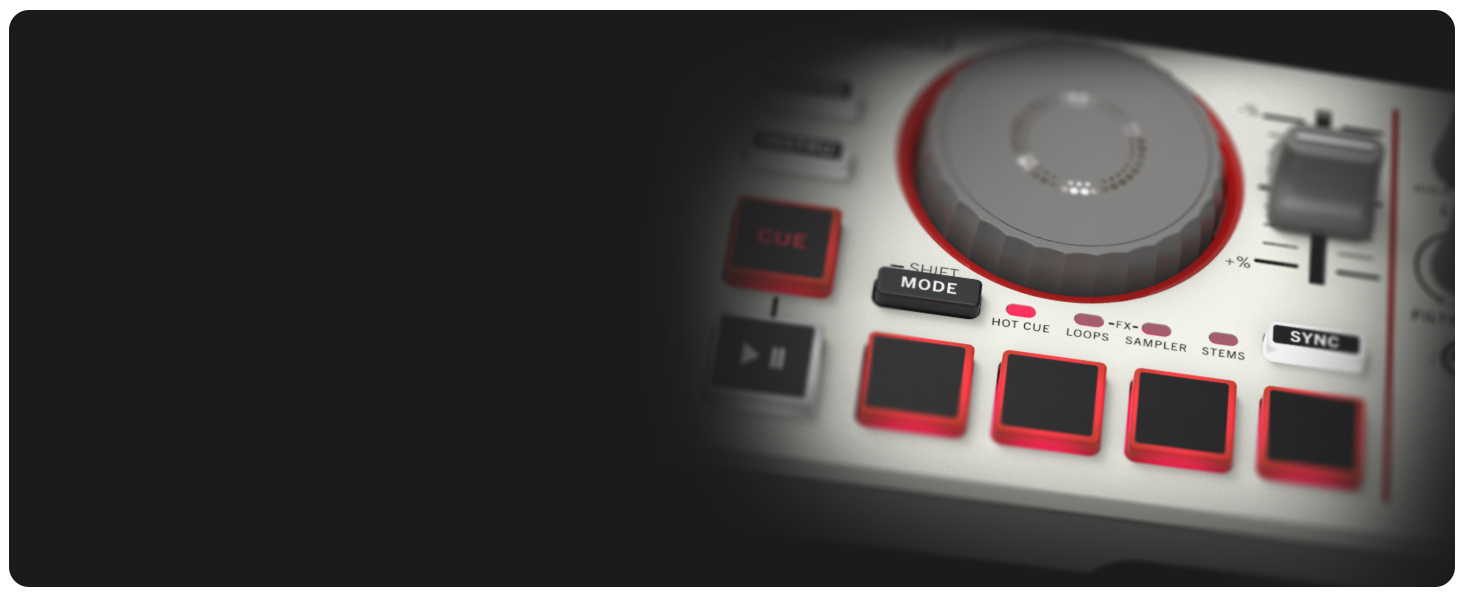
PERFORMANCE PADS: Hot Cue Mode
Set and trigger cue points instantly to jump between sections, rework transitions, or recover on the fly.
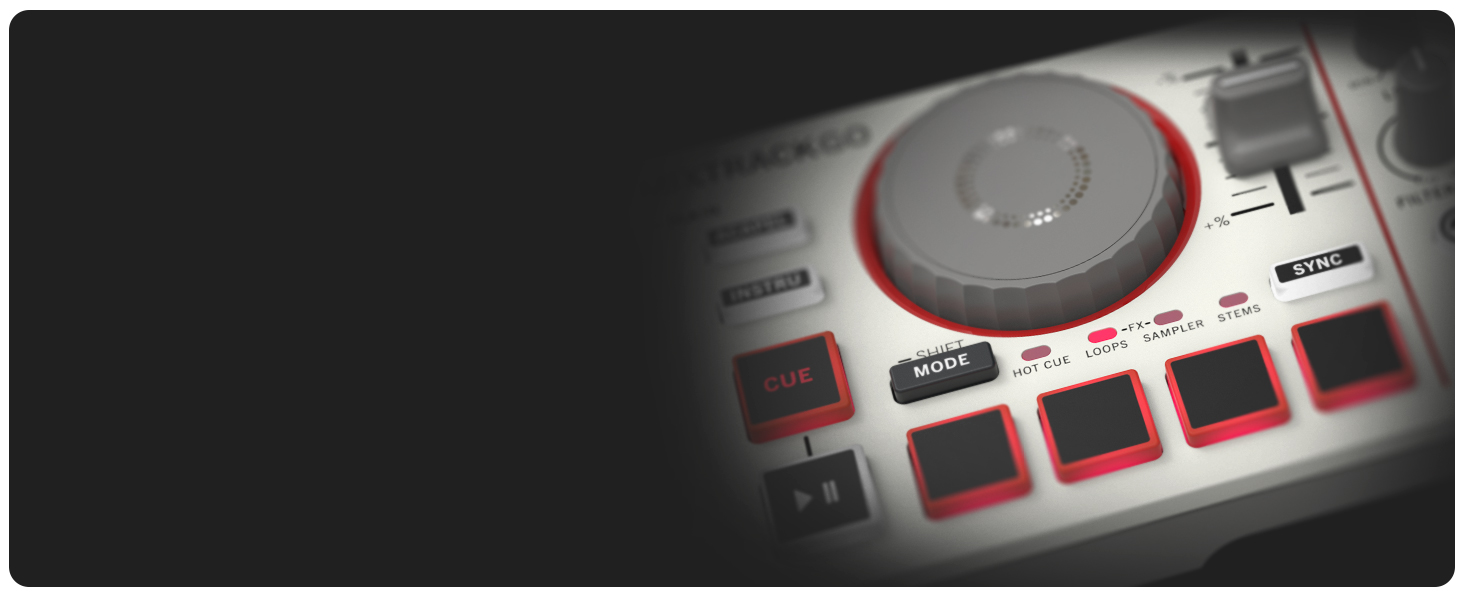
PERFORMANCE PADS: Auto Loop Mode
Create tight, perfectly timed loops to extend moments, build energy, or keep things flowing while you line up your next track.
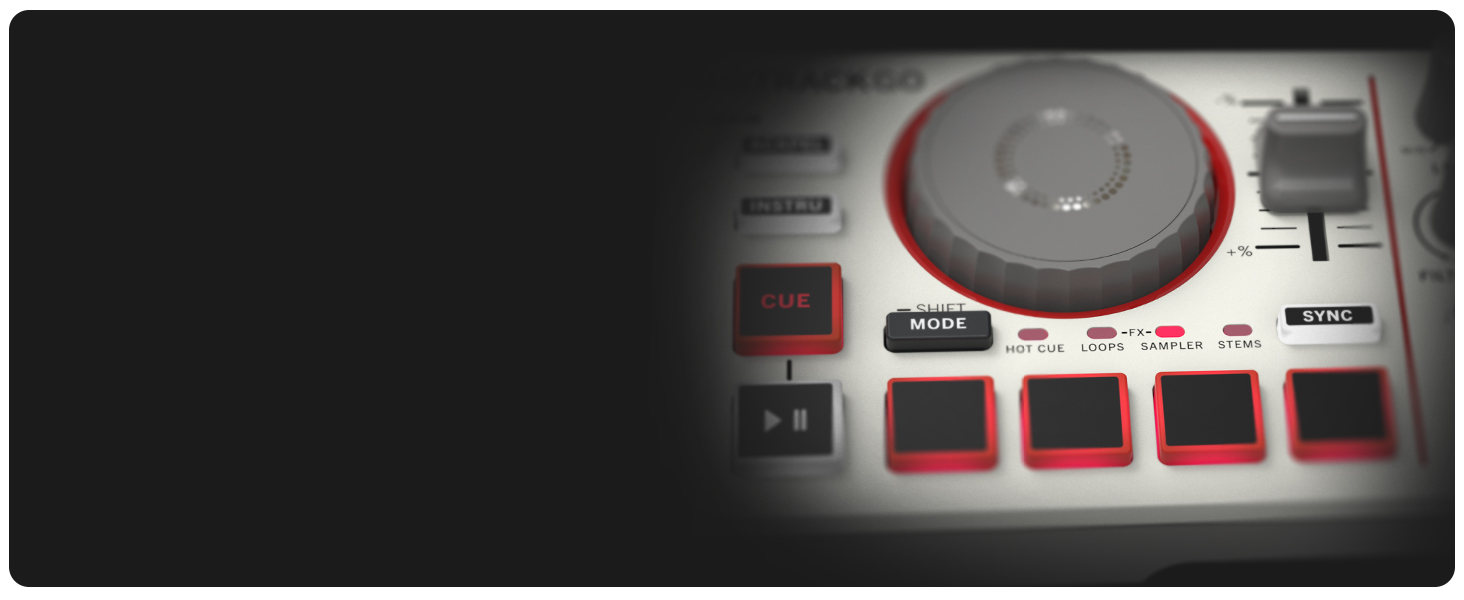
PERFORMANCE PADS: Sampler Mode
Drop in sounds and effects to add personality and keep every mix feeling fresh.
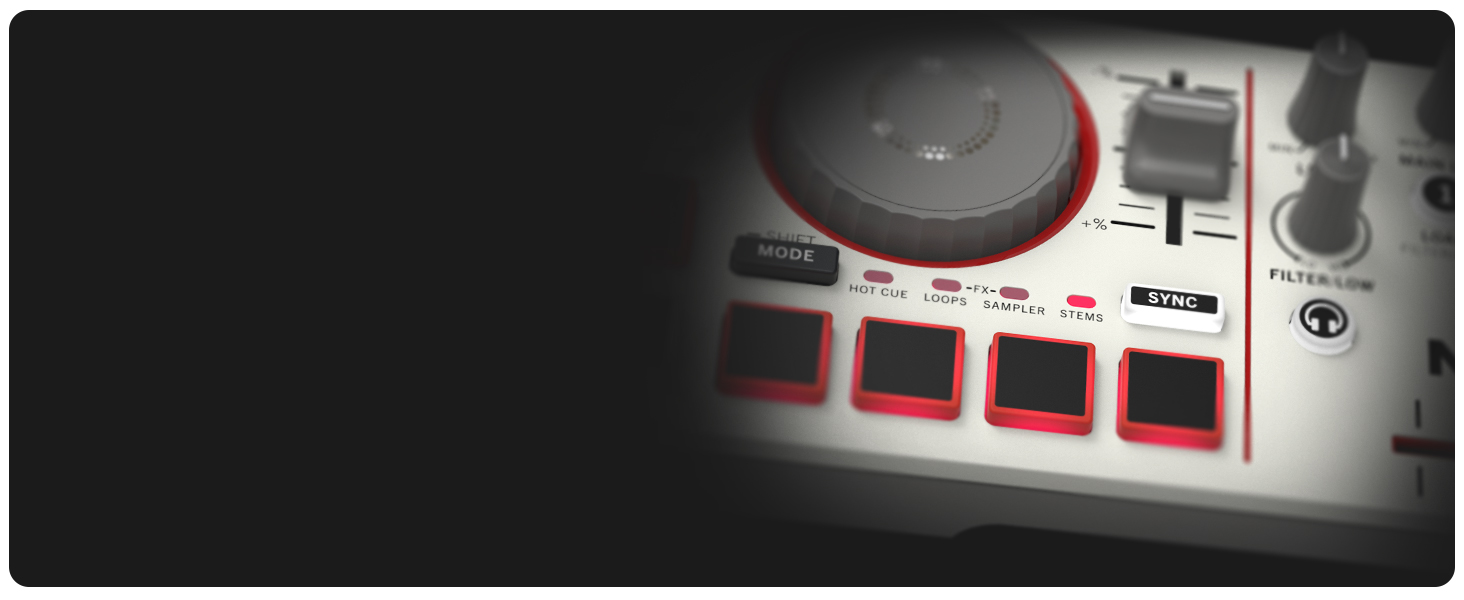
PERFORMANCE PADS: Stems Mode
Break down tracks into individual vocals, drums, bass, and more so you can mix, layer, and experiment in real time.
PERFORMANCE PADS: Pad FX Mode
Get even more creative with your transitions and mixes with a wide range of audio FX available by pressing any of the four performance pads.
 Portability
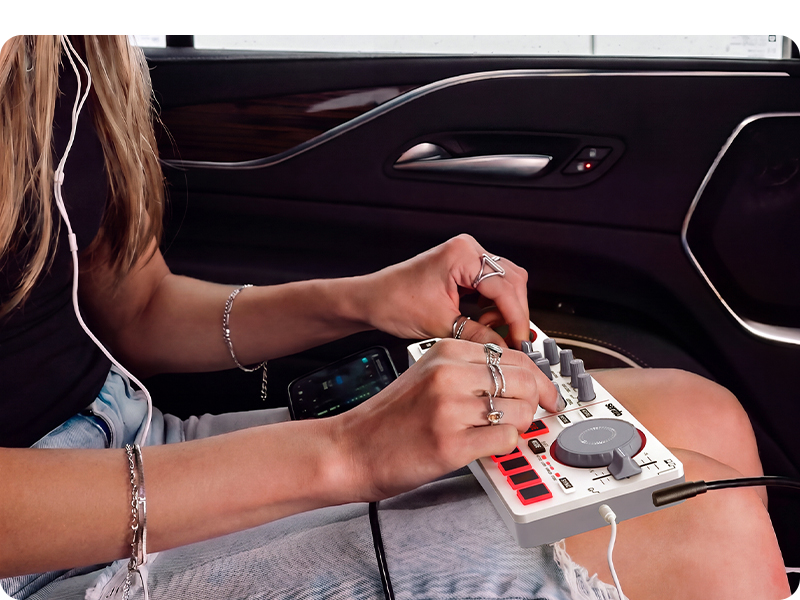
Take your mixes anywhere. This compact, flexible controller can be powered via USB-C and a laptop or phone, or simply plug it into a USB power block or battery bank.
” data-position=”triggerHorizontal” />Bluetooth MIDI ControlDJ wirelessly with Bluetooth control of Algoriddim day on iOS and Android, or connect using the included USB-C cable. MixTrack Go unlocks Algoriddim djay and Serato DJ lite for free.
” data-position=”triggerHorizontal” />Who is the Numark MixTrack Go designed for?
Numark MixTrack Go is designed for beginner DJs, casual performers and mobile creators who want an easy‑to‑use controller for learning, practicing and mixing music. Ideal for small gatherings, it provides essential mixing tools in a portable format.
Does MixTrack Go require a laptop?
No, MixTrack Go can be used with laptop, tablet or smartphone, allowing users to choose their preferred setup. Mobile DJing is supported through Bluetooth MIDI or USB‑C connections with compatible DJ apps on iOS and Android devices.
Can MixTrack Go be used for live DJing and small events?
Yes, MixTrack Go is designed for casual performances, practice sessions, and small gatherings, providing essential mixing tools in a portable format.
What is Stems control in DJing?
Stems control allows DJs to isolate and manipulate different elements of a track, such as vocals or instruments, in real time, and MixTrack Go includes dedicated controls that make it easy for beginners to experiment with this technique.
What feature upgrades does MixTrack Go offer over earlier compact controllers?
MixTrack Go includes updated features such as Stems control, Bluetooth MIDI connectivity, dedicated filter knobs, and larger performance pads, providing a more flexible and modern DJ workflow.