ULTIMEA Soundbar for TV with Wireless Subwoofer, Wi-Fi
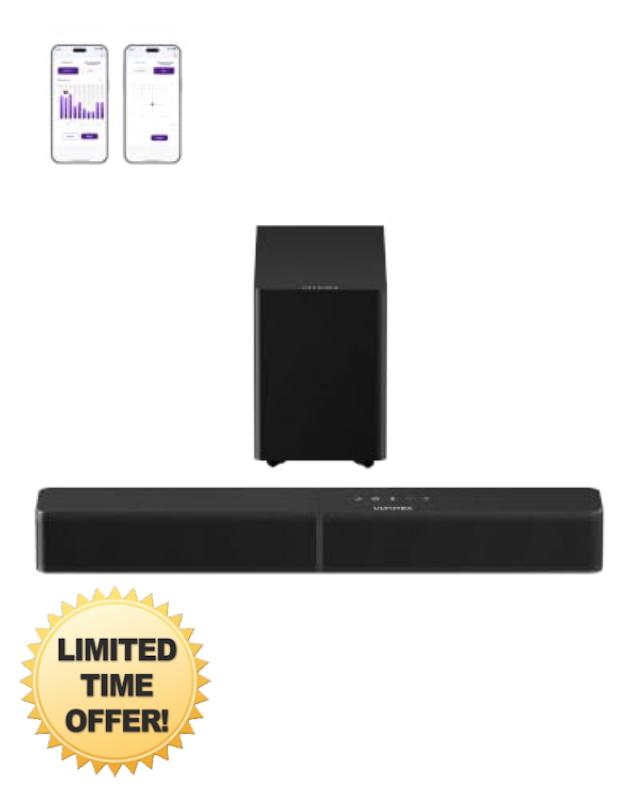
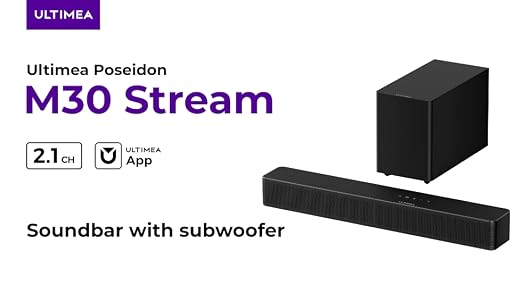
ULTIMEA Soundbar for TV with Wireless Subwoofer, Wi-Fi Streaming AirPlay 2,Spotify Connect,TIDAL Connect,App, 10-Band EQ, VoiceMX, BassMX, 6 EQ Modes, HDMI ARC, Poseidon M30 Stream
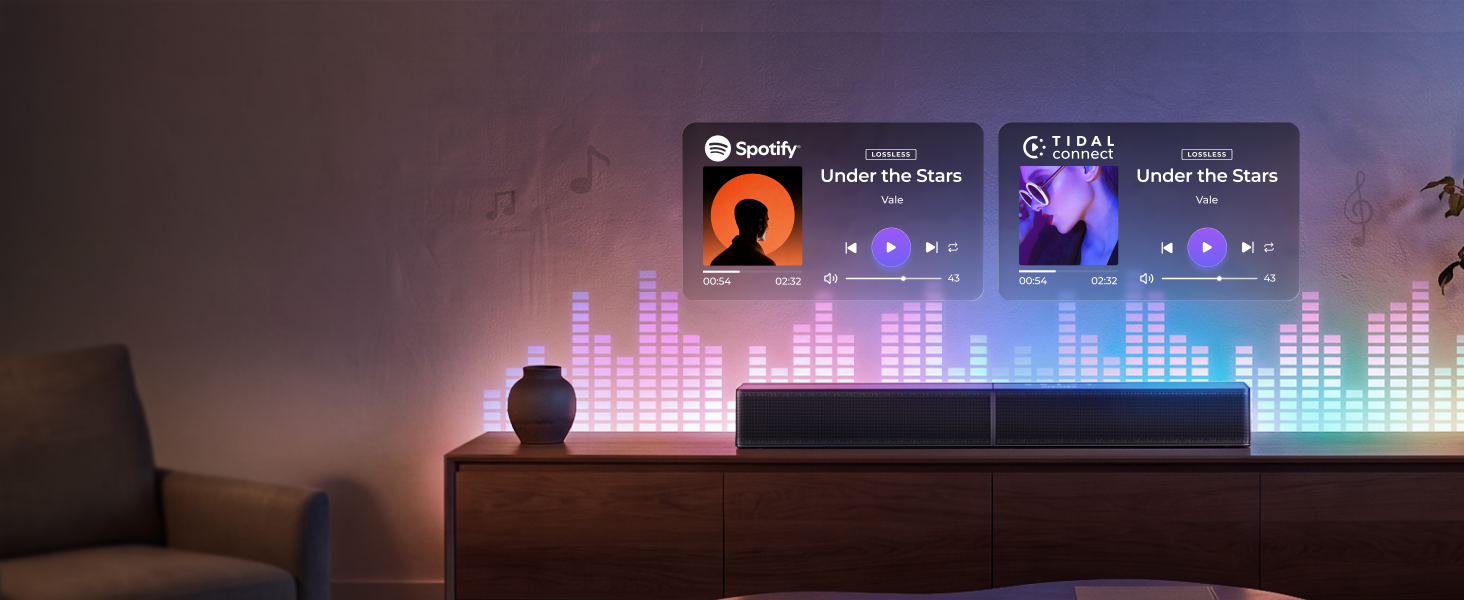
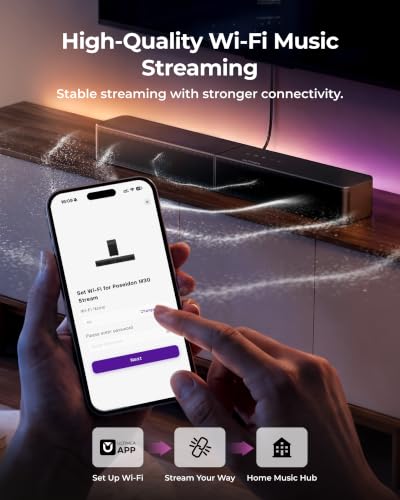
Stream Music with AirPlay 2 & Spotify Connect
Enjoy wireless music streaming with AirPlay 2, Spotify Connect, and TIDAL Connect over Wi-Fi.
Stream Music Directly from Your Favorite Apps
Enjoy seamless streaming with Spotify Connect and TIDAL Connect, without switching between devices.
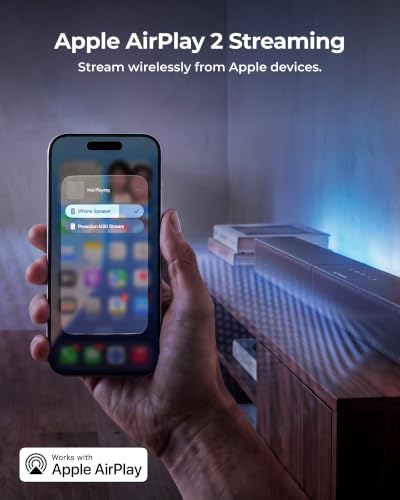
Stream from iPhone with AirPlay 2
Wirelessly stream music from your iPhone or Apple devices directly to your soundbar with AirPlay 2.
Bring Music to Every Room
Create a whole-home listening experience with wireless music streaming across multiple spaces.
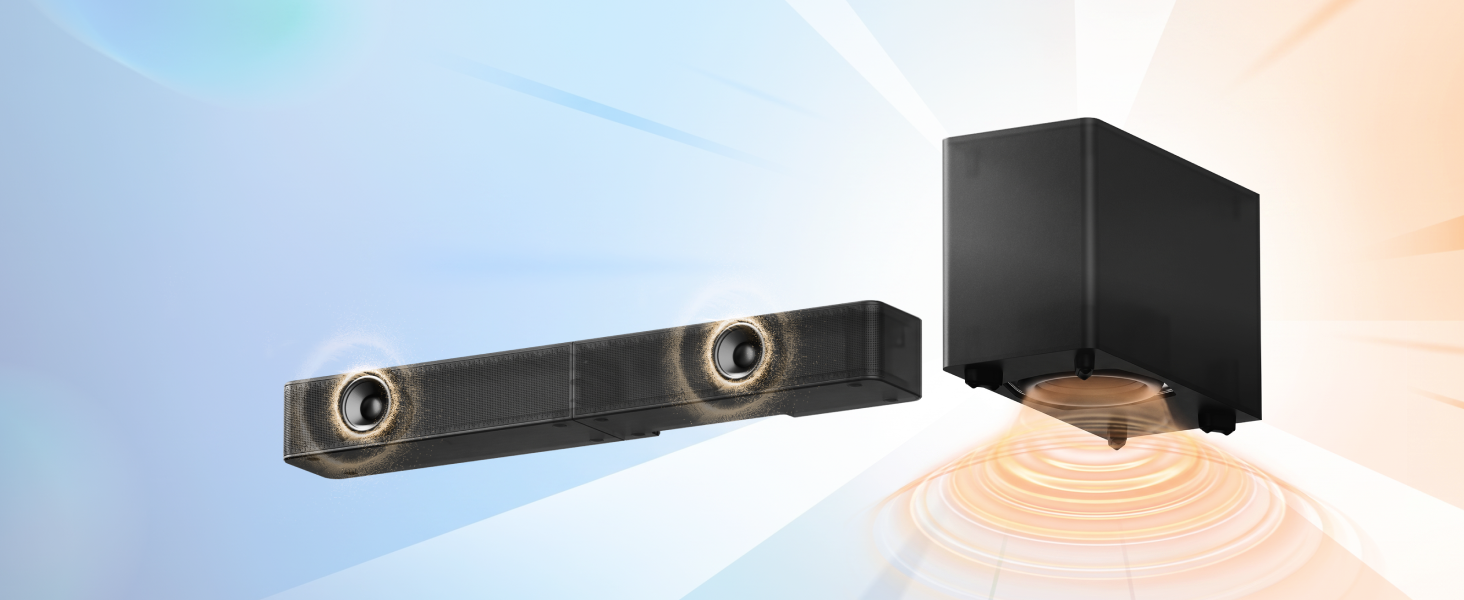
Powerful 2.1ch Sound with Wireless Subwoofer
A dedicated wireless subwoofer delivers deeper bass, while the 2.1ch system enhances your TV audio.
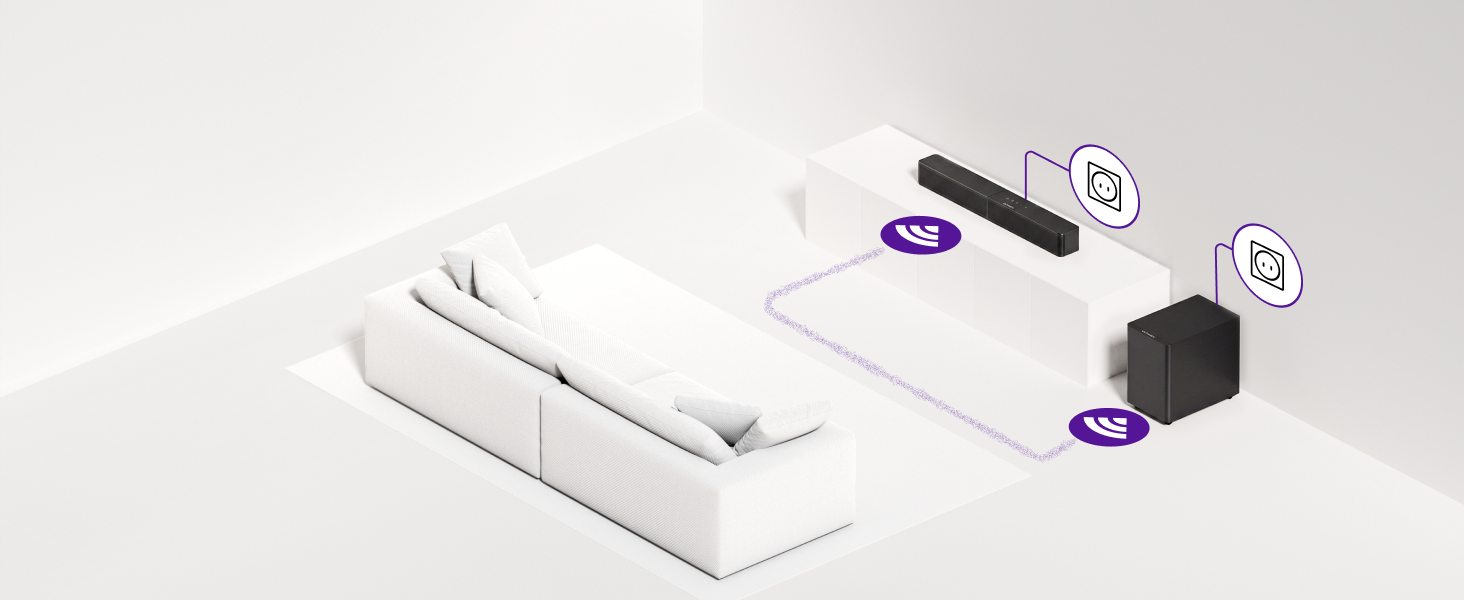
5.25" Wireless Subwoofer for Deeper Bass
Enjoy enhanced bass with a 5.25" wireless subwoofer. Power cable needed; place it freely anywhere.
Mica Driver for Clear, Detailed Sound
The mica-reinforced driver improves rigidity and reduces distortion for cleaner, accurate sound.
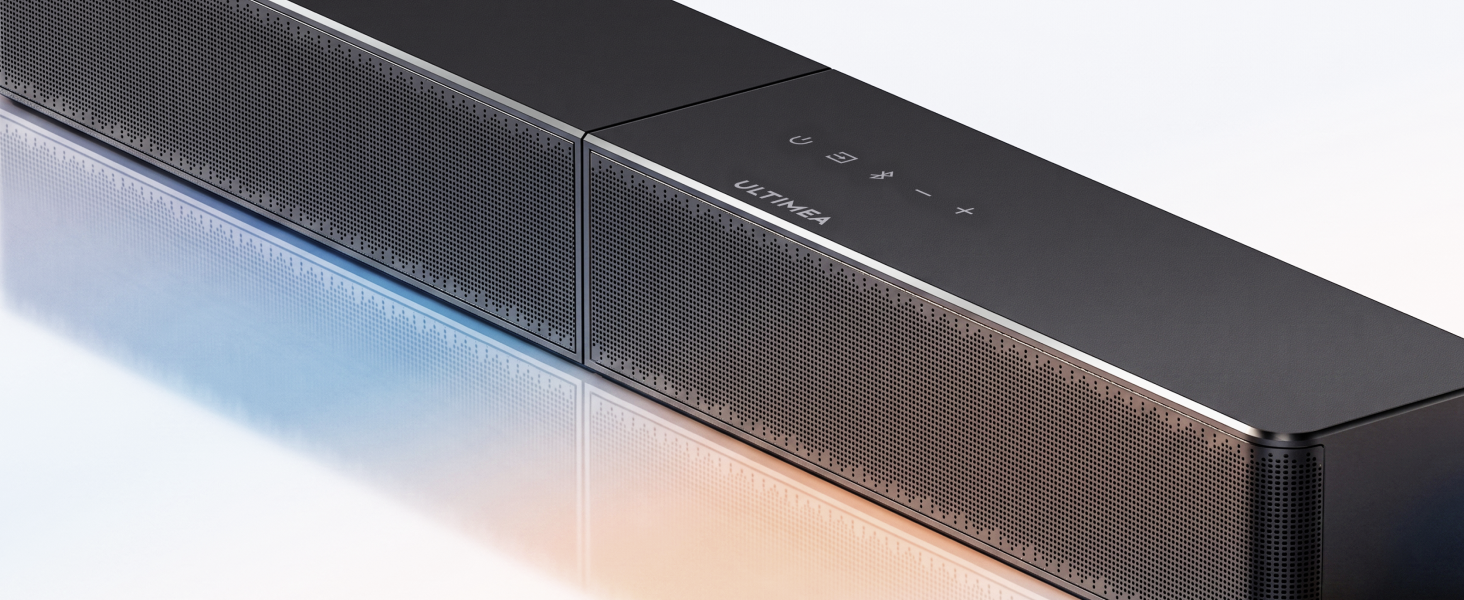
Larger Perforations for Clearer Sound
Larger acoustic openings let sound pass through freely for clearer dialogue and natural detail.
Powerful 240W Peak Sound for Every Scene
240W peak power delivers dynamic sound with impactful bass for movies, music, and gaming.
BassMX for Enhanced Low-Frequency Impact
BassMX enhances low frequencies for richer bass response and a more immersive listening experience.
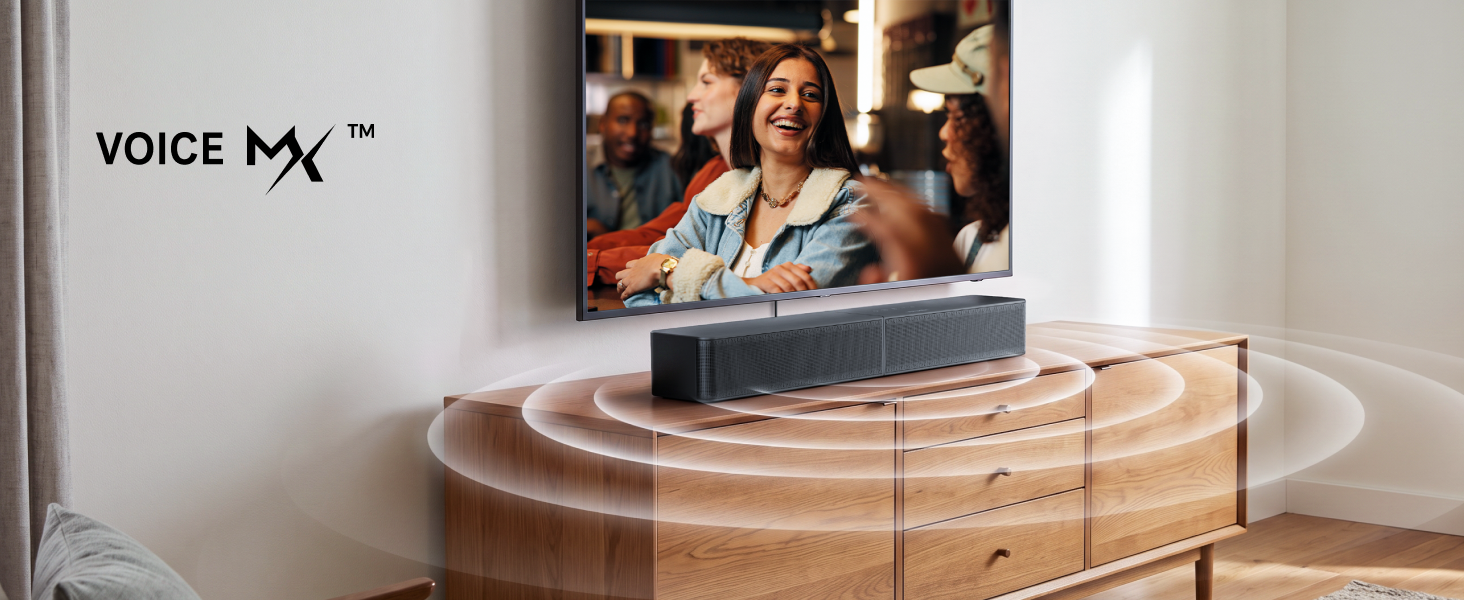
Clearer Dialogue with VoiceMX
VoiceMX enhances vocals and dialogue clarity, helping voices stand out in movies, shows, and news.
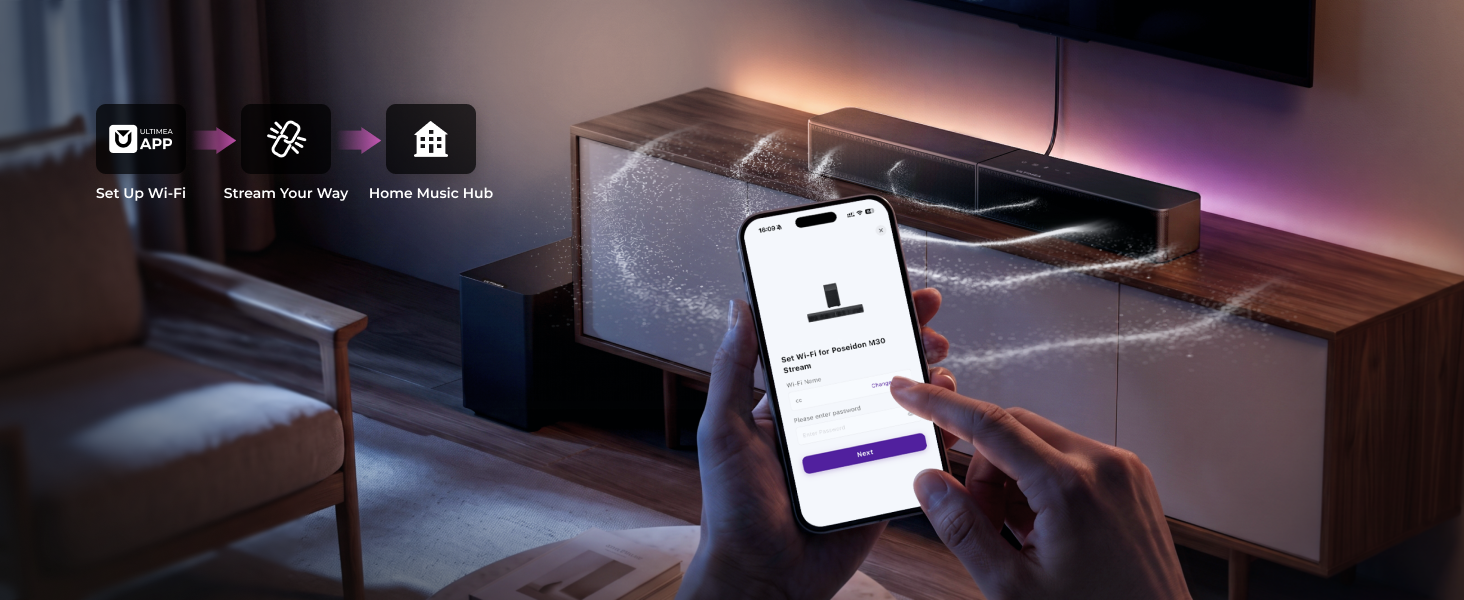
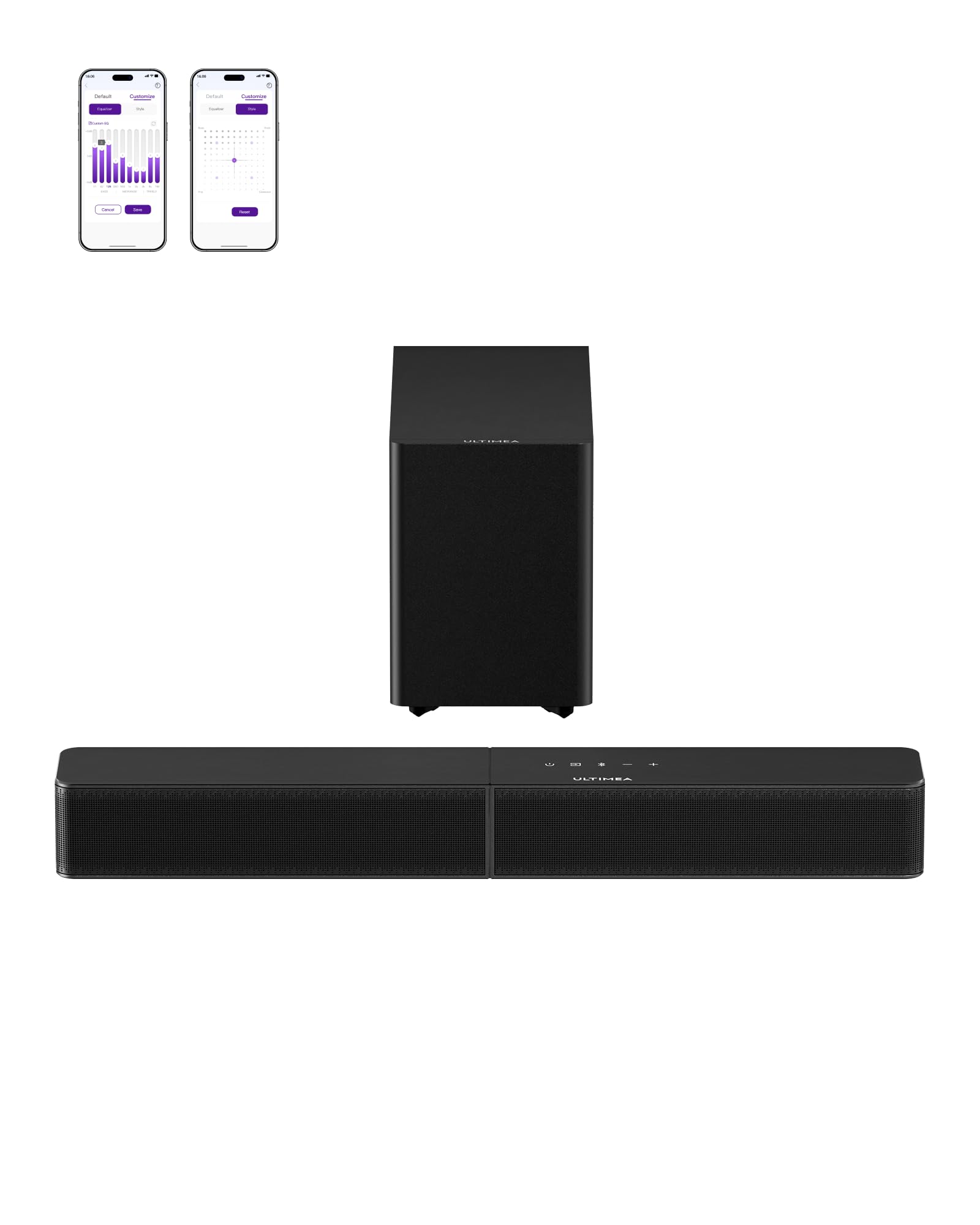
Customize Your Sound with ULTIMEA App
Adjust EQ, sound modes, inputs, and settings easily through the ULTIMEA App for personalized audio.
Control Your Sound Your Way
Control sound with ULTIMEA App, remote, touch controls, AirPlay 2, Spotify, and TIDAL Connect.
Simple Setup with Wireless Subwoofer
Connect your TV easily and enjoy a cleaner setup with a wireless subwoofer and fewer cables.
Designed for Every Entertainment Moment
1 Movie Nights 2 Music Streaming 3 Gaming AudioDoes this soundbar support Wi-Fi music streaming and what services are compatible?
Yes. Poseidon M30 Stream supports Wi-Fi music streaming with AirPlay 2, Spotify Connect, and TIDAL Connect. You can stream music directly from compatible
apps and enioy high-quality wireless plavback.
What should I do if the app automatically disconnects from the device?
For app disconnections, use 5GHz or dual-band Wi-Fi. Place the device 2–5m from the router and move your phone closer. Tap Reconnect in the app without removing and re-adding the device. If issues persist, contact support.
Is the wireless subwoofer completely wireless and does it need a power cable?
The subwoofer connects wirelessly to the soundbar for flexible placement, but it still requires a power cable. Simply plug it into a power outlet and place it where
it fits your room.
What devices and connections are supported for TV setup?
Poseidon M30 Stream supports HDMI ARC, Optical, Bluetooth, and USB connections. It works with TVs, phones, tablets, and other compatible audio devices for
flexible setup options.
Can l adjust the sound settings or EQ on this soundbar?
Yes. Use the ULTIMEA App to adjust EQ settings, choose sound modes, control inputs, and customize your listening experience for movies, music, gaming, and
more.
- Wi-Fi Music Streaming: Stream music directly to your soundbar over Wi-Fi with AirPlay 2, Spotify Connect and TIDAL Connect. Enjoy convenient music streaming for everyday listening, relaxing and home entertainment.
- More Than a TV Soundbar: Poseidon M30 Stream works as both a TV soundbar and an everyday home music hub. Stream your favorite playlists over Wi-Fi and enjoy music even when the TV is off.
- 10-Band EQ App Control: Fine-tune this sound bar with subwoofer through the ULTIMEA App with a 10-band EQ. Customize bass, mids and treble to match your room, content and listening preferences.
- 6 EQ Sound Modes: Choose Movie, Music, Voice, Sport, Game or Night mode to optimize this 2.1 soundbar for different content, from everyday music and movies to sports and gaming.
- BassMX Deep Bass & VoiceMX Clear Dialogue: This soundbar with wireless subwoofer delivers deeper low-frequency impact while VoiceMX enhances vocal clarity, helping dialogue remain clear over music and sound effects.
- Mica-Reinforced Drivers: Reinforced speaker diaphragms improve rigidity and reduce unwanted resonance for clearer vocals, cleaner mids and more detailed sound, enhancing everyday performance from your TV sound bar.
- HDMI ARC & Complete Home Theater Setup: Connect this soundbar for smart TV through HDMI ARC or Optical, or play compatible music through USB. The 2.1-channel home theater sound system delivers up to 240W peak power with a 5.25-inch wireless subwoofer.















| SKU: | B0HCNNMTKL |
| Weight: | 5 Kilograms |
| Brand: | ULTIMEA |
| Manufacture: | ULTIMEA |
Product Description
-

Stream Music with AirPlay 2 & Spotify Connect
Enjoy wireless music streaming with AirPlay 2, Spotify Connect, and TIDAL Connect over Wi-Fi.
-
Stream Music Directly from Your Favorite Apps
Enjoy seamless streaming with Spotify Connect and TIDAL Connect, without switching between devices.
-
Stream from iPhone with AirPlay 2
Wirelessly stream music from your iPhone or Apple devices directly to your soundbar with AirPlay 2.
-
Bring Music to Every Room
Create a whole-home listening experience with wireless music streaming across multiple spaces.
-
Powerful 2.1ch Sound with Wireless Subwoofer
A dedicated wireless subwoofer delivers deeper bass, while the 2.1ch system enhances your TV audio.
-
5.25″ Wireless Subwoofer for Deeper Bass
Enjoy enhanced bass with a 5.25″ wireless subwoofer. Power cable needed; place it freely anywhere.
-
Mica Driver for Clear, Detailed Sound
The mica-reinforced driver improves rigidity and reduces distortion for cleaner, accurate sound.
-
Larger Perforations for Clearer Sound
Larger acoustic openings let sound pass through freely for clearer dialogue and natural detail.
-
Powerful 240W Peak Sound for Every Scene
240W peak power delivers dynamic sound with impactful bass for movies, music, and gaming.
-
BassMX for Enhanced Low-Frequency Impact
BassMX enhances low frequencies for richer bass response and a more immersive listening experience.
-
Clearer Dialogue with VoiceMX
VoiceMX enhances vocals and dialogue clarity, helping voices stand out in movies, shows, and news.
-
Customize Your Sound with ULTIMEA App
Adjust EQ, sound modes, inputs, and settings easily through the ULTIMEA App for personalized audio.
-
Control Your Sound Your Way
Control sound with ULTIMEA App, remote, touch controls, AirPlay 2, Spotify, and TIDAL Connect.
-
Simple Setup with Wireless Subwoofer
Connect your TV easily and enjoy a cleaner setup with a wireless subwoofer and fewer cables.
Designed for Every Entertainment Moment
-
Does this soundbar support Wi-Fi music streaming and what services are compatible?
Yes. Poseidon M30 Stream supports Wi-Fi music streaming with AirPlay 2, Spotify Connect, and TIDAL Connect. You can stream music directly from compatible
apps and enioy high-quality wireless plavback.
-
What should I do if the app automatically disconnects from the device?
For app disconnections, use 5GHz or dual-band Wi-Fi. Place the device 2–5m from the router and move your phone closer. Tap Reconnect in the app without removing and re-adding the device. If issues persist, contact support.
-
Is the wireless subwoofer completely wireless and does it need a power cable?
The subwoofer connects wirelessly to the soundbar for flexible placement, but it still requires a power cable. Simply plug it into a power outlet and place it where
it fits your room.
-
What devices and connections are supported for TV setup?
Poseidon M30 Stream supports HDMI ARC, Optical, Bluetooth, and USB connections. It works with TVs, phones, tablets, and other compatible audio devices for
flexible setup options.
-
Can l adjust the sound settings or EQ on this soundbar?
Yes. Use the ULTIMEA App to adjust EQ settings, choose sound modes, control inputs, and customize your listening experience for movies, music, gaming, and
more.