USB C to AR Glasses Adapter for XREAL VITURE Rayneo – PD
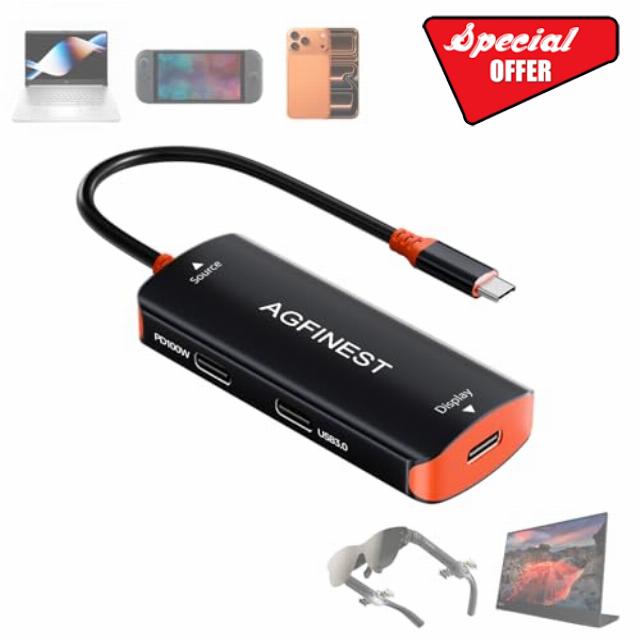
USB C to AR Glasses Adapter for XREAL VITURE Rayneo – PD 100W Passthrough & 4K@60Hz Video & USB 3.0, Compatible Switch 2/1/ Oled, Steam Deck,ROG Ally,iPhone 15/16/17,Laptop
How to use this adapter?
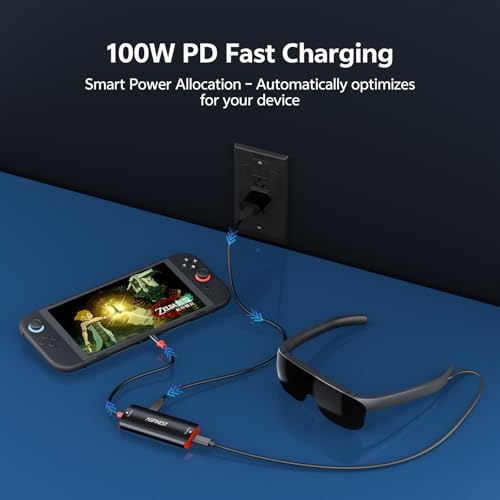
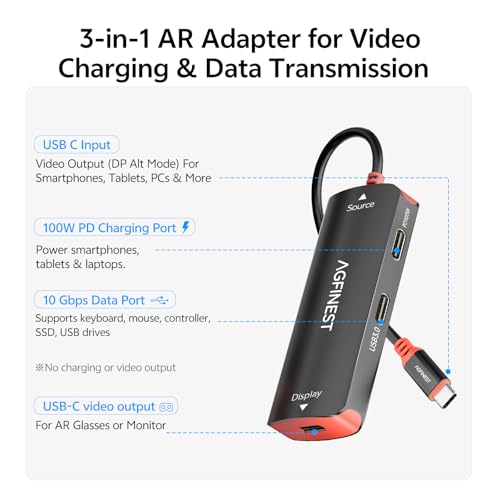
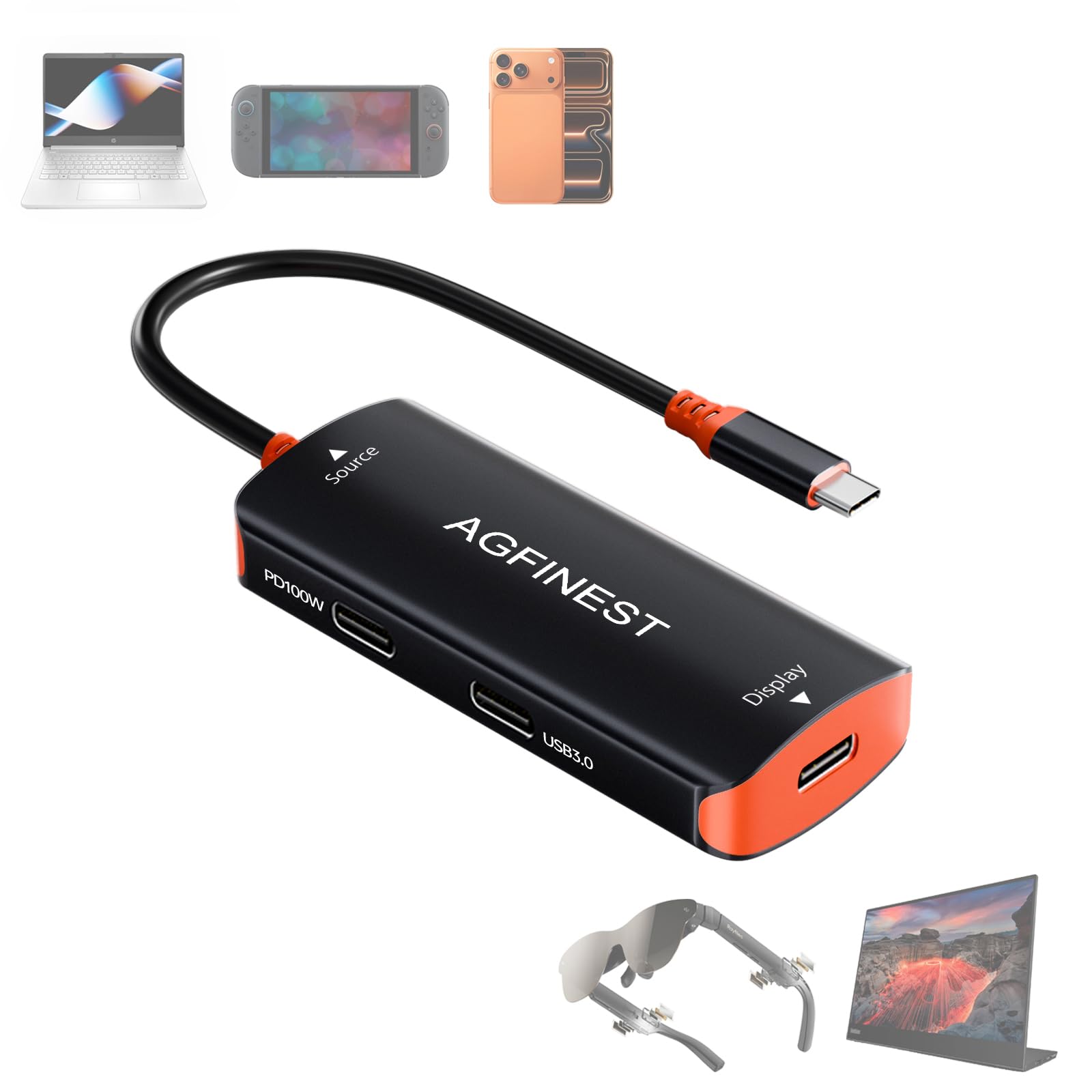
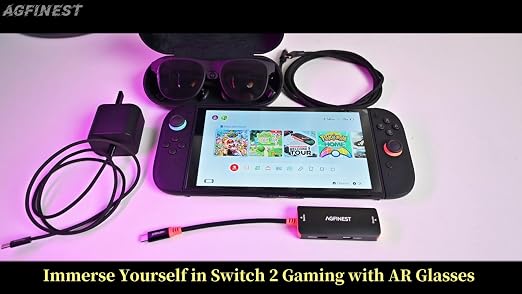
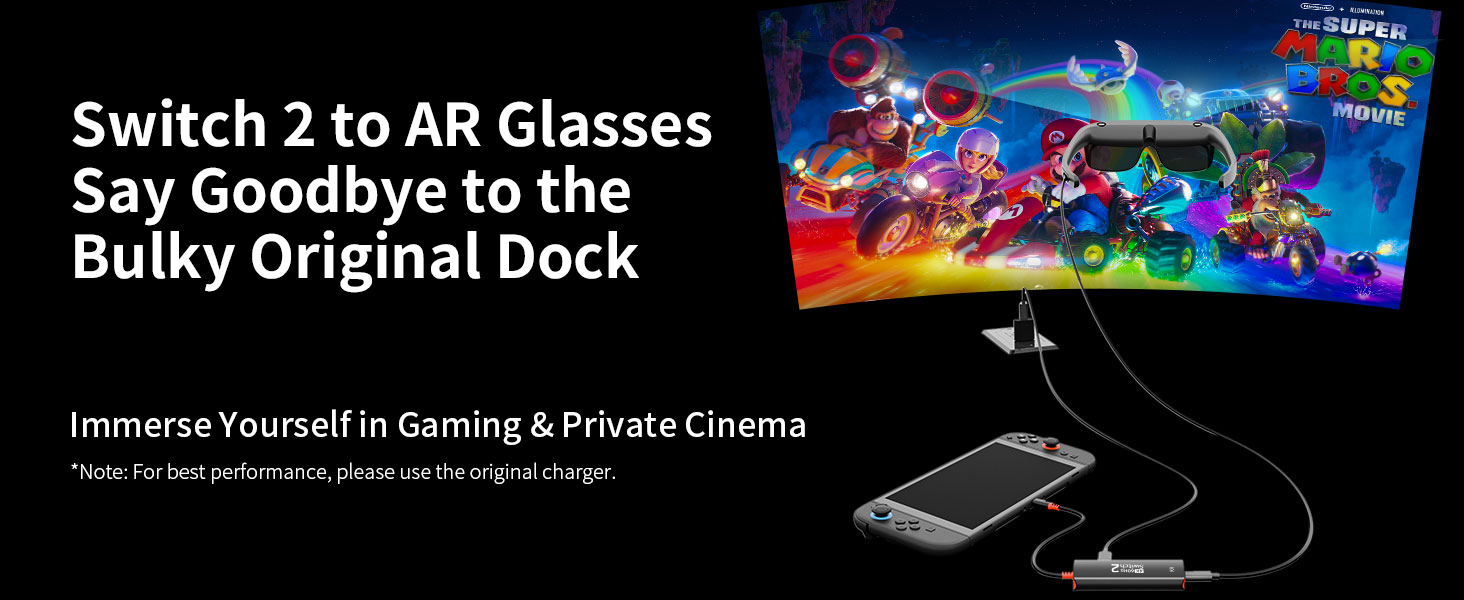
Plug the adapter between your source device (PC, Switch 2) and display device (AR glasses, portable monitor). Use side ports for charging (100W PD input) or data (USB drive, mouse, keyboard).
What does each USB-C port do?
USB-C plug(connect to source devices) and USB-C display Port (connect to AR glasses) for video. Side charging port: 100W PD input only, powers source devices. Side data port: 10Gbps only, for mouse/keyboard/USB drive.
Does it get hot during long use?
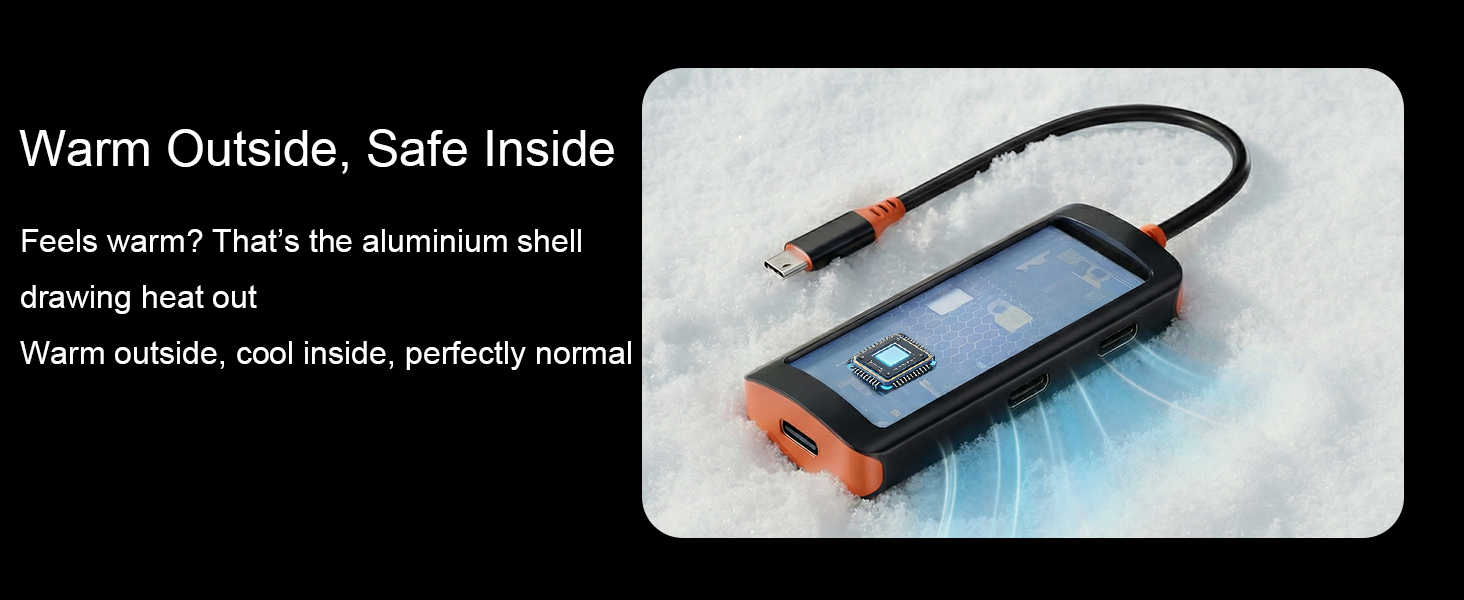
At 4K/60Hz or 2K/120Hz, some warmth is normal. Aluminium housing + internal heatsink dissipate heat efficiently – designed for stable long‑session use.
Video works but no sound – what to do?
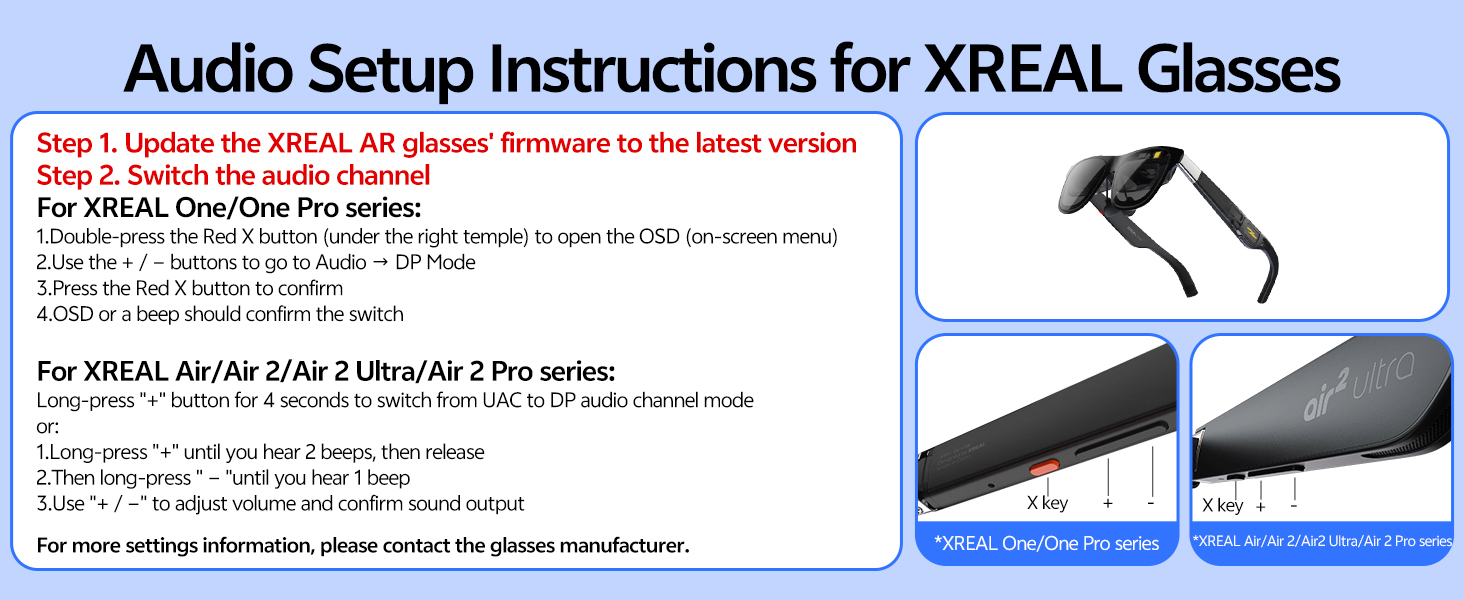
Check your AR glasses’ audio settings – switch to “DP / UAC” mode. Also verify volume on your source device (Switch 2, PC, phone).
What if video doesn’t work?
First, check if your device supports DP Alt Mode. If issues persist, our support team will help until resolved. We reply within 24 hours with technical guidance – so you can use with confidence.
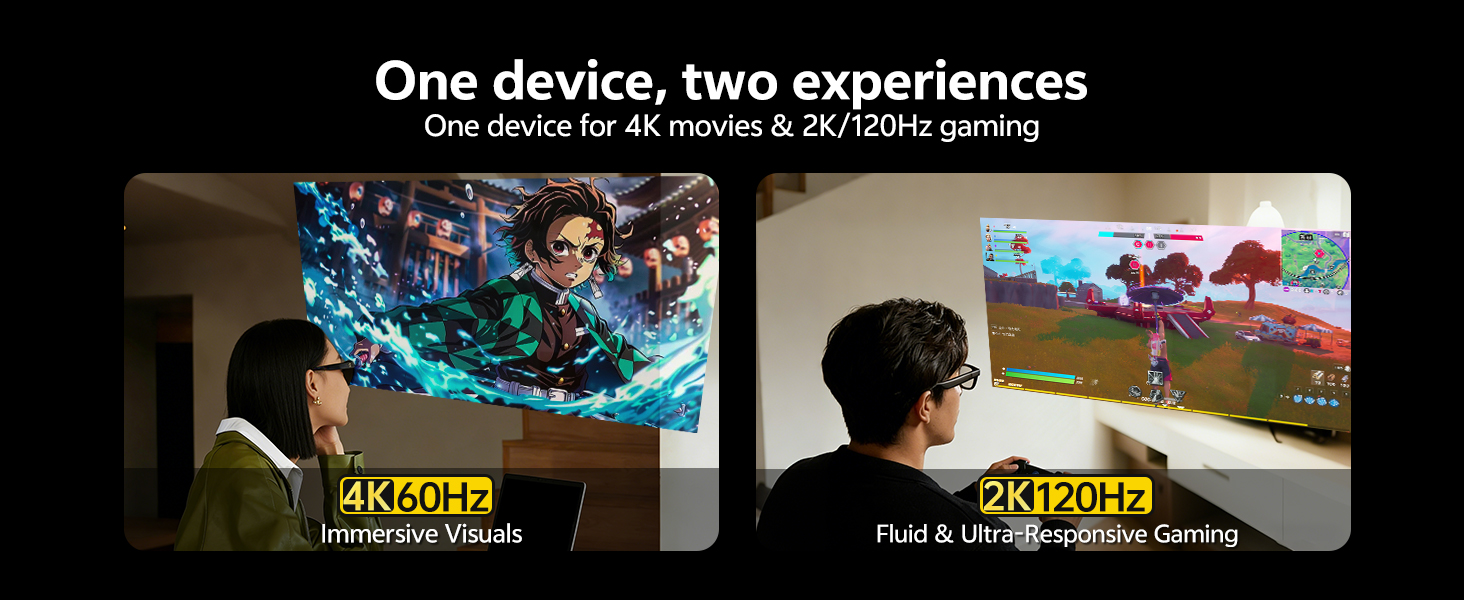
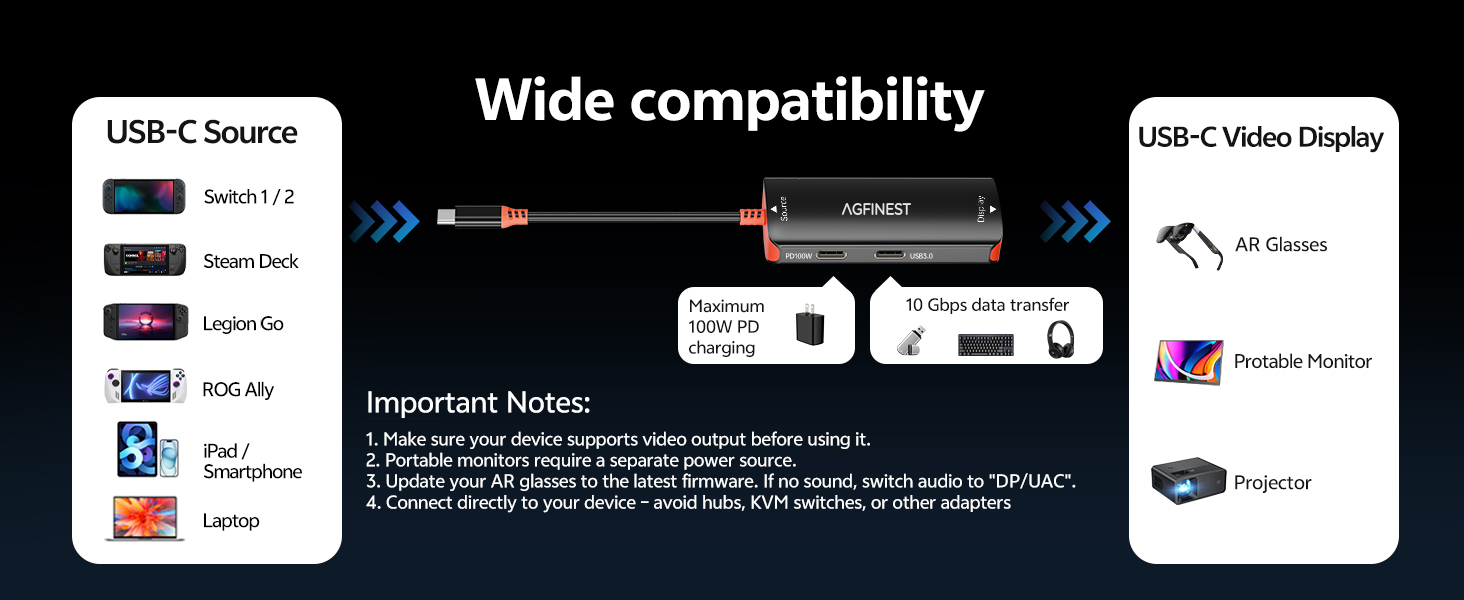
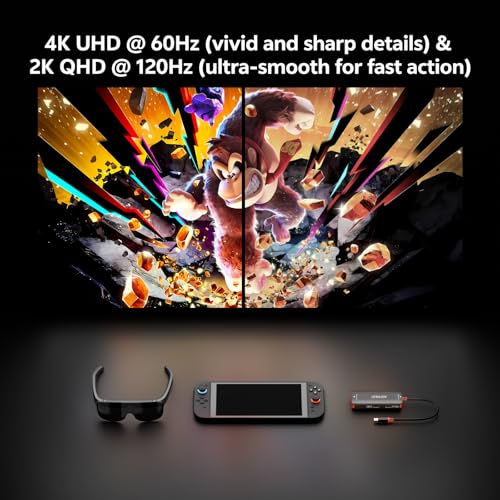
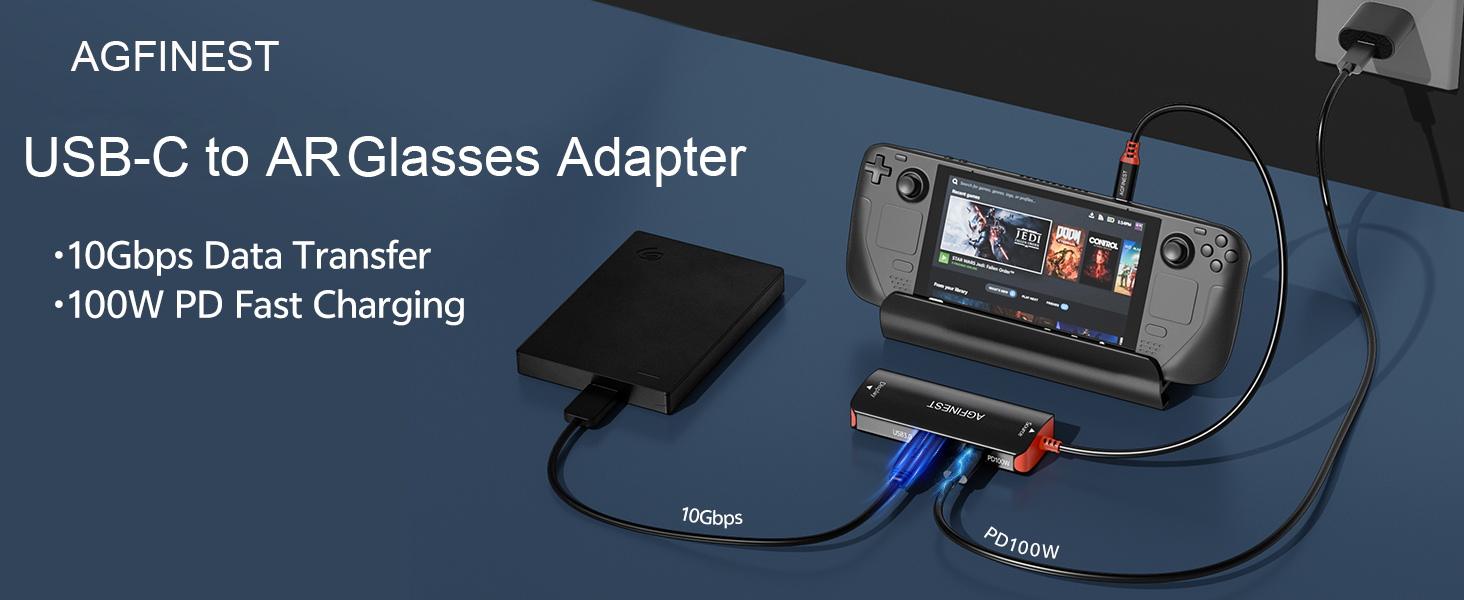
- 100W USB-C PD Passthrough + 4K@60Hz / 2K@120Hz Simultaneous Output: AGFINEST USB-C to AR adapter helps prevent interruptions caused by low battery during extended gaming sessions. This adapter supports up to 100W Power Delivery to keep your Steam Deck, ROG Ally, or smartphone charged while outputting video. It supports up to 2K@120Hz for AR glasses and 4K@60Hz for monitors or TVs, depending on device capability and connected hardware. Perfect for long-haul flights, extended gaming marathons, and all-day remote work sessions where every minute of battery life counts. Note: Portable monitors require a separate power supply.
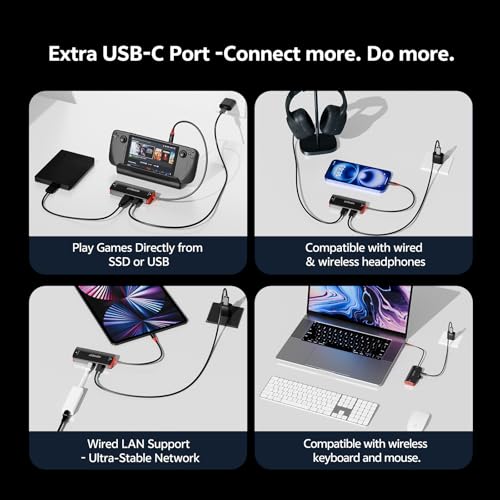
- High-Speed Data Port (Up to 10Gbps) for Extended Connectivity: AGFINEST USB-C to AR glasses adapter features a dedicated data port supporting up to 10Gbps transfer speeds, enabling connection of external devices such as SSDs, keyboards, mice or controllers while using video output and charging simultaneously. This makes the adapter suitable for mobile workstations, gaming setups and travel environments where multiple device connections are required in a compact setup. For portable monitors, note that touch signals are not supported – please use a gamepad, mouse, or keyboard.
- Wide Compatibility with USB-C Devices Supporting Video Output:Compatible AR glasses: XREAL One/Air 2 Pro, VITURE Pro, RayNeo, Rokid Max/Air. Compatible source USB-C devices with DisplayPort Alt Mode support, including Steam Deck, ROG Ally, Legion Go, Switch2/2017/OLED, iPhone 15/16/17 series, iPad Pro, MacBook and compatible Android smartphones. Compatibility depends on whether the source device supports video output over USB-C and correct system configuration. Note: Incompatible with Viture Beast
- Durable Aluminium Alloy with Efficient Heat Dissipation: Engineered with a premium aluminium alloy enclosure and integrated thermal conductive pads, this adapter effectively dissipates heat generated during high-performance operation, such as 100W power delivery and 4K@60Hz / 2K@120Hz video transmission. This ensures stable long-term usage, protects connected devices from overheating, and prevents performance throttling during marathon gaming or intensive productivity sessions
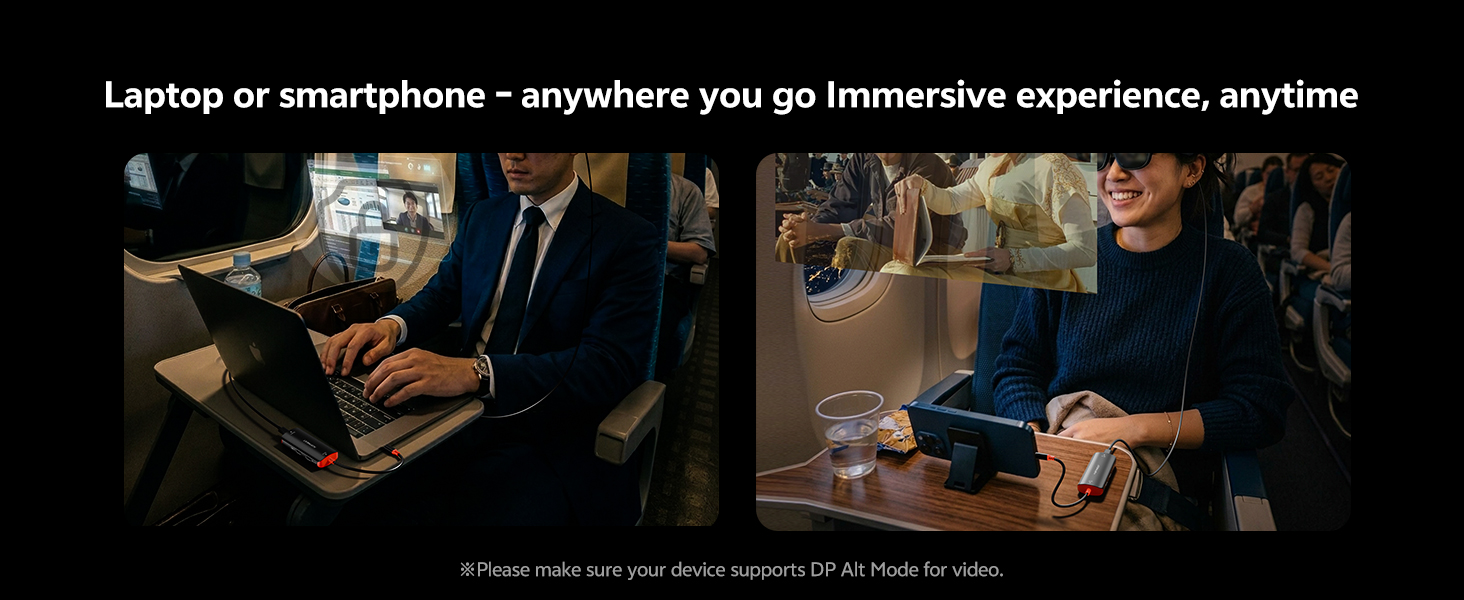
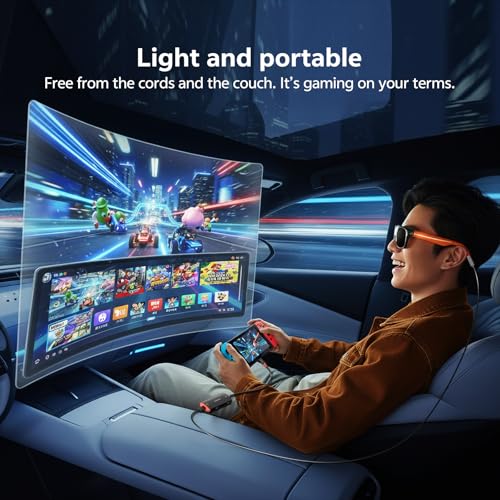
- Correct Connection Sequence for Reliable Performance: For stable operation, connect the power source first, followed by the USB-C source device, and finally connect AR glasses or external display. This order ensures a stable handshake and prevents recognition failures. If the adapter does not work as expected, please update your AR glasses firmware to the latest version, reconnect the USB-C OUT port, and verify that your source device supports audio/video transmission. The adapter provides approximately 5W power output to AR glasses – sufficient to drive them without extra batteries, making it perfect for UK commuters and frequent flyers

| SKU: | B0GXKBY61R |
| Weight: | 50 Grams |
| Brand: | AGFINEST |
| Manufacture: | AGFINEST |
Product Description
How to use this adapter?
Plug the adapter between your source device (PC, Switch 2) and display device (AR glasses, portable monitor). Use side ports for charging (100W PD input) or data (USB drive, mouse, keyboard).
What does each USB-C port do?
USB-C plug(connect to source devices) and USB-C display Port (connect to AR glasses) for video. Side charging port: 100W PD input only, powers source devices. Side data port: 10Gbps only, for mouse/keyboard/USB drive.
Does it get hot during long use?
At 4K/60Hz or 2K/120Hz, some warmth is normal. Aluminium housing + internal heatsink dissipate heat efficiently – designed for stable long‑session use.
Video works but no sound – what to do?
Check your AR glasses’ audio settings – switch to “DP / UAC” mode. Also verify volume on your source device (Switch 2, PC, phone).
What if video doesn’t work?
First, check if your device supports DP Alt Mode. If issues persist, our support team will help until resolved. We reply within 24 hours with technical guidance – so you can use with confidence.