VisionOwl Portable Monitor 18.5 Inch 2K QHD 120Hz Portable
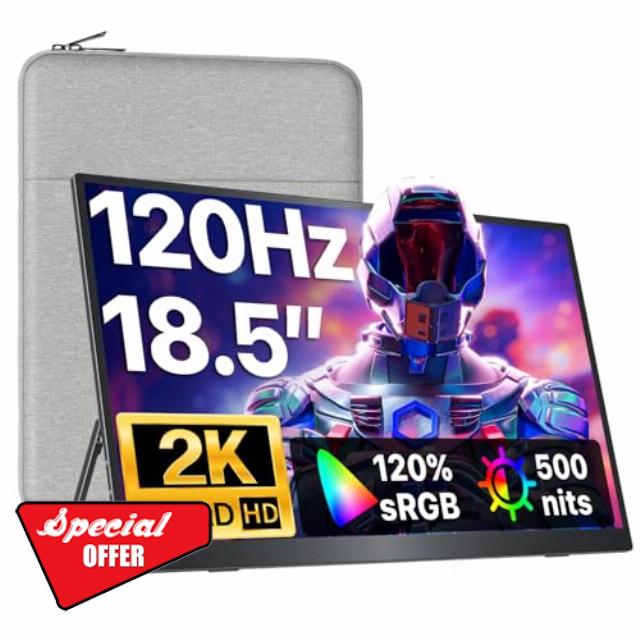
VisionOwl Portable Monitor 18.5 Inch 2K QHD 120Hz Portable Screen HDMI USB-C Monitor for Laptop Mac Surface PC PS5 Xbox, with Built-in Kickstand & Speakers, VESA Mountable
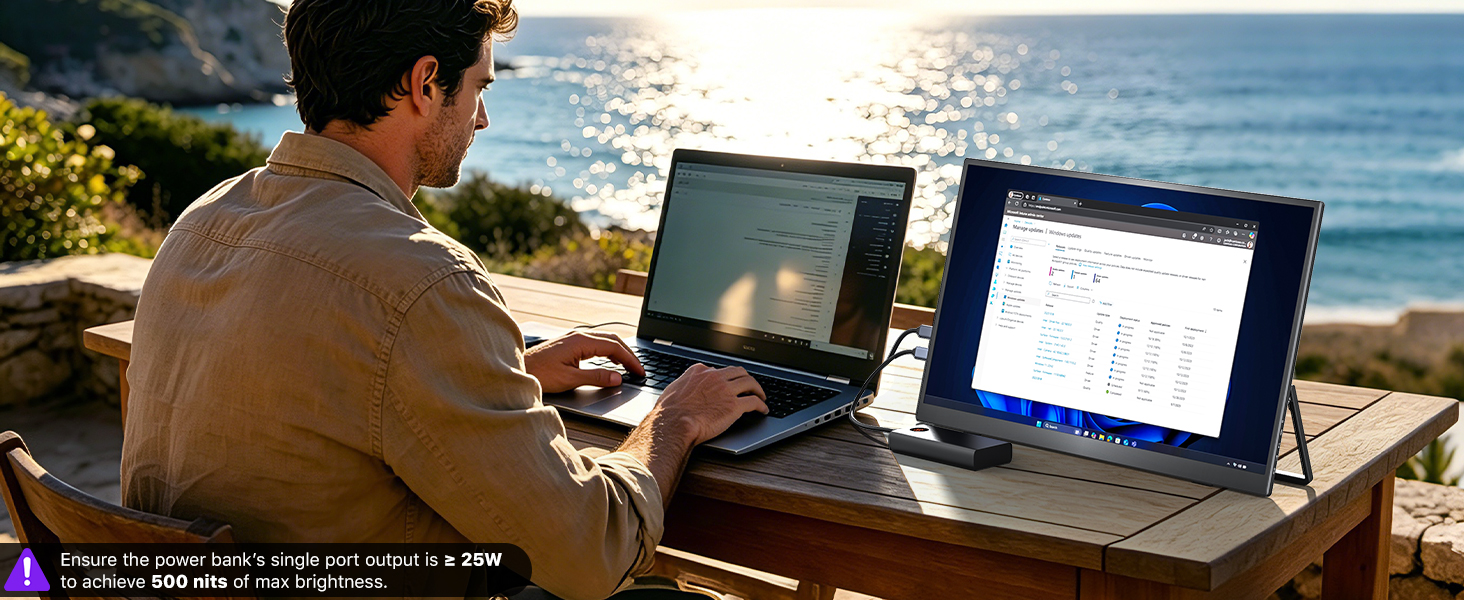
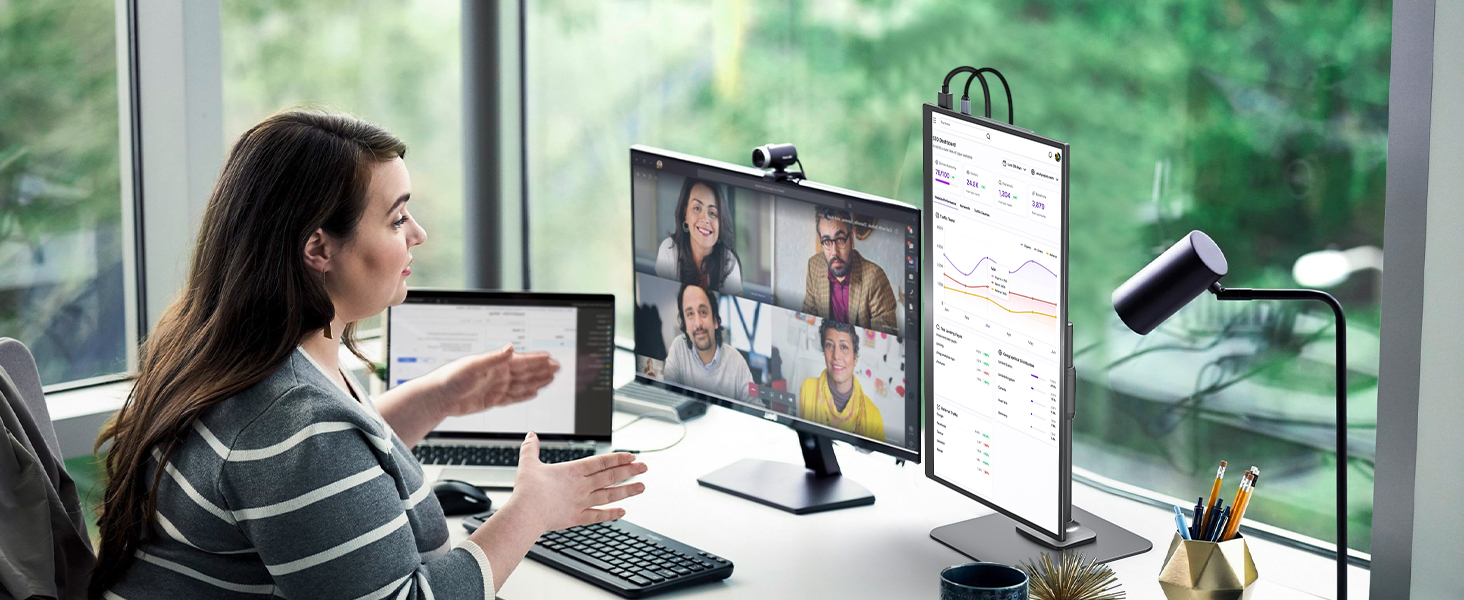
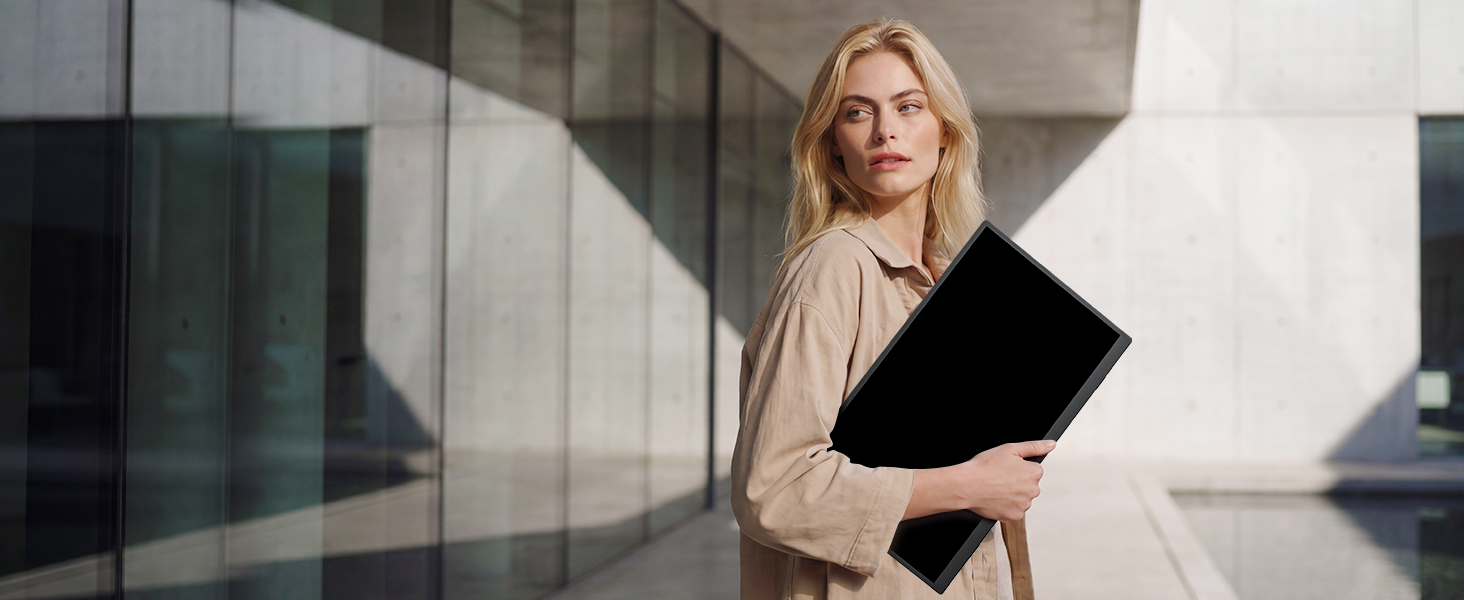
Take Your Office Outside
Lightweight large display ensures productivity indoors or under sunlight on the go
Portable Monitor for Creators
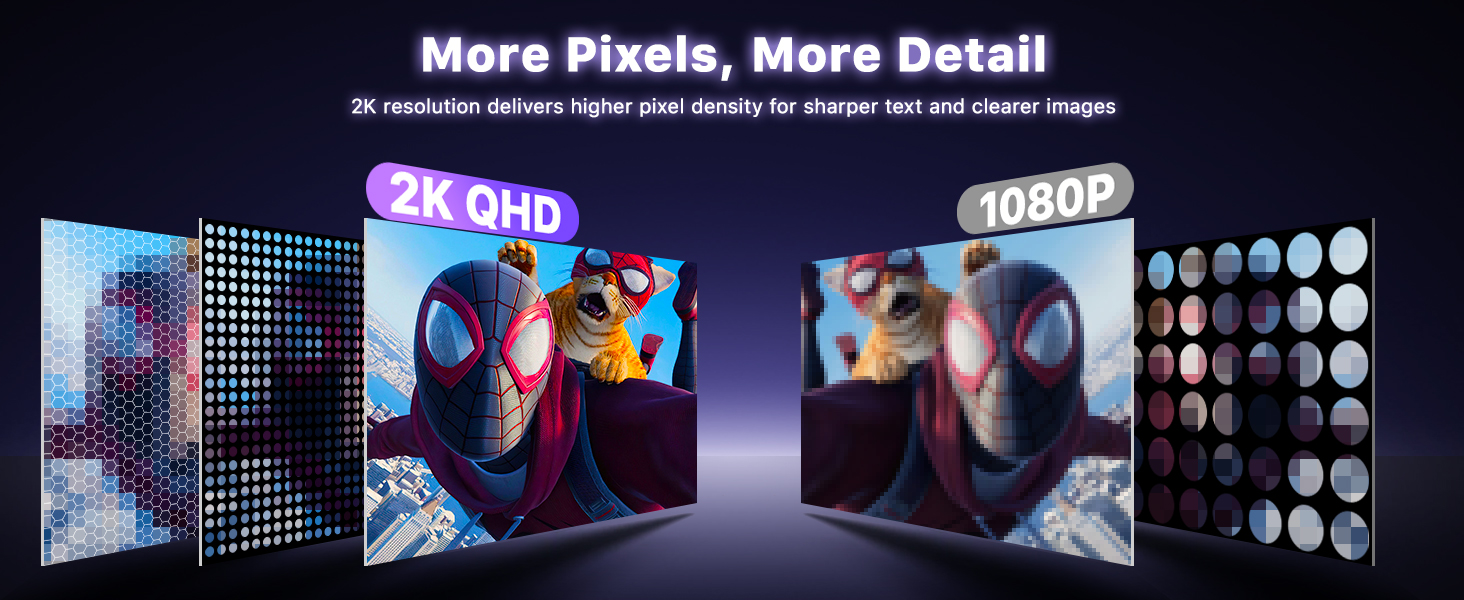
High-resolution, wide-color display perfect for photo editing, video, and design on the go
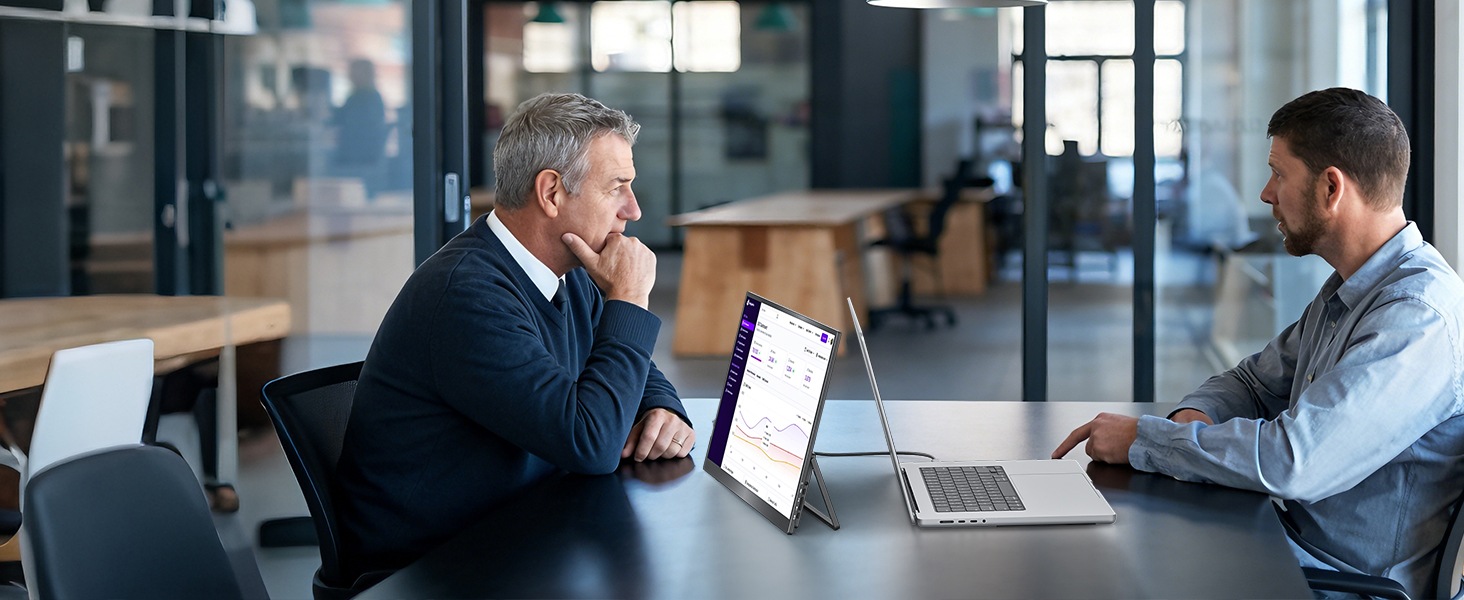
Showcase Your Work Anywhere
Lightweight, portable display ideal for exhibitions, demos, and collaborative presentations
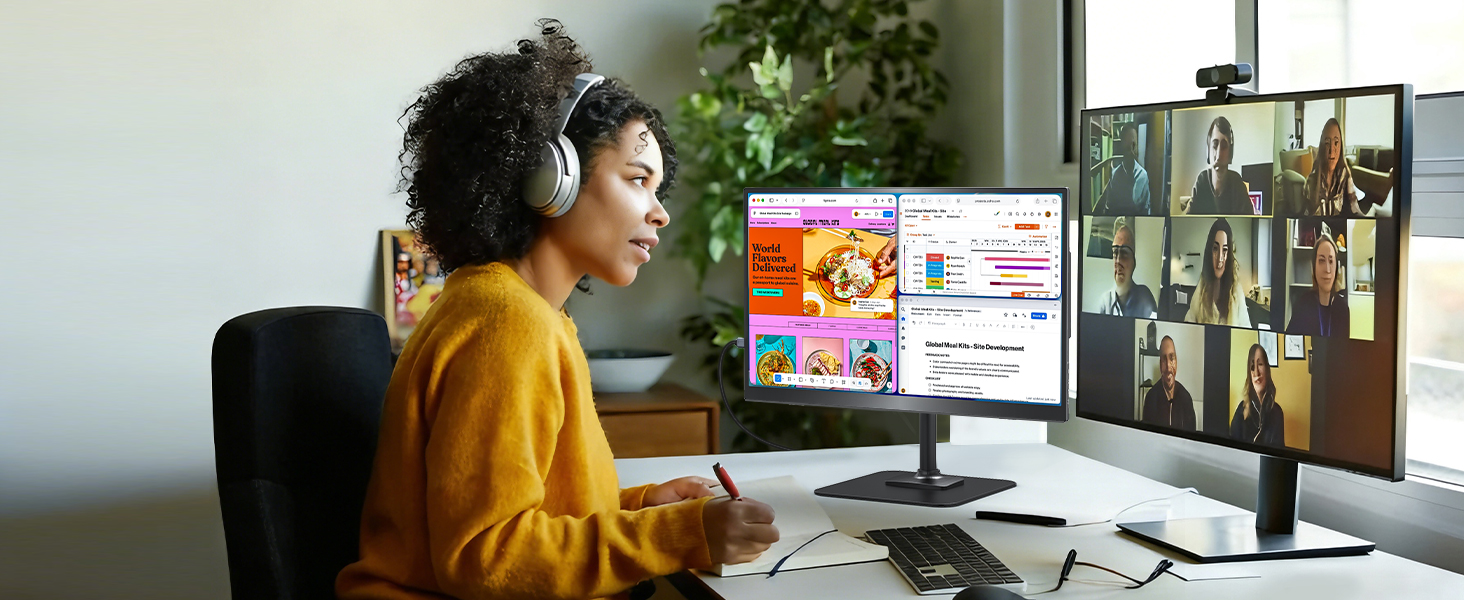
Work from Home with Ease
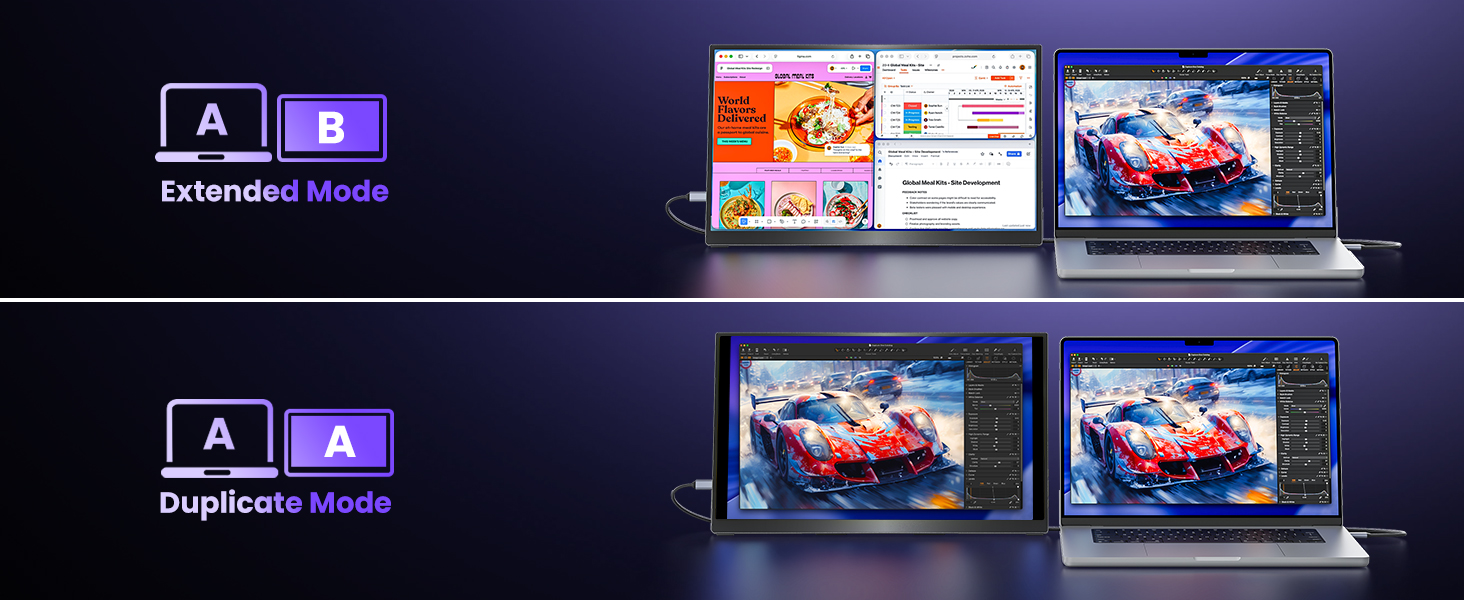
Enjoy additional screen space for multitasking, spreadsheets, or creative work
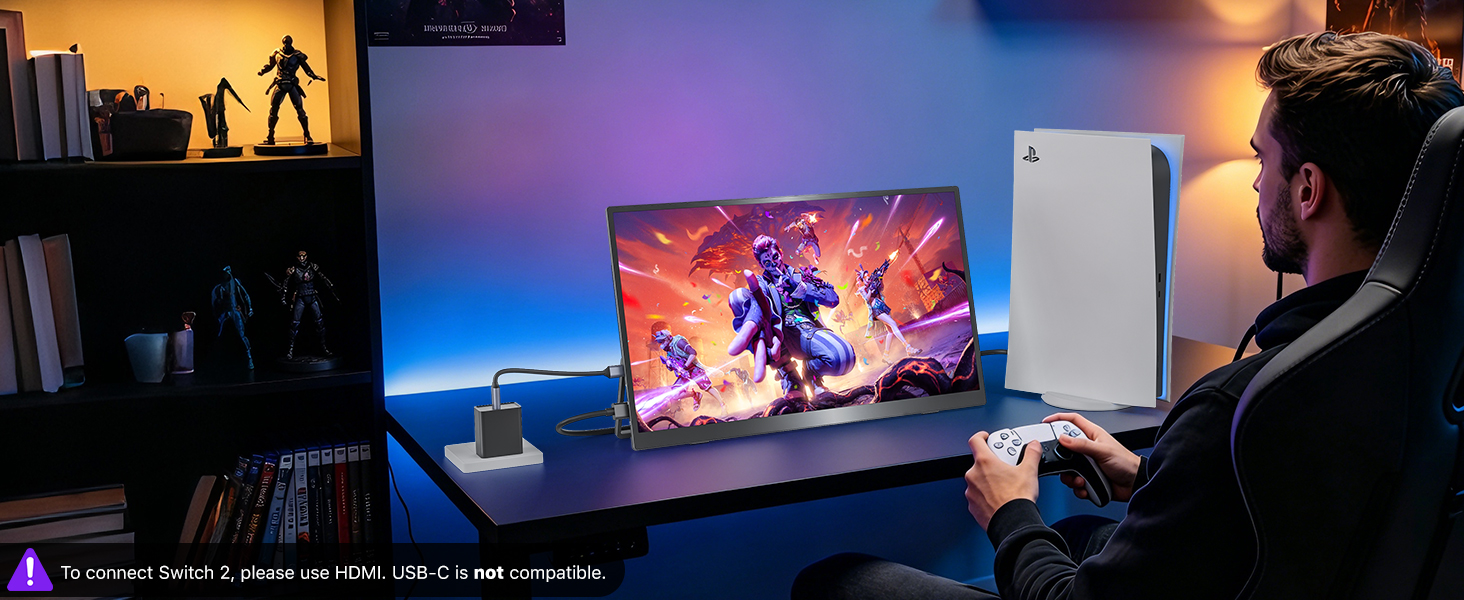
High-Performance Gaming Screen
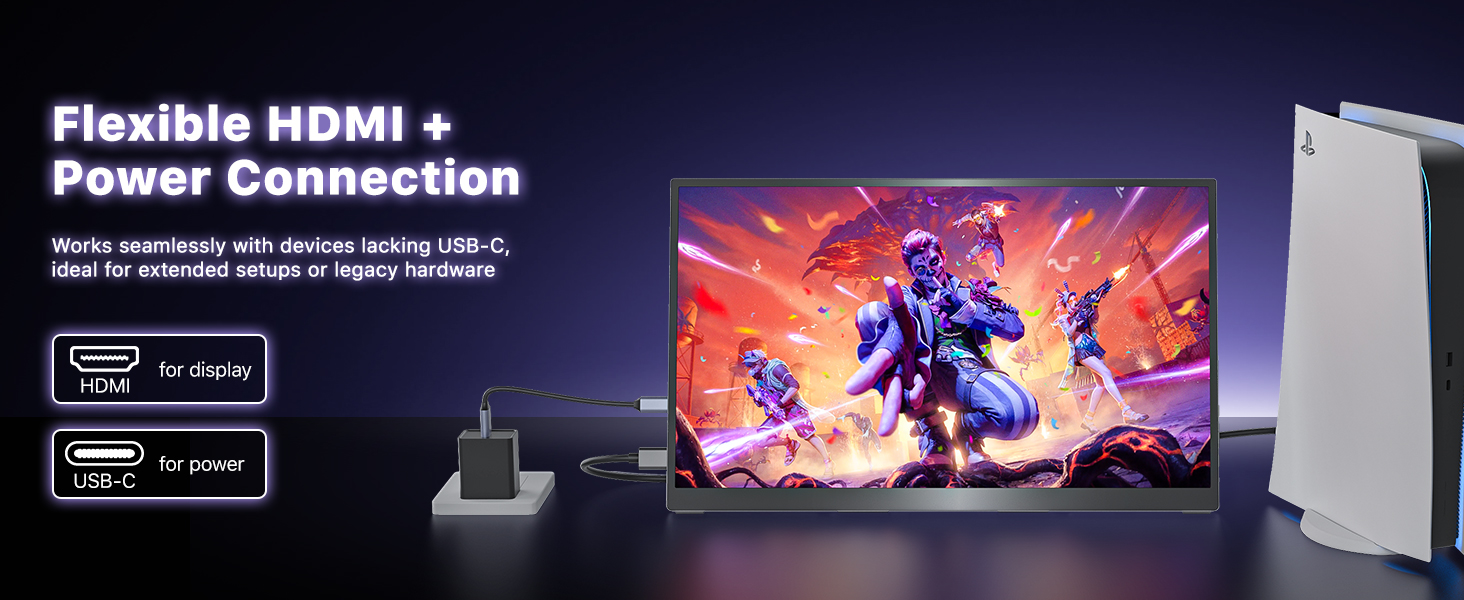
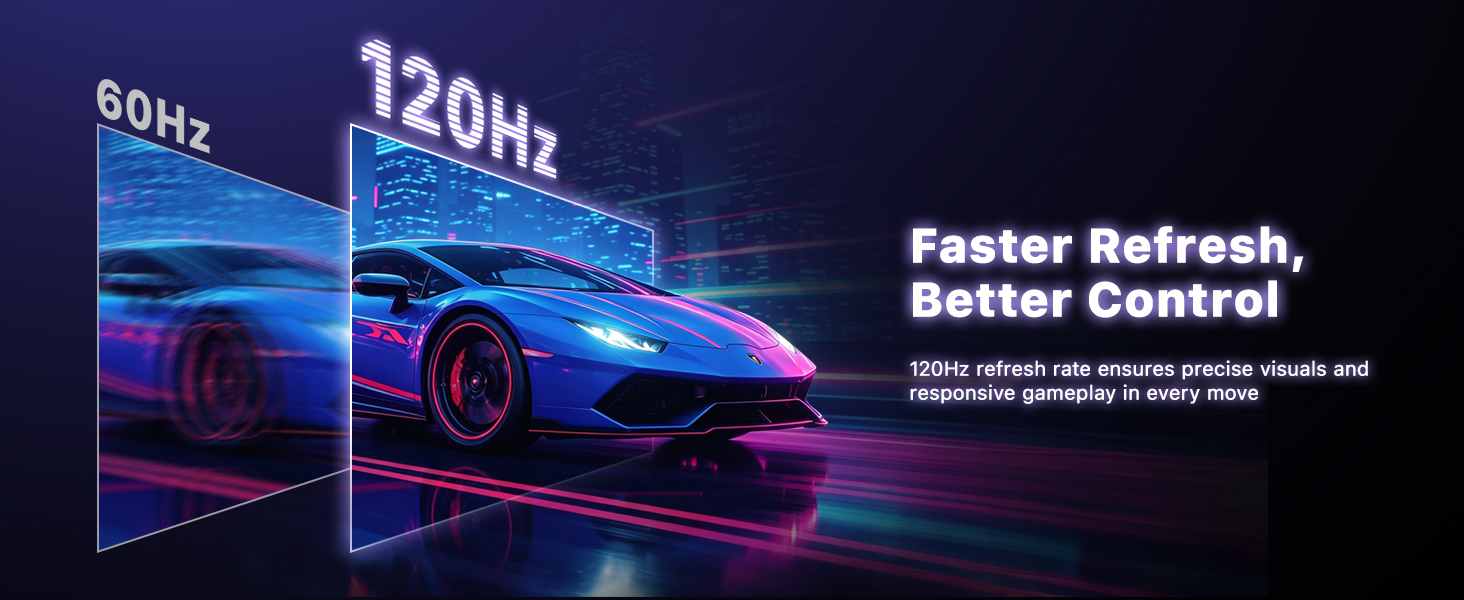
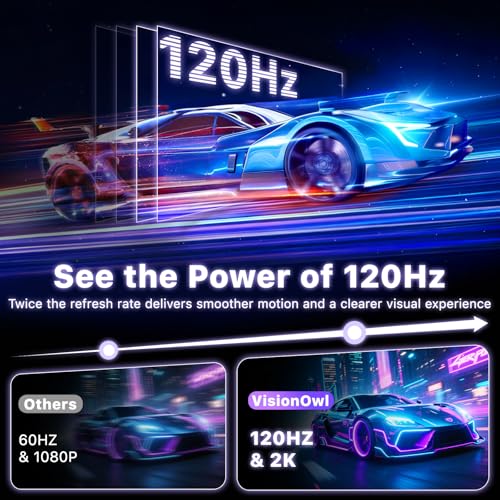
Enjoy smooth gameplay with high refresh rate and vivid visuals on the go(up to 2560×1440 @ 120Hz for gaming devices)
Big Screen, Portable Fun
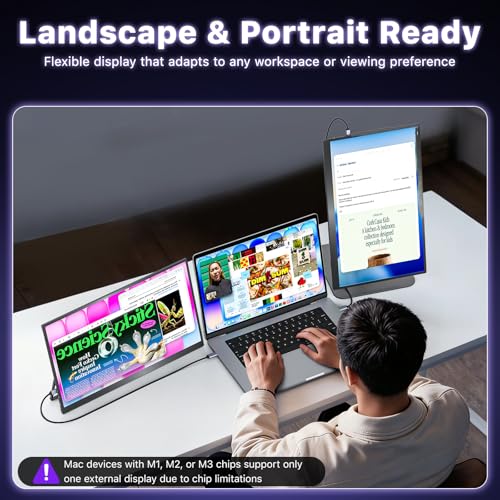
Boost your productivity without being tied to a desk. This ultra-slim portable monitor gives you the screen real estate you need to multitask.
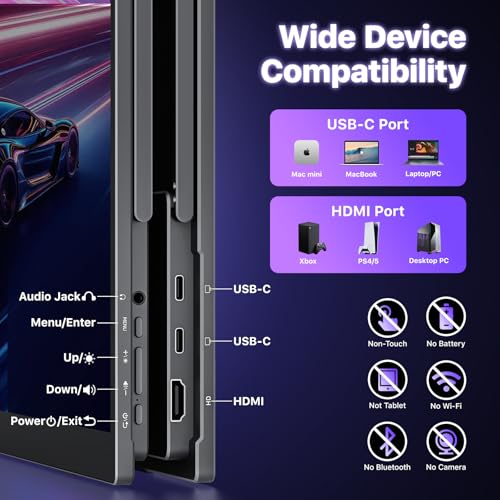
Why doesn't it work when I connect the monitor with my device by my own USB-C to USB-C cable?
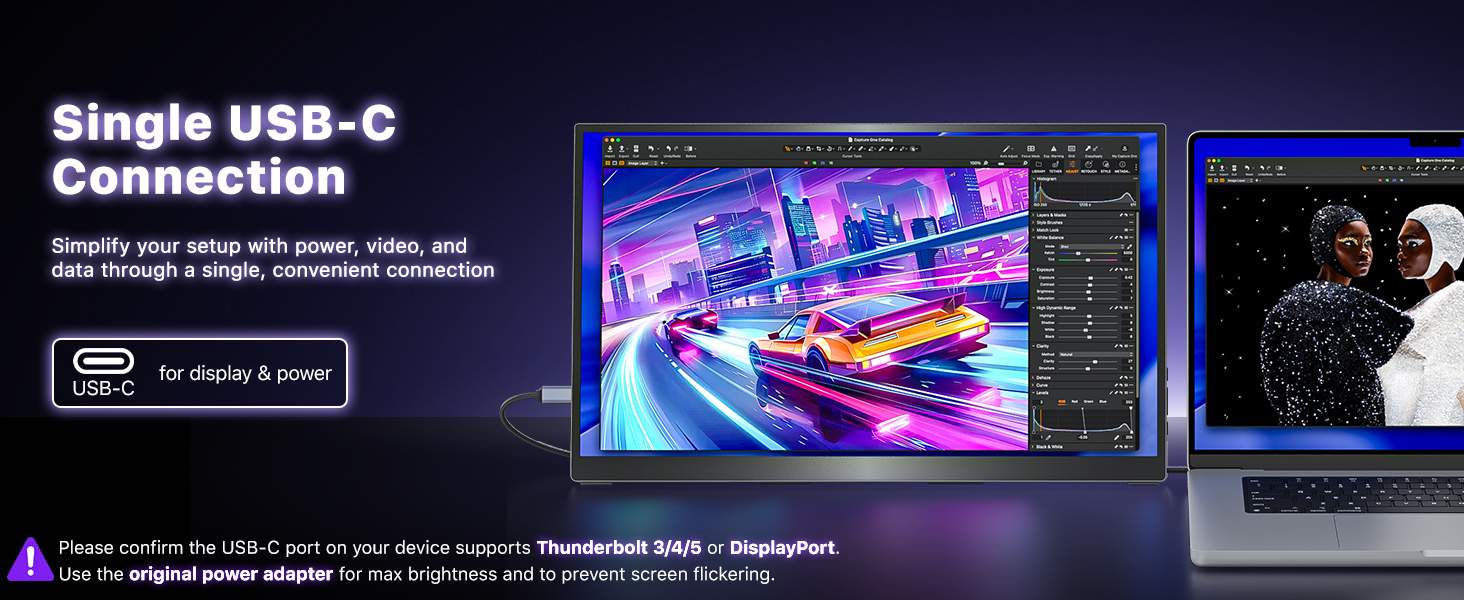
1. Use the included USB-C to USB-C display cable. Some cables do not support video.
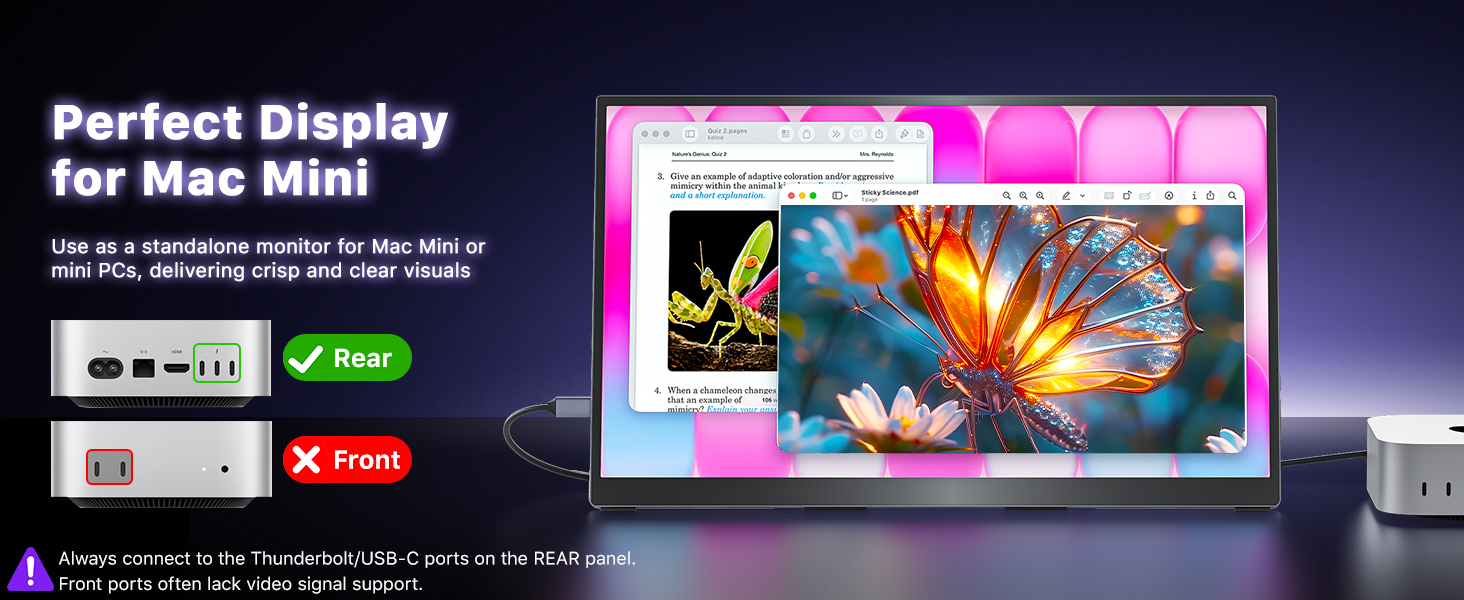
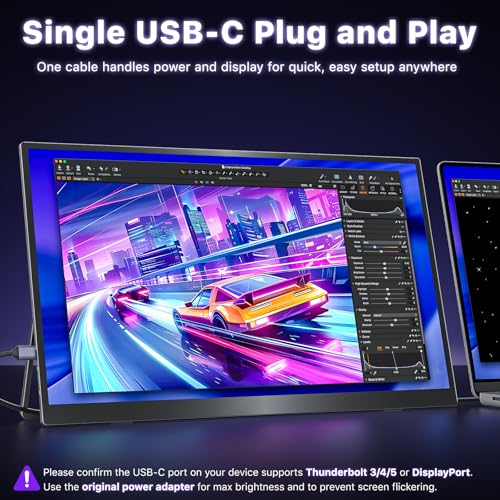
2. Ensure laptop USB-C port supports Thunderbolt/DP Alt Mode.
3. For work laptops, restart first. If blocked by security settings, contact your IT for permission.
What should I do if the monitor flickers, looks dim, or appears blurry?
Flickering: Use the included power adapter to provide sufficient power.
Dim or blurry: Reset the monitor in the OSD menu, then increase the brightness and adjust the resolution as needed.
Is this monitor compatible with Switch/Switch 2?
1. It is compatible with the first-generation Nintendo Switch.
2. For Switch 2, USB-C video connection is not supported. Please connect the monitor to the HDMI port on the Switch 2 dock for video output.
How do I connect an iPhone to the monitor?
1. iPhone 15/16 series (except iPhone 16e) can connect directly using the included USB-C to USB-C cable.
2. iPhones with a Lightning port require an Apple Lightning Digital AV Adapter.
(Please power the monitor separately to ensure sufficient power.)
My Android phone has a USB-C port, does this monitor work with my phone/tablet using the original USB-C to USB-C cable?
These Samsung phones (Galaxy S8/S9/S10/S20/S21/S22series; Galaxy Note8/9/10/20series; Galaxy Fold, Z Fold 2/3/4) can work with monitor by our original USB-C cable.
Other phones/tablets need HDTV cable for the connection.
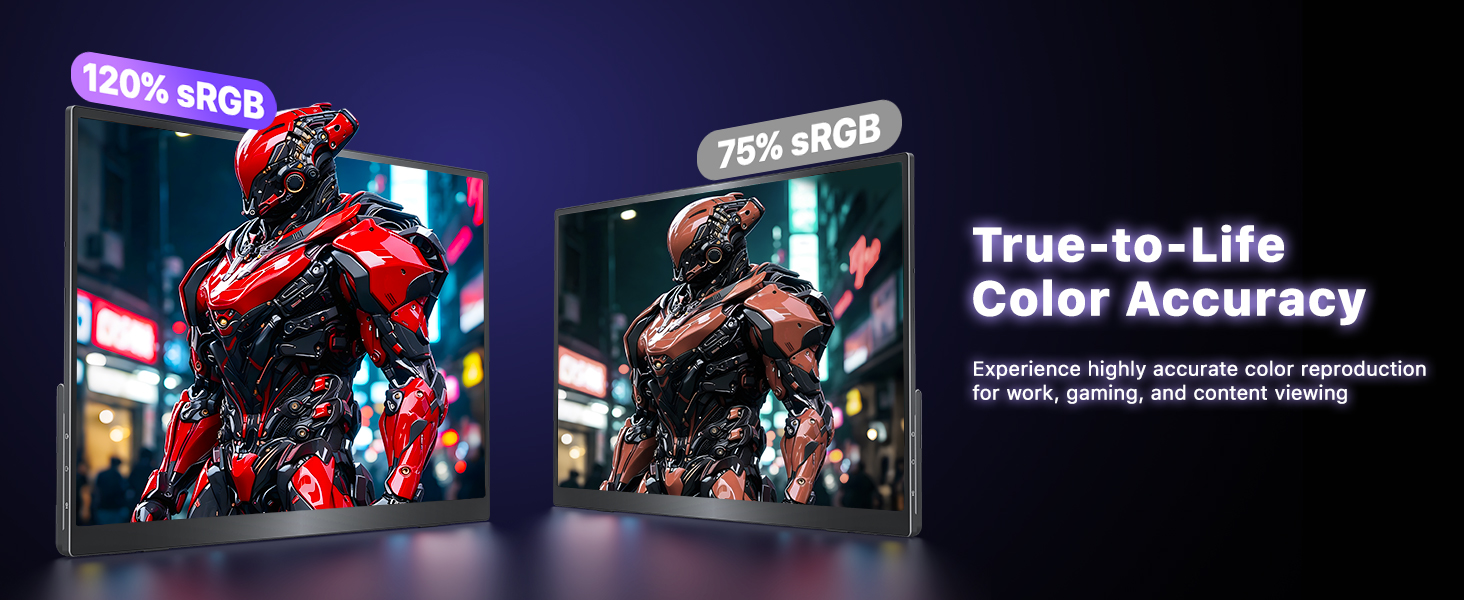
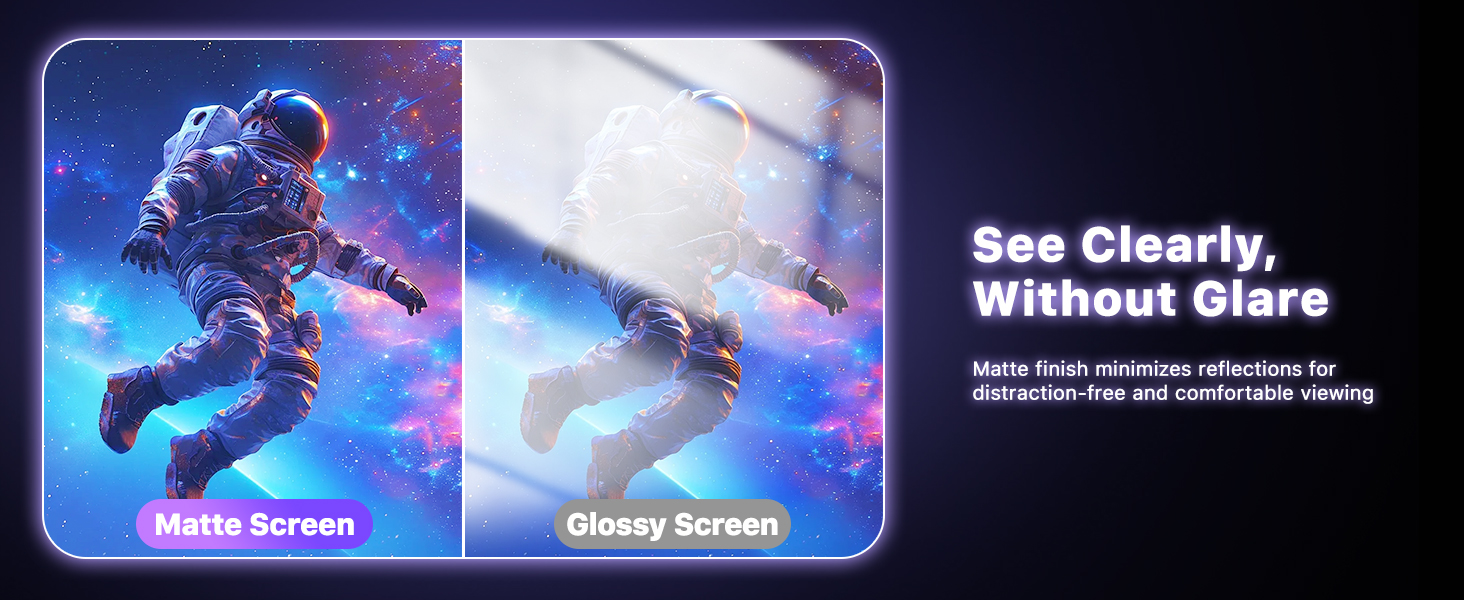
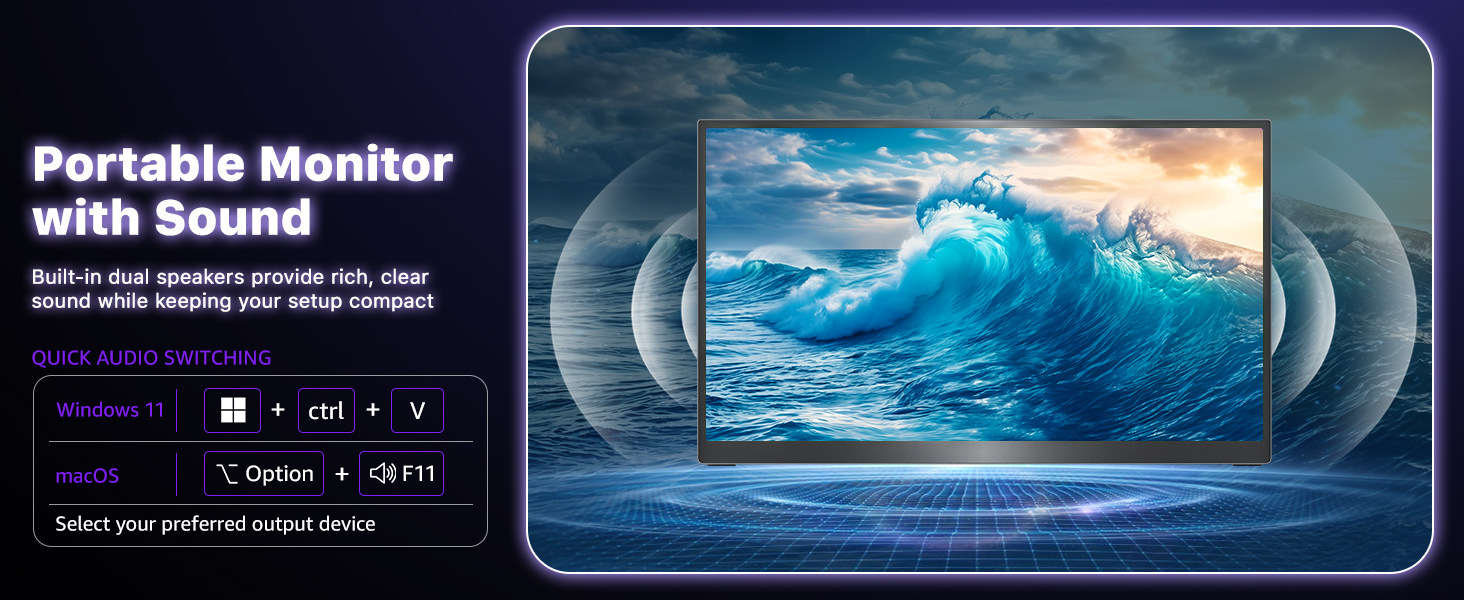
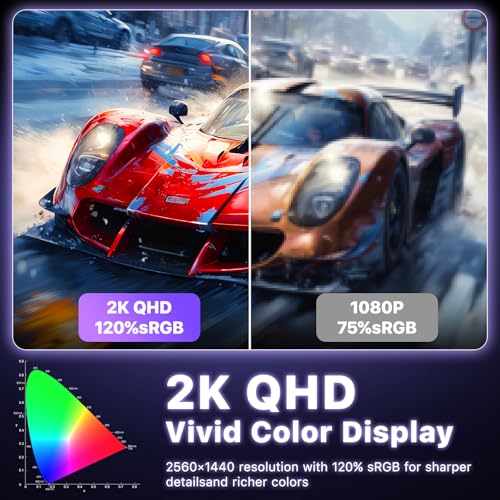
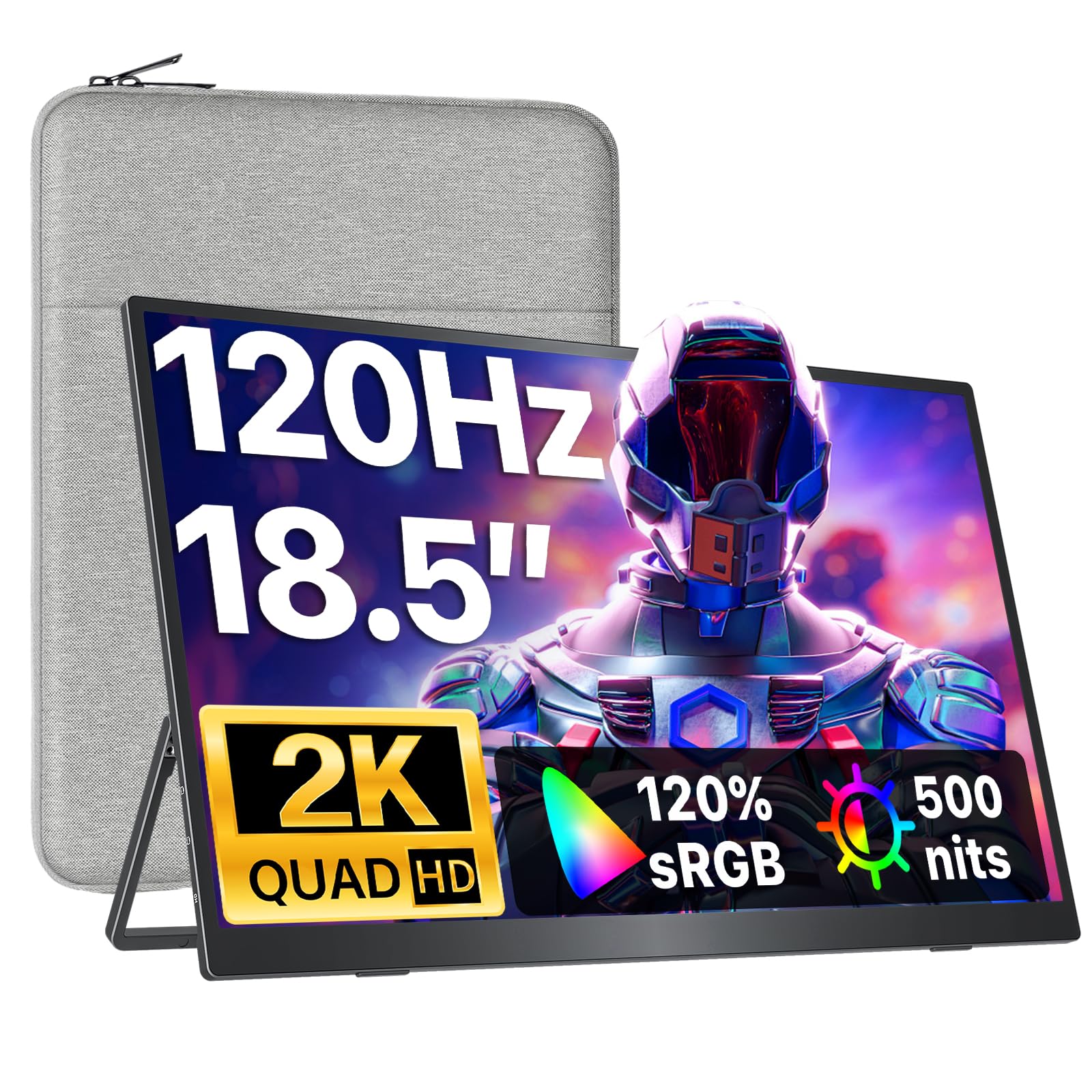
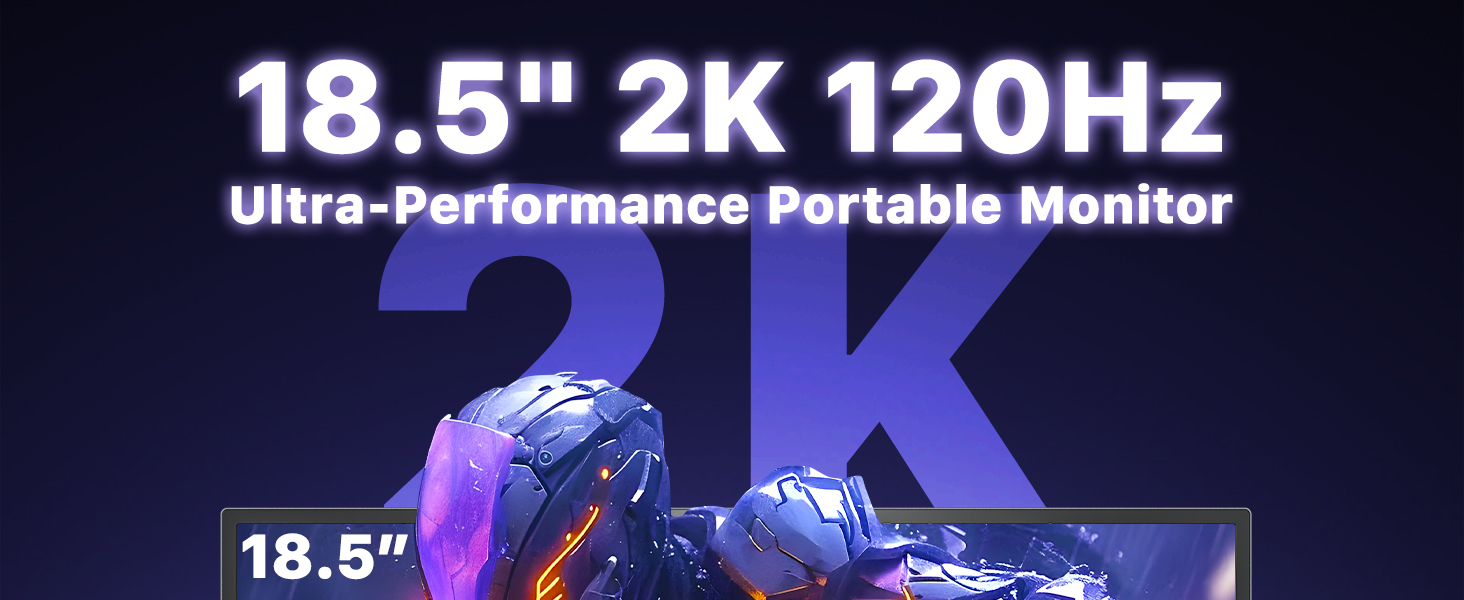
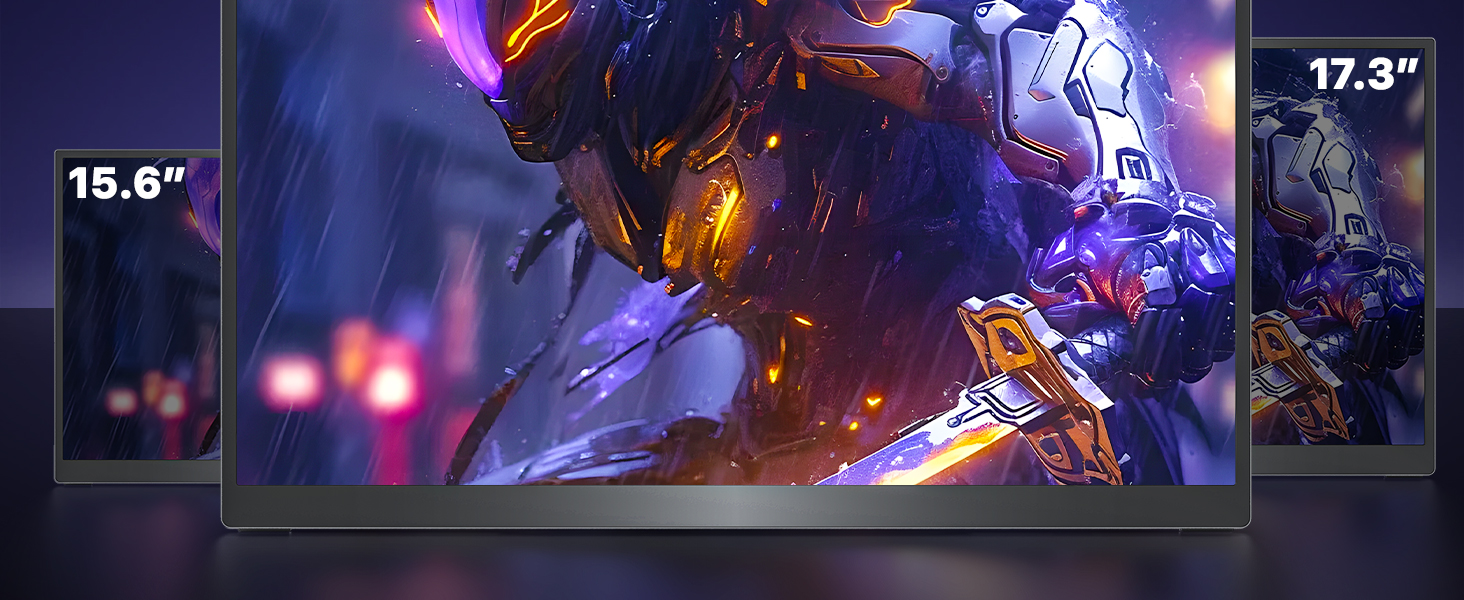
- Immersive 18.5" 2K QHD and 120Hz Display: Experience a massive visual upgrade with this 18.5" portable monitor. Featuring a stunning 2K QHD resolution and a buttery-smooth 120Hz refresh rate, it delivers flawless visuals for work and play. Boasting a 120% sRGB color gamut and a premium matte anti-glare screen, this 120Hz portable gaming monitor ensures vibrant colors and reduced eye strain, making it the perfect second screen for extended use.
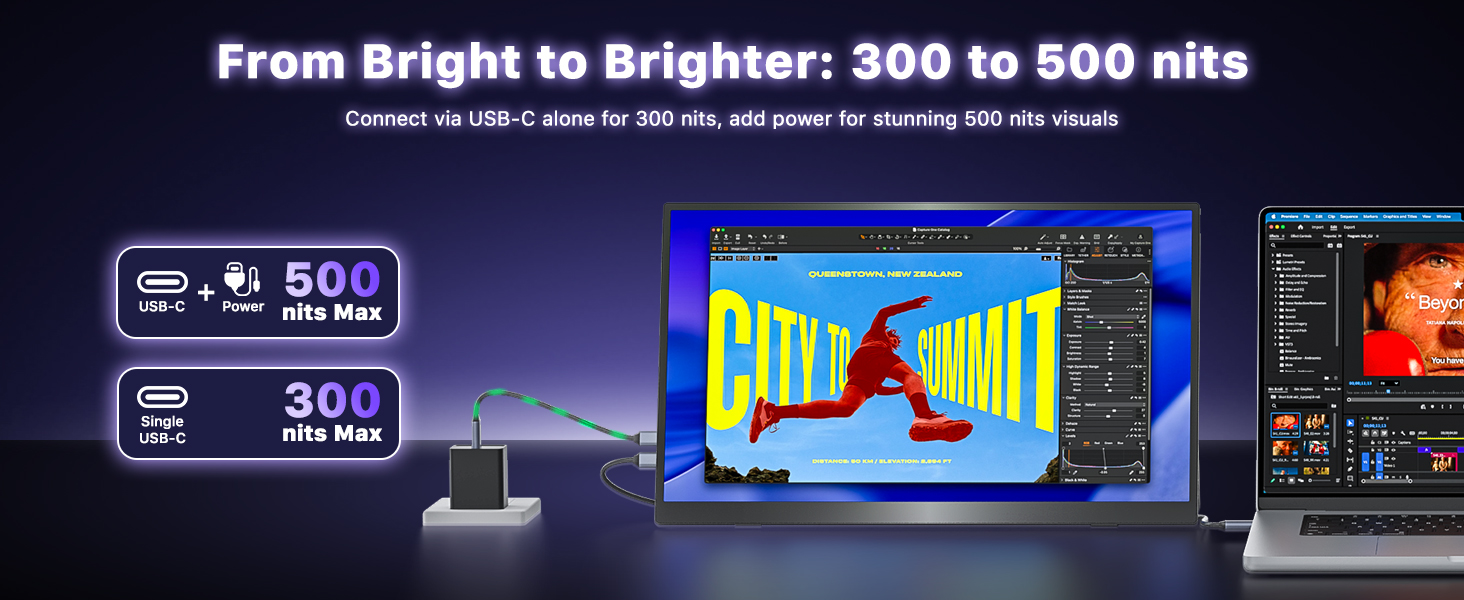
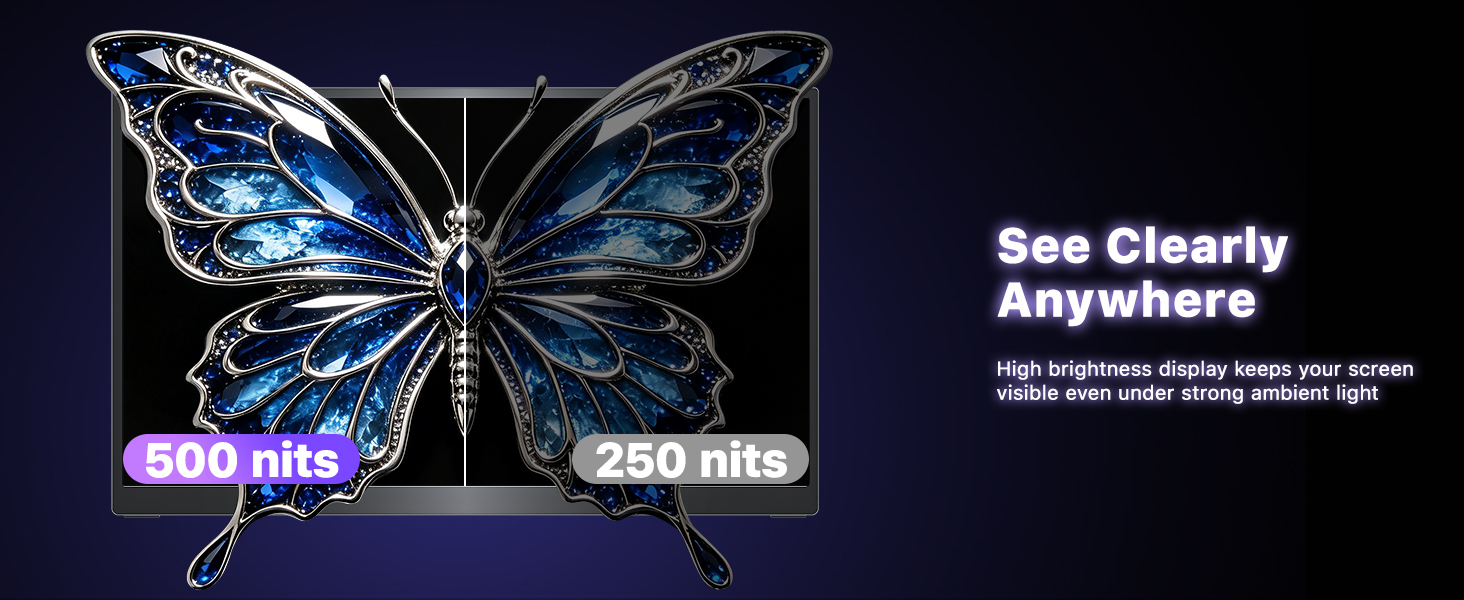
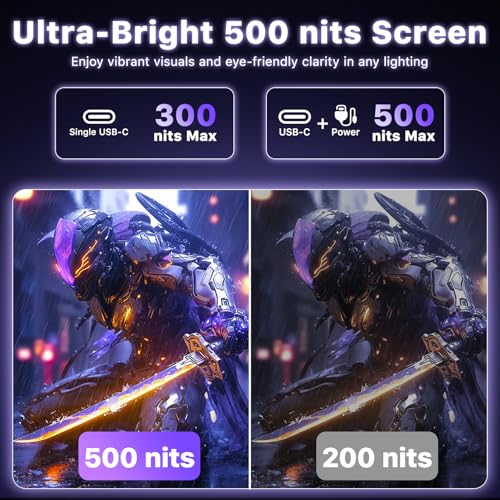
- Ultra-Bright 500 Nits and Smart Plug-and-Play: Unlike standard screens, this USB-C monitor reaches an impressive 500 nits peak brightness. For ultimate convenience, a single USB-C cable connection smartly locks the display at a highly visible 300 nits—more than bright enough for daily tasks without draining your laptop's battery. To unlock the maximum 500 nits brightness for brightly lit rooms, simply connect the included original power adapter.
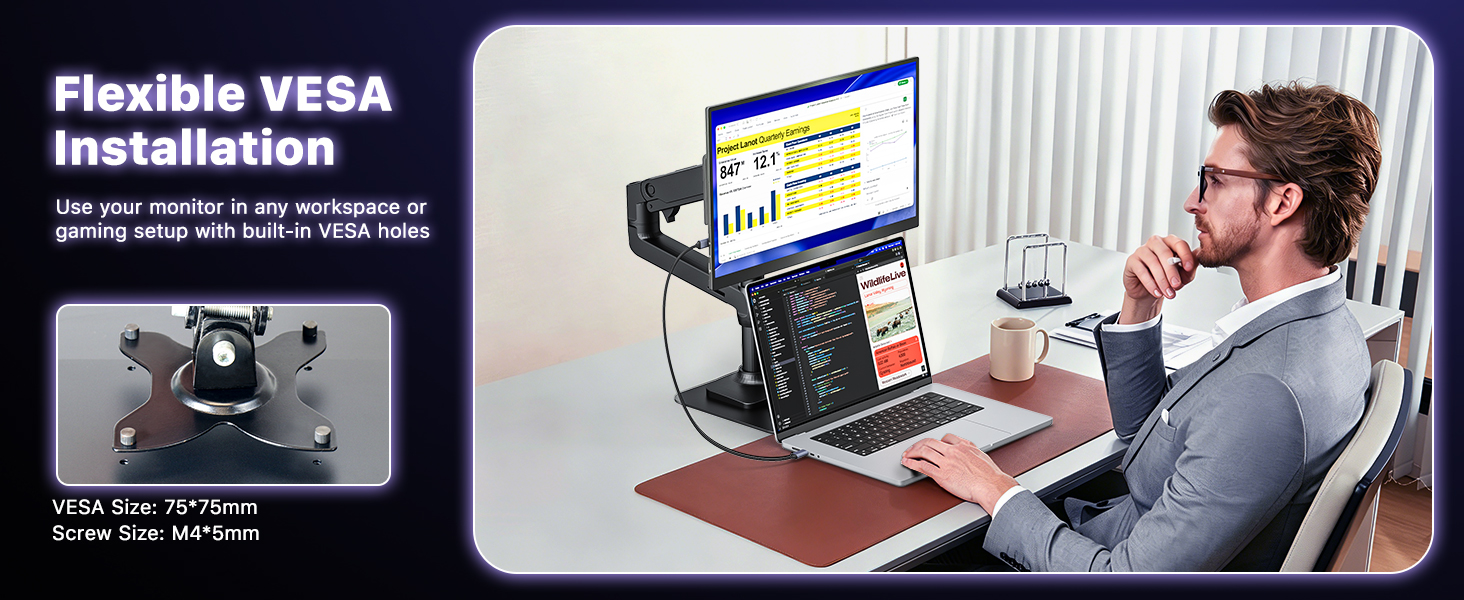
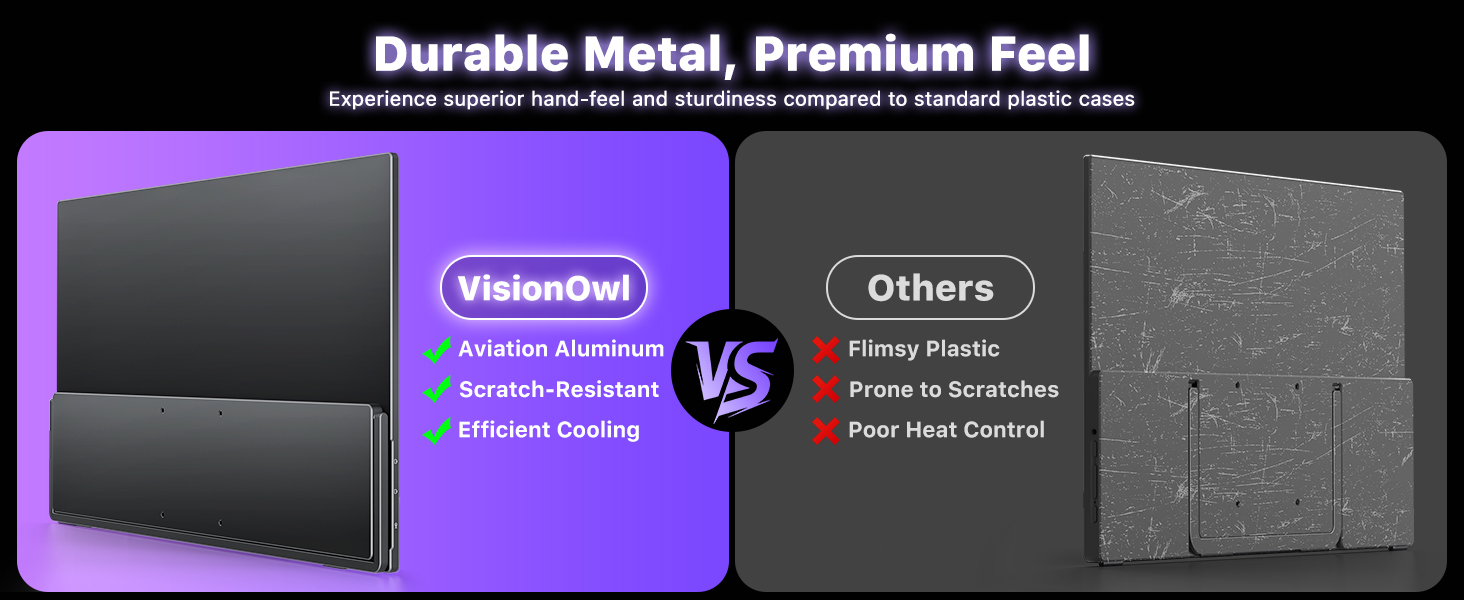
- Premium Build and Strict Quality Control: Built to last, this portable laptop monitor features an elegant, highly durable metal backplate that delivers superior heat dissipation compared to plastic cases. We use only top-tier screen panels, and every unit undergoes strict factory-quality inspections before shipping to ensure zero compromise in performance and longevity.
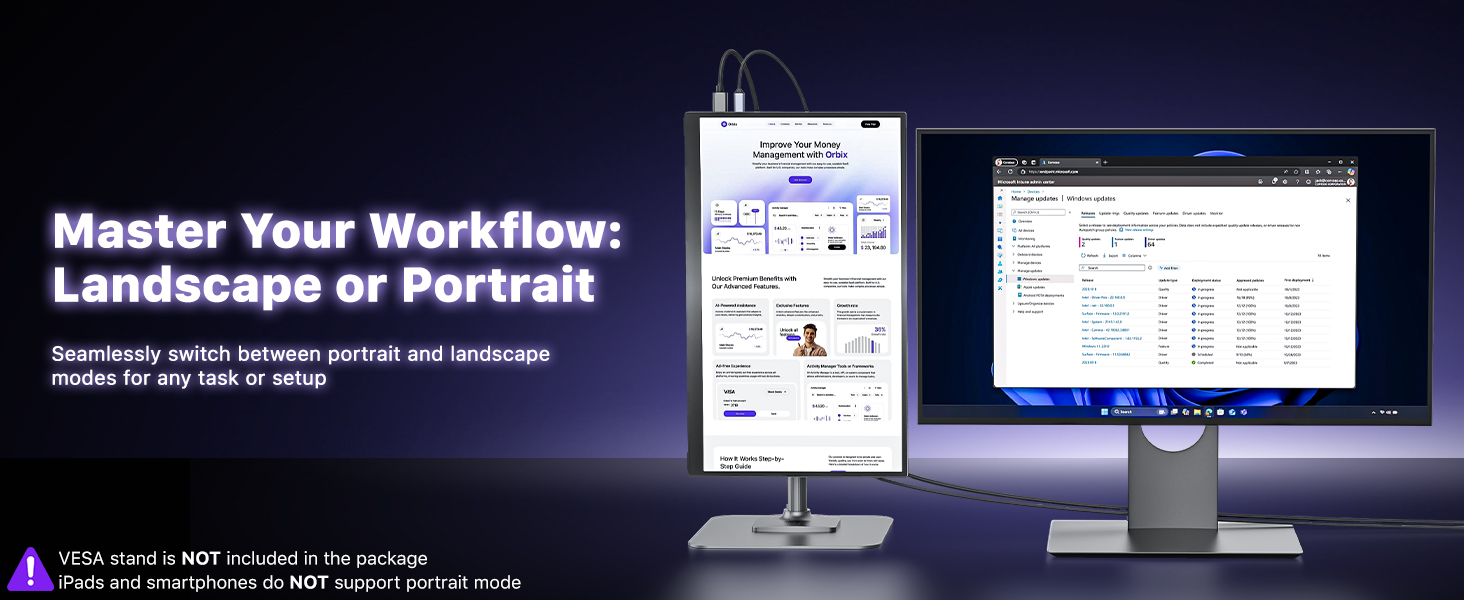
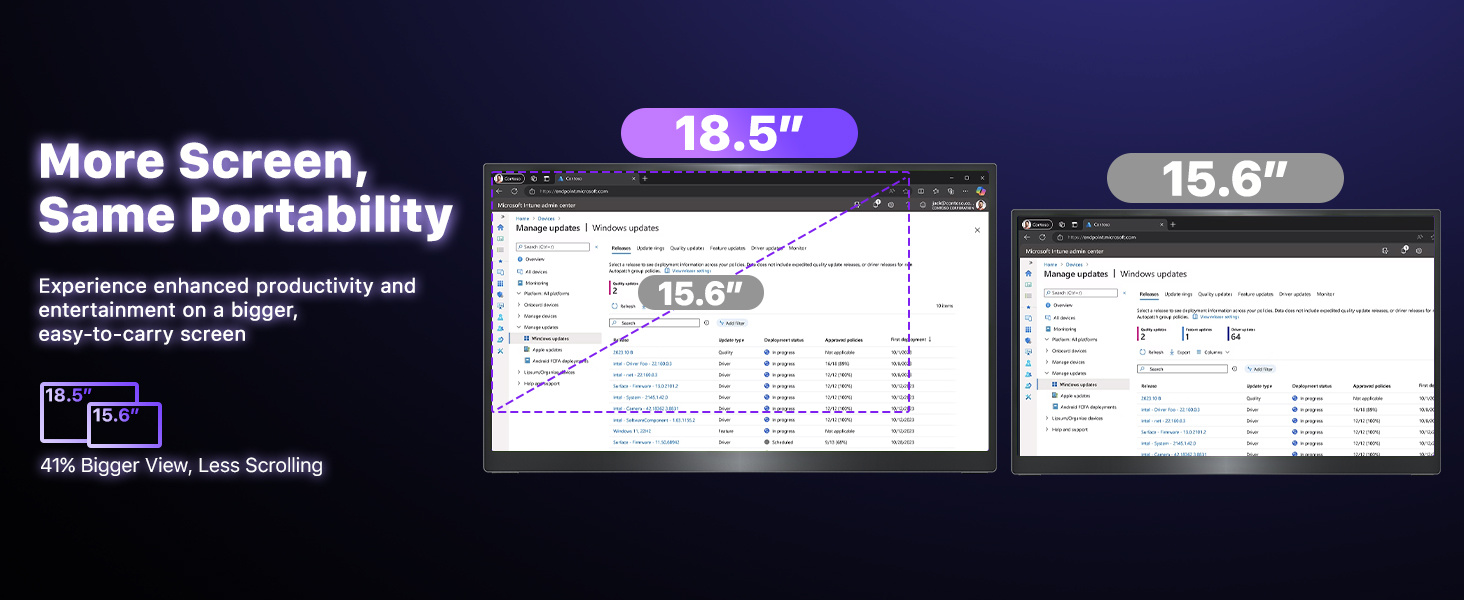
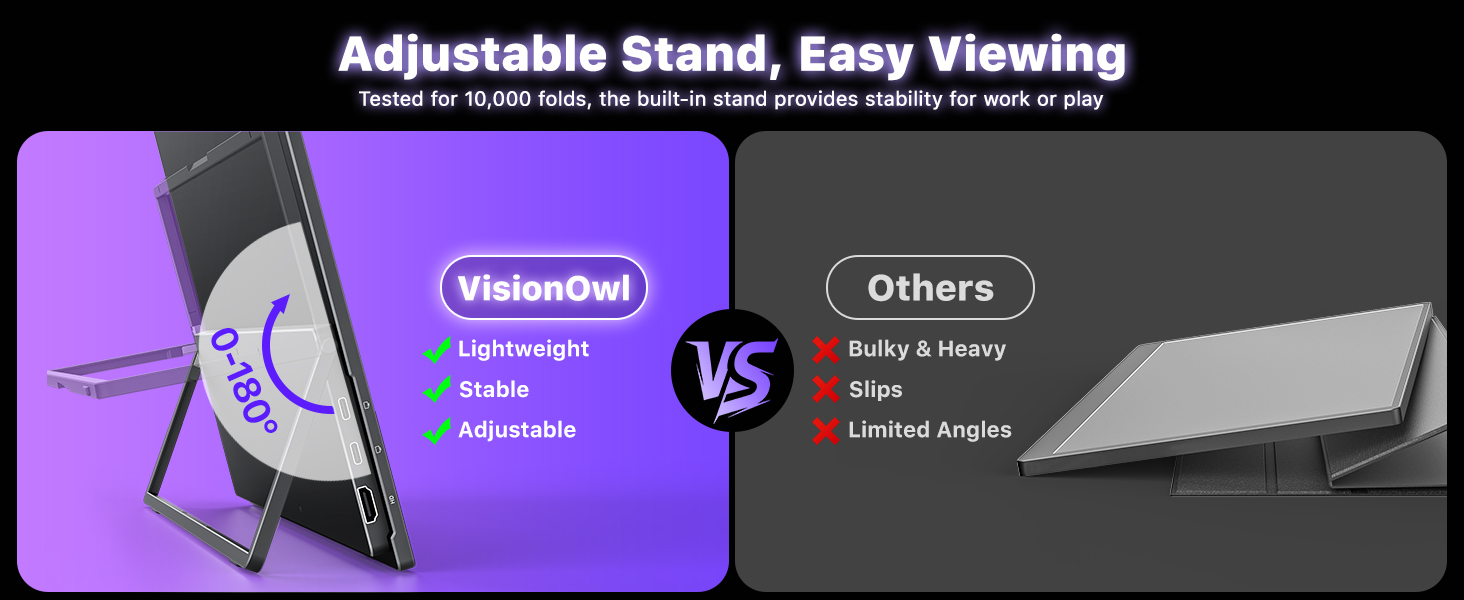
- Maximized Screen, Minimized Bulk: Enjoy a larger workspace without sacrificing portability. Weighing only 2.67 lbs and measuring 16.6 x 10 inches with an ultra-slim profile, this monitor is exceptionally easy to carry in transit. It's the ultimate lightweight dual-monitor setup solution for digital nomads, remote workers, and travelers who need a larger display on the go.
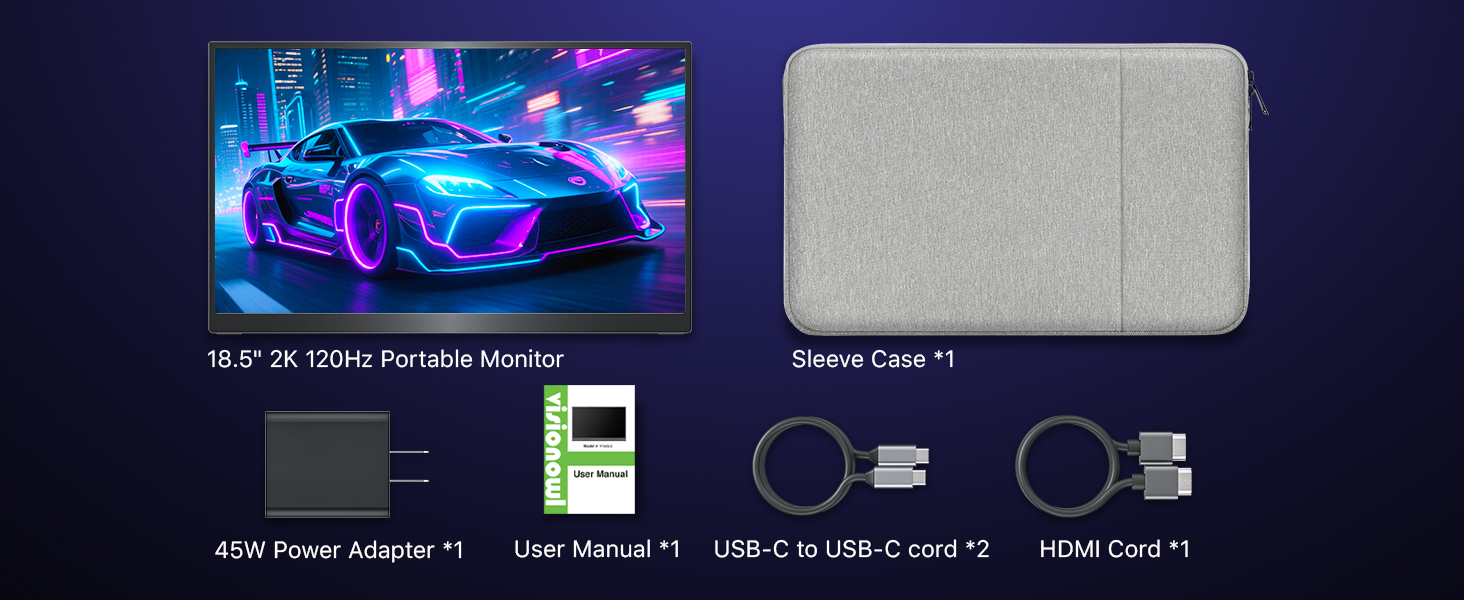
- Everything Included and Ready to Use: Start your dual-screen experience right out of the box! This comprehensive package includes everything you need: a custom-fit sleeve case, an Original Power Adapter, a USB-C to USB-C display cable, and an HDMI cable. This highly compatible laptop screen extender works seamlessly with laptops, PCs, Macs, and gaming consoles with no extra drivers required.
| SKU: | B0GS6M3BZK |
| Weight: | 1.2 Kilograms |
| Brand: | VisionOwl |
| Colour: | Black |
| Manufacture: | VisionOwl |
| Colour: | Black |
Product Description

Take Your Office Outside
Lightweight large display ensures productivity indoors or under sunlight on the go
Portable Monitor for Creators
High-resolution, wide-color display perfect for photo editing, video, and design on the go
Showcase Your Work Anywhere
Lightweight, portable display ideal for exhibitions, demos, and collaborative presentations
Work from Home with Ease
Enjoy additional screen space for multitasking, spreadsheets, or creative work
High-Performance Gaming Screen
Enjoy smooth gameplay with high refresh rate and vivid visuals on the go(up to 2560×1440 @ 120Hz for gaming devices)
Big Screen, Portable Fun
Boost your productivity without being tied to a desk. This ultra-slim portable monitor gives you the screen real estate you need to multitask.
Why doesn’t it work when I connect the monitor with my device by my own USB-C to USB-C cable?
1. Use the included USB-C to USB-C display cable. Some cables do not support video.
2. Ensure laptop USB-C port supports Thunderbolt/DP Alt Mode.
3. For work laptops, restart first. If blocked by security settings, contact your IT for permission.
What should I do if the monitor flickers, looks dim, or appears blurry?
Flickering: Use the included power adapter to provide sufficient power.
Dim or blurry: Reset the monitor in the OSD menu, then increase the brightness and adjust the resolution as needed.
Is this monitor compatible with Switch/Switch 2?
1. It is compatible with the first-generation Nintendo Switch.
2. For Switch 2, USB-C video connection is not supported. Please connect the monitor to the HDMI port on the Switch 2 dock for video output.
How do I connect an iPhone to the monitor?
1. iPhone 15/16 series (except iPhone 16e) can connect directly using the included USB-C to USB-C cable.
2. iPhones with a Lightning port require an Apple Lightning Digital AV Adapter.
(Please power the monitor separately to ensure sufficient power.)
My Android phone has a USB-C port, does this monitor work with my phone/tablet using the original USB-C to USB-C cable?
These Samsung phones (Galaxy S8/S9/S10/S20/S21/S22series; Galaxy Note8/9/10/20series; Galaxy Fold, Z Fold 2/3/4) can work with monitor by our original USB-C cable.
Other phones/tablets need HDTV cable for the connection.