WESEARY Wireless Gaming Headset with Microphone for PS5/4 PC
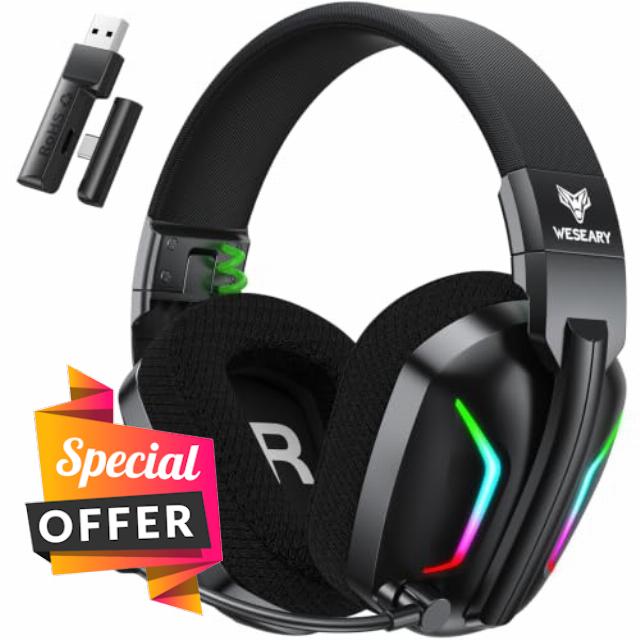
WESEARY Wireless Gaming Headset with Microphone for PS5/4 PC Switch Phone ≤20ms Ultra-Low Latency, 2.4GHz (USB & Type-C) + Bluetooth, 60H Battery, RGB, 3D Stereo, ENC Microphone, for FPS & RPG
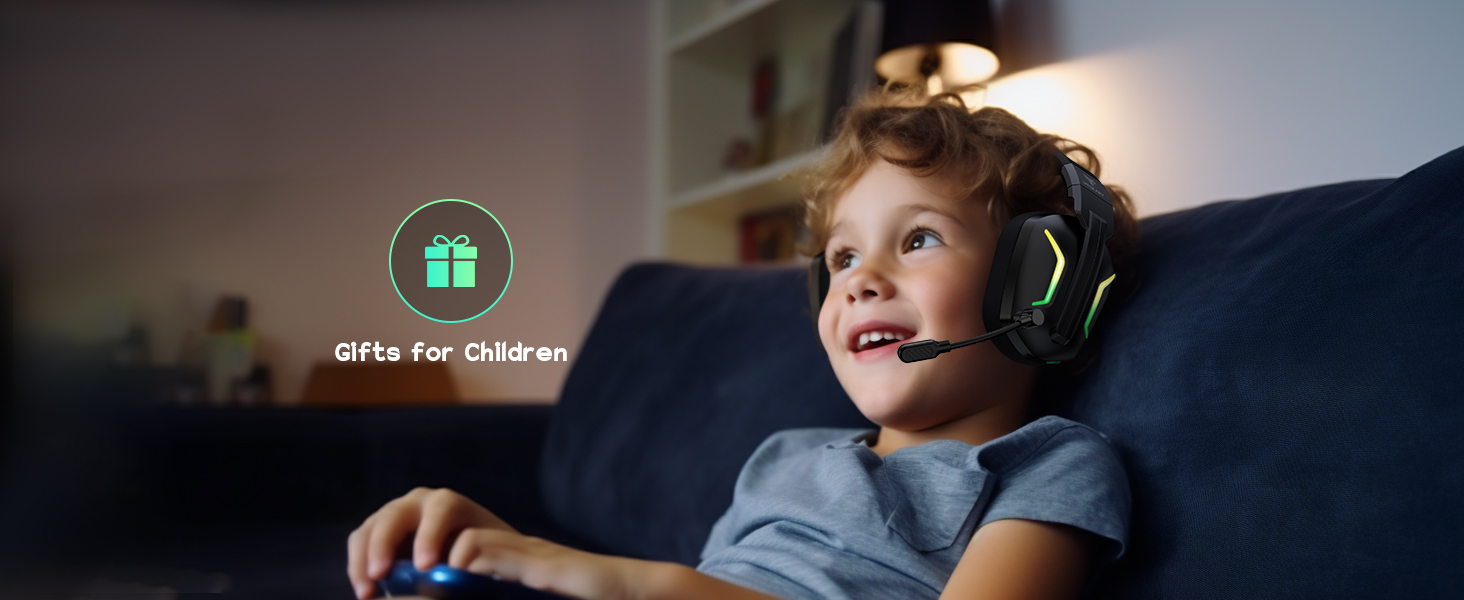
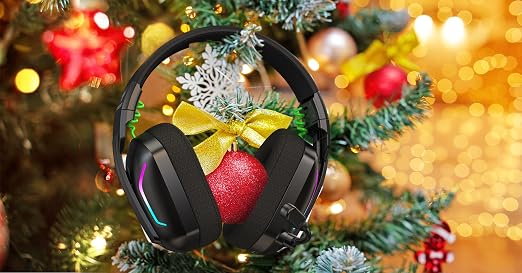
Great Gift Idea
Trusted Worldwide
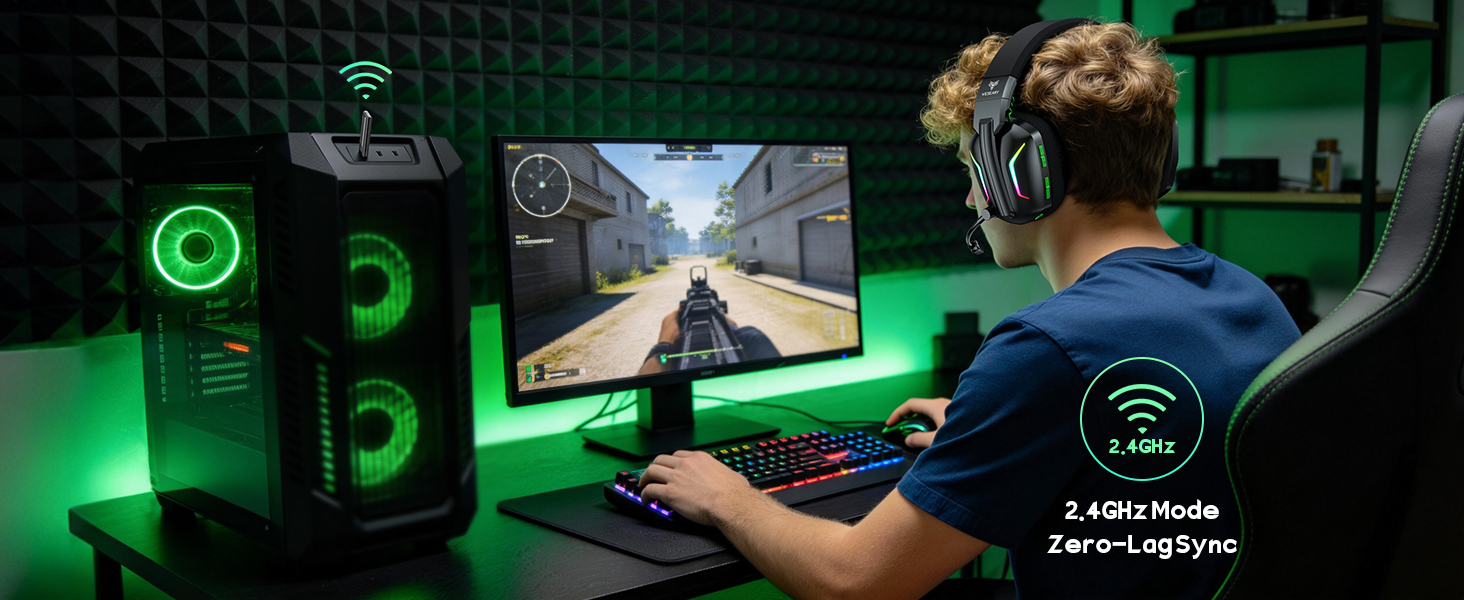
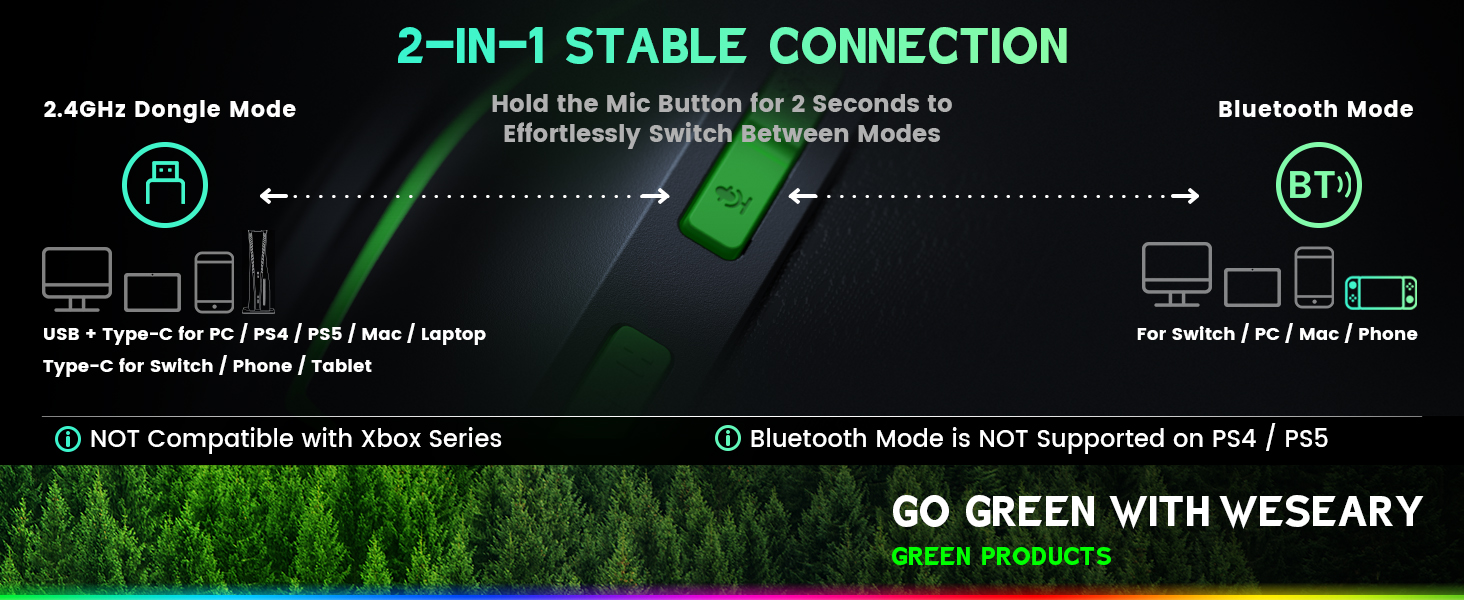
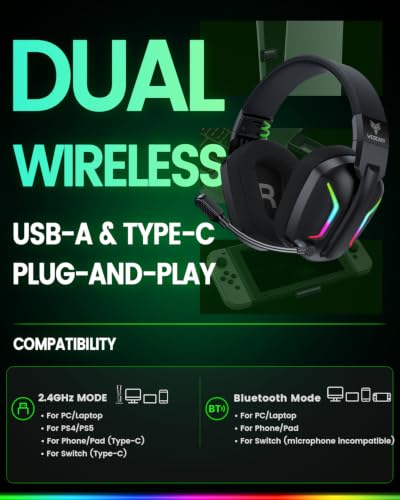
2.4GHz Dongle Mode
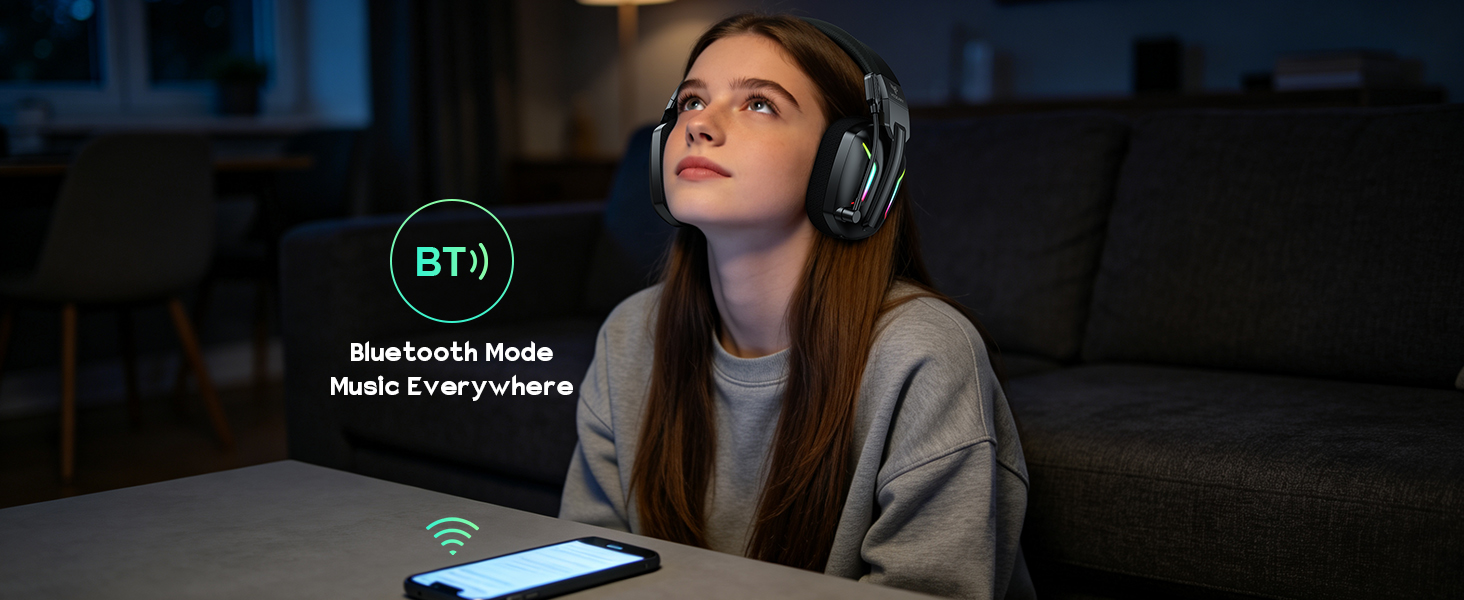
Bluetooth Mode
Is the WG1 Wireless Gaming Headset compatible with Xbox devices?
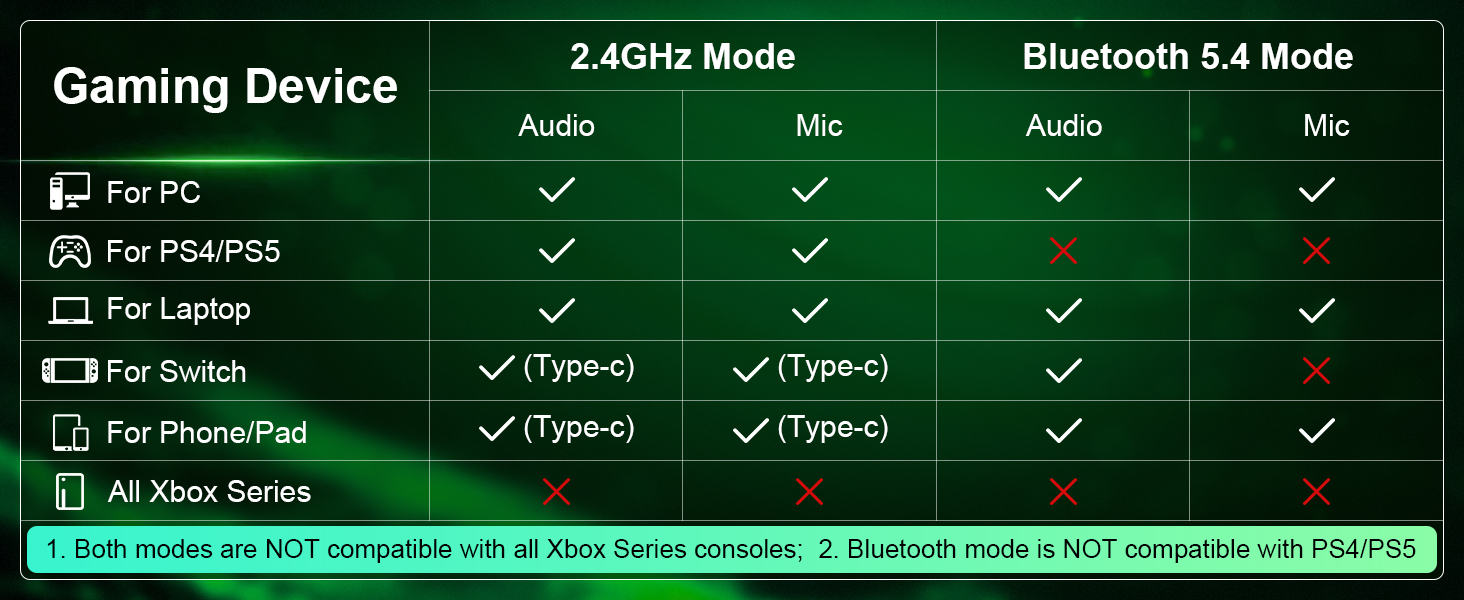
No. The WG1 is not compatible with Xbox 360, Xbox One, Xbox One S/X, or Xbox Series X/S.
Can I connect the WG1 to PS4 or PS5 via Bluetooth?
No. Bluetooth mode is not supported on PS4 or PS5. Please use the 2.4GHz USB dongle together with the Type-C adapter for a wireless connection.
How do I connect the WG1 Gaming Headset with Mic to PS4 or PS5?
1. Plug in the USB dongle and Type-C adapter.
2. Switch to 2.4GHz mode by pressing the microphone button.
3. Go to PS4/PS5 audio settings and select “Wireless Gaming Headset” as the input and output device.
Does the microphone work with Switch?
The microphone is not supported on Switch in Bluetooth mode. To use the microphone, connect the headset via Type-C instead.
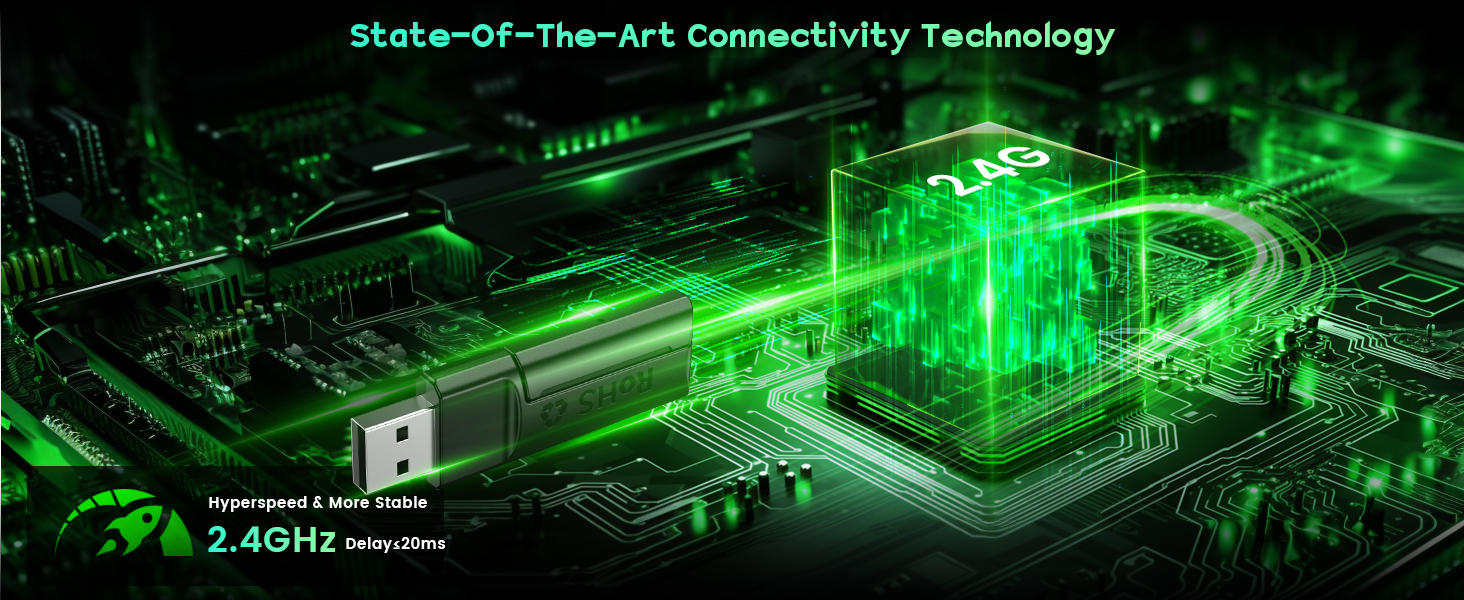
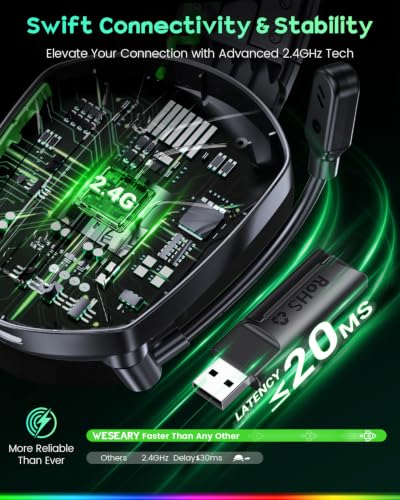
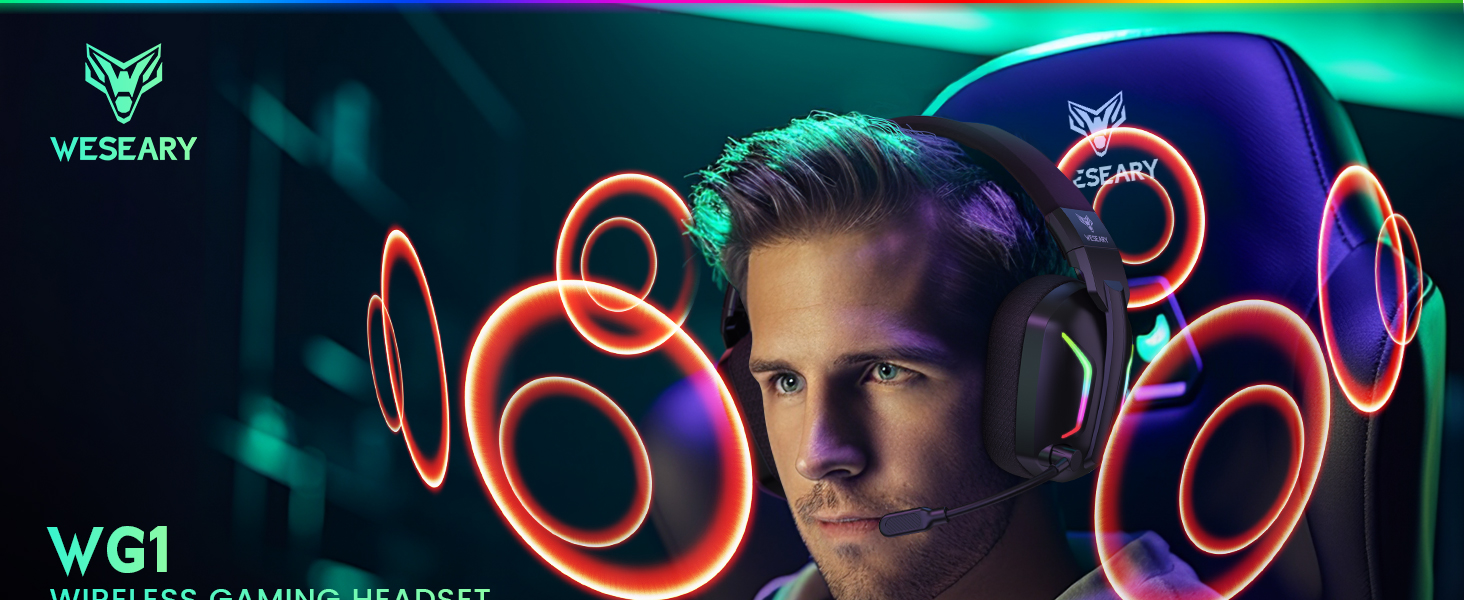
- 【Ultra-Low Latency for Competitive Edge】 The WESEARY WG1 wireless gaming headset delivers ≤20 ms latency over 2.4 GHz, helping you react to footsteps, gunfire and sudden action with less audio delay. From close-quarters FPS encounters to fast-paced races, keep your focus on the game; Bluetooth mode keeps latency under 48 ms for smooth, responsive audio. Enjoy wireless freedom, seamless control and precise positional sound that immerses you fully in every game.
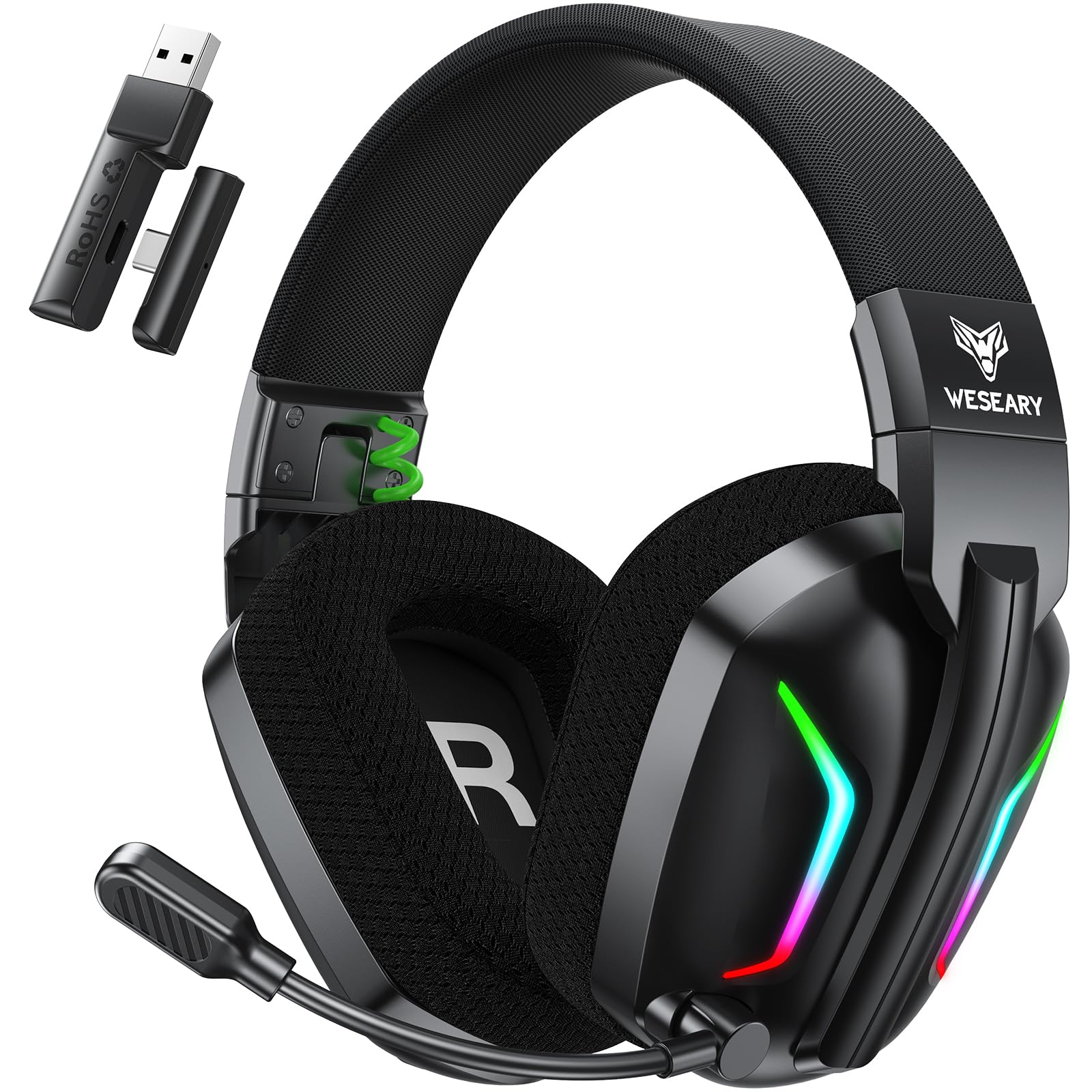
- 【Dual-Mode Compatibility】 ① Use the 2.4 GHz USB dongle together with the Type-C adapter for PS5, PS4, PC and laptops. ② Use the 2.4 GHz Type-C dongle for Switch (microphone not supported), phones, tablets and Mac. ③ Bluetooth 5.4 also works with phones, tablets and Switch. Whether you are gaming on a console or relaxing with mobile entertainment, choose the connection that suits your device. ⚠️ Not compatible with Xbox consoles.
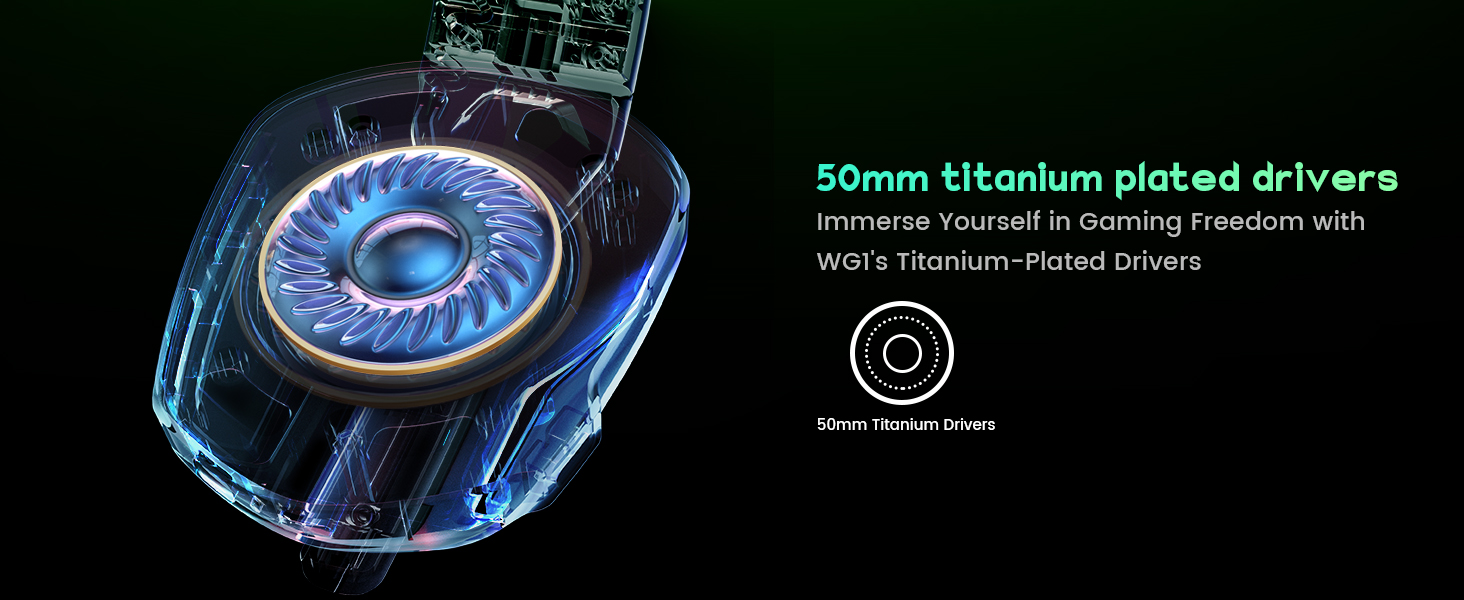
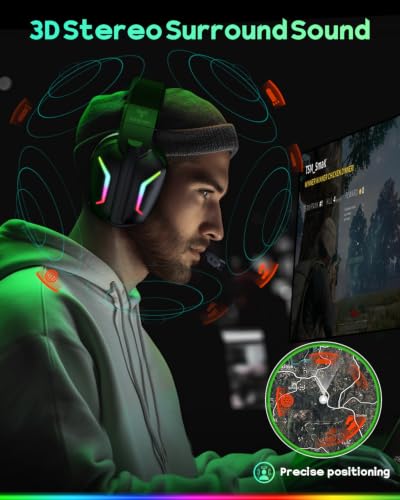
- 【Hear Footsteps, Know Where to Turn】 Powerful 50 mm drivers deliver immersive 3D stereo sound with deep bass, clear mids and crisp highs. Hear footsteps, reloads and directional cues more clearly, helping you judge where the action is coming from. These gaming headphones also bring dialogue, soundtracks and open-world environments to life.
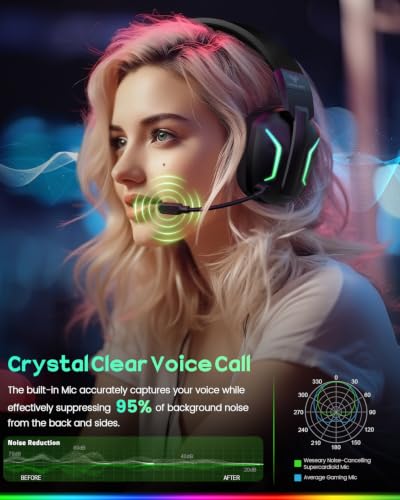
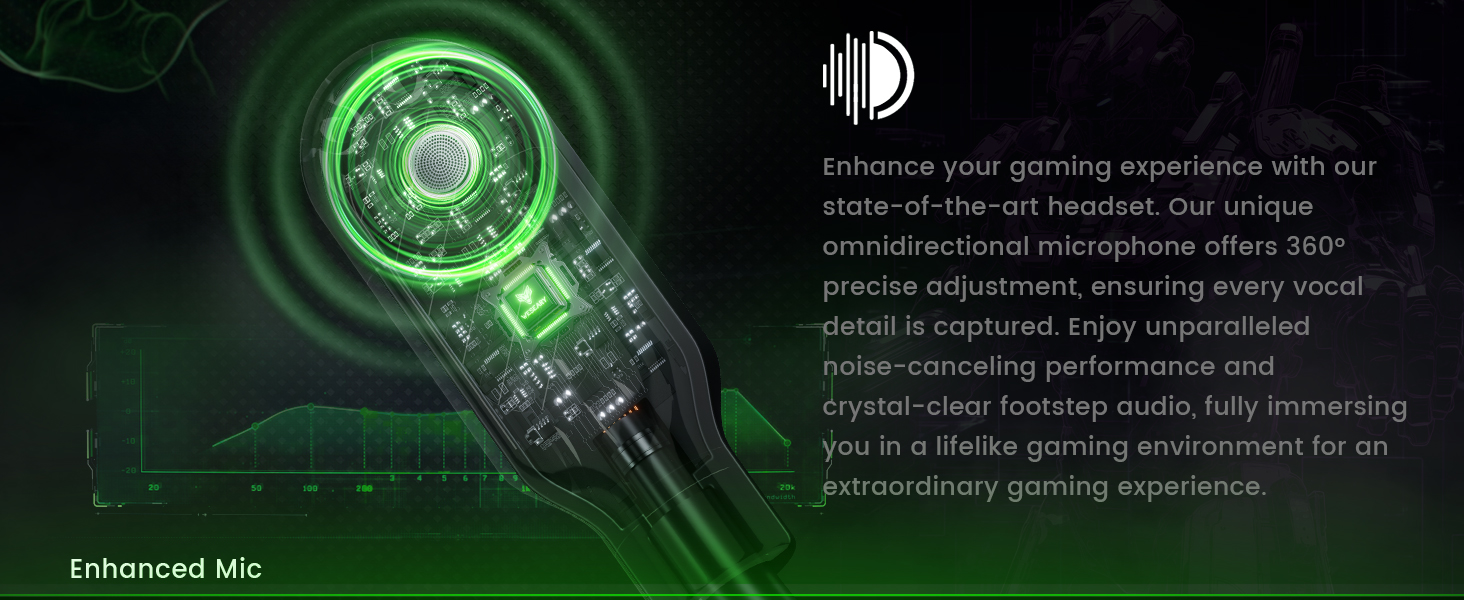
- ️【Clear Callouts, Better Teamwork】 The flexible boom microphone lets you position it where you want, while ENC noise reduction helps cut down keyboard clicks, fan noise and nearby conversations. Keep your voice clear when coordinating a push, warning teammates or chatting between matches. This gaming headset with mic also suits streaming, calls and online meetings.
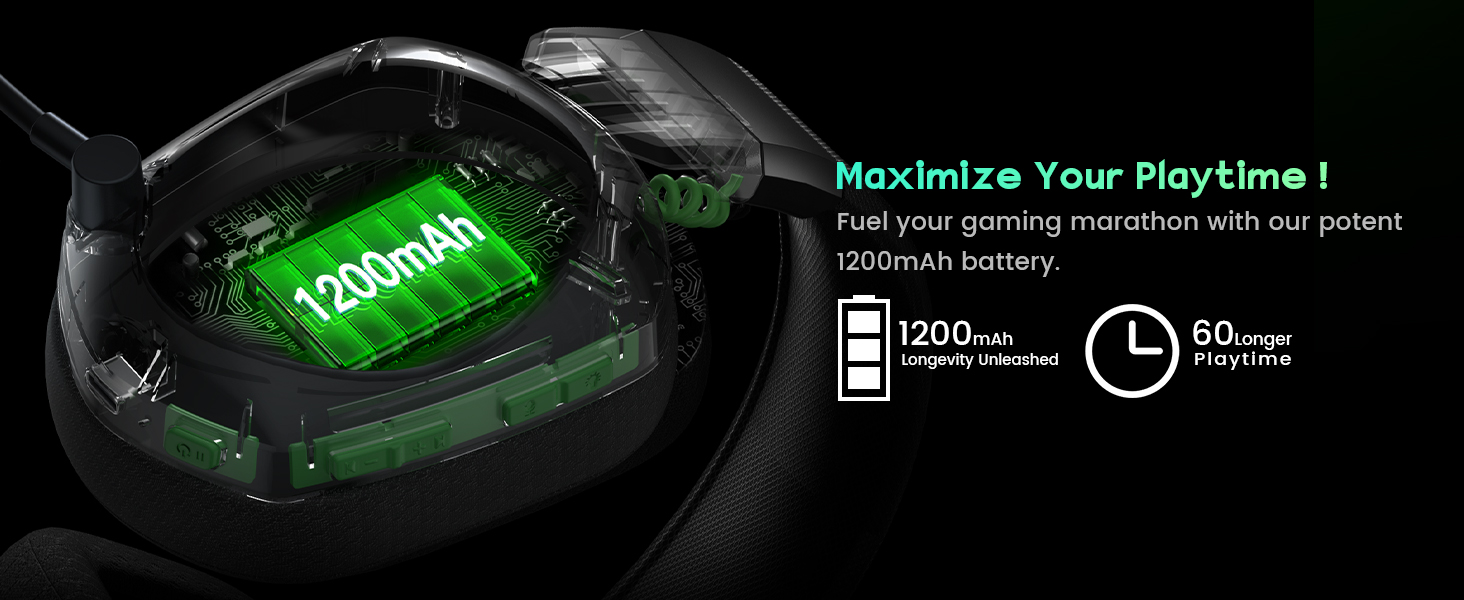
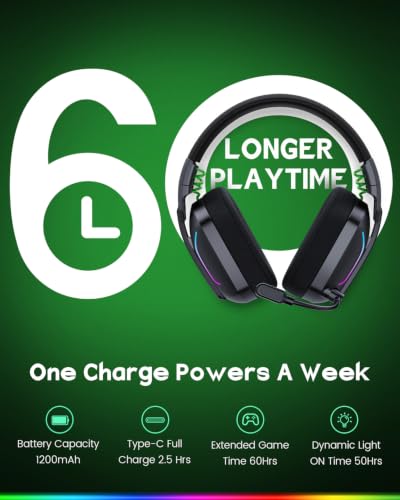
- 【Unmatched Battery Power】 A 1,200 mAh battery delivers up to 60 hours of playtime, so you play longer and charge less often. From quick after-work matches to weekend marathons, the headset stays ready for gaming, music and everyday use, and a full charge takes just 2.5 hours, so you are ready for your next session.
- ☁️【All-Day Gaming Comfort】 Weighing just 280 g, this wireless gaming headset for PS5 stays comfortable through long sessions. Soft, breathable earcups and an adjustable headband keep you cool with a secure, pressure-free fit. Designed for gamers of all ages, it lets you stay immersed in every game for hours.
- ✨【Dynamic LED Lighting for Immersive Gaming】 Stylish and functional, the dynamic LED lighting transforms your gaming setup and creates an immersive atmosphere that keeps you focused and engaged. This stylish gaming headset also makes a great gift for Christmas, birthdays and other special occasions, a thoughtful choice for family and friends who love gaming.

| SKU: | B0H8NSPNFZ |
| Brand: | WESEARY |
| Colour: | Midnight Black |
| Manufacture: | Shenzhen Xintaiyang Technology Co., Ltd. |
| Colour: | Midnight Black |
Product Description

Great Gift Idea
Trusted Worldwide
2.4GHz Dongle Mode
Bluetooth Mode
Is the WG1 Wireless Gaming Headset compatible with Xbox devices?
No. The WG1 is not compatible with Xbox 360, Xbox One, Xbox One S/X, or Xbox Series X/S.
Can I connect the WG1 to PS4 or PS5 via Bluetooth?
No. Bluetooth mode is not supported on PS4 or PS5. Please use the 2.4GHz USB dongle together with the Type-C adapter for a wireless connection.
How do I connect the WG1 Gaming Headset with Mic to PS4 or PS5?
1. Plug in the USB dongle and Type-C adapter.
2. Switch to 2.4GHz mode by pressing the microphone button.
3. Go to PS4/PS5 audio settings and select “Wireless Gaming Headset” as the input and output device.
Does the microphone work with Switch?
The microphone is not supported on Switch in Bluetooth mode. To use the microphone, connect the headset via Type-C instead.