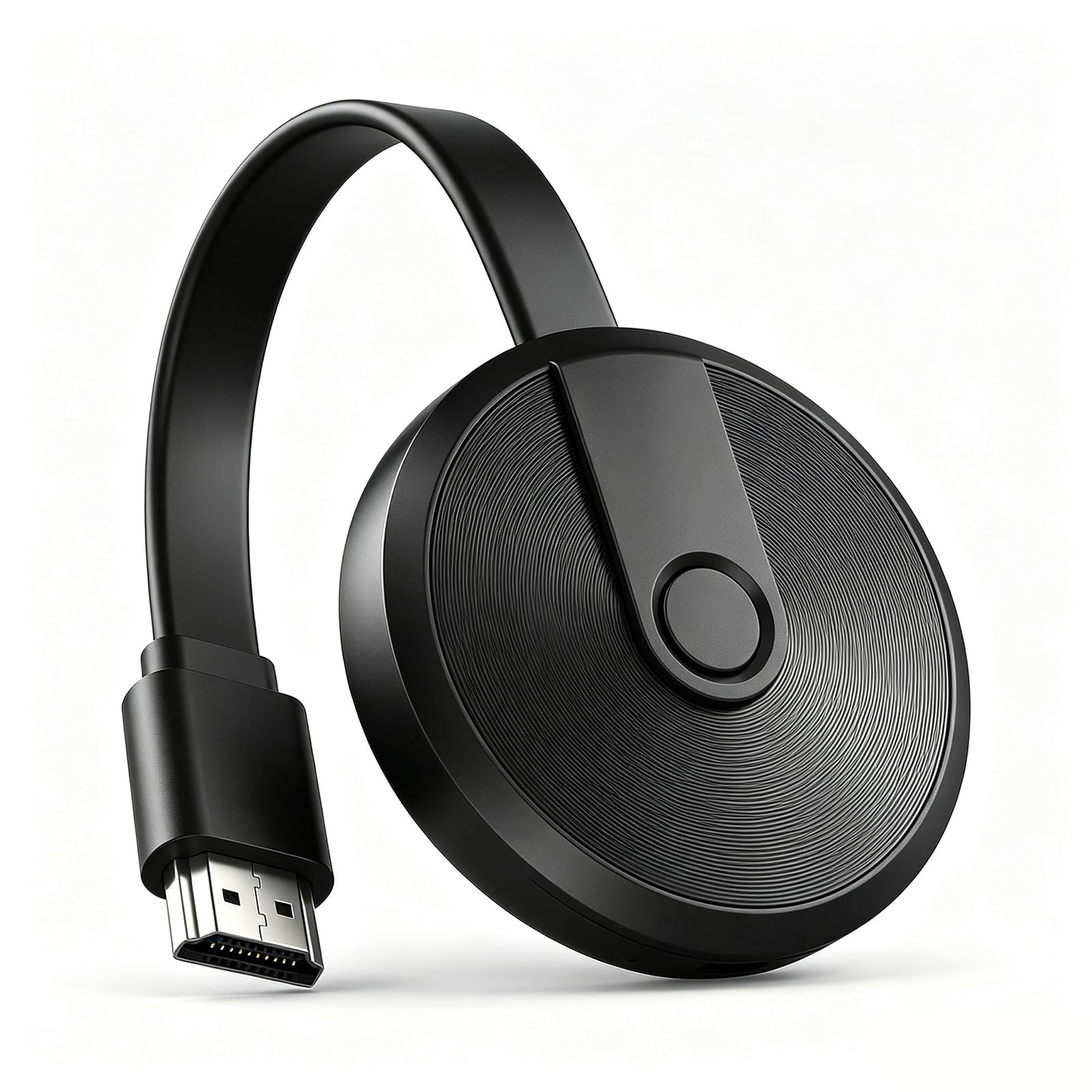
Wireless HDMI Display Adapter 4K, Miracast Screen Mirroring
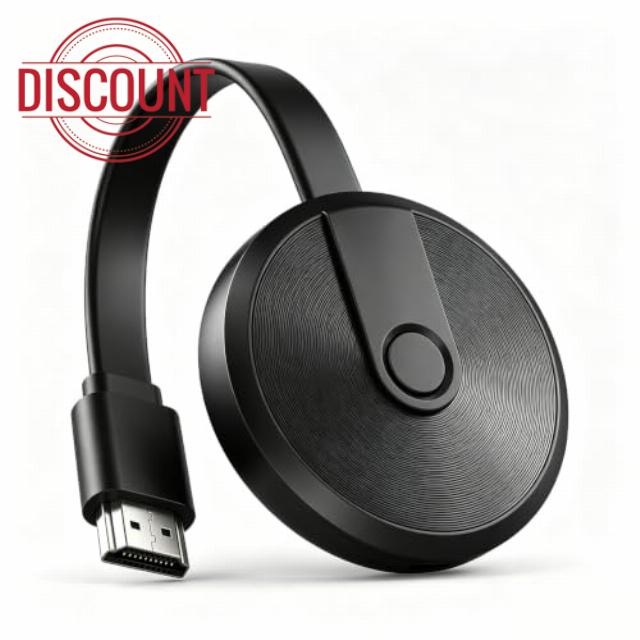
Wireless HDMI Display Adapter 4K, Miracast Screen Mirroring Adapter for TV Screen Casting Dongle, Miracast Photo Video Audio from small screen to larger screen, Supports Android iOS Windows macOS
Wireless HDMI Display Adapter 4K, Miracast Screen Mirroring Adapter for TV
Miracast Dongle Cast/Mirror Video Photos from Phone Tablet Laptop to TV Monitor Projector, Supports Android iOS Windows macOS
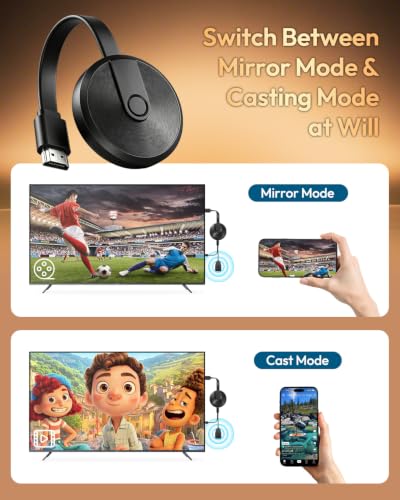
Two Modes to Cast Content from Small Screen to Large Screen
- Mirror Mode: Open WiFi settings and connect directly to AnyCast-XXX. Real-time screen mirroring "without home WiFi". Supports both landscape and portrait orientation.
- Casting Mode: Connect the dongle to your home router, then connect your phone to the same home WiFi. Surf the Internet while casting.
Casting Mode Setup Steps:
Step 1: Connect the dongle to your home WiFi
1. Open WiFi settings on your phone
2. Connect to hotspot: AnyCast-xxxxxx
3. Password: 12345678
4. Launch mobile browser and enter "192.168.49.1" in the address bar to access the settings page and finish configuration.
Once setup succeeds, your WiFi name will show on the top-right corner of the TV screen.
Step 2: Connect your phone to the same WiFi, then you can enjoy smooth casting.
Notes:
- Compatible Systems: iOS 7.0+, macOS, Android 4.2+, Windows 7.
- Some apps cannot be cast due to copyright protection restrictions.
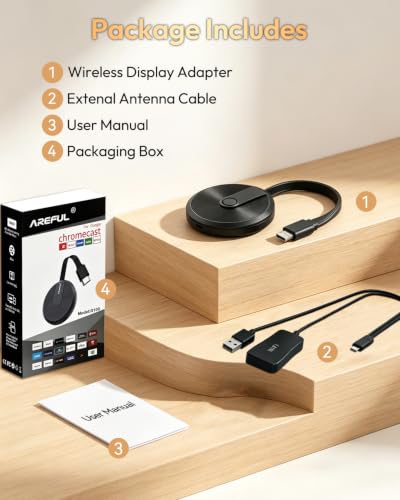
Package Includes
Wireless Display Adapter*1
External Antenna Cable*1
User Manual*1
Packaging Box*1
- 【Instantly Wireless Cast to Big Screen】 The wireless HDMI display adapter instantly mirrors/casts audio and video from small screens (Phone, Pad, tablet, laptop) to larger screens (TV/monitor/projector). Immerse yourself in crystal-clear, lag-free casting on a larger screen without cables, delivering clear and smooth screen casting.
- 【Screen Mirroring Mode】 No app installation needed. This wireless HDMI display dongle lets you tap and mirror any mobile content to the big screen in seconds. It works perfectly for office presentations and daily content-sharing needs.
- 【Casting Mode】 Binge-watch your favorite shows on the big screen while continuing to use your phone for chats and other tasks. After your phone or tablet connects and starts casting, you can freely operate your device without interrupting ongoing video.
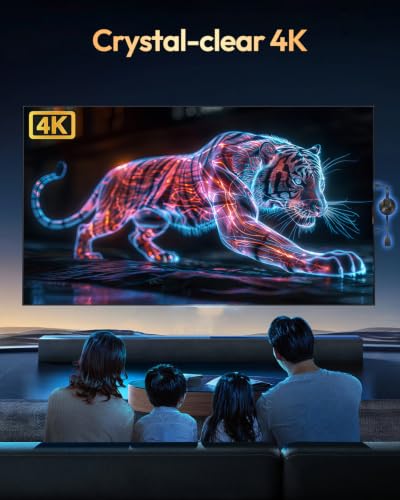
- 【Crystal-clear 4K】 Supports 4K output. Enjoy sharp, distortion-free 4K visuals with true-to-life color reproduction. Images and videos stay crisp without compression-caused blurriness. This ideal Anycast dongle for home entertainment delivers an immersive 4K viewing experience right from your couch.
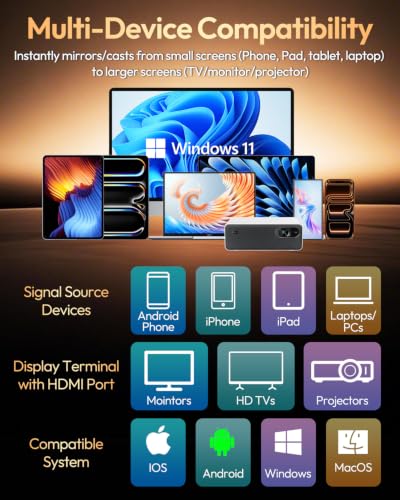
- 【Multi-Device Compatibility】 This wireless HDMI display adapter 4K works with smartphones, computers and most HDMI-enabled TVs.It is compatible with Android & iOS smartphones, tablets, plus Windows and macOS laptops. Effortlessly cast content to any HD-ready TV, monitor or projector. Support iOS 7.0+, macOS, Android 4.2+, Windows 7 System. Note: Certain apps cannot be cast due to copyright protection restrictions.
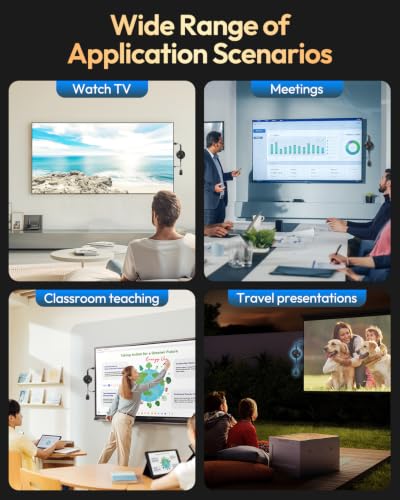
- 【Wide Range of Application Scenarios】 Built for both professional and daily-use scenarios: business meetings, education & training, home entertainment, mobile travel work, retail and exhibition displays. Great for conferences, classroom teaching, family movie nights, travel presentations and exhibition showcases.
- 【2.4G Stable WiFi Connection】 Features 2.4G-band transmission with wide-range signal coverage and strong device compatibility to maintain steady, fluid screen casting. Get seamless synchronized audio-video performance for both business meetings and home entertainment.
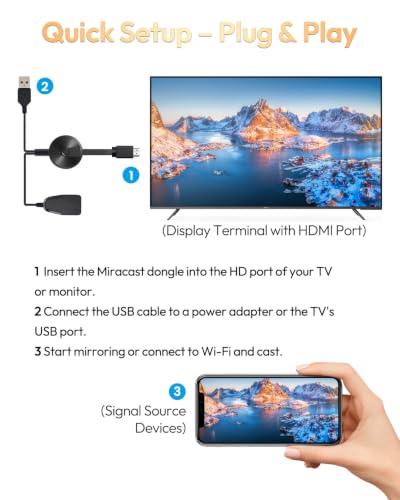
- 【Easy Operation】 Simply plug in the power adapter, then connect to your 4K wireless HDMI display adapter. Follow the setup instructions to start screen mirroring. Should you encounter operational glitches, press and hold the side button to perform a factory reset. This will resolve most common-use issues.
| SKU: | B0HB3DYNJ1 |
| Weight: | 45 Grams |
| Brand: | EASYTONE |
| Colour: | Black |
| Manufacture: | Huizhou Xinshi Technology Co., Ltd |
| Colour: | Black |
Product Description
Wireless HDMI Display Adapter 4K, Miracast Screen Mirroring Adapter for TV
Miracast Dongle Cast/Mirror Video Photos from Phone Tablet Laptop to TV Monitor Projector, Supports Android iOS Windows macOS
Two Modes to Cast Content from Small Screen to Large Screen
- Mirror Mode: Open WiFi settings and connect directly to AnyCast-XXX. Real-time screen mirroring “without home WiFi”. Supports both landscape and portrait orientation.
- Casting Mode: Connect the dongle to your home router, then connect your phone to the same home WiFi. Surf the Internet while casting.
Casting Mode Setup Steps:
Step 1: Connect the dongle to your home WiFi
1. Open WiFi settings on your phone
2. Connect to hotspot: AnyCast-xxxxxx
3. Password: 12345678
4. Launch mobile browser and enter “192.168.49.1” in the address bar to access the settings page and finish configuration.
Once setup succeeds, your WiFi name will show on the top-right corner of the TV screen.
Step 2: Connect your phone to the same WiFi, then you can enjoy smooth casting.
Notes:
- Compatible Systems: iOS 7.0+, macOS, Android 4.2+, Windows 7.
- Some apps cannot be cast due to copyright protection restrictions.
Package Includes
Wireless Display Adapter*1
External Antenna Cable*1
User Manual*1
Packaging Box*1