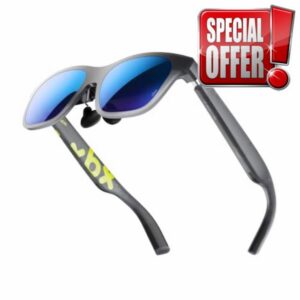
XREAL xbx a01+ AR Glasses, 147” Big-Screen Display
XREAL xbx a01+ AR Glasses, 147” Big-Screen Display for Movies & Gaming 62g Ultralight, 50° FOV, Bright 1600-nit HDR10, USB-C DP for iPhone, iPad, Android, Steam Deck, ROG & PC XREAL Add To Basket Add To Basket Add To Basket Customer Reviews 4.0 out of 5 stars218 4.0 out of 5 stars351 4.1 out of 5 stars877 3.9 out of 5 stars132 Price £269.00£269.00 — £529.00£529.00 £239.00£239.00 Class Light, Bright, Everyday Spatial Essential Spatial Flagship – Weight 62g 82g 87g – Brightness 1600 nits 700 nits 700 nits – Screen @4m 147″ 154″ 171″ – FOV 50° 52° 57° –...