NBD 8K 64MP Digital Camera, Wi-Fi & App Control, 16X Zoom
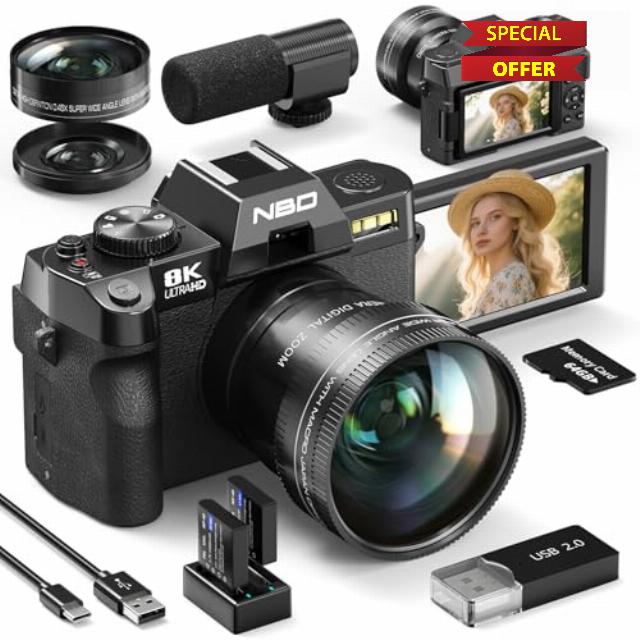
NBD 8K 64MP Digital Camera, Wi-Fi & App Control, 16X Zoom, Autofocus, Anti-Shake, 180° Flip Screen, Macro & Wide-Angle Lenses, Webcam Function, Includes 64GB TF Card & 2 Batteries (Black)
How do I enable 8K video?
By default, the camera records in 5K/30FPS. To switch to 8K/15FPS:
1. Turn the top mode dial to "Video Mode" (the camera icon).
2. Press the side FN button, select "Video Resolution," and choose 8K/15FPS.
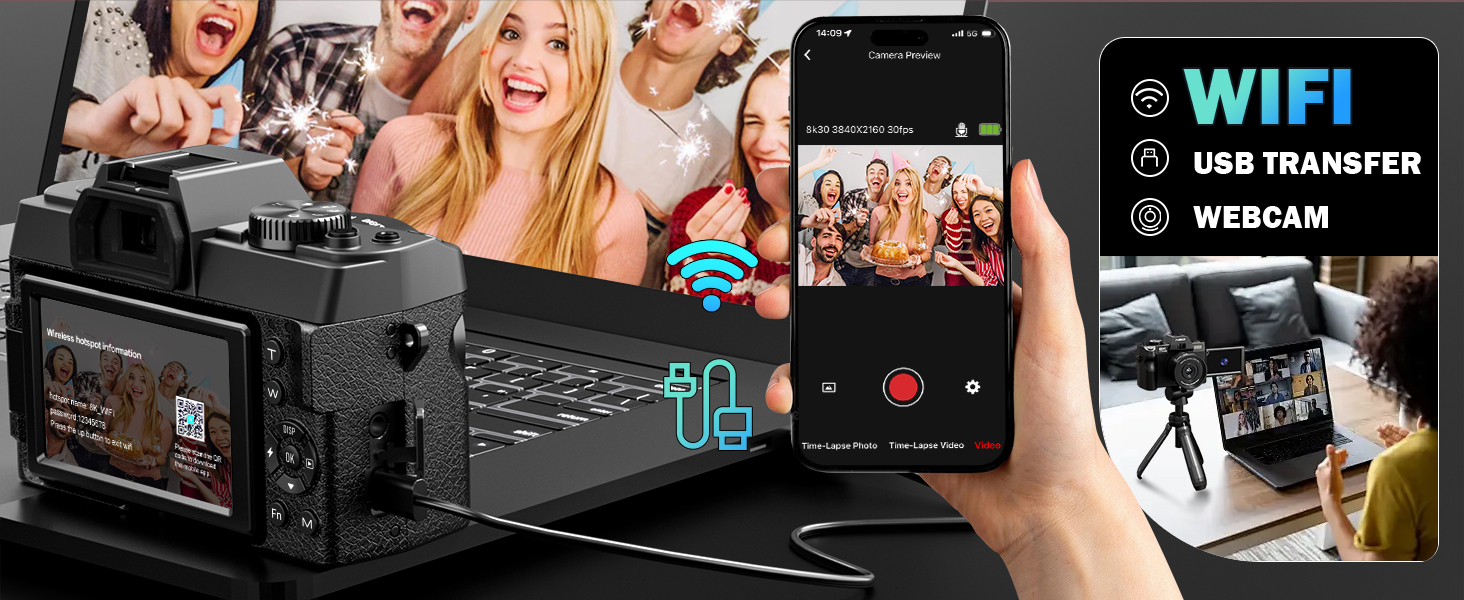
How do I use the Wi-Fi?
1. Press the M button > go to Settings > enable Wi-Fi.
2. Scan the code on the screen to download the app.
3. Open the app and follow the prompts to connect.
How do I install the memory card?
Find the card slot on the bottom of the camera. Insert a TF card (included or your own) until you hear a click.
How do I use autofocus?
Half-press the shutter button (on top) to focus automatically.
How do I switch shooting modes?
Turn the mode dial on top of the camera to cycle through photo, video, and other modes.
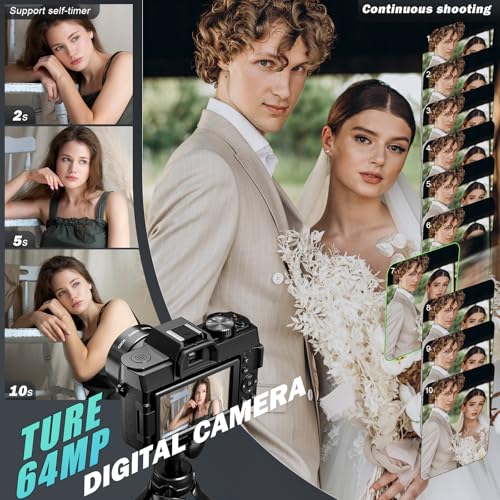
- 【8K Video & 64MP Photos – Unmatched Visual Excellence】Capture every scene in stunning 8K video and sharp 64MP resolution. From professional-grade projects to everyday memories, this camera delivers vibrant details and lifelike brilliance, turning every moment into a masterpiece.
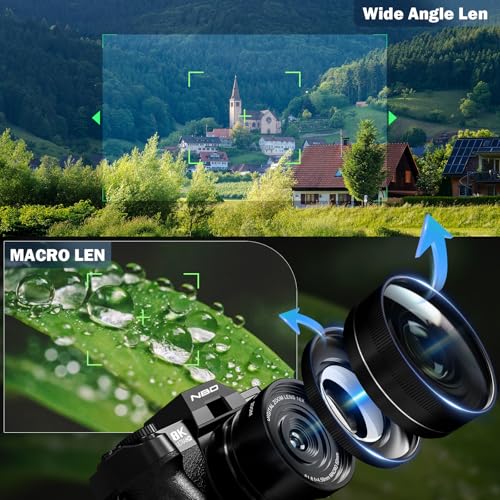
- 【Versatility with Macro & Wide-Angle Lenses】Switch seamlessly between the 52mm wide-angle lens for breathtaking 120° panoramas and the macro lens for intricate details like petals or textures. Combined with the 180° flip screen, this camera adapts to any scene, making it perfect for vloggers, creators, and photography enthusiasts alike.
- 【Cutting-Edge WiFi & App Remote Control】Empower your creativity with seamless WiFi connectivity. Use your smartphone to remotely control the camera via a dedicated app—adjust settings, preview shots in real-time, and transfer photos or videos wirelessly. This revolutionary feature simplifies solo shooting and expands your creative possibilities, making it easier than ever to capture and share your world.
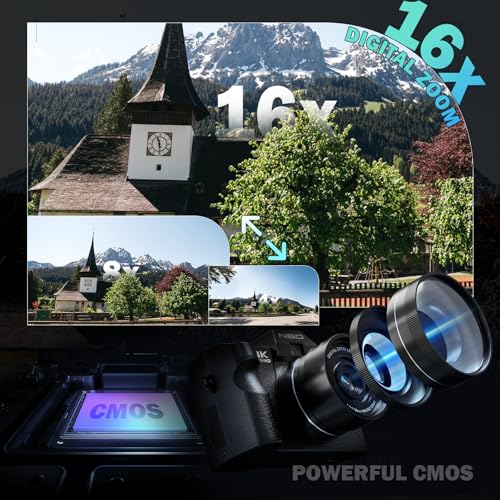
- 【16X Digital Zoom for Incredible Detail】Zoom in on distant landscapes or tiny details with 16X digital zoom for unmatched clarity. Whether you're photographing far-off horizons or up-close subjects, this feature ensures no detail goes unnoticed.
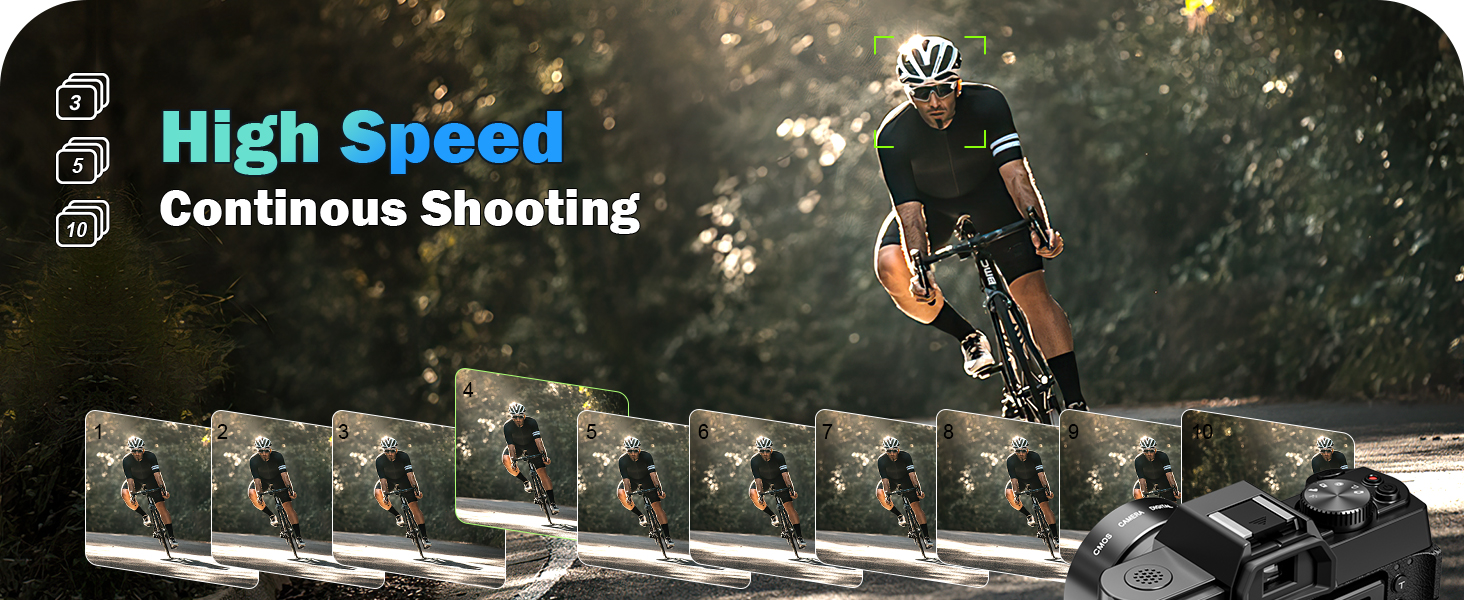
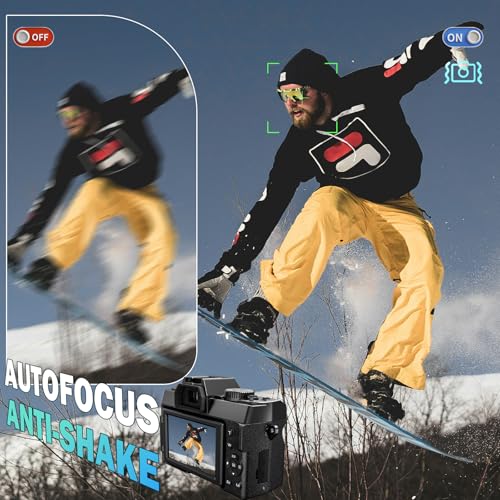
- ️ ️【Say Goodbye to Blurriness & Shaking】Say goodbye to blurry photos. With built-in anti-shake and advanced autofocus, this camera ensures sharp, steady images and smooth videos—even in low light or dynamic scenarios.
- 【180° Flip Screen for Flexible Creativity】Frame your perfect shot with the 180° rotating screen. Ideal for selfies, vlogging, or creative compositions, this feature allows flexibility in every shooting scenario, ensuring picture-perfect results every time.









| SKU: | B0GC3ZT8W4 |
| Dimensions: | 12.6 x 11 x 8.2 centimetres |
| Brand: | NBD |
| Model: | NBD-UK-S110-QT |
| Part: | NBD-UK-S110-QT |
| Colour: | Black |
| Batteries Included: | 2 Lithium Ion batteries required. (included) |
| Colour: | Black |
Product Description

How do I enable 8K video?
By default, the camera records in 5K/30FPS. To switch to 8K/15FPS:
1. Turn the top mode dial to “Video Mode” (the camera icon).
2. Press the side FN button, select “Video Resolution,” and choose 8K/15FPS.
How do I use the Wi-Fi?
1. Press the M button > go to Settings > enable Wi-Fi.
2. Scan the code on the screen to download the app.
3. Open the app and follow the prompts to connect.
How do I install the memory card?
Find the card slot on the bottom of the camera. Insert a TF card (included or your own) until you hear a click.
How do I use autofocus?
Half-press the shutter button (on top) to focus automatically.
How do I switch shooting modes?
Turn the mode dial on top of the camera to cycle through photo, video, and other modes.