LENRUE PC Speakers for Desktop,Computer Speakers,USB
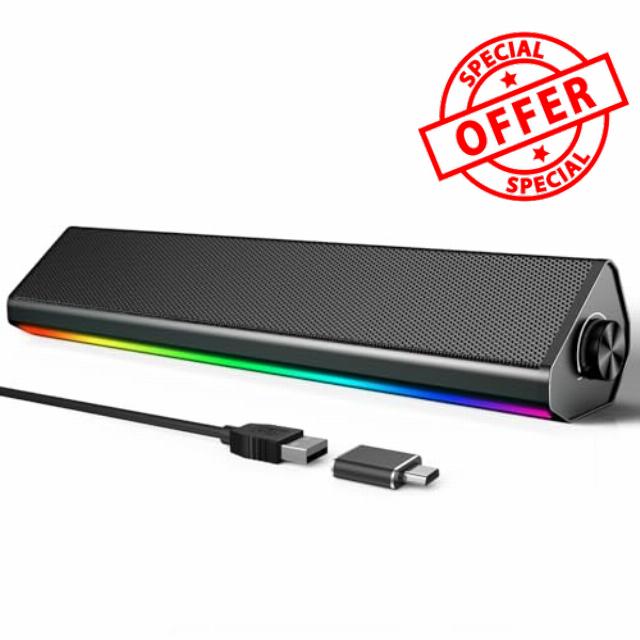
LENRUE PC Speakers for Desktop,Computer Speakers,USB Computer Speakers for PC Desktop Laptop Monitors,Gaming Speakers with Light and Dual Touch Tech (Type-C Adapter Included)
Troubleshooting: No Sound or Low Volume in PC Mode
1. Check Windows Sound Settings:
Click the speaker icon in your taskbar.
Make sure the volume is up and the correct speaker "S2" is selected as the playback device.
2. Check Physical Connections:
Ensure the USB cable is firmly plugged directly into a computer USB port (not a hub).
3. Test the Speaker:
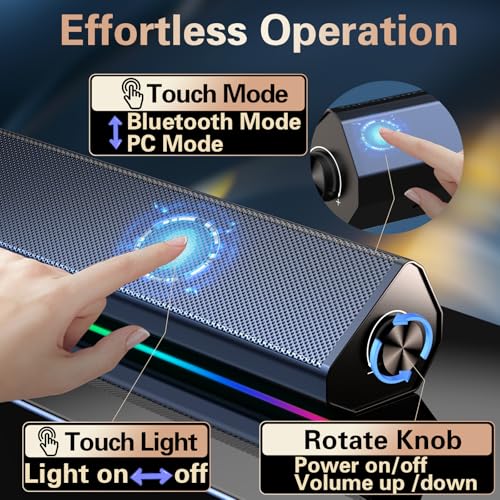
Turn the speaker knob clockwise to ensure its volume is turned up.
4. Try a Different Port/Device:
Plug the USB cable into a different USB port on your computer.
If possible, test the speaker on another computer to see if the problem persists.
5.Check Application Volume:
Ensure the volume is turned up in your specific application (e.g., media player, browser, game).
Troubleshooting: No Sound in Bluetooth Mode
1.Make sure the USB cable is plugged into a wall charger or power bank. It will not enter Bluetooth Mode if plugged into your computer.
Wait for the "Bluetooth Mode" voice prompt. If not heard, press the "M" button to switch to it.
2. Connection & Pairing:
Check that the speaker "S2" is connected to your device. Go to your phone/tablet's Bluetooth settings and confirm the speaker "S2" is listed as "Connected".
If not, select the speaker's name "S2" from the list to pair.
3. Volume & Audio Output:
Rotate the speaker knob to increase its volume.
Also, turn up the volume on your phone or tablet.
Ensure the audio is playing through the speaker. Check your device's sound settings to confirm.
4. Reconnect & Retry:
Turn your phone's Bluetooth off and on again.
In Bluetooth settings, "Forget" the speaker and pair again from the beginning.
Restart the speaker by unplugging and replugging the USB cable.
Q&A
Q1:Does the PC speaker have built-in Microphone?
A1:No, it does not. You should connect the USB Cable to your device for power on both PC mode and Bluetooth Mode.
Q2:How to control the colorful light?
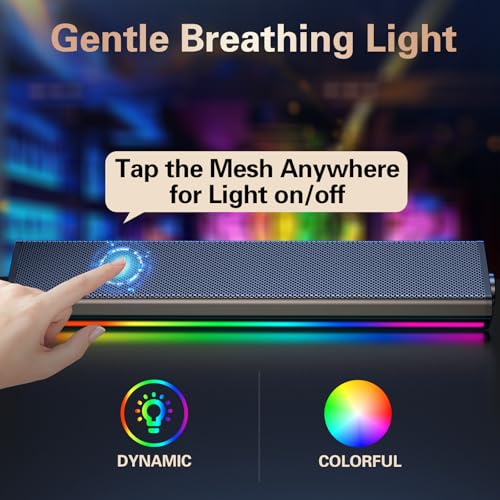
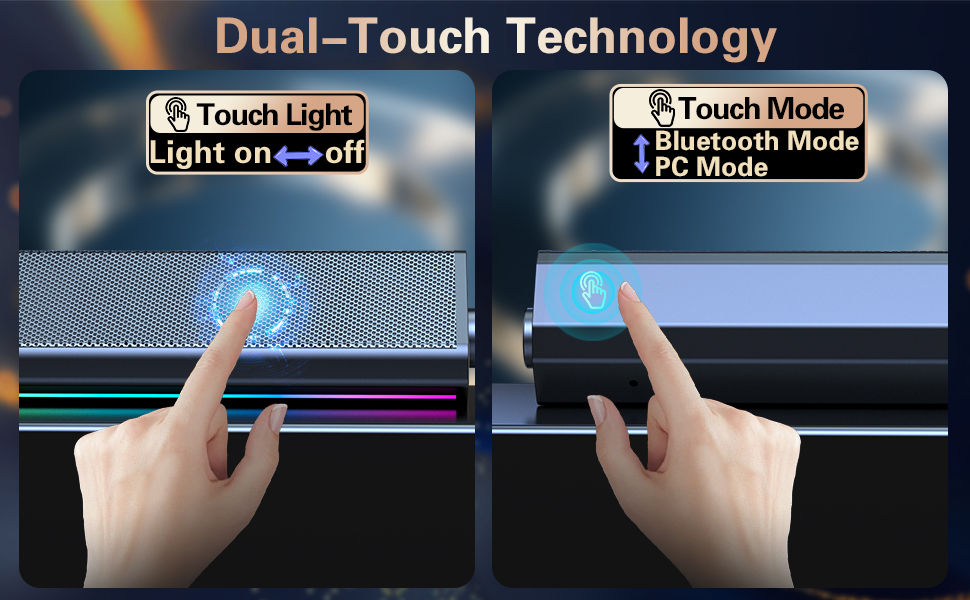
A2:Just tap the metal mesh everywhere to turn on/off the computer speaker.
Q3: How to switch the Playing mode?
A3: Just tap the "touch icon" on the back of the right end of the speaker to switch the PC mode or Bluetooth mode, you can hear the prompt when you tap the icon.
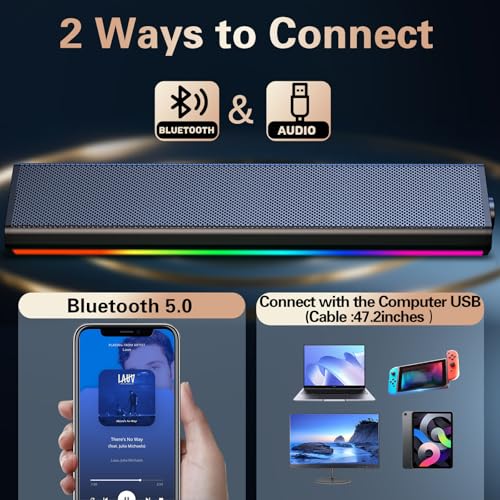
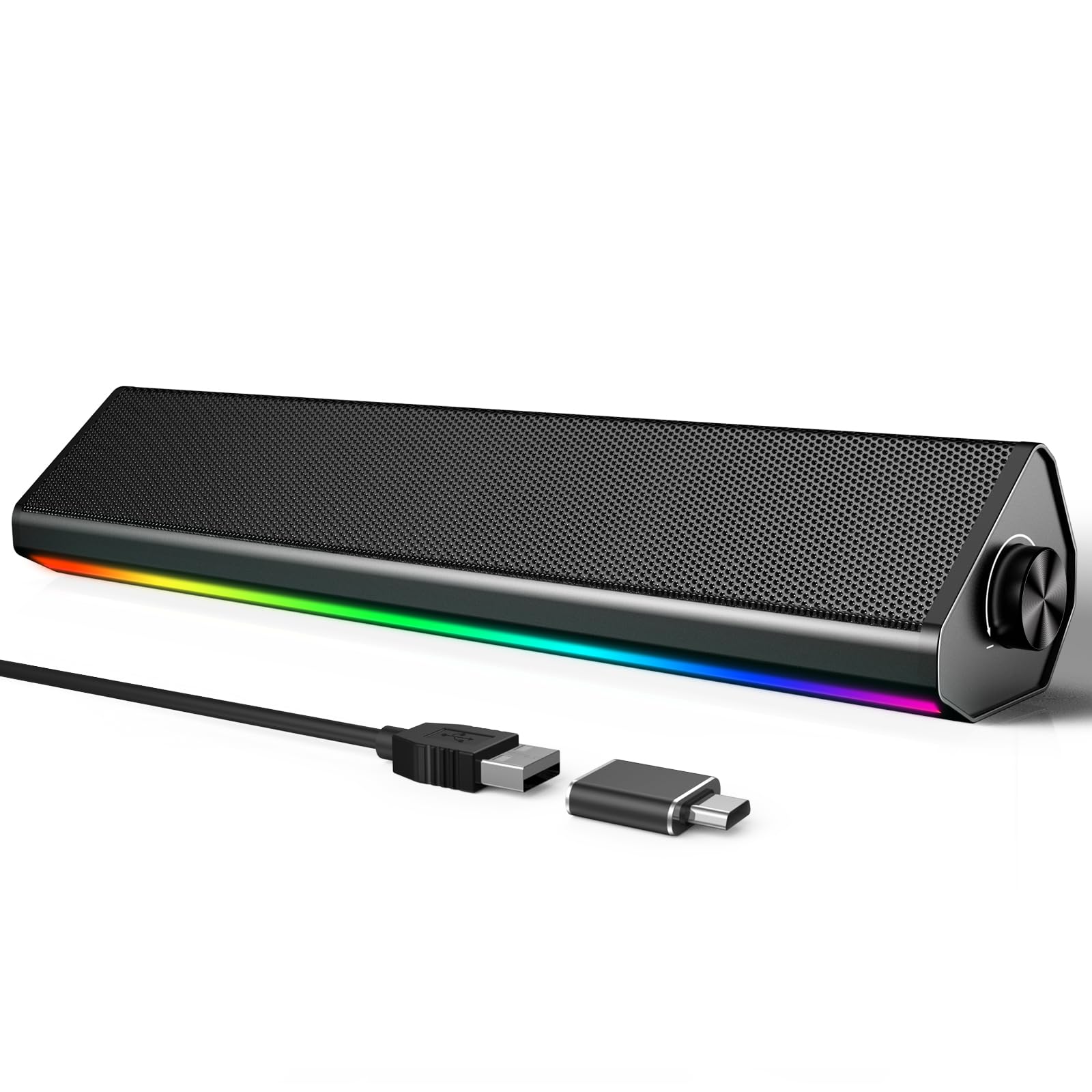
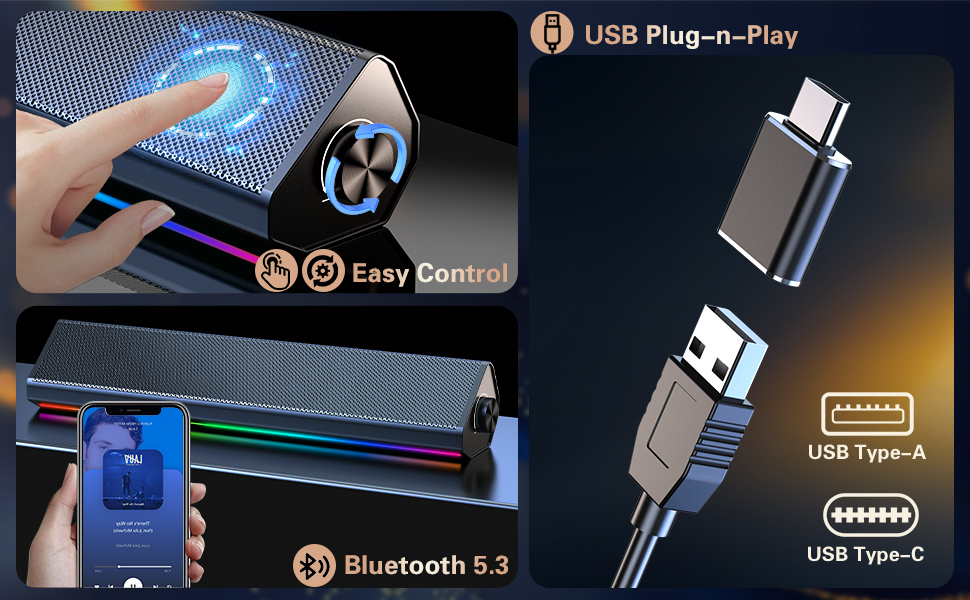
- 【Wired USB and Wireless Bluetooth】 Our computer speakers offer true flexibility. USB is plug-and-play, working for both audio and power. Once powered, you can also use Bluetooth mode to pair with laptops, tablets, and mobile phones. Note: not compatible with TVs or Xbox consoles.
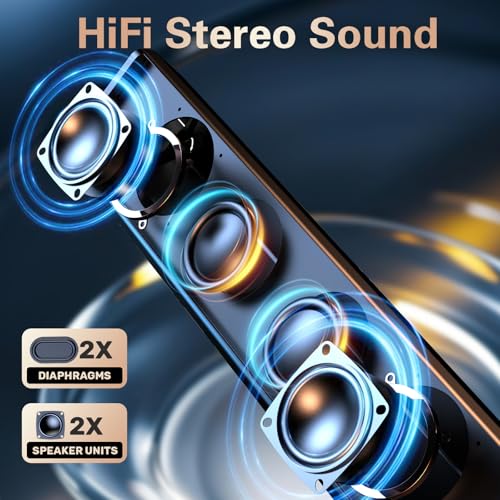
- 【Crystal-Clear Stereo Sound for Everyday Immersion】 Upgrade your audio without breaking the bank. These pc speakers for desktop pc deliver a significant boost in clarity compared to built-in monitor speakers, making dialogue crisp for videos and game audio more immersive. Designed as high-value desktop speakers, they provide well-balanced sound with moderate bass—perfect for office work, online classes, and casual listening.
- 【Dual Touch Controls: Lights & Mode at Your Fingertips】 Say goodbye to physical buttons. This speaker for pc features a sleek, touch-sensitive panel. A gentle tap on the metal mesh area toggles the colorful Soft Breathing lighting, while a tap on the mode area switches between USB and Bluetooth. This intuitive design makes these speakers for computer desktop setups look clean and modern, though we recommend placing them on a stable surface to avoid accidental touches.
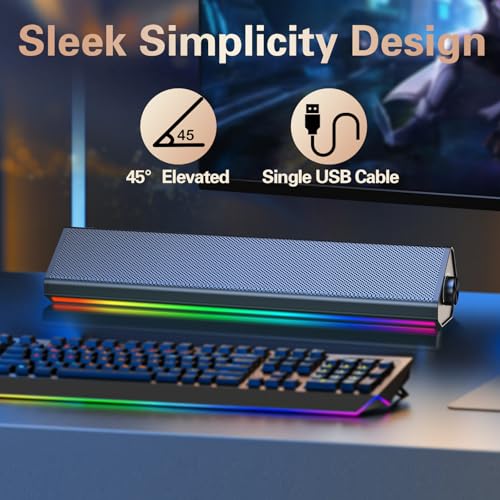
- 【Compact Design to Free Up Your Desk】 Clutter is the enemy of productivity. With a slim profile of just 13.5 x 2.6 x 2.7 inches, this pc sound bar fits neatly under your monitor or beside your laptop, taking up minimal space. Whether you need pc speakers for a cramped home office or a sleek audio solution for a minimalist setup, this space-saving design keeps your desktop clean and organized.
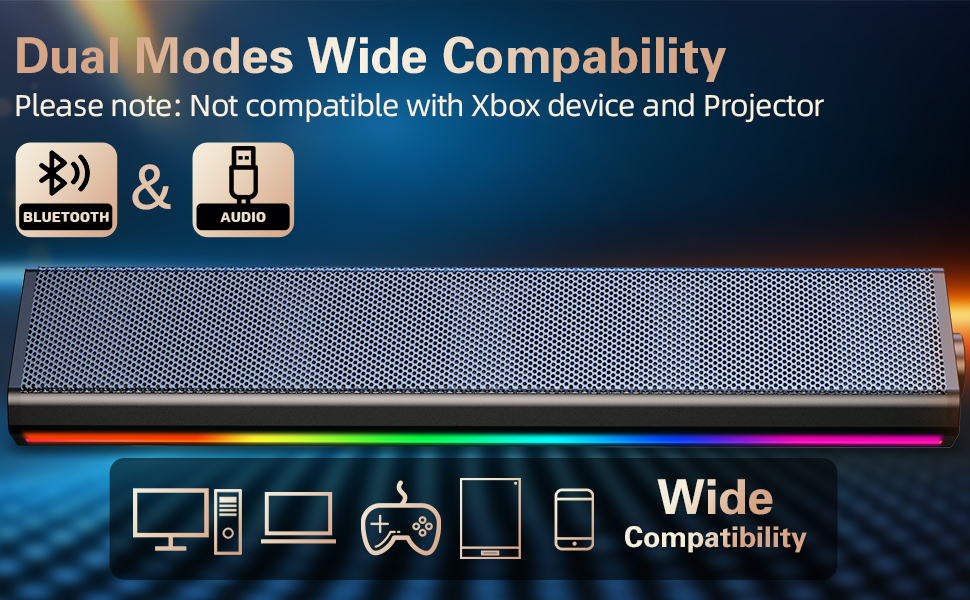
- 【Wide Compatibility for All Your Daily Devices】 One speaker, endless possibilities. These pc sound bar speakers are fully compatible with a wide range of devices. Use them in wired mode with Windows and Mac desktops or laptops, or switch to Bluetooth mode for smartphones and tablets (requires USB power source). They are the ideal audio companion for work and play, though they are not designed for Xbox system or TV connections.
| SKU: | B0GFZ8G7MV |
| Brand: | LENRUE |
| Model: | S2 |
| Colour: | Light Black |
| Pack Quantity: | 1 |
| Manufacture: | LENRUE |
| Colour: | Light Black |
| Origin: | China |
| Quantity: | 1 |
Product Description
Troubleshooting: No Sound in Bluetooth Mode
1.Make sure the USB cable is plugged into a wall charger or power bank. It will not enter Bluetooth Mode if plugged into your computer.
Wait for the “Bluetooth Mode” voice prompt. If not heard, press the “M” button to switch to it.
2. Connection & Pairing:
Check that the speaker “S2” is connected to your device. Go to your phone/tablet's Bluetooth settings and confirm the speaker “S2” is listed as “Connected”.
If not, select the speaker's name “S2” from the list to pair.
3. Volume & Audio Output:
Rotate the speaker knob to increase its volume.
Also, turn up the volume on your phone or tablet.
Ensure the audio is playing through the speaker. Check your device's sound settings to confirm.
4. Reconnect & Retry:
Turn your phone's Bluetooth off and on again.
In Bluetooth settings, “Forget” the speaker and pair again from the beginning.
Restart the speaker by unplugging and replugging the USB cable.
Q&A
Q1:Does the PC speaker have built-in Microphone?
A1:No, it does not. You should connect the USB Cable to your device for power on both PC mode and Bluetooth Mode.
Q2:How to control the colorful light?
A2:Just tap the metal mesh everywhere to turn on/off the computer speaker.
Q3: How to switch the Playing mode?
A3: Just tap the “touch icon” on the back of the right end of the speaker to switch the PC mode or Bluetooth mode, you can hear the prompt when you tap the icon.